专栏
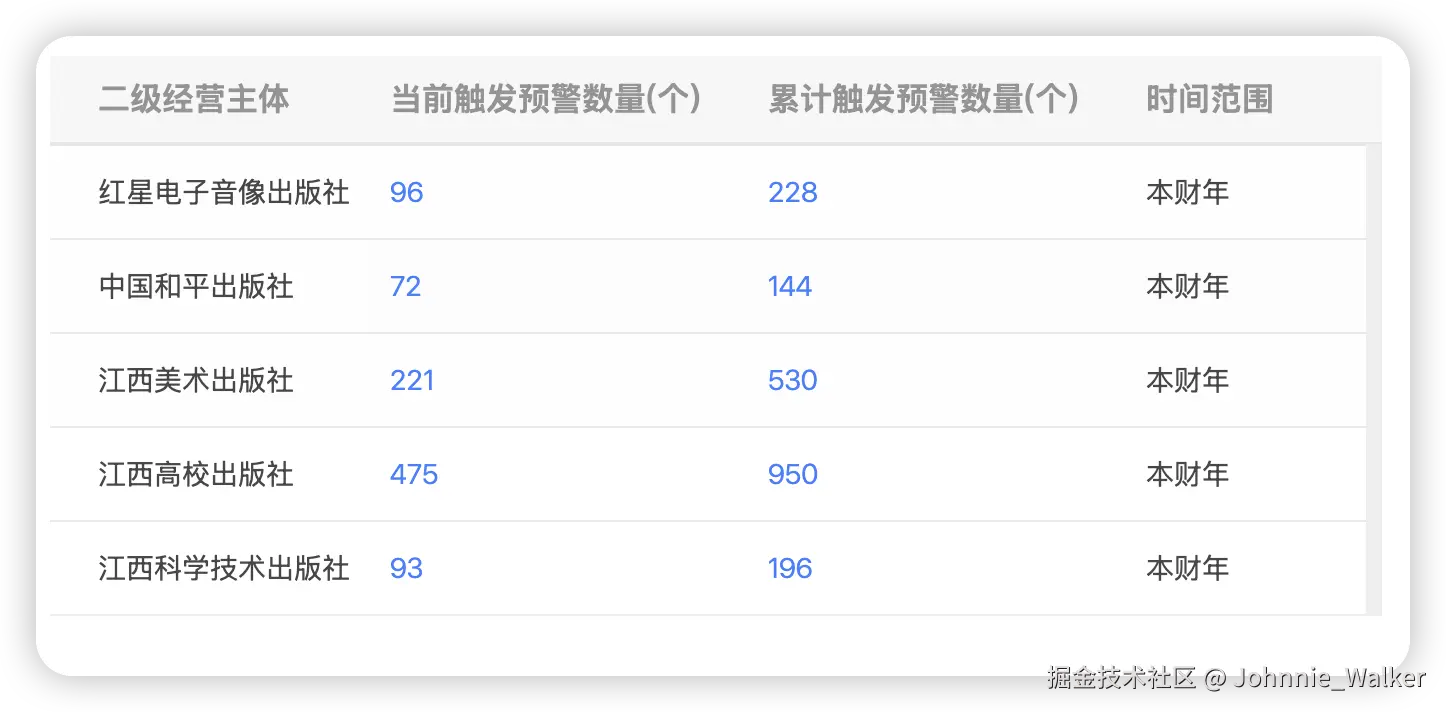
效果
痛点
- 解决列过多,导致
html 代码量太大,不便于维护
- 基于数据驱动渲染的原理
方案
<template>
   <el-table
     ref="myCustomRef"
     :data="data"
     v-bind="$attrs"
     v-loading="isLoading"
     class="simple-table"
   >
     <template v-for="column in columns">
       <el-table-column
         v-if="!column.slotName"
         :key="column.prop"
         v-bind="column"
       ></el-table-column>
       <el-table-column
         v-else
         :key="column.prop || column.slotName || column.headerSlotName"
         v-bind="column"
       >
         <template slot-scope="scope">
           <slot :name="column.slotName" :scope="scope"></slot>
         </template>
         <template slot="header" v-if="column.headerSlotName">
           <slot :name="column.headerSlotName"></slot>
         </template>
       </el-table-column>
     </template>
   </el-table>
 </template>
export default {
   name: 'SimpleTable',
   props: {
     data: {
       type: Array,
       required: true,
     },
     columns: {
       type: Array,
       required: true,
     },
     isLoading: {
       type: Boolean,
       default: false,
     },
   },
};
.simple-table {
   position: relative;
   ::v-deep(.el-table__header-wrapper),
   ::v-deep(.el-table__fixed-header-wrapper) {
     tr {
       th {
         padding: 18px 0;
         border-bottom: 1px solid rgba(231, 231, 231, 1);
         background-color: rgba(247, 247, 247, 1);
         &:first-child {
           padding-left: 14px;
         }
         .cell {
           height: 23px;
           line-height: 23px;
           color: rgba(0, 0, 0, 0.4);
           font-size: 16px;
           padding: 0 0 0 10px;
         }
       }
     }
   }
   ::v-deep(.el-table__body-wrapper),
   ::v-deep(.el-table__fixed-body-wrapper) {
     tr {
       td {
         height: 60px;
         border-bottom: 1px solid rgba(231, 231, 231, 1);
         padding-top: 0;
         padding-bottom: 0;
         &:first-child {
           padding-left: 14px;
         }
         &.hight-text {
           .cell {
             color: #3c81ff;
           }
         }
         .cell {
           height: 60px;
           line-height: 60px;
           color: rgba(51, 51, 51, 0.9);
           font-size: 14px;
           padding: 0 0 0 10px;
         }
       }
     }
   }
   ::v-deep(.el-table__empty-block) {
     min-height: 60px;
     .el-table__empty-text {
       line-height: 60px;
     }
   }
}
用法
interface Props {
data: any[],
columns: [],
isLoading: boolean,
}
interface Column {
slotName?: string,
headerSlotName?: string
}
<CustomTable
 :columns="columns"
 :data="tableData"
 :isLoading="loading"
>
 <template #warn="{scope}">
   <div
     :class="scope.row.is_warn === 1 ? 'warning-text' : 'normal-text'"
   >
     {{ scope.row.is_warn === 1 ? '是' : '否' }}
   </div>
 </template>
</CustomTable>