目标
步骤
<input type="range"/> 准备一个滚动条- 修改滚动条的样式
-webkit-appearance: none; appearance: none; 这两个要加上
    .range {
     -webkit-appearance: none;
     appearance: none;
     width: 280px;
     z-index: 3;
     height: 100%;
     position: relative;
     outline: 0;
     border: 0;
     background: rgba(249, 249, 251, 1);
     border-radius: 0 0.5rem 0.5rem 0;
     border: 1px solid rgba(221, 221, 223, 1);
     z-index: 10;
     opacity: 0;
 }
 ```

3. 修改滑块样式, appearance: none;-webkit-appearance: none;这两个要添加上
   .range::-webkit-slider-thumb {
    appearance: none;
    -webkit-appearance: none;
    width: 64px;
    height: 44px;
    border-radius: 8px;
    background: rgba(255, 255, 255, 1);
    box-shadow: 0px 0px 4px 0px rgba(27, 26, 33, 0.44);
    cursor: pointer;
}
4.现在已经有一个基本的滑块了,如果要额外添加样式之类的,可以在这个基础上进行修改
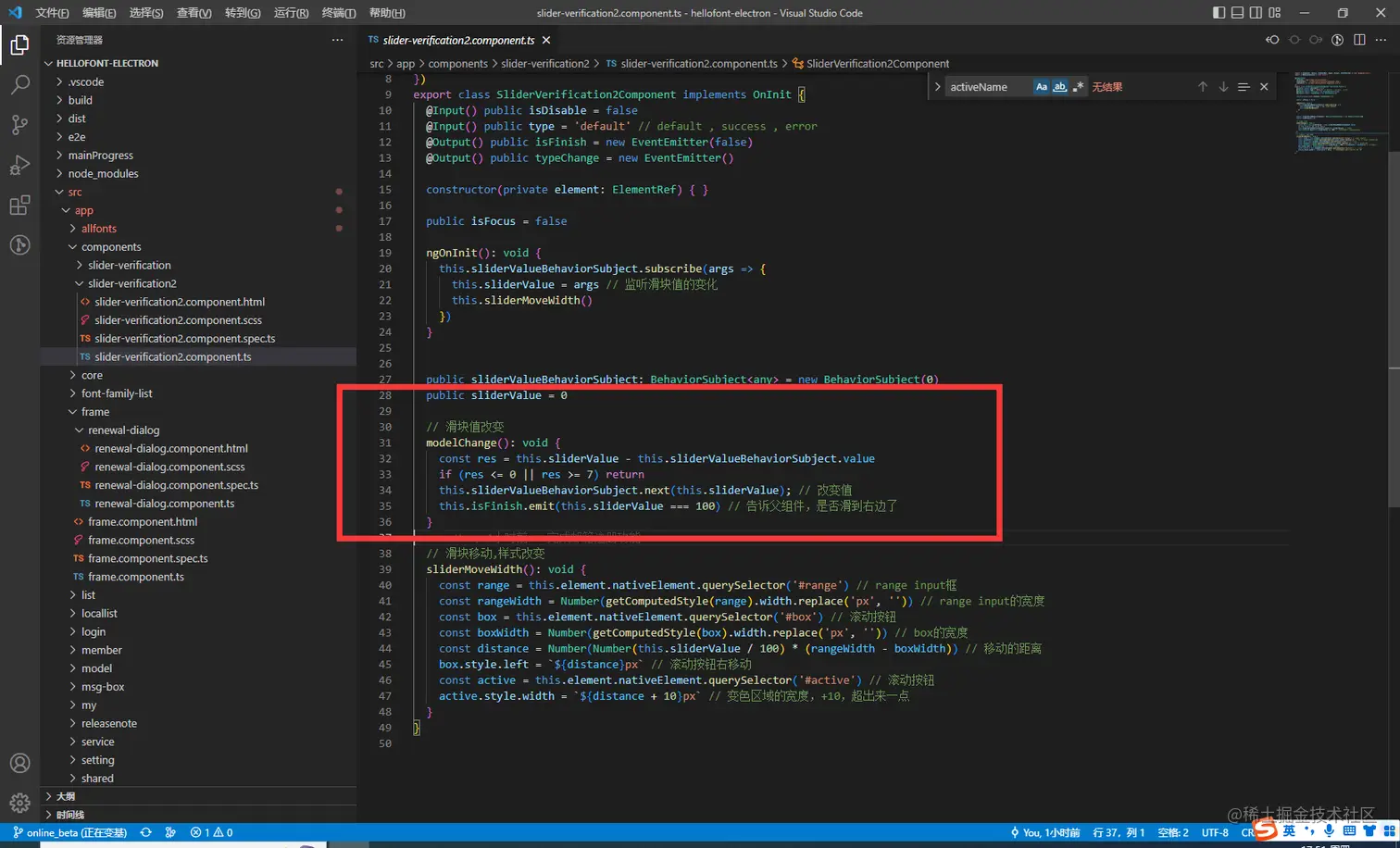
5. 监听滑块值的改变,然后去修改样式,如显示文字,滑块颜色等等
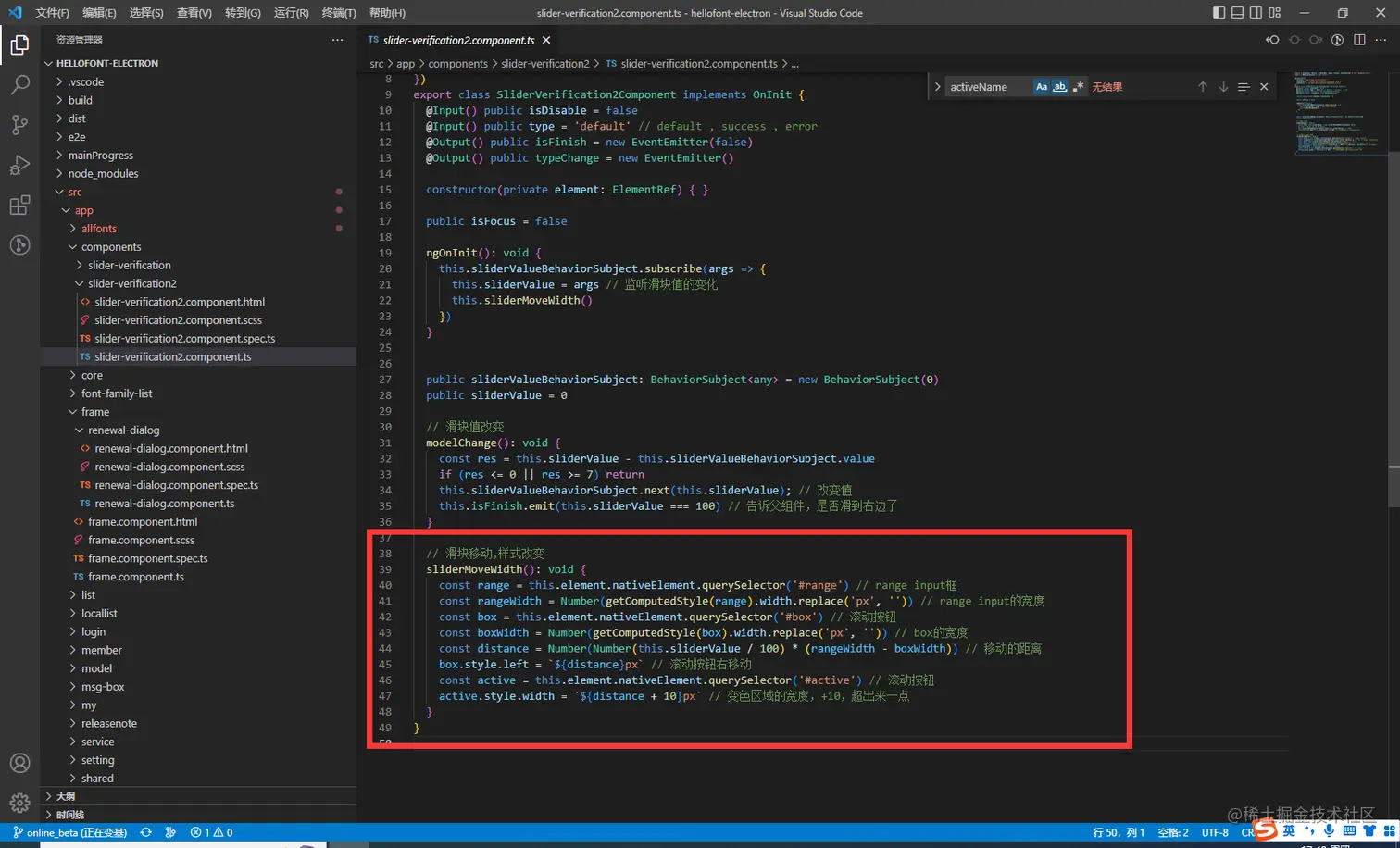
6. 可以监听滑块值的改变,使得滑块不能够点到哪里值就变成多少。而是只能从左到右,并且值不能跳跃