原理
ThreeJS版
var width = 32;
var height = 32;
var size = width * height;
var data = new Uint8Array(size * 3);
for (let i = 0; i < size * 3; i += 3) {
data[i] = 255 * Math.random()
data[i + 1] = 255 * Math.random()
data[i + 2] = 255 * Math.random()
}
var texture = new THREE.DataTexture(data, width, height, THREE.RGBFormat);
texture.needsUpdate = true;
var width = 32;
var height = 32;
var size = width * height;
var data = new Uint8Array(size * 4);
for (let i = 0; i < size * 4; i += 4) {
data[i] = 255 * Math.random()
data[i + 1] = 255 * Math.random()
data[i + 2] = 255 * Math.random()
data[i + 3] = 255 * 0.5
}
var texture = new THREE.DataTexture(data, width, height, THREE.RGBAFormat);
texture.needsUpdate = true;
const canvas = document.createElement( 'canvas' );
canvas.width = 128;
canvas.height = 128;

const context = canvas.getContext( '2d' );
const gradient = context.createRadialGradient( canvas.width / 2, canvas.height / 2, 0, canvas.width / 2, canvas.height / 2, canvas.width / 2 );
gradient.addColorStop( 0.1, 'rgba(210,210,210,1)' );
gradient.addColorStop( 1, 'rgba(255,255,255,1)' );

context.fillStyle = gradient;
context.fillRect( 0, 0, canvas.width, canvas.height );
const shadowTexture = new THREE.CanvasTexture( canvas );
const shadowMaterial = new THREE.MeshBasicMaterial( { map: shadowTexture } );
WebGL版
var texture = gl.createTexture();
gl.bindTexture(gl.TEXTURE_2D, texture);
const level = 0;
const internalFormat = gl.LUMINANCE;
const width = 3;
const height = 2;
const border = 0;
const format = gl.LUMINANCE;
const type = gl.UNSIGNED_BYTE;
const data = new Uint8Array([
128, 64, 128,
0, 192, 0,
]);
const alignment = 1;
gl.pixelStorei(gl.UNPACK_ALIGNMENT, alignment);
gl.texImage2D(gl.TEXTURE_2D, level, internalFormat, width, height, border,format, type, data);
gl.texParameteri(gl.TEXTURE_2D, gl.TEXTURE_MIN_FILTER, gl.NEAREST);
gl.texParameteri(gl.TEXTURE_2D, gl.TEXTURE_MAG_FILTER, gl.NEAREST);
gl.texParameteri(gl.TEXTURE_2D, gl.TEXTURE_WRAP_S, gl.CLAMP_TO_EDGE);
gl.texParameteri(gl.TEXTURE_2D, gl.TEXTURE_WRAP_T, gl.CLAMP_TO_EDGE);
- 单个像素生成的贴图
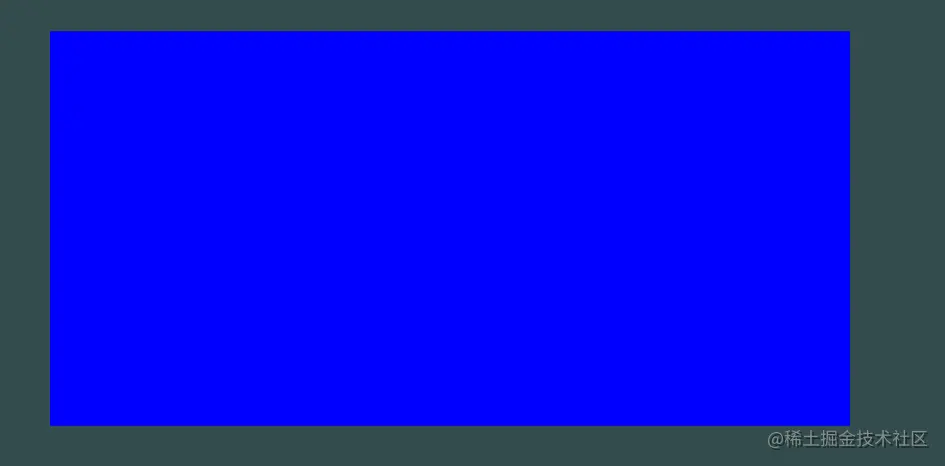
const width = 1;
const height = 1;
const pixel = new Uint8Array([0, 0, 255]);
gl.texImage2D(gl.TEXTURE_2D, 0, gl.RGB, width, height, 0, gl.RGB, gl.UNSIGNED_BYTE, pixel);