安装echarts包,取出dist中的echarts.min.js和map中的china.js
npm install echarts --save
获取数据,详见node爬取网页
echarts的官网配置项下的series是不同系列的图表,疫情地图需要看map文档
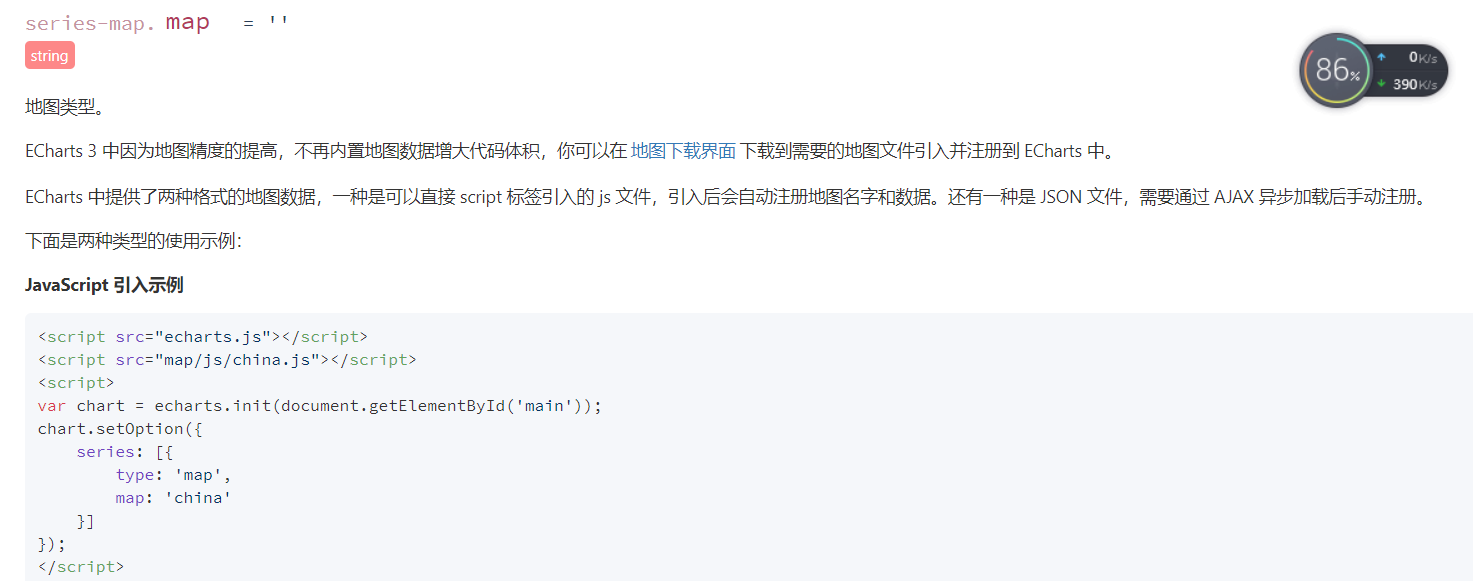
 var option =({
            series: [{
                type: 'map',
                map: 'china'
            }]
        });
        myChart.setOption(option);
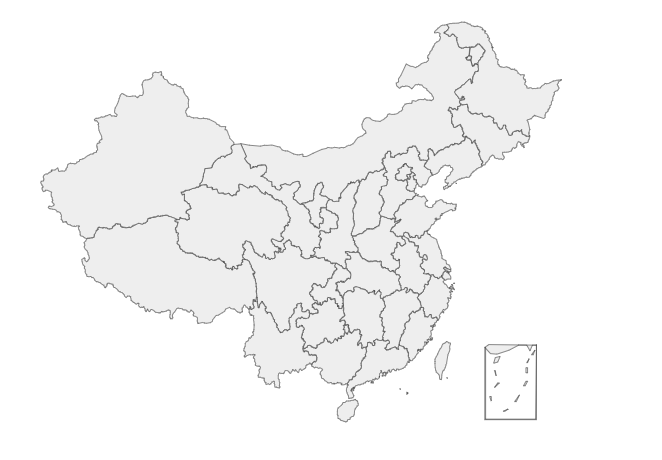
引入数据,这里要注意name不能为item.provinceName而是item.provinceShortName,因为根据文档,数据对应的地图区域的名称,例如广东,浙江,应该是shortName
 fetch('/data.json').then(res => res.json()).then(res => {
            console.log(res)
            let data = res.map(item=>{
                return {
                    name:item.provinceShortName,
                    value:[item.currentConfirmedCount,item.confirmedCount,item.suspectedCount,item.curedCount,item.deadCount]
                }
            })
        })
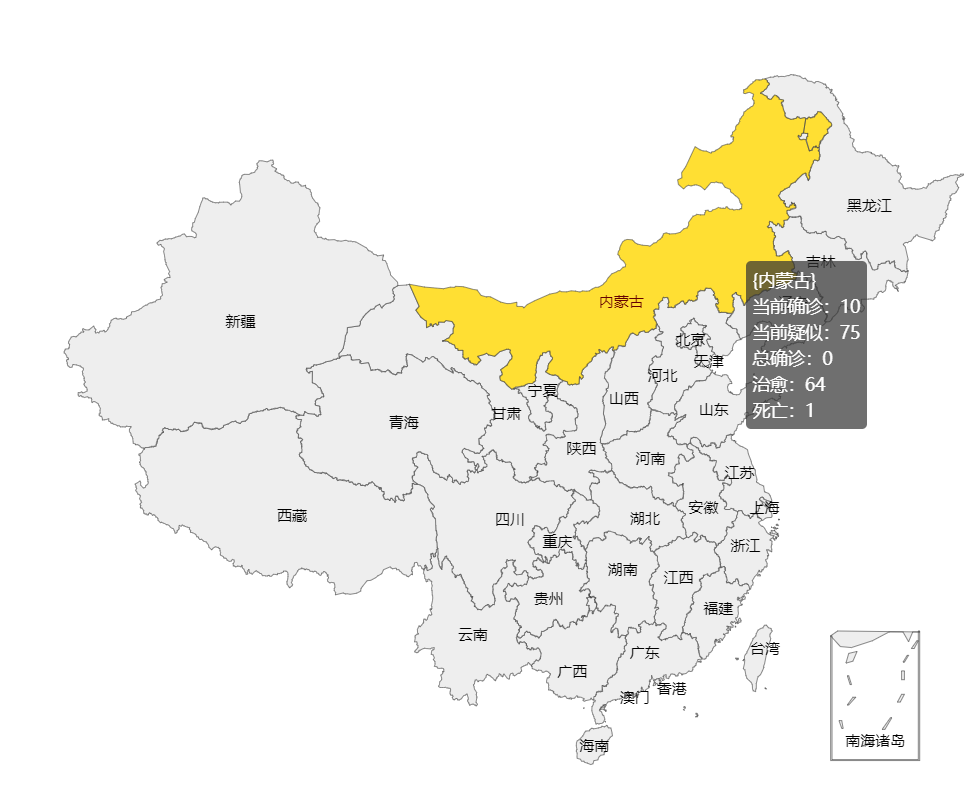
在获取的数据中设置文本标签及toolTip(鼠标划过时显示的信息)
 var option =({
            series: [{
                type: 'map',
                map: 'china',
                data,
                //显示文本标签
                label:{
                    show:true
                }
            }],
            tooltip:{
                formatter(res){
                    //console.log(res)//里面的data对应获取的数据
                    let { data, marker } = res
                        return `
                        {${data.name}}<br>
                        当前确诊:${data.value[0]}<br>
                        当前疑似:${data.value[1]}<br>
                        总确诊:${data.value[2]}<br>
                        治愈:${data.value[3]}<br>
                        死亡:${data.value[4]}<br>`
                }
            }
        });
        myChart.setOption(option);
        })
最终代码
<!DOCTYPE html>
<html lang="en">

<head>
    <meta charset="UTF-8">
    <meta name="viewport" content="width=device-width, initial-scale=1.0">
    <title>Document</title>
    <script src="./js/echarts.min.js"></script>
    <script src="./js/china.js"></script>
</head>

<body>
    <div id="echarts" style="width: 900px;height:700px;">

    </div>

    <script type="text/javascript">
        var chart = document.getElementById('echarts')
        let myChart = echarts.init(chart)
        fetch('/data.json').then(res => res.json()).then(res => {
            console.log(res)
            let data = res.map(item=>{
                return {
                    name:item.provinceShortName,
                    value:[item.currentConfirmedCount,item.confirmedCount,item.suspectedCount,item.curedCount,item.deadCount]
                }
            })
            var option =({
            series: [{
                type: 'map',
                map: 'china',
                data,
                //显示文本标签
                label:{
                    show:true
                }
            }],
            tooltip:{
                formatter(res){
                    //console.log(res)//里面的data对应获取的数据
                    let { data, marker } = res
                        return `
                        {${data.name}}<br>
                        当前确诊:${data.value[0]}<br>
                        当前疑似:${data.value[1]}<br>
                        总确诊:${data.value[2]}<br>
                        治愈:${data.value[3]}<br>
                        死亡:${data.value[4]}<br>`
                }
            }
        });
        myChart.setOption(option);
        })


    </script>
</body>

</html>
成品