

在进行视频生成时,我们常常需要查询任务的执行状态。Hailuo Tasks API 正是为此而生,通过输入由 Hailuo 视频生成 API 生成的任务 ID,用户可以轻松获取任务的执行状态。本文将详细介绍 Hailuo Tasks API 的集成流程,助你充分利用这一强大的 API 功能。
背景介绍
Hailuo 是 Ace Data Cloud 提供的一款服务,专注于视频生成与处理。开发者可以利用 Hailuo API 创建、管理视频生成任务,并实时查询这些任务的执行状态。适用于需要自动化生成视频内容的场景,例如社交媒体内容创作、教育视频生成等。
申请服务
使用 Hailuo Tasks API 前,首先需在 Hailuo 视频生成 API 页面申请相应服务。成功申请后,从 Hailuo 视频生成 API 中复制任务 ID,如下图所示:
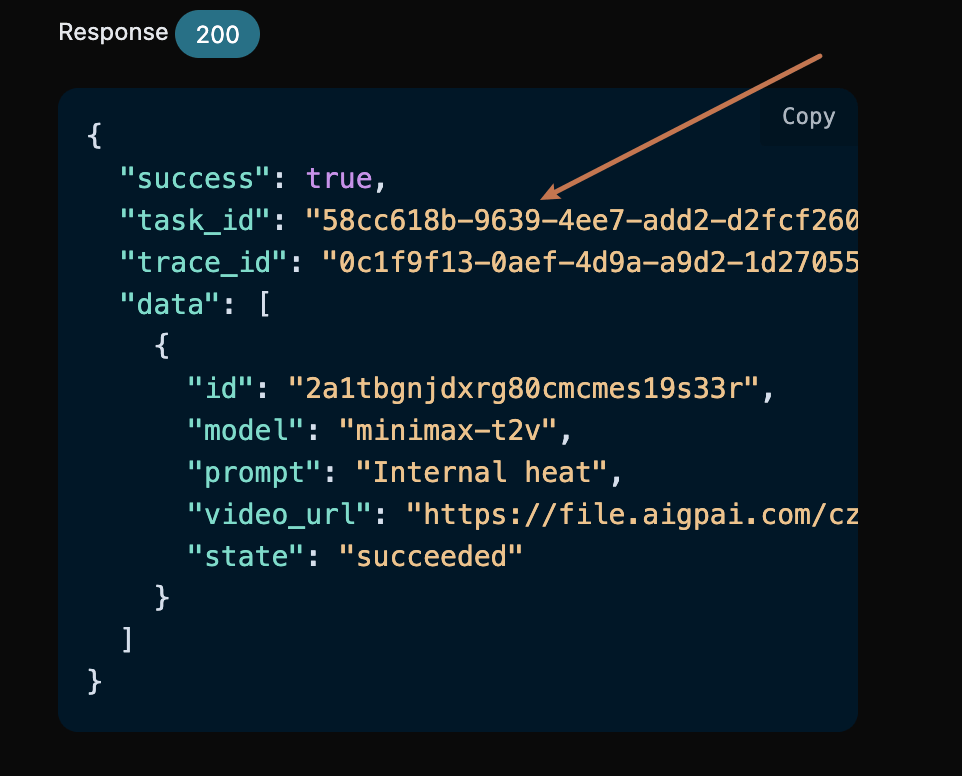
接下来,前往 Hailuo Tasks API 页面申请服务。点击“获取”按钮,如下图所示:
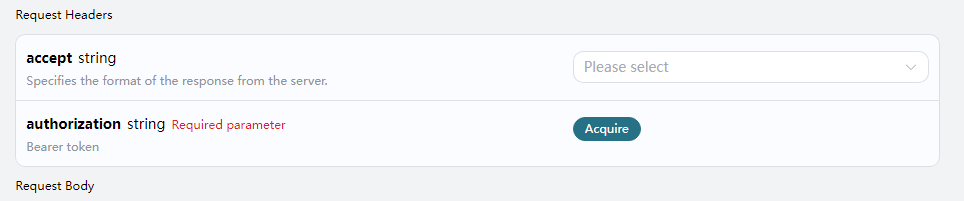
如果尚未登录或注册,系统会自动引导你至 登录页面,注册或登录后会返回到当前页面。首批申请用户可获得免费配额,便于你免费使用该 API。
请求示例
Hailuo Tasks API 可以用于查询 Hailuo 视频生成 API 的结果。关于如何使用 Hailuo 视频生成 API,请参考文档 Hailuo 视频生成 API。
假设我们有一个任务 ID:58cc618b-9639-4ee7-add2-d2fcf260d9a3,以下代码示例将演示如何使用此 API。
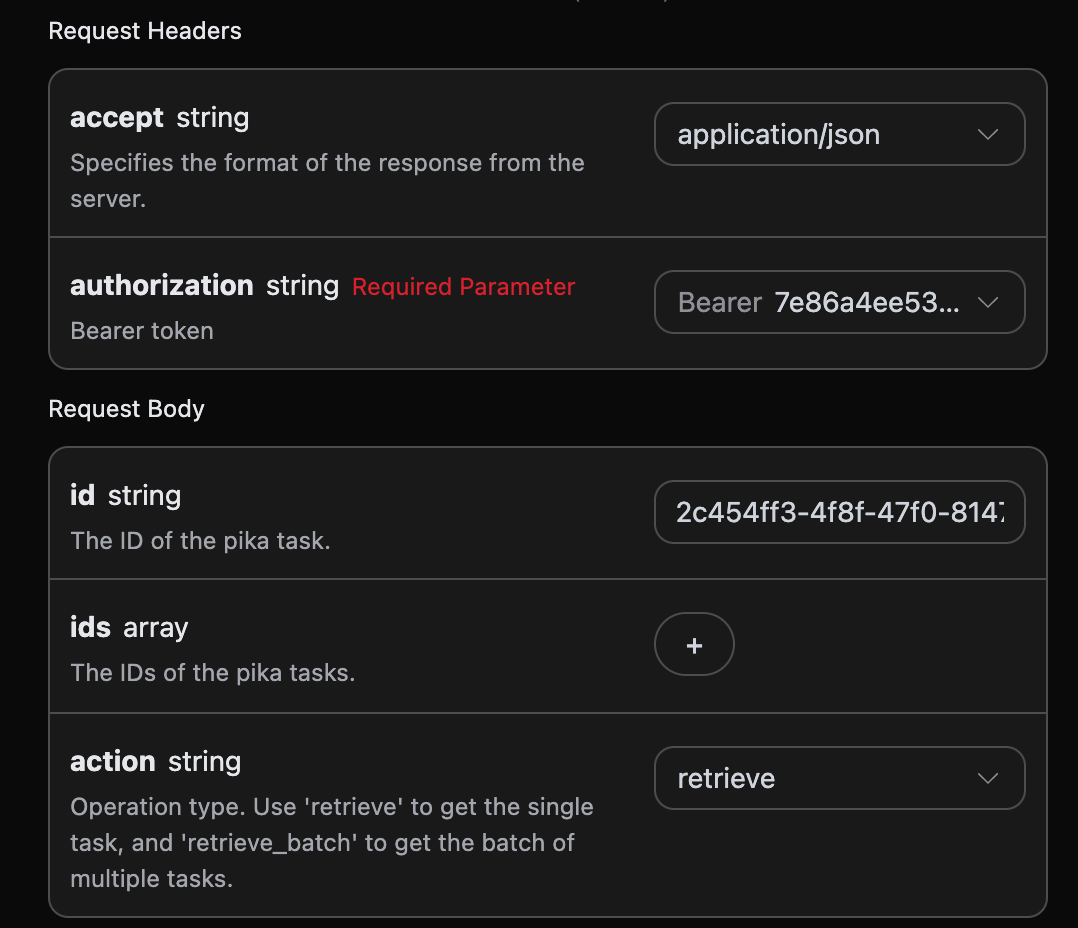
请求头与请求体设置
请求头包括:
accept: 指定响应格式为 JSON,设置为application/json。authorization: 用于调用 API 的 API 密钥,申请后可直接选择。
请求体包括:
id: 上传的任务 ID。action: 任务的操作方法。
设置如下图所示:
代码示例
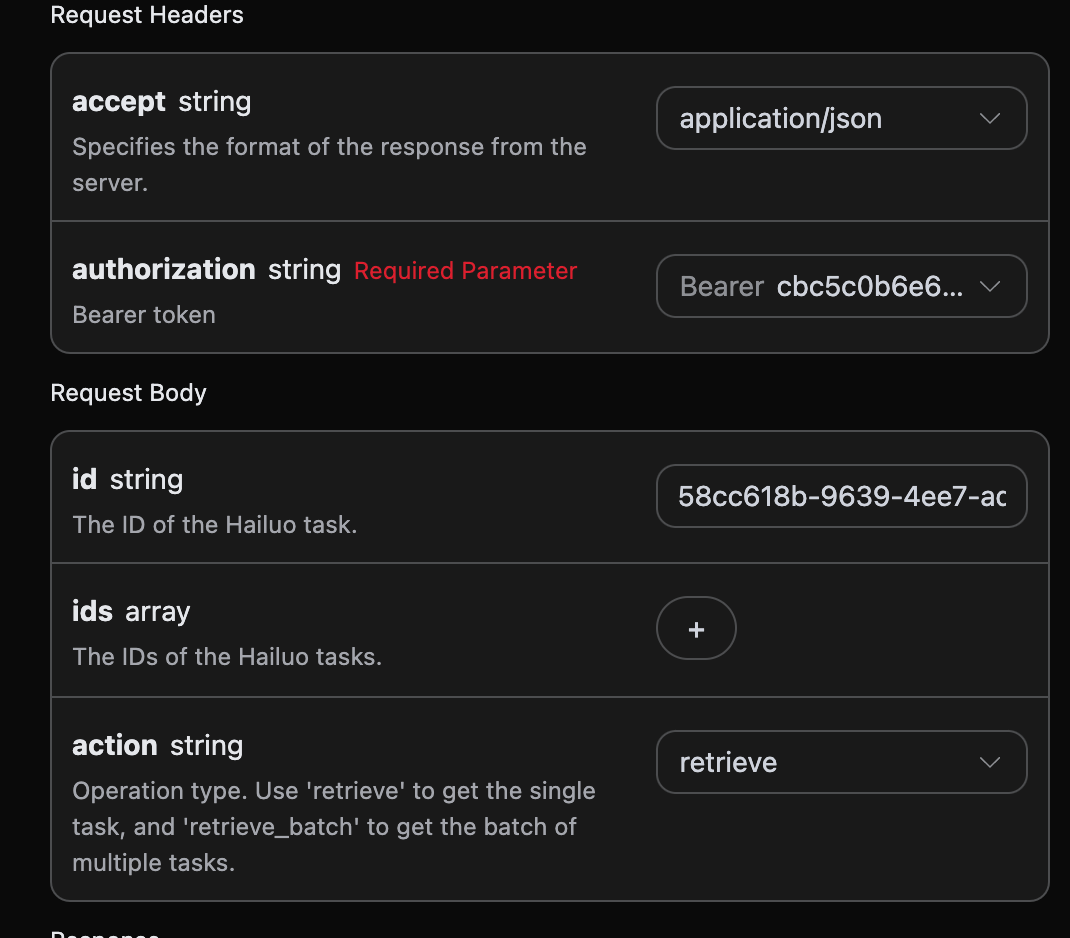
你可以在页面右侧看到各种语言的代码示例,如下图所示:
以下是一些代码示例:
CURL 示例
curl -X POST 'https://api.acedata.cloud/hailuo/tasks' \
-H 'accept: application/json' \
-H 'authorization: Bearer {token}' \
-H 'content-type: application/json' \
-d '{
  "id": "58cc618b-9639-4ee7-add2-d2fcf260d9a3",
  "action": "retrieve"
}'
Python 示例
import requests

url = "https://api.acedata.cloud/hailuo/tasks"

headers = {
    "accept": "application/json",
    "authorization": "Bearer {token}",
    "content-type": "application/json"
}

payload = {
    "id": "58cc618b-9639-4ee7-add2-d2fcf260d9a3",
    "action": "retrieve"
}

response = requests.post(url, json=payload, headers=headers)
print(response.text)
响应示例
成功请求后,API 将返回视频任务的详细信息,例如:
{
  "_id": "67866dff550a4144a5867aa7",
  "id": "58cc618b-9639-4ee7-add2-d2fcf260d9a3",
  "api_id": "d5af91f6-a7ec-4015-b0a5-d25051158470",
  "application_id": "2f9f4d93-9193-4c49-a1a5-eddf0ff38abb",
  "created_at": 1736863231.588,
  "credential_id": "f634e655-012e-432e-92a8-a87e4a80d636",
  "request": {
    "action": "generate",
    "prompt": "Internal heat"
  },
  "trace_id": "0c1f9f13-0aef-4d9a-a9d2-1d27055ff190",
  "user_id": "ad7afe47-cea9-4cda-980f-2ad8810e51cf",
  "response": {
    "success": true,
    "task_id": "58cc618b-9639-4ee7-add2-d2fcf260d9a3",
    "trace_id": "0c1f9f13-0aef-4d9a-a9d2-1d27055ff190",
    "data": [
      {
        "id": "2a1tbgnjdxrg80cmcmes19s33r",
        "model": "minimax-t2v",
        "prompt": "Internal heat",
        "first_image_url": null,
        "video_url": "https://file.aigpai.com/czjl/tjU3QYKgU96IJFgpL0eMfBFhmy0qXz9Y05P2IBhShCYaDCFUA/tmp5uligw3a.output.mp4",
        "state": "succeeded"
      }
    ]
  }
}
返回结果中包含多个字段,其中 request 字段为任务发起时的请求信息,而 response 字段为任务完成后的返回信息。
批量查询操作
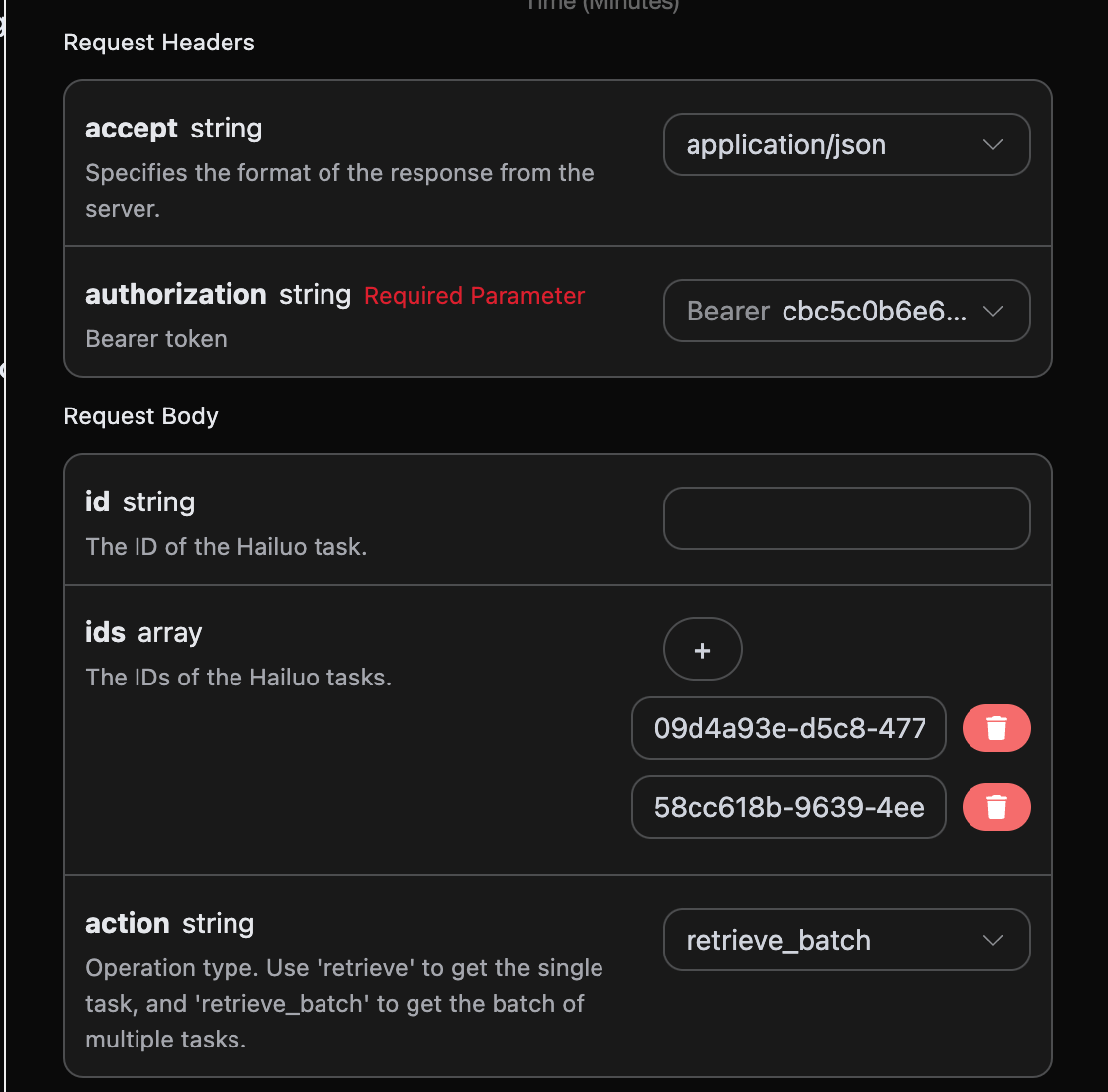
对于多个任务 ID 的查询,操作方法需选择 retrieve_batch。
请求体包括:
ids: 上传的任务 ID 数组。action: 任务的操作方法。
设置如下图所示:
代码示例
以下是批量查询的代码示例:
CURL 示例
curl -X POST 'https://api.acedata.cloud/hailuo/tasks' \
-H 'accept: application/json' \
-H 'authorization: Bearer {token}' \
-H 'content-type: application/json' \
-d '{
  "ids": ["09d4a93e-d5c8-4778-bdf2-711773d71c59","58cc618b-9639-4ee7-add2-d2fcf260d9a3"],
  "action": "retrieve_batch"
}'
Python 示例
import requests

url = "https://api.acedata.cloud/hailuo/tasks"

headers = {
    "accept": "application/json",
    "authorization": "Bearer {token}",
    "content-type": "application/json"
}

payload = {
    "ids": ["09d4a93e-d5c8-4778-bdf2-711773d71c59","58cc618b-9639-4ee7-add2-d2fcf260d9a3"],
    "action": "retrieve_batch"
}

response = requests.post(url, json=payload, headers=headers)
print(response.text)
响应示例
成功请求后,API 将返回所有批量视频任务的具体细节。例如:
{
  "items": [
    {
      "_id": "67866fad550a4144a587053c",
      "id": "09d4a93e-d5c8-4778-bdf2-711773d71c59",
      "api_id": "d5af91f6-a7ec-4015-b0a5-d25051158470",
      "application_id": "2f9f4d93-9193-4c49-a1a5-eddf0ff38abb",
      "created_at": 1736863661.511,
      "credential_id": "f634e655-012e-432e-92a8-a87e4a80d636",
      "request": {
        "action": "generate",
        "prompt": "Internal heat"
      },
      "trace_id": "0edc94c6-4938-4bff-bb16-20364c254e40",
      "user

