openGauss 每日一练第 2 天打卡,我来了!又可以学习,真开心~
学习
今天第 2 课,学习了 openGauss 表的更新删除,openGauss 数据库查询、更新和删除基本使用!
课后作业打卡
1.创建一个表products
| 字段名 | 数据类型 | 含义 |
|---|---|---|
| product_id | INTEGER | 产品编号 |
| product_name | Char(20) | 产品名 |
| category | Char(30) | 种类 |
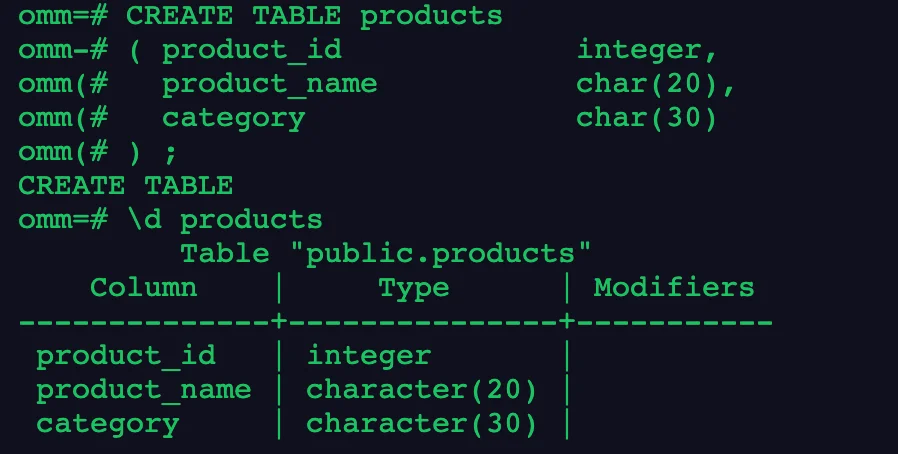
创建语句如下:
CREATE TABLE products
( product_id             integer,
  product_name           char(20),
  category               char(30)
) ;
2.向表中插入数据,采用一次插入一条和多条记录的方式
| product_id | product_name | category |
|---|---|---|
| 1502 | olympus camera | electrncs |
| 1601 | lamaze | toys |
| 1700 | wait interface | Books |
| 1666 | harry potter | toys |
插入数据语句:
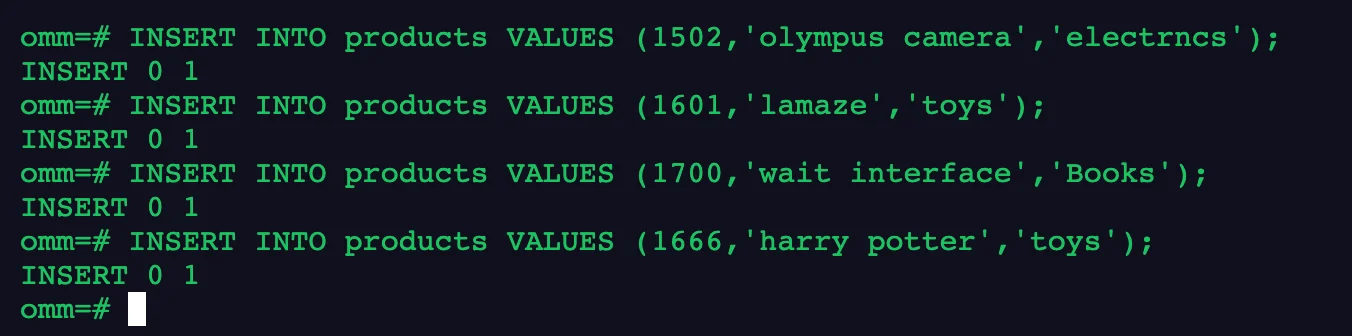
-- 一次插入一条
INSERT INTO products VALUES (1502,'olympus camera','electrncs');
INSERT INTO products VALUES (1601,'lamaze','toys');
INSERT INTO products VALUES (1700,'wait interface','Books');
INSERT INTO products VALUES (1666,'harry potter','toys');
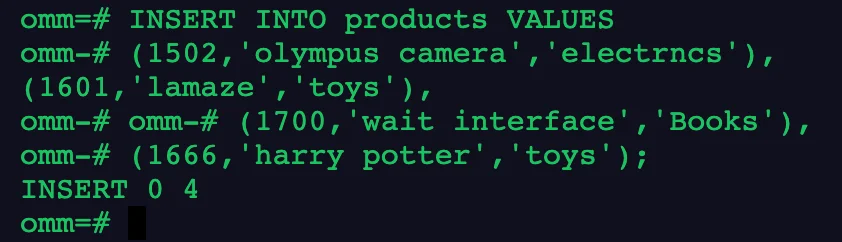
-- 一次插入多条
INSERT INTO products VALUES
(1502,'olympus camera','electrncs'),
(1601,'lamaze','toys'),
(1700,'wait interface','Books'),
(1666,'harry potter','toys');
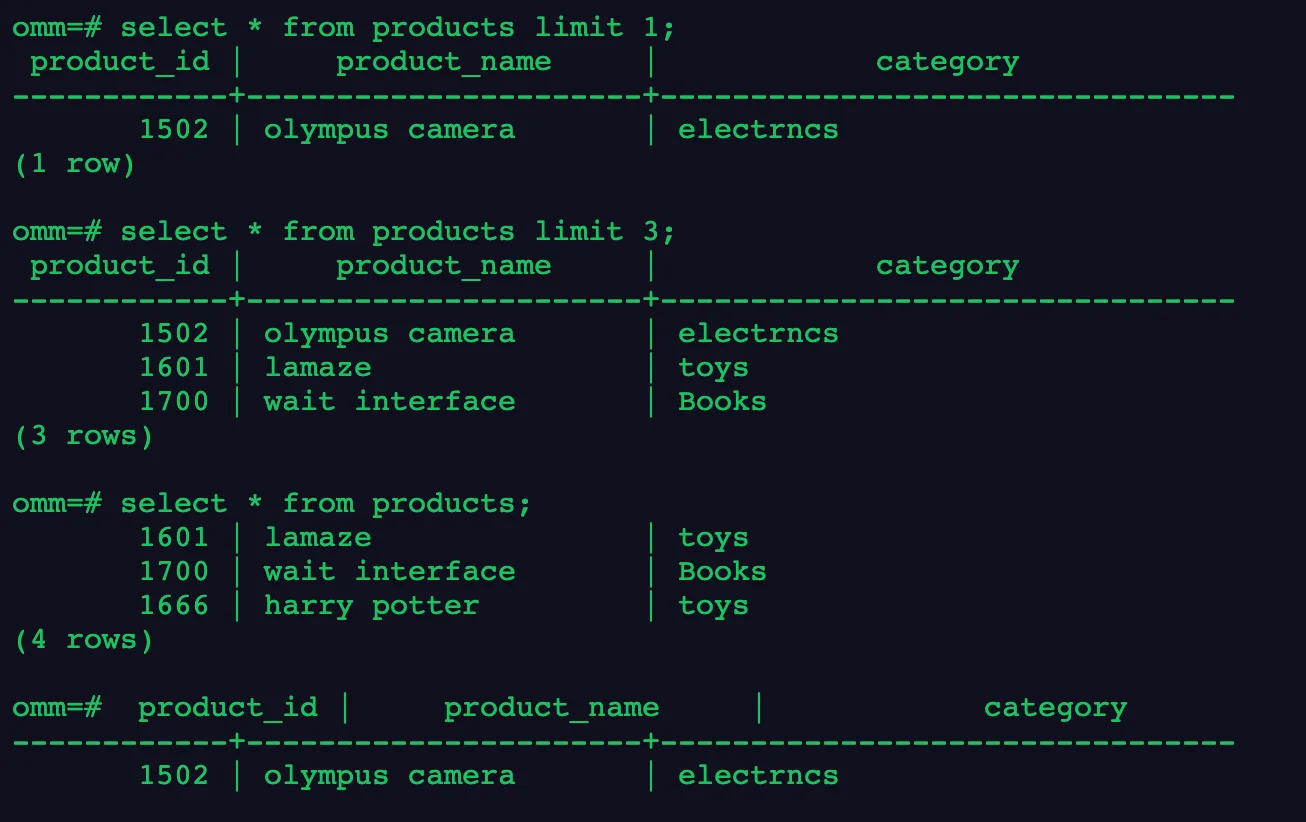
3.获取表中一条记录、三条记录和所有记录
-- 一条记录
select * from products limit 1;
-- 三条记录
select * from products limit 3;
-- 所有记录
select * from products;
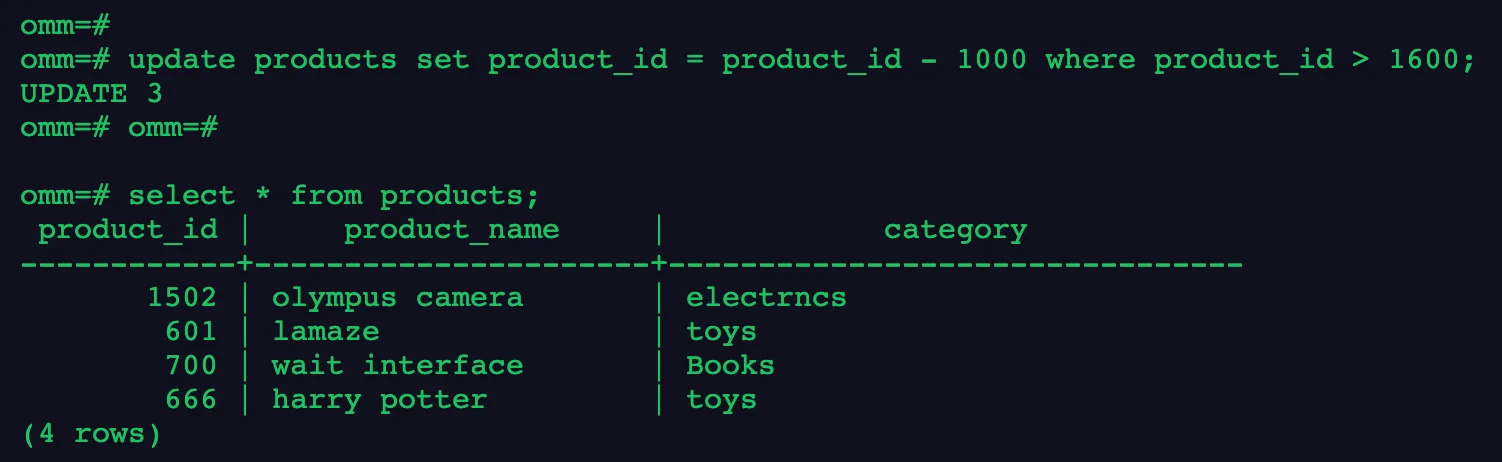
4.将满足product_id > 1600的记录的product_id更新为product_id – 1000,并查看products中所有记录是否更新成功
update products set product_id = product_id - 1000 where product_id > 1600;
select * from products;
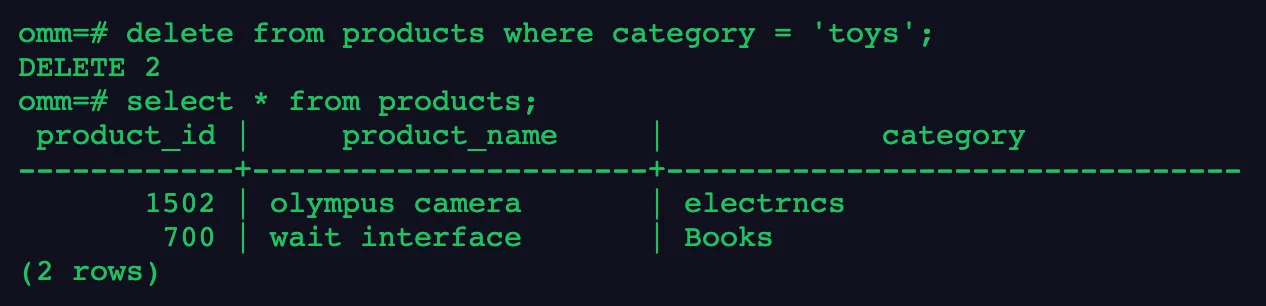
5.删除category为toys的所有记录,并查看products中数据是否删除成功
delete from products where categort = 'toys';
select * from products;
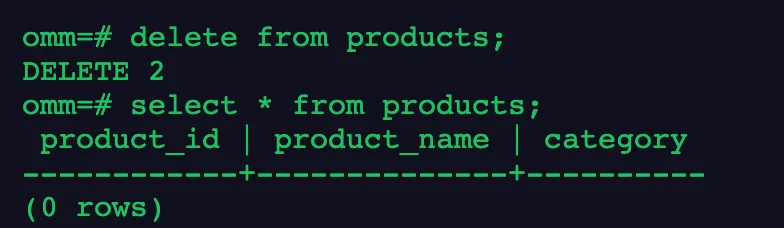
6.删除products中所有数据,并查看数据是否删除成功
delete from products;
select * from products;
6.删除表products
drop table products;

总结,今天新学了一个 limit 用法!
写在最后
今天的作业打卡结束!🎉
📚 推荐阅读:DBA 学习之路
如果这篇文章对你有帮助,推荐访问我的 Oracle DBA 系统学习站点,涵盖 100 天完整学习路线:
- 🔧 Oracle 安装部署 · RMAN 备份恢复 · Data Pump 数据迁移
- 🏗️ RAC 高可用 · DataGuard 容灾 · 多租户架构
- 🔍 故障排查 · 升级迁移 · GoldenGate 数据同步