在现代应用中,图像处理和分析扮演着越来越重要的角色。Midjourney Describe API 提供了一种便捷的方式,通过上传图像获取详细的描述信息。无论你是开发者还是企业用户,利用这个 API 可以自动化图像描述流程,从而提升工作效率。
背景
Midjourney 是 Ace Data Cloud 提供的一项服务,旨在帮助用户通过图像识别技术生成图像的自然语言描述。它支持多种主流图像格式,包括 JPEG、PNG 和 GIF。接下来,我们将详细介绍如何集成和使用 Midjourney Describe API。
申请流程
要使用 Midjourney Describe API,首先需要在 Midjourney Describe API 申请页面 上申请服务。进入页面后,点击“获取”按钮,如下图所示:
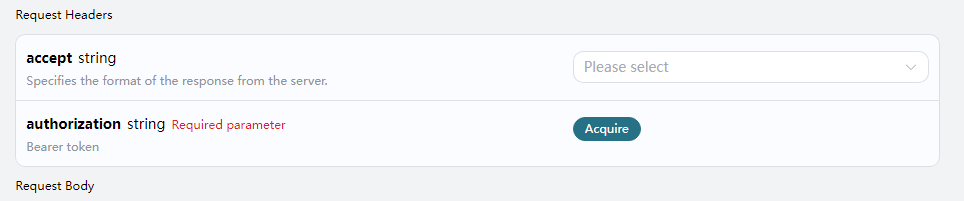
如果你尚未登录或注册,将自动重定向到 登录页面,邀请你进行注册和登录。登录后,系统会将你自动返回到申请页面。首次申请的用户可享受免费配额,便于测试和使用 API。
请求示例
接下来,我们以一张风景图片为例,展示如何上传图像并获取描述。
示例图片

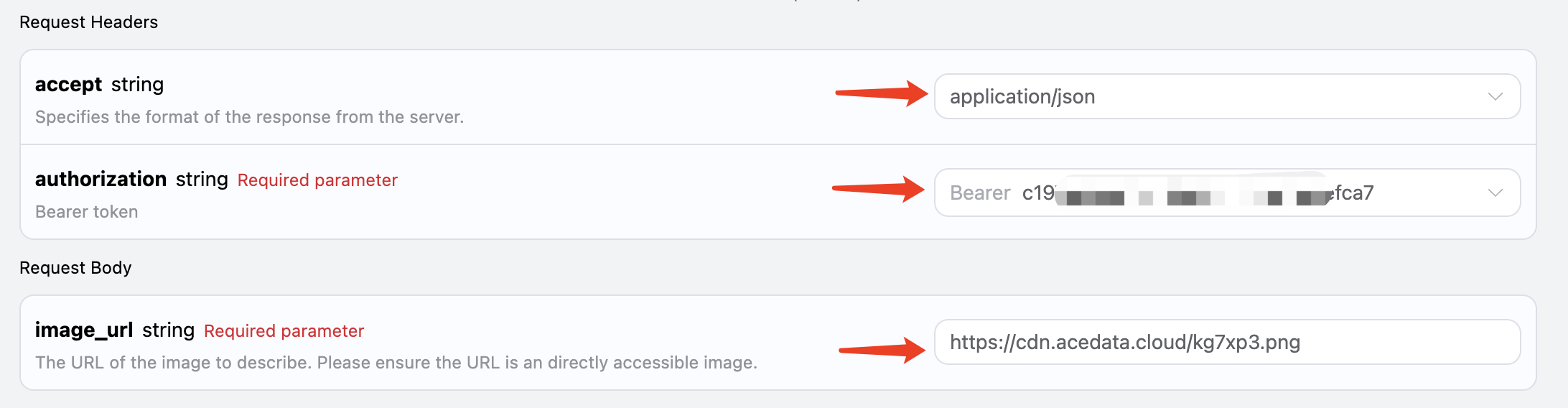
设置请求头和请求体
请求头包括:
accept: 指定响应格式为 JSON,设置为application/json。authorization: 调用 API 的密钥,申请后可直接获取。
请求体包括:
image_url: 上传图像文件的 URL。
设置示例如下:
代码示例
在页面右侧,你可以看到不同编程语言的代码示例:
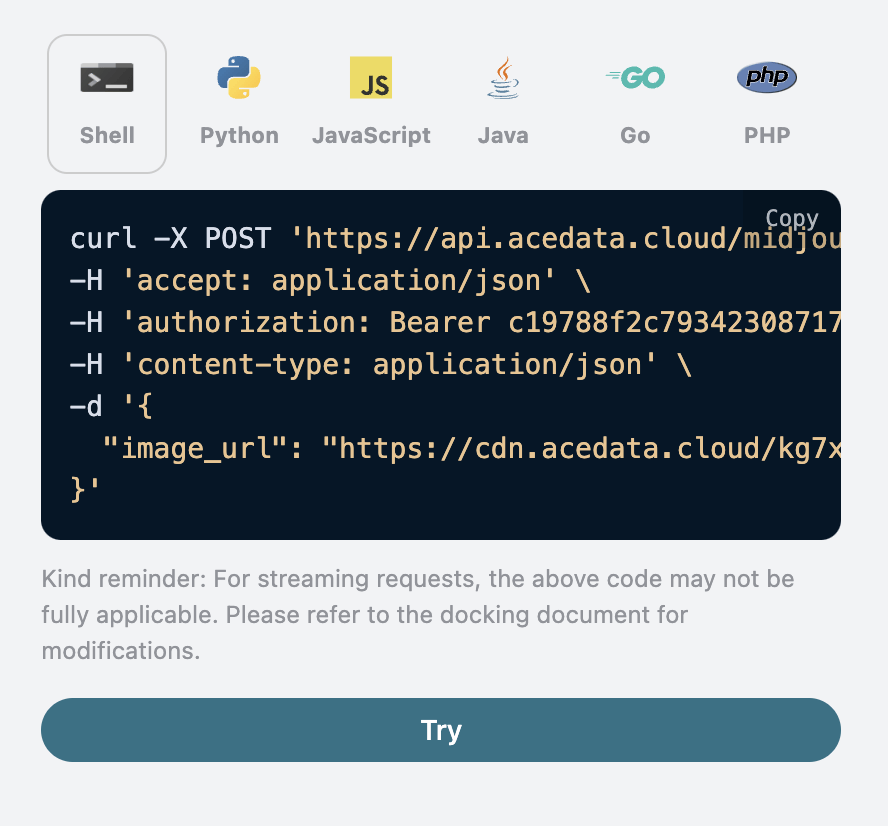
以下是几种语言的代码示例:
CURL 示例
curl -X POST 'https://api.acedata.cloud/midjourney/describe' \
-H 'accept: application/json' \
-H 'authorization: Bearer {token}' \
-H 'content-type: application/json' \
-d '{
  "image_url": "https://cdn.acedata.cloud/kg7xp3.png"
}'
Python 示例
import requests

url = "https://api.acedata.cloud/midjourney/describe"

headers = {
    "accept": "application/json",
    "authorization": "Bearer {token}",
    "content-type": "application/json"
}

payload = {
    "image_url": "https://cdn.acedata.cloud/kg7xp3.png"
}

response = requests.post(url, json=payload, headers=headers)
print(response.json())
响应示例
成功请求后,API 将返回四条描述信息。例如:
{
  "descriptions": [
    "A cross-shaped road sign stands in the middle of an outdoor park...",
    "A photo of a \"K鬥\" road sign in the park, with trees and grass...",
    "A cross-shaped street sign stands in the middle of an open park...",
    "A cross-shaped signpost stands in the park, surrounded by lush trees..."
  ]
}
如上所示,返回结果中包含 descriptions 字段,每个描述都为候选描述。
错误处理
在调用 API 时,如果发生错误,API 会返回相应的错误代码和消息。例如:
400 token_mismatched: 错误请求,可能是由于缺少或无效的参数。401 invalid_token: 未授权,令牌无效或缺失。429 too_many_requests: 请求过多,超出速率限制。500 api_error: 服务器内部错误。
错误响应示例
{
  "success": false,
  "error": {
    "code": "api_error",
    "message": "fetch failed"
  },
  "trace_id": "2cf86e86-22a4-46e1-ac2f-032c0f2a4e89"
}
总结
通过本文档,你已经了解了如何使用 Midjourney Describe API 进行图像描述。希望本指南能够帮助你更好地集成和使用该 API。如有任何问题,请随时联系技术支持团队。
技术标签:#Midjourney #API #图像处理 #Python #开发者工具