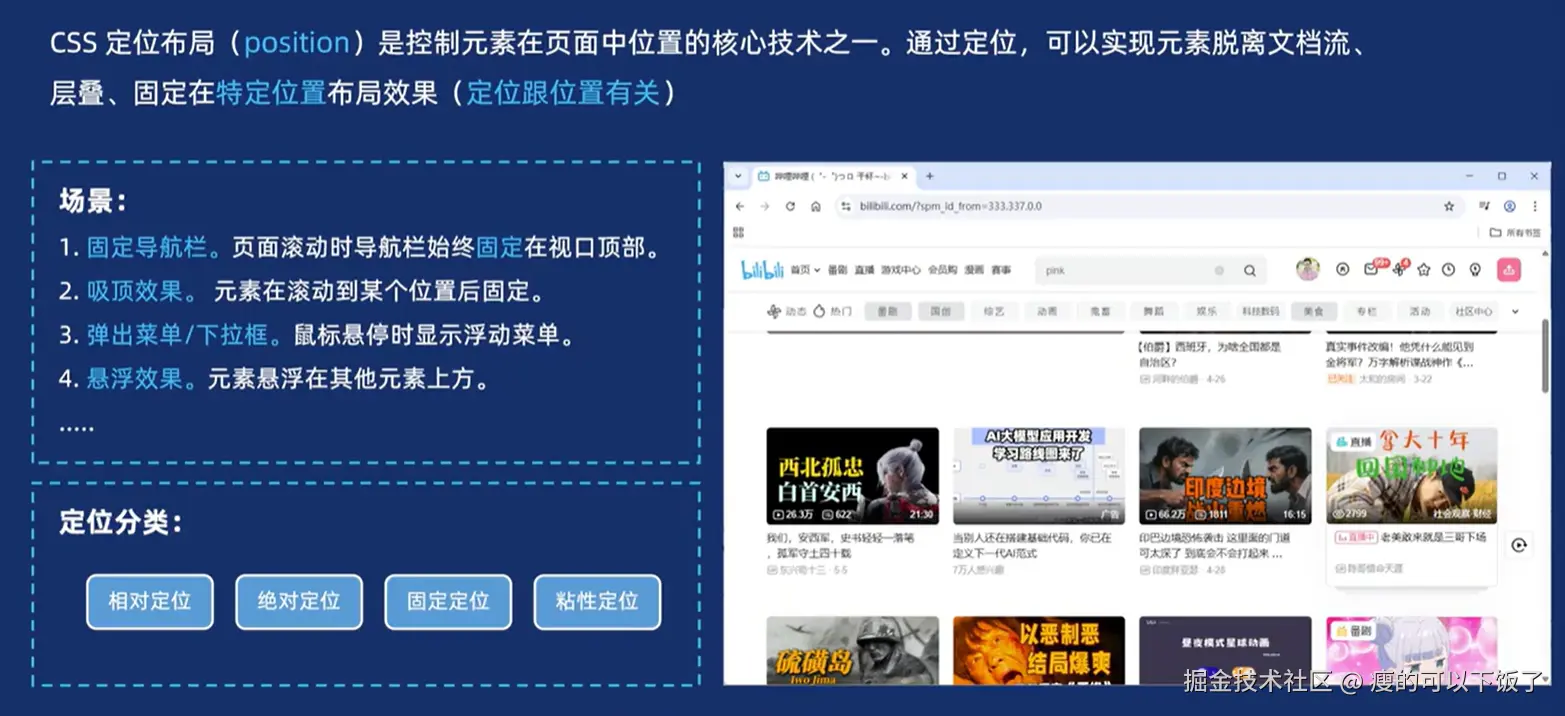
1.什么是定位
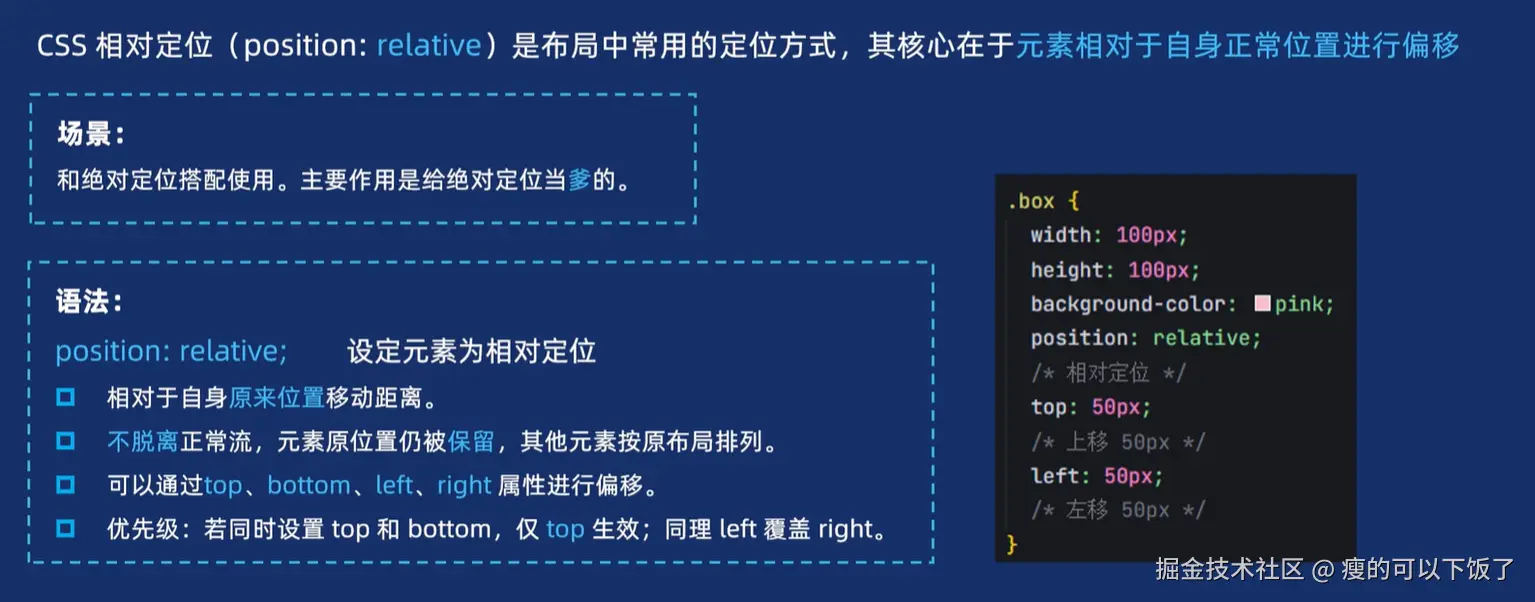
2.相对定位
1.要记住每一种定位的特点,如相对定位是基于自身偏移,但自身的位置仍然保留
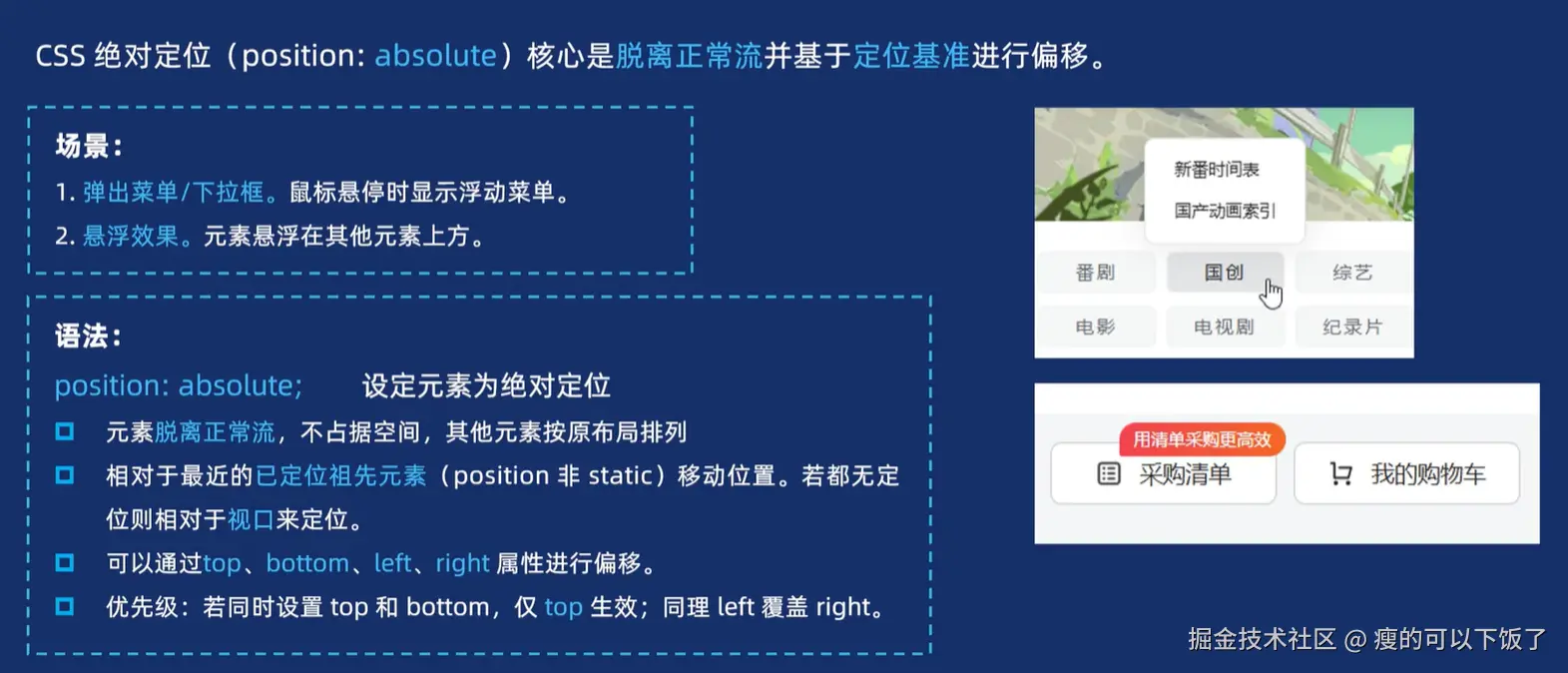
2.因为绝对定位是相对于以定位元素偏移的,所以需要相对定位来给他当爹,否者就会根据浏览器视口定位(这不是我们想要的)
3.绝对定位
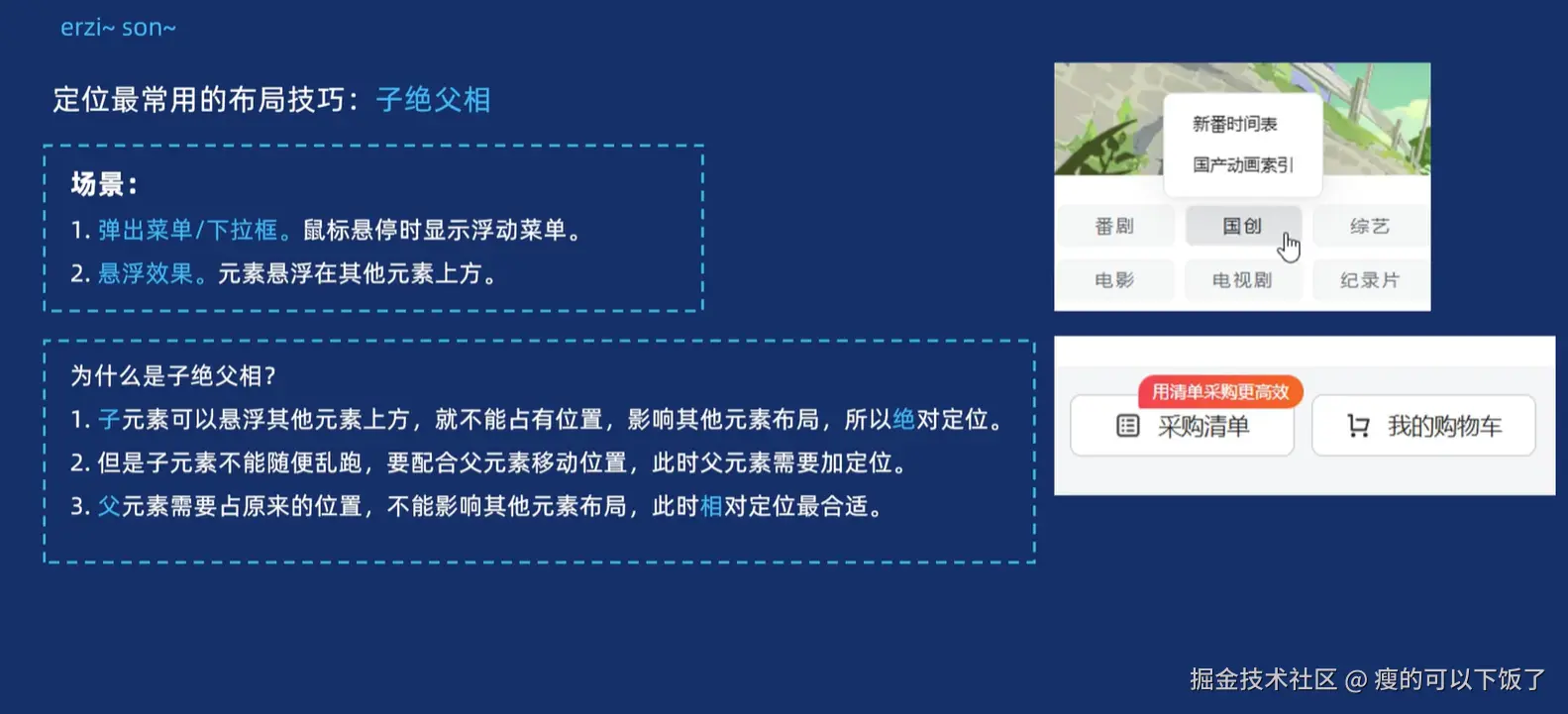
4.定位技巧之子绝父相
<!DOCTYPE html>
<html lang="en">
<head>
<meta charset="UTF-8">
<meta name="viewport" content="width=device-width, initial-scale=1.0">
<title>Document</title>
<style>
.father {
position: relative;
width: 500px;
height: 500px;
background-color: pink;
margin: 50px;
}
.son1 {
position: absolute;
right: 100px;
bottom: 100px;
width: 200px;
height: 200px;
background-color: purple;
}
.son2 {
width: 150px;
height: 150px;
background-color: blue;
}
</style>
</head>
<body>
<div class="father">
<div class="son1">第一个盒子</div>
<div class="son2">第二个盒子</div>
</div>
</body>
</html>