1.什么是对象object
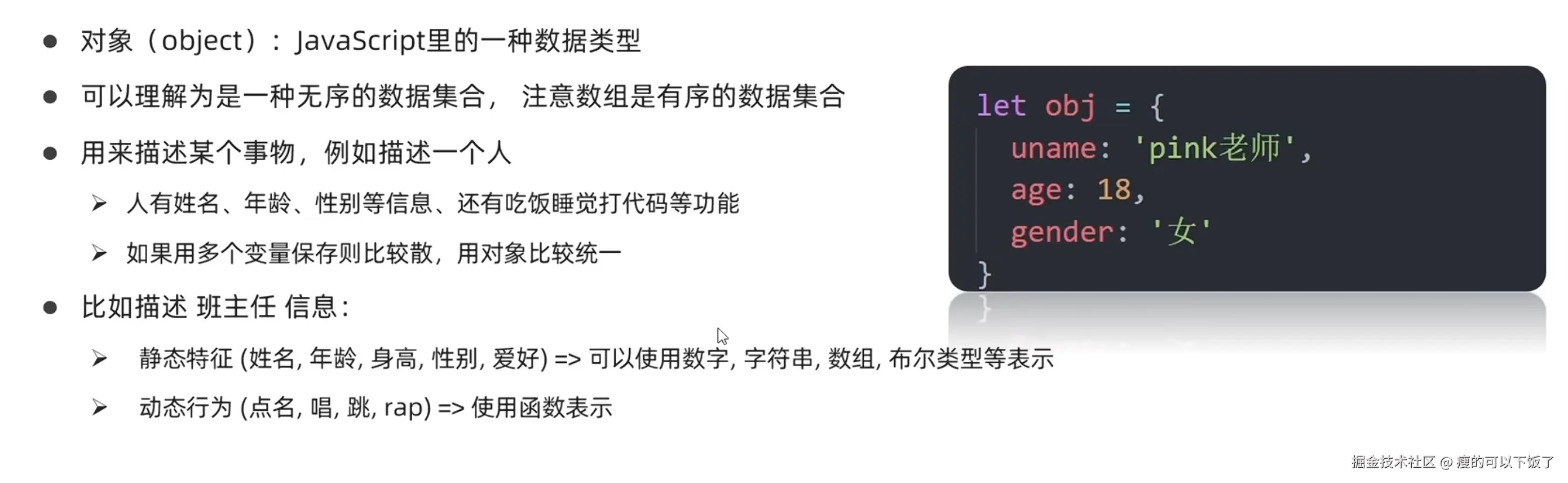
1.1 对象的属性
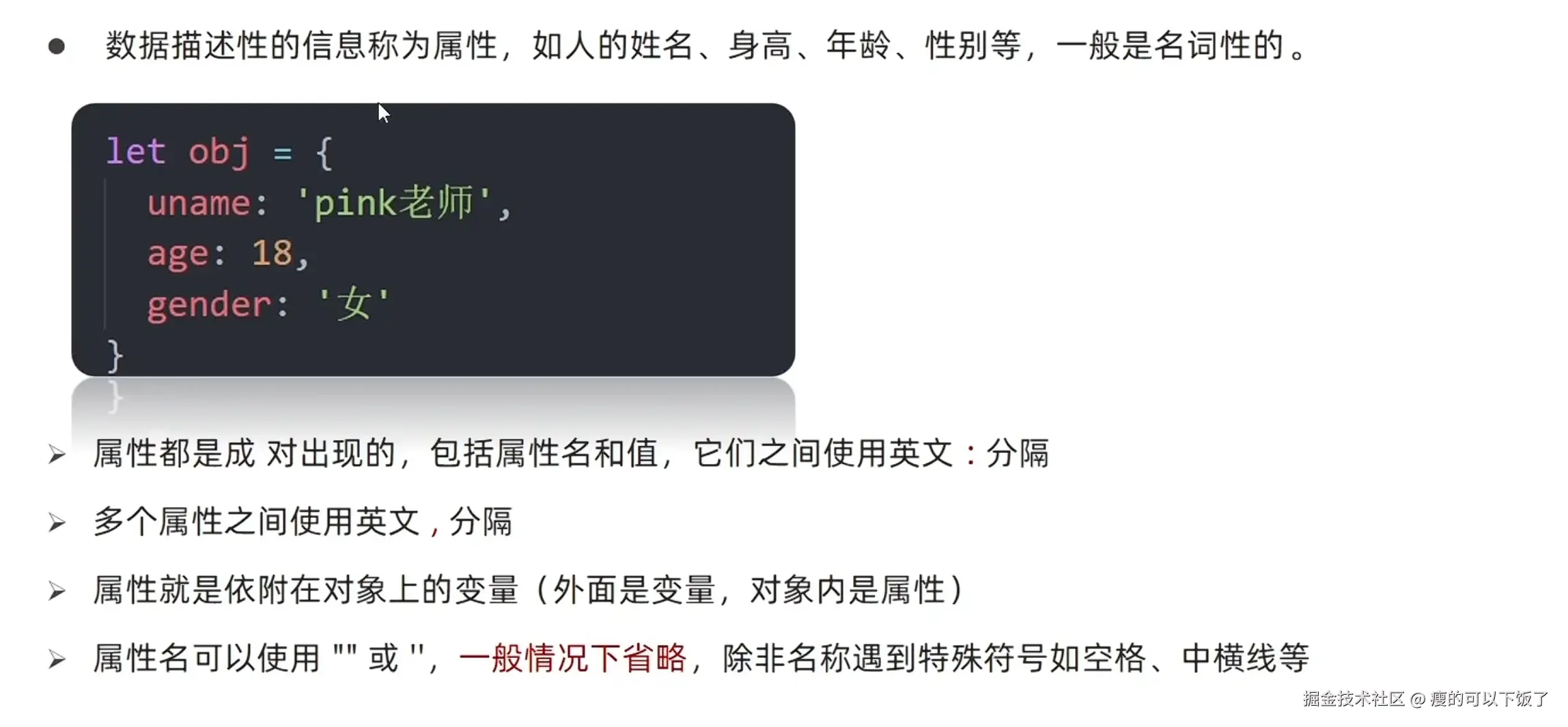
        let person = {
            name: '莎莎',
            age: 18,
            style: '可爱'
        }
        console.log(person)
        console.log(typeof person)
1.2 对象的方法
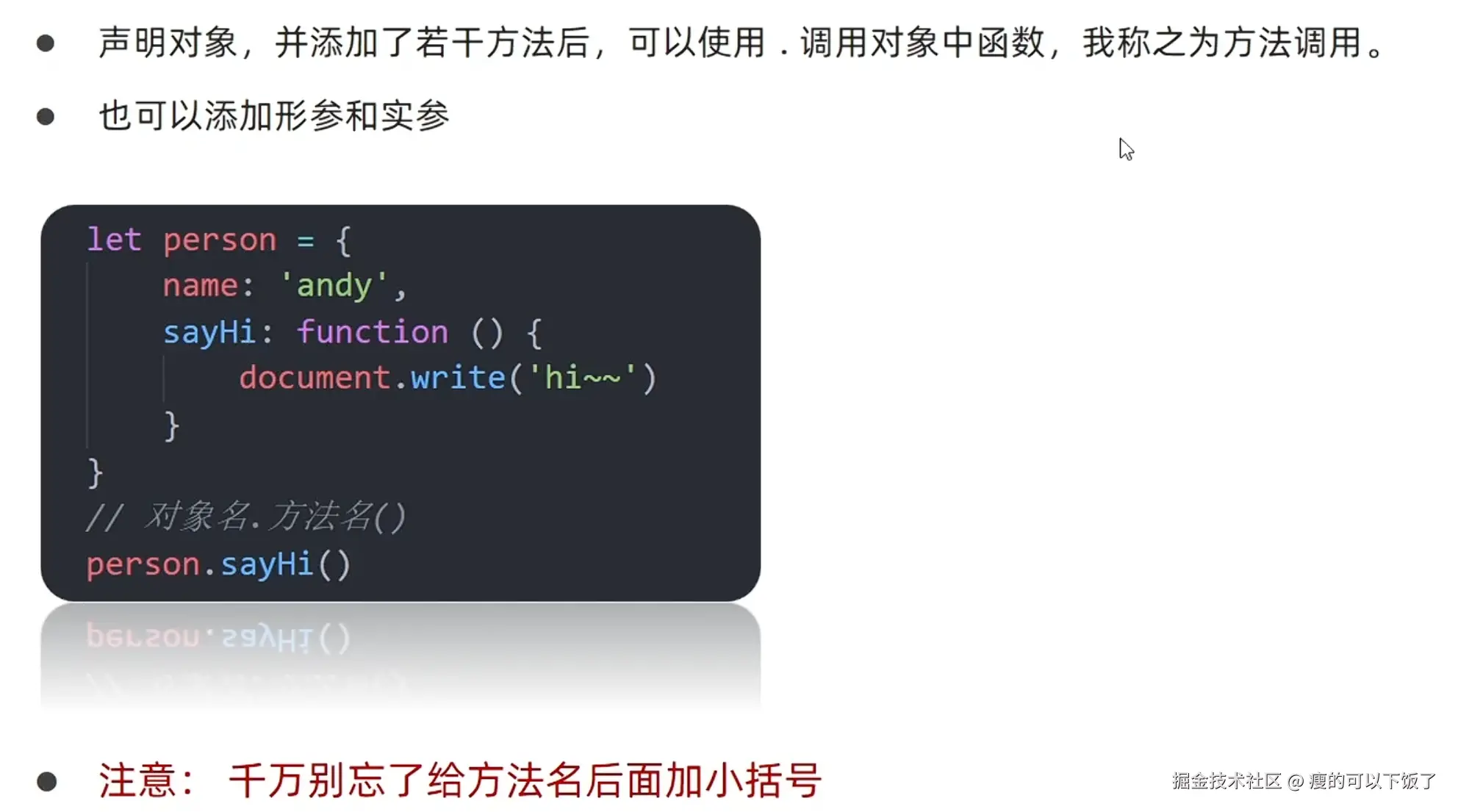
let person = {
'person-name': '莎莎',
age: 18,
style: '可爱',
sayHi: function(x,y) {
alert(`hi~,我是${person['person-name']},${x}+${y}=${x+y}哦`)
}
}
num1 = +prompt('请输入第一个数字:')
num2 = +prompt('请输入第二个数字:')
person.sayHi(num1,num2)
person.move = function(){
console.los('移动一点点')
}
2.对象的使用
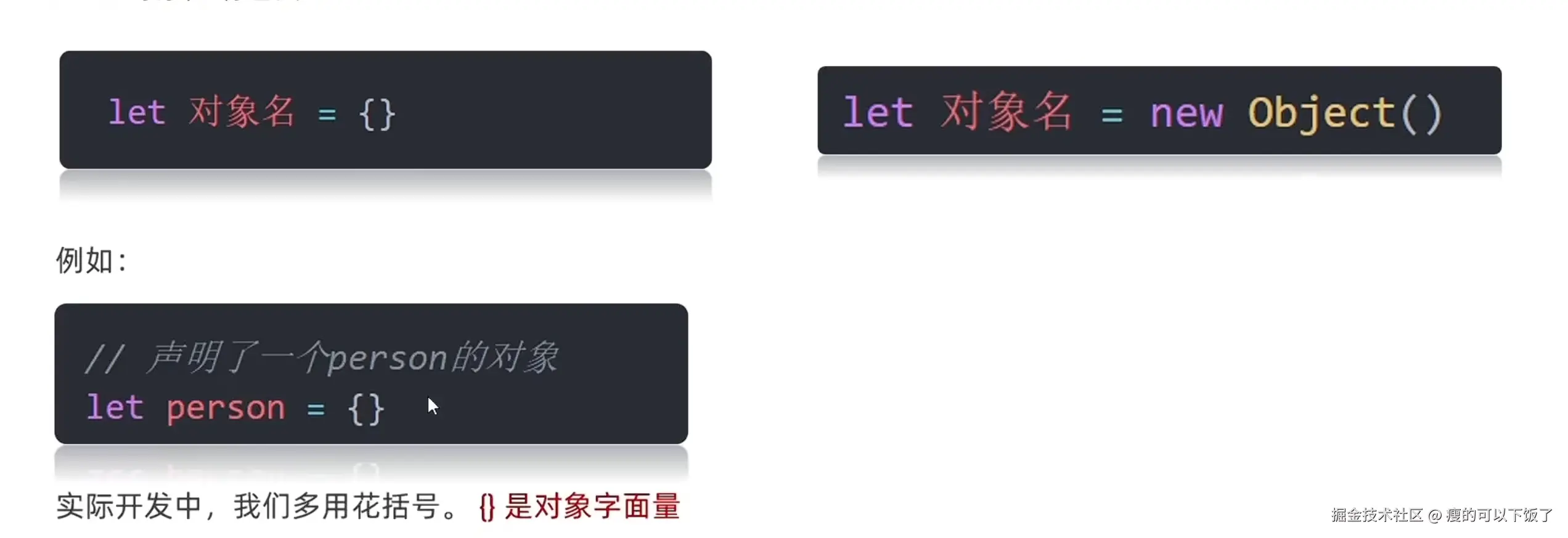
2.1 对象的声明
2.2 增删改查

let person = {
name: '莎莎',
age: 18,
style: '可爱'
}
console.log(person);
console.log(typeof person);
person.style = '非常可爱'
console.log(person.style);
person.hobby = '抓外星人'
console.log(person);
delete person.age
console.log(person);
2.3 查的另一种写法
- 下面这种情况,用.去调用person-name会报错的
script>
let person = {
'person-name': '莎莎',
age: 18,
style: '可爱'
}
console.log(person['person-name']);
console.log(person['style']);
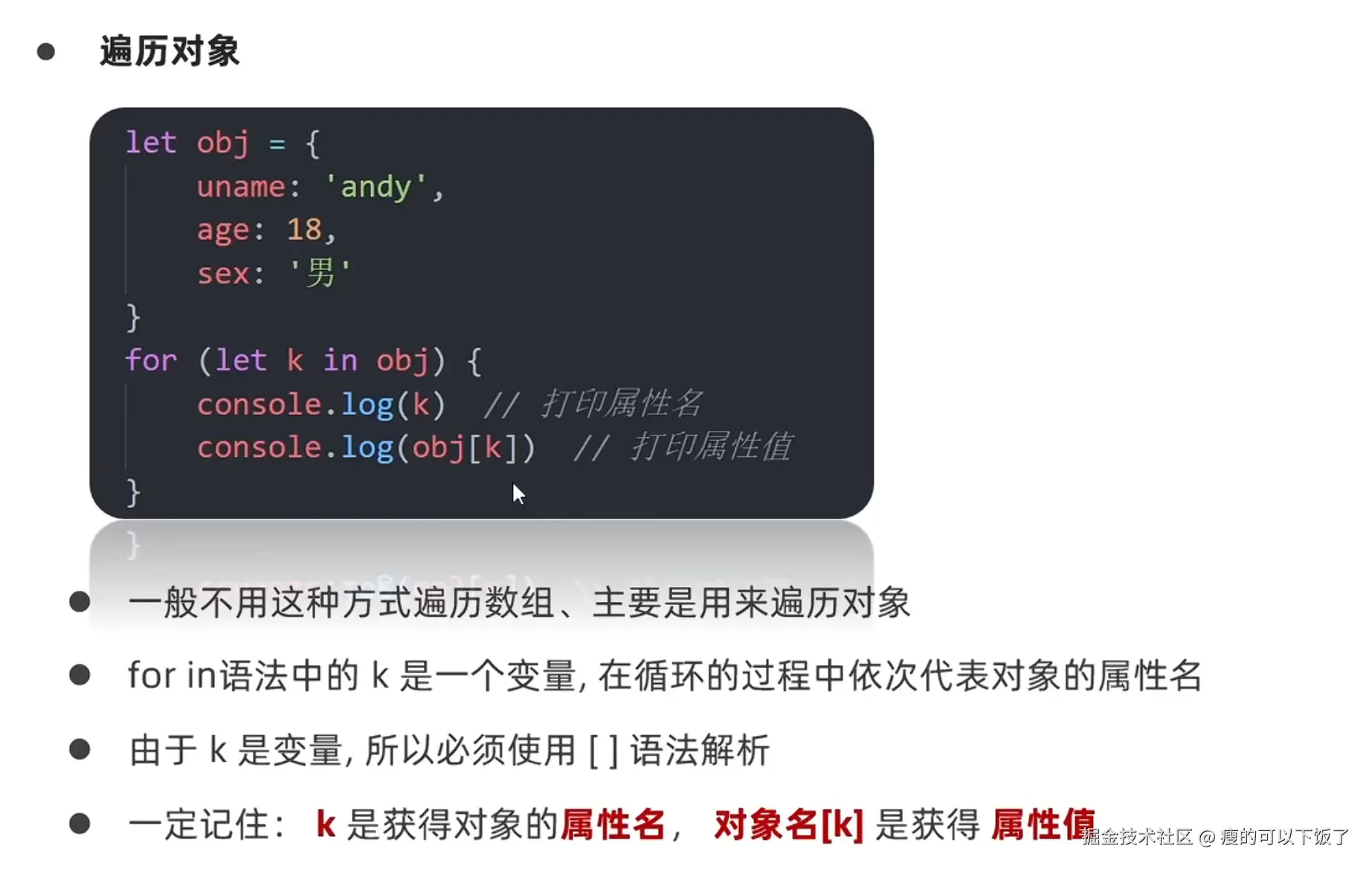
3.遍历对象
let arr = ['莎莎', 'vv', '鑫鑫']
for (let k in arr) {
console.log(k);
console.log(arr[k]);
}
let person = {
name: '莎莎',
age: 18,
style: '可爱'
}
for(let k in person) {
console.log(k);
console.log(person.k);
console.log(person[k]);
}
4.学生信息渲染
    Document

        h2 {
            text-align: center;
        }

        table {
            margin: 20px auto;
            border-collapse: collapse;

        }

        th {
            background-color: darkgray;
            padding: 10px 20px;
            font-weight: 700;
            border: 1px solid black;
        }
        td {
            padding: 10px 20px;
            border: 1px solid black;
        }


    <h2>学生列表</h2>

        let arr = [
            {name: null, age: null, gender: null, hometown: null},
            {name: null, age: null, gender: null, hometown: null},
            {name: null, age: null, gender: null, hometown: null},
            {name: null, age: null, gender: null, hometown: null}
        ]
        for (let i = 0; i
        <thead>
            <tr>
                <th>序号</th>
                <th>姓名</th>
                <th>年龄</th>
                <th>性别</th>
                <th>家乡</th>
            </tr>
        </thead>
        <tbody>`);

    // 循环添加行(tr)
    for (let i = 0; i < arr.length; i++) {
        document.write(`
        <tr>
            <td>${i+1}</td>
            <td>${arr[i].name}</td>
            <td>${arr[i].age}</td>
            <td>${arr[i].gender}</td>
            <td>${arr[i].hometown}</td>
        </tr>`);
}

document.write(`</tbody></table>`);
5. 内置对象
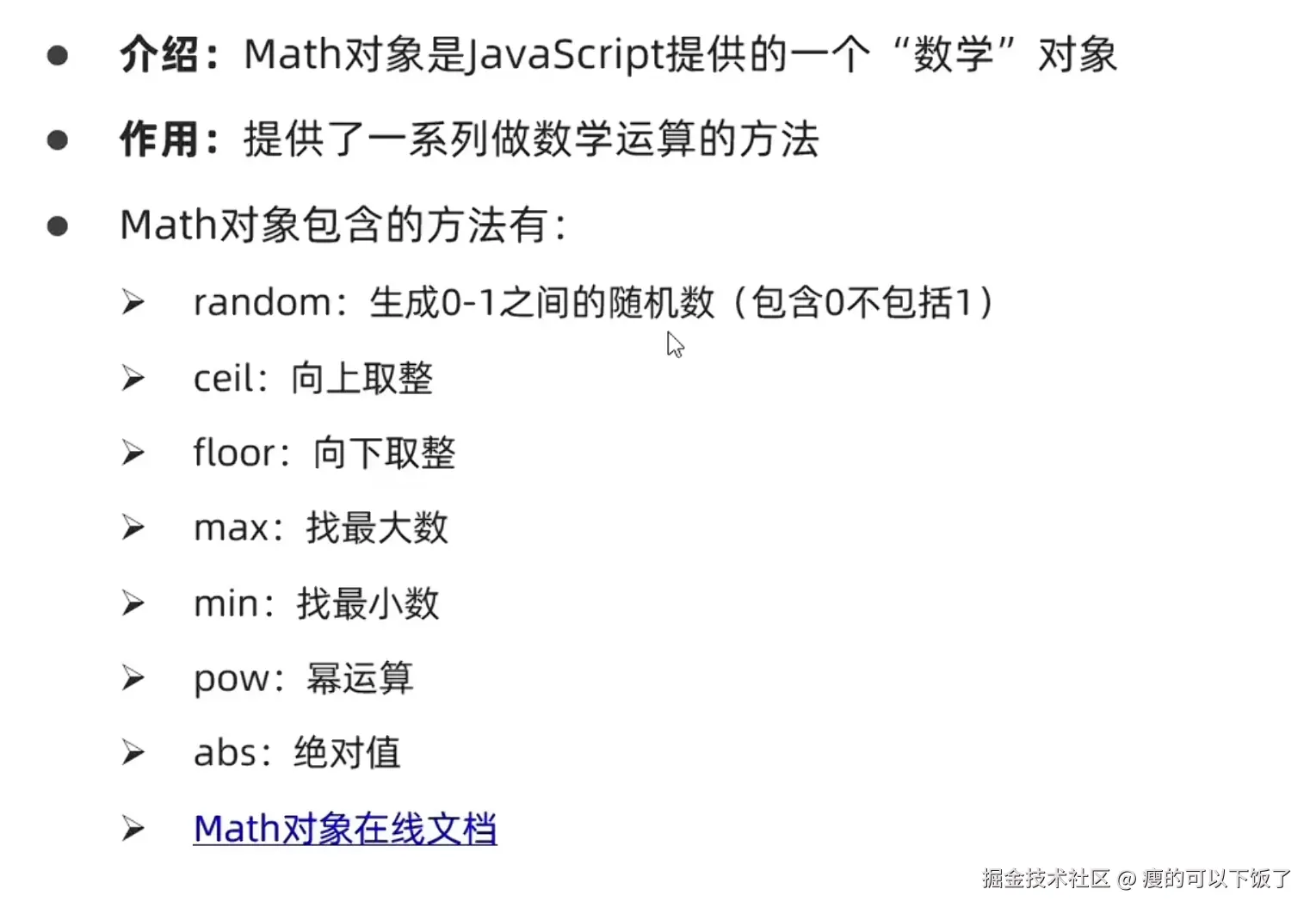
- JS内部提供的对象,包含各种属性和方法给开发者调用
5.2 Math内置对象
console.log(Math.PI);
console.log(Math.ceil(1.1))
console.log(Math.floor(2.99))
console.log(Math.round(2.5))
console.log(Math.round(-2.9))
console.log(Math.max(1,2,-3,32.4,3))
console.log(Math.abs(-12.2));
console.log(Math.floor(Math.random()*11))
console.log(Math.floor(Math.random()*6)+5);
let arr = ['莎莎','鑫鑫','vv']
let random = Math.floor(Math.random() * arr.length)
console.log(arr[random])
6.猜数字
        let number = Math.floor(Math.random()*10 + 1)

        let i = 1;
        while(true){
            let guess = +prompt('1~10之间请输入你猜的数字')
            if(i===3){
                alert('三次机会用完了哦')
                break
            }
            if(guess > number){
                alert('猜大了')
            }else if(guess < number){
                alert('猜小了')
            }else{
                alert('猜对啦')
                break
            }
            i++
        }
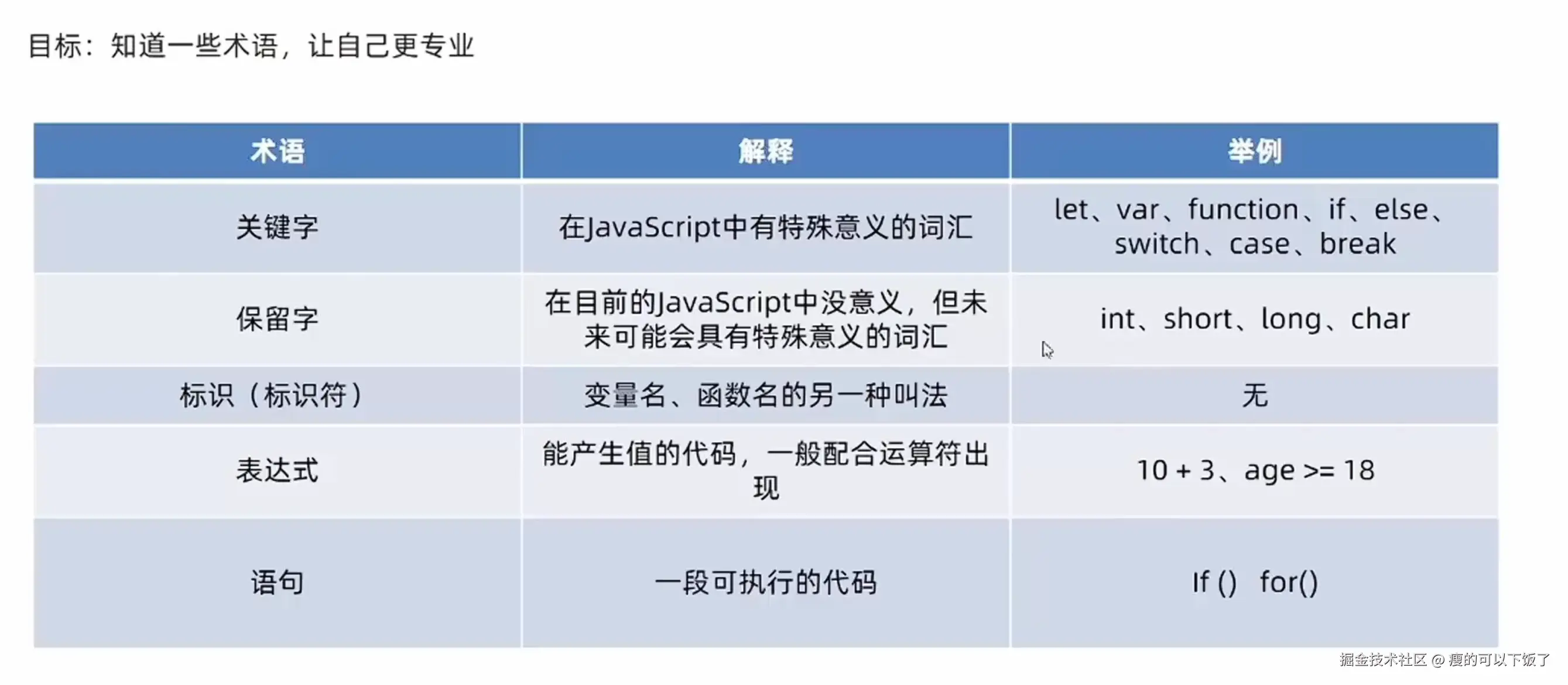
7.术语解释
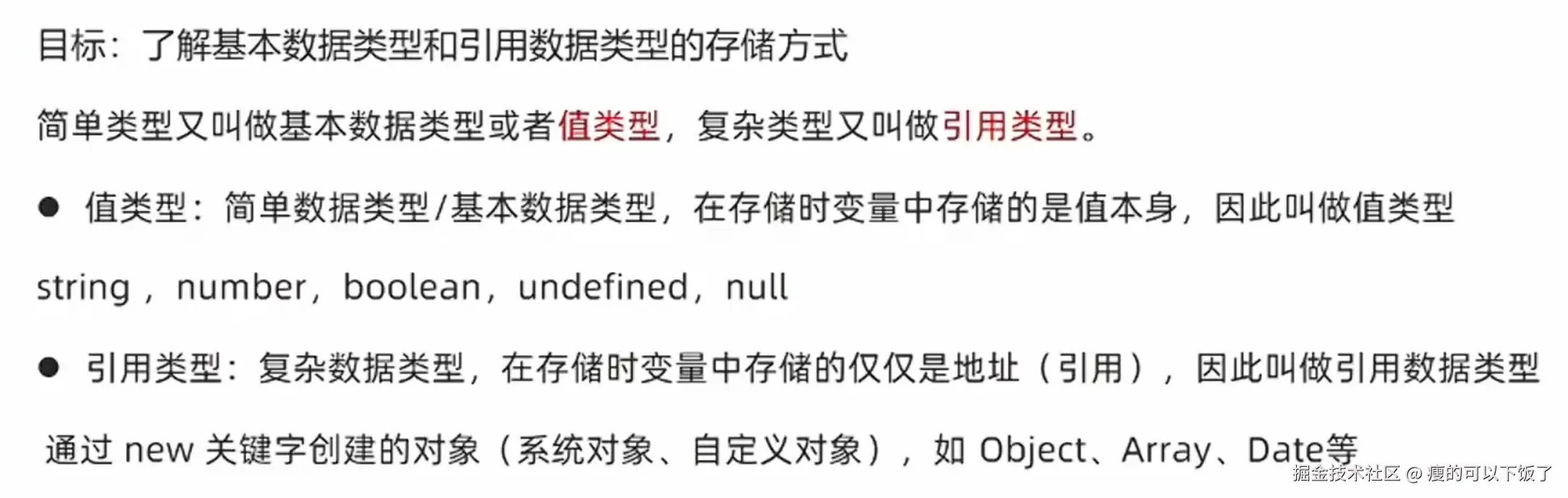
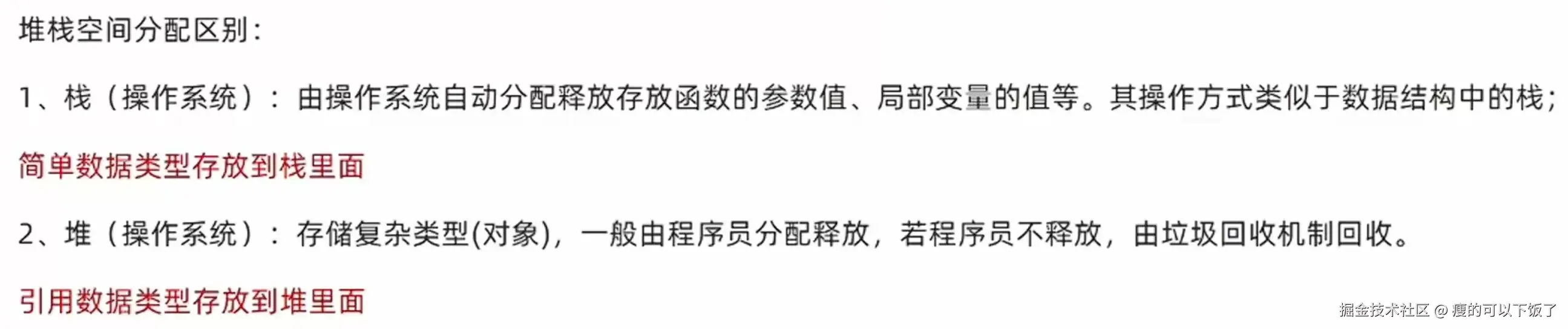
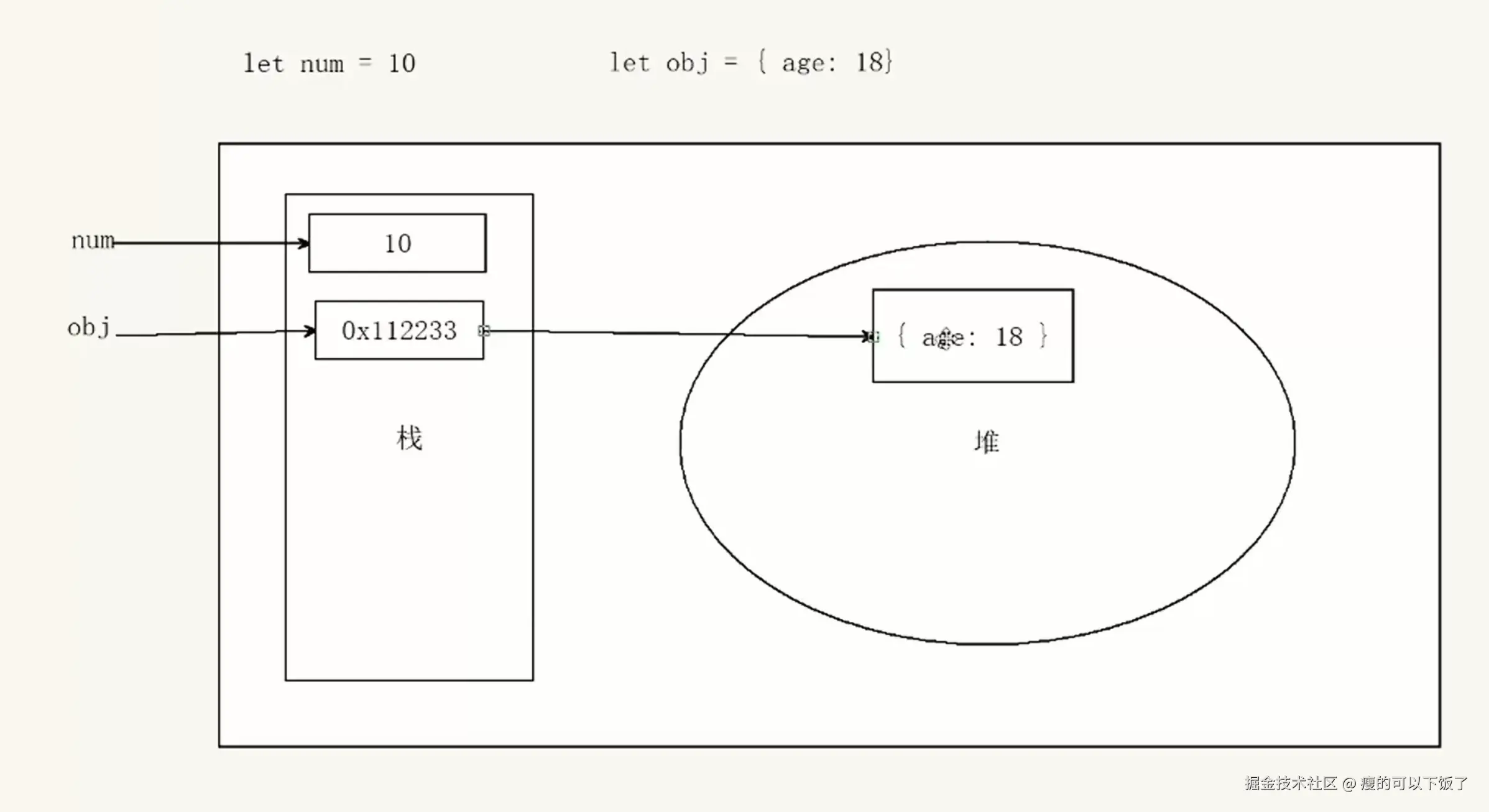
7.1 基本数据类型和引用数据类型