一.代码
<!DOCTYPE html>
<html lang="zh-CN">
<head>
<meta charset="UTF-8">
<meta name="viewport" content="width=device-width, initial-scale=1.0">
<title>旅游签证页面</title>
<style>
* {
margin: 0;
padding: 0;
box-sizing: border-box;
}
.yemian-wrap {
display: flex;
gap: 20px;
padding: 20px;
}
.yemian-card {
width: 350px;
position: relative;
border: 1px solid #eee;
overflow: hidden;
}
.card-img {
width: 100%;
height: 220px;
overflow: hidden;
position: relative;
}
.card-img img {
width: 100%;
height: 100%;
}
.flag-badge {
position: absolute;
top: 12.5px;
left: 10px;
width: 91px;
height: 54px;
}
.flag-badge img {
width: 100%;
height: 100%;
}
.visa-text {
position: absolute;
bottom: 0;
left: 0;
width: 100%;
padding: 10px 15px;
background-color: rgba(95, 93, 92, 0.55);
color: gainsboro;
font-size: 15px;
font-weight: 600;
text-align: center;
}
.card-foot {
padding: 10px 10px;
display: flex;
justify-content: flex-start;
align-items: center;
background-color: #fff;
gap:117px
}
.card-foot-b{
padding: 10px 10px;
display: flex;
justify-content: flex-start;
align-items: center;
background-color: #fff;
gap:100px
}
.price {
color: #e53e3e;
font-size: 19px;
font-weight: bold;
}
.manyidu {
color: #666;
font-size: 14px;
}
</style>
</head>
<body>
<div class="yemian-wrap">
<div class="yemian-card">
<div class="card-img">
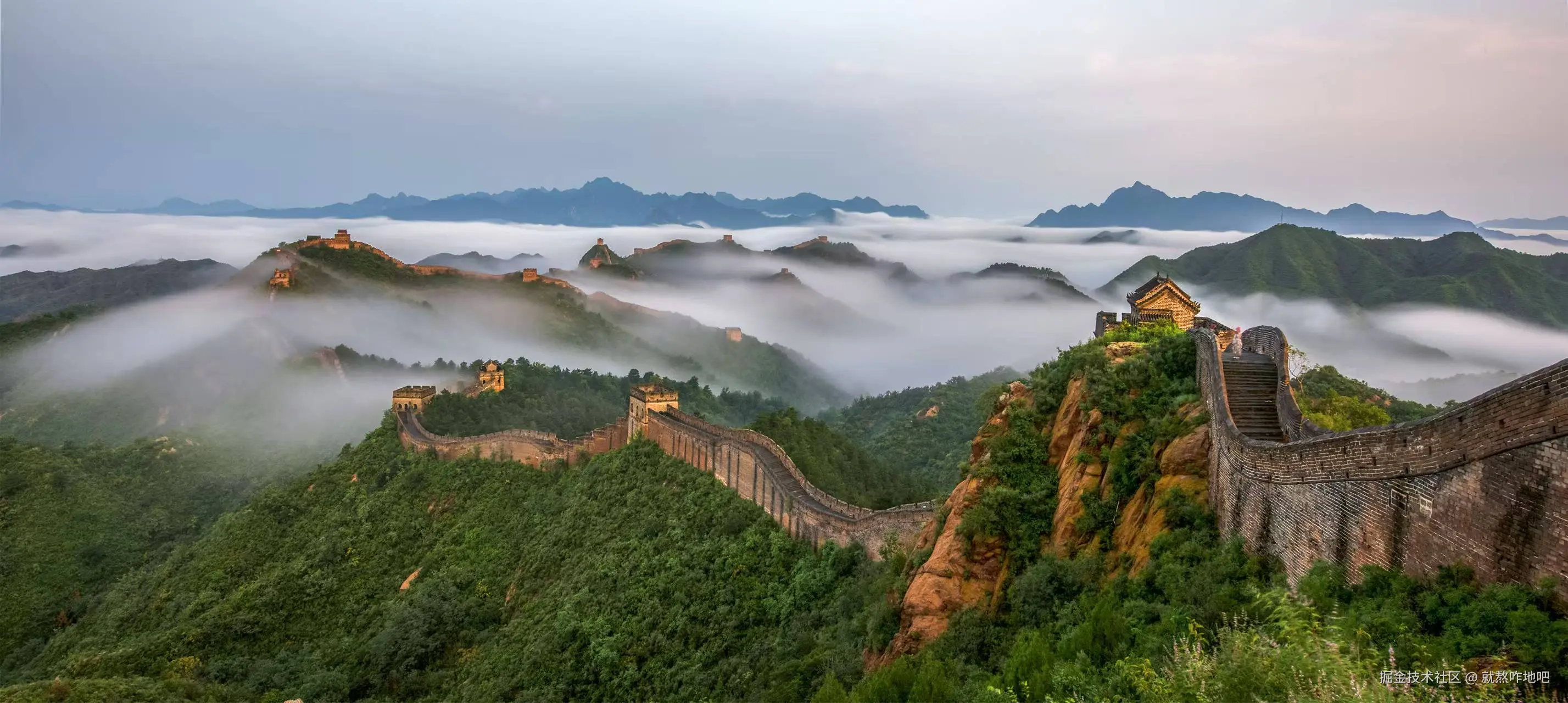
<img src="黑色长城.jpg" alt="黑色长城"/>
<div class="flag-badge">
<img src="椭圆国旗.jpg" alt="椭圆国旗" />
</div>
<div class="visa-text">[武汉送签] <中国个人旅游签证></div>
</div>
<div class="card-foot">
<span style="color: red; font-weight: bold;font-size: 23px;">¥ 879<span style="color:black; font-size: 13px; font-weight: normal;font-size: 15px;">起</span></span>
<span class="manyidu">满意度83%</span>
</div>
</div>
<div class="yemian-card">
<div class="card-img">
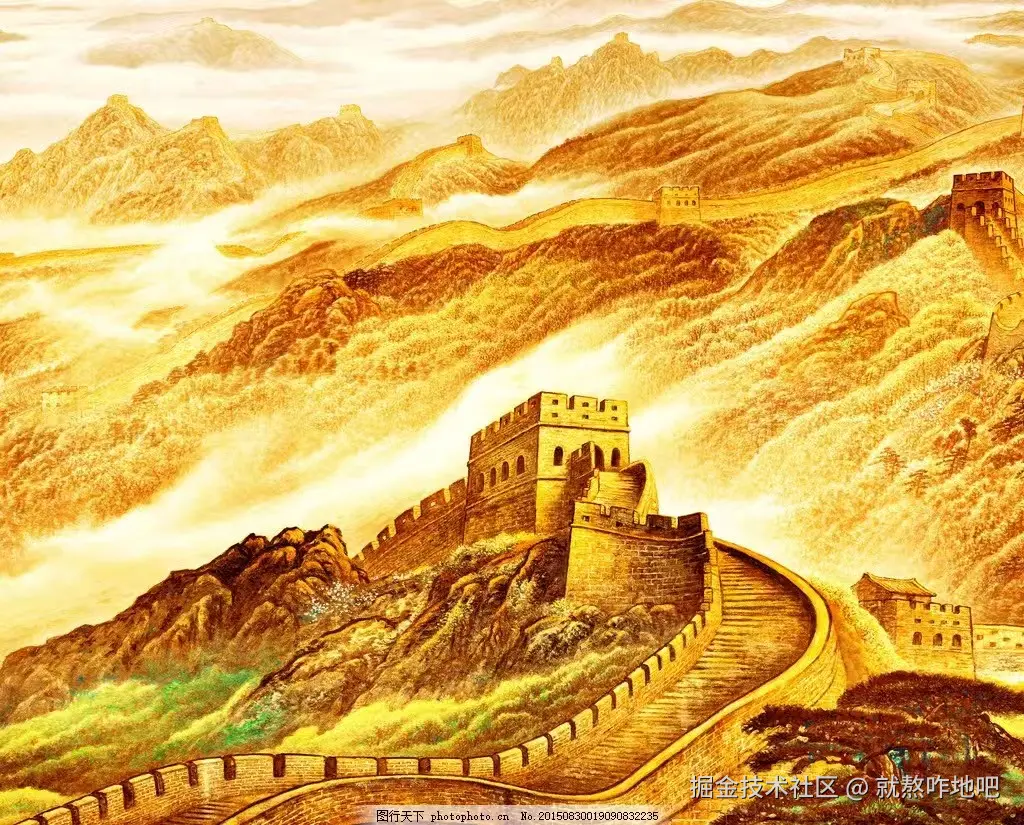
<img src="金色长城.jpg" alt="金色长城" />
<div class="flag-badge">
<img src="国旗.jpg" alt="国旗" />
</div>
<div class="visa-text">[北京送签] <澳大利亚个人旅游签证></div>
</div>
<div class="card-foot-b">
<span style="color: red; font-weight: bold;font-size: 23px;">¥ 1049<span style="color:black; font-size: 13px; font-weight: normal;font-size: 15px;">起</span></span>
<span class="manyidu">满意度91%</span>
</div>
</div>
</div>
</body>
</html>
二.素材:


三. 效果图