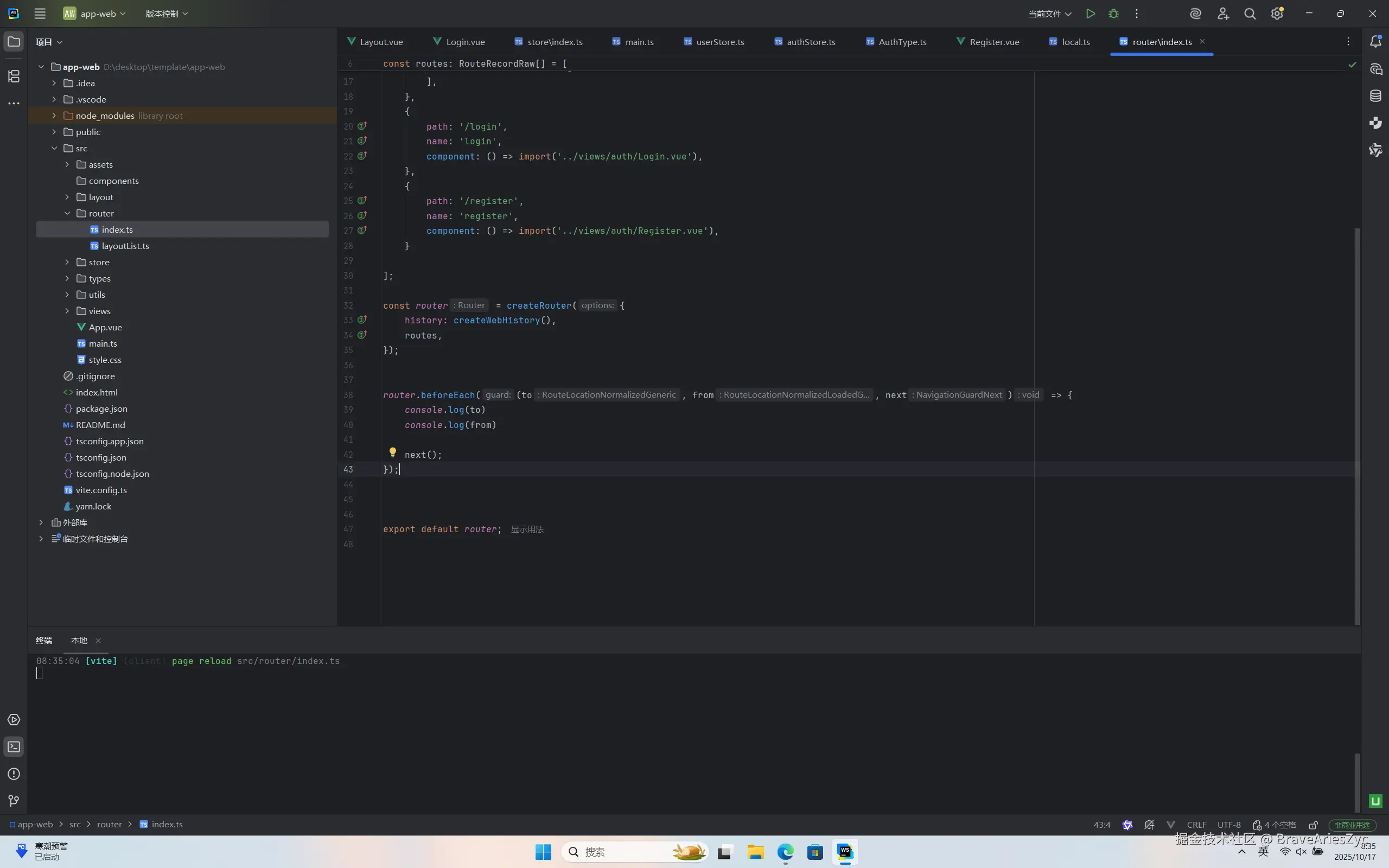
1.router目录 -> index.ts 改造
项目下载链接
https:
因为需要添加守卫所以需要路由的实例 给他赋个值就可以了 然后去写 beforeEach(注: next()必须得调用否则路由无法跳转)
const router = createRouter({
    history: createWebHistory(),
    routes,
});


router.beforeEach((to, from, next) => {
    console.log(to)
    console.log(from)

    next();
});


export default router;
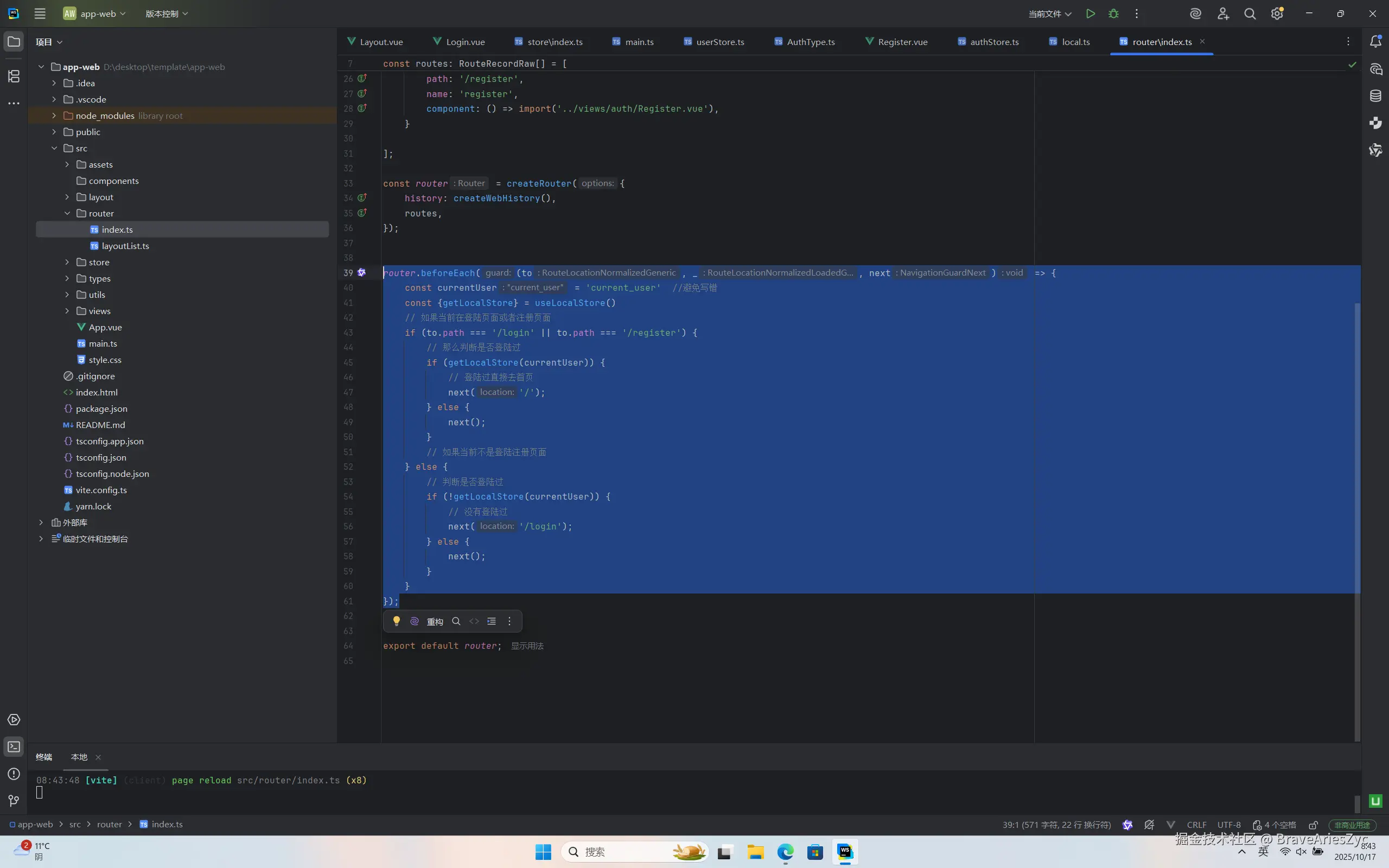
2.获取当前登陆的用户 如果用户登陆了直接让他去首页,如果没有登陆那么就去登陆或者注册
然后启动项目就发现成功实现了未登录无法去到除了登录页和注册页以外的所有页面了
router.beforeEach((to, _, next) => {
const currentUser = 'current_user'
const {getLocalStore} = useLocalStore()
if (to.path === '/login' || to.path === '/register') {
if (getLocalStore(currentUser)) {
next('/');
} else {
next();
}
} else {
if (!getLocalStore(currentUser)) {
next('/login');
} else {
next();
}
}
});