一、背景
二、要点
shell
#!/bin/bash
hostip=$1
response=$(curl -s "http://${hostip}:9200/_cluster/health?pretty")
if echo "$response" | grep -q '"status" : "green"'; then
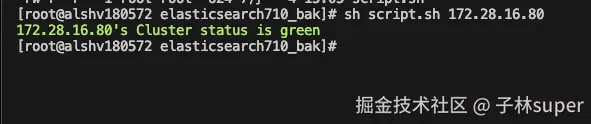
echo -e "\033[32m$hostip's Cluster status is green\033[0m"
elif echo "$response" | grep -q '"status" : "yellow"'; then
echo -e "\033[33m$hostip's Cluster status is yellow\033[0m"
elif echo "$response" | grep -q '"status" : "red"'; then
echo -e "\033[31m$hostip's Cluster status is red\033[0m"
else
echo "Unknown cluster status"
fi
执行方式
sh script.sh 172.28.16.80