1.安装gh
(base) fk@fk:~/workspace/github/spring-ai-alibaba-simple$ sudo apt  install gh
[sudo] fk 的密码:
对不起,请重试。
[sudo] fk 的密码:
对不起,请重试。
[sudo] fk 的密码:
正在读取软件包列表... 完成
正在分析软件包的依赖关系树... 完成
正在读取状态信息... 完成
下列【新】软件包将被安装:
  gh
升级了 0 个软件包,新安装了 1 个软件包,要卸载 0 个软件包,有 0 个软件包未被升级。
需要下载 6,242 kB 的归档。
解压缩后会消耗 33.7 MB 的额外空间。
获取:1 http://mirrors.aliyun.com/ubuntu jammy/universe amd64 gh amd64 2.4.0+dfsg1-2 [6,242 kB]
已下载 6,242 kB,耗时 3秒 (1,899 kB/s)
正在选中未选择的软件包 gh。
(正在读取数据库 ... 系统当前共安装有 269357 个文件和目录。)
准备解压 .../gh_2.4.0+dfsg1-2_amd64.deb  ...
正在解压 gh (2.4.0+dfsg1-2) ...
正在设置 gh (2.4.0+dfsg1-2) ...
正在处理用于 man-db (2.10.2-1) 的触发器 ...
2.网页授权认证
1. 运行以下命令授权
gh auth login
? What account do you want to log into? GitHub.com
? What is your preferred protocol for Git operations? HTTPS
? Authenticate Git with your GitHub credentials? Yes
? How would you like to authenticate GitHub CLI? Login with a web browser

! First copy your one-time code: **77A9-F913**
- Press Enter to open github.com in your browser...
正在现有的浏览器会话中打开。
✓ Authentication complete. Press Enter to continue...

- gh config set -h github.com git_protocol https
✓ Configured git protocol
✓ Logged in as kunge2013
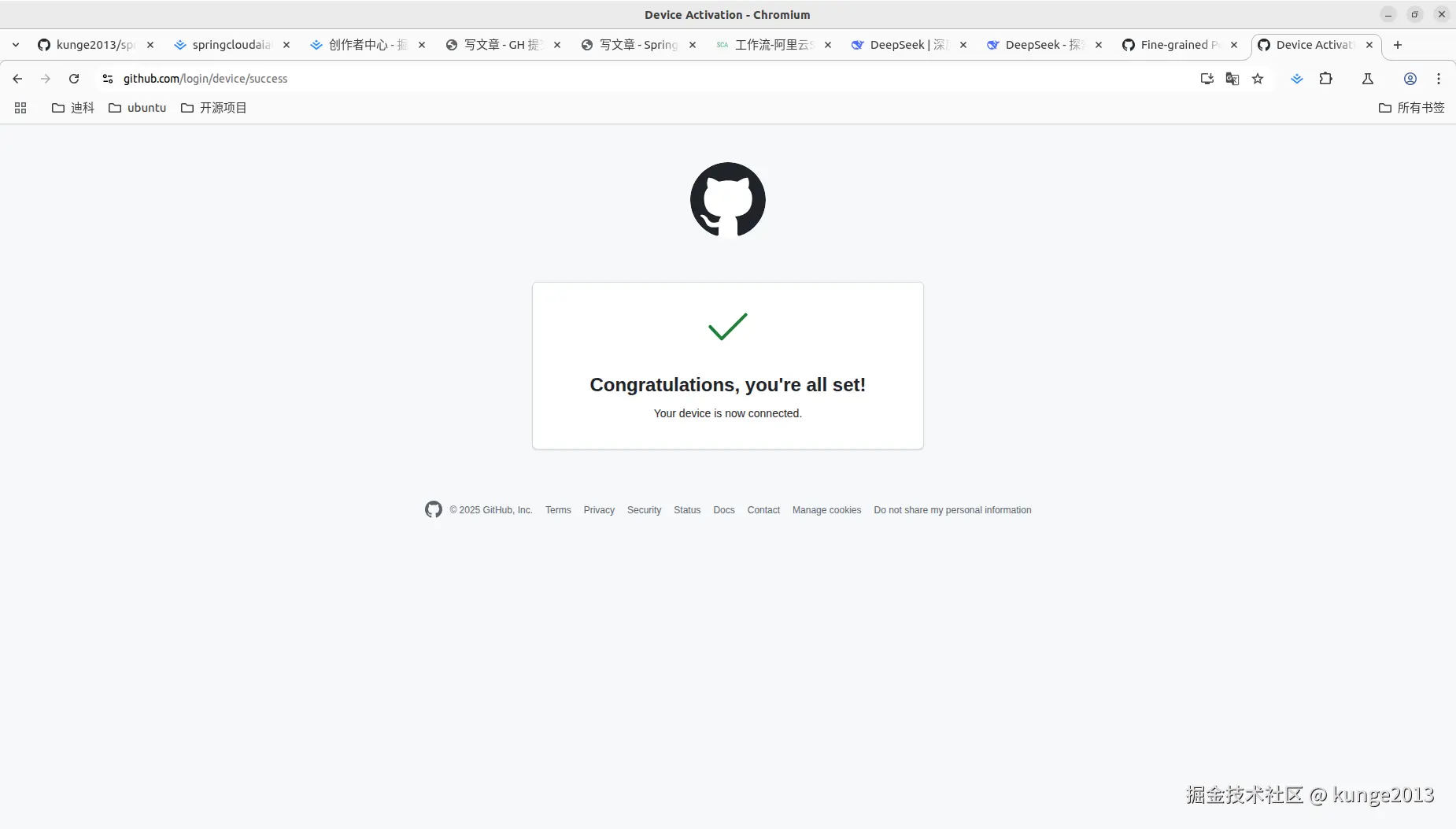
2. 复制验证码" 77A9-F913 ",确认打开浏览器 ,并输入验证码,进行授权认证
3.提交项目
(base) fk@fk:~/workspace/github/spring-ai-alibaba-simple$ git push
枚举对象中: 1910, 完成.
对象计数中: 100% (1910/1910), 完成.
使用 8 个线程进行压缩
压缩对象中: 100% (1283/1283), 完成.
写入对象中: 100% (1908/1908), 138.94 MiB | 1.43 MiB/s, 完成.
总共 1908(差异 299),复用 0(差异 0),包复用 0
remote: Resolving deltas: 100% (299/299), done.
remote: warning: See https://gh.io/lfs for more information.
remote: warning: File spring-ai-alibaba-observability-example/observability-arms-example/src/javaagent/AliyunJavaAgent/aliyun-java-agent.jar is 62.92 MB; this is larger than GitHub's recommended maximum file size of 50.00 MB
remote: warning: GH001: Large files detected. You may want to try Git Large File Storage - https://git-lfs.github.com.
To https://github.com/kunge2013/spring-ai-alibaba-simple.git
   f493a36..55f7c95  main -> main
(base) fk@fk:~/workspace/github/spring-ai-alibaba-simple$
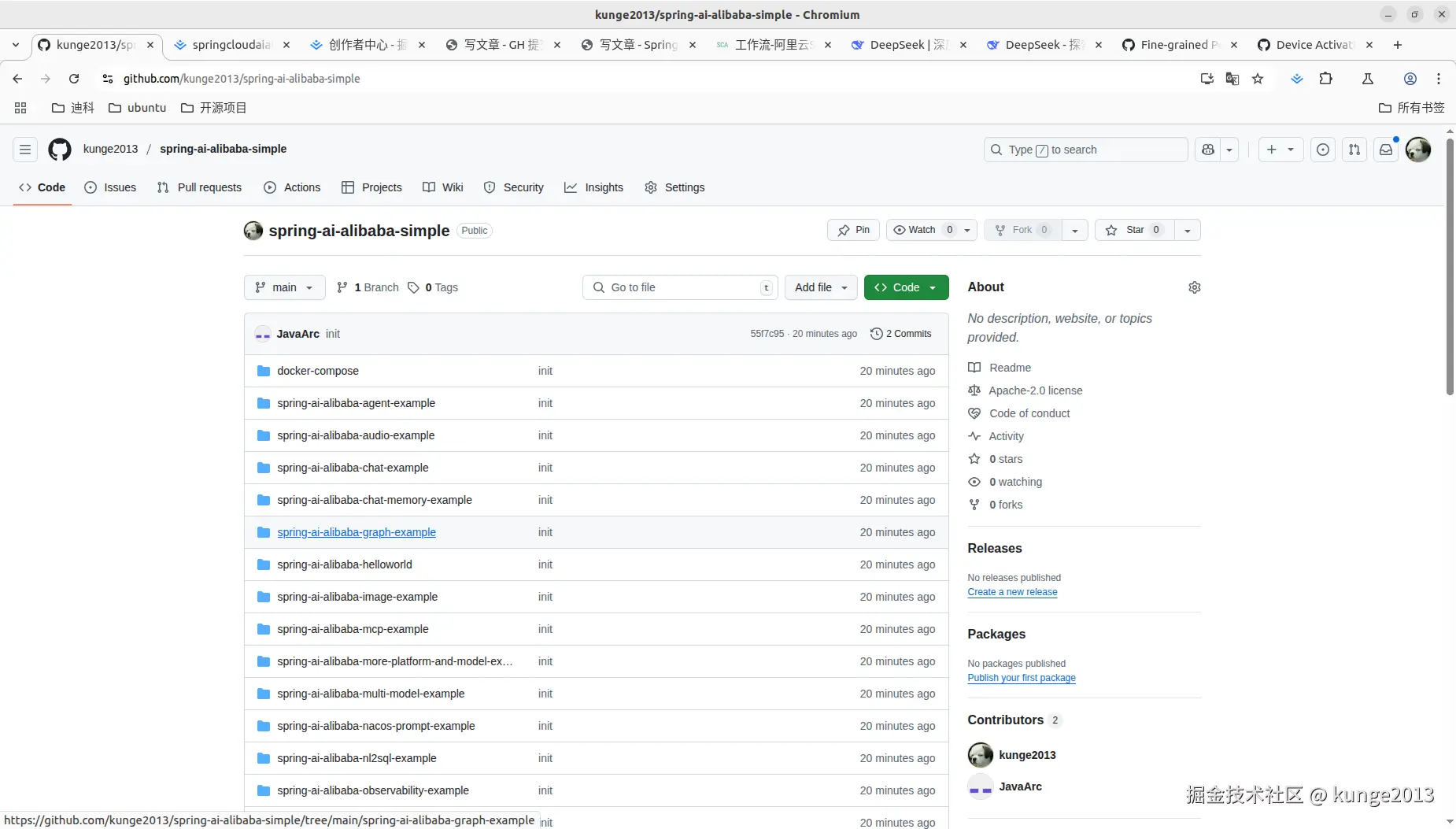
提交结果