动态库
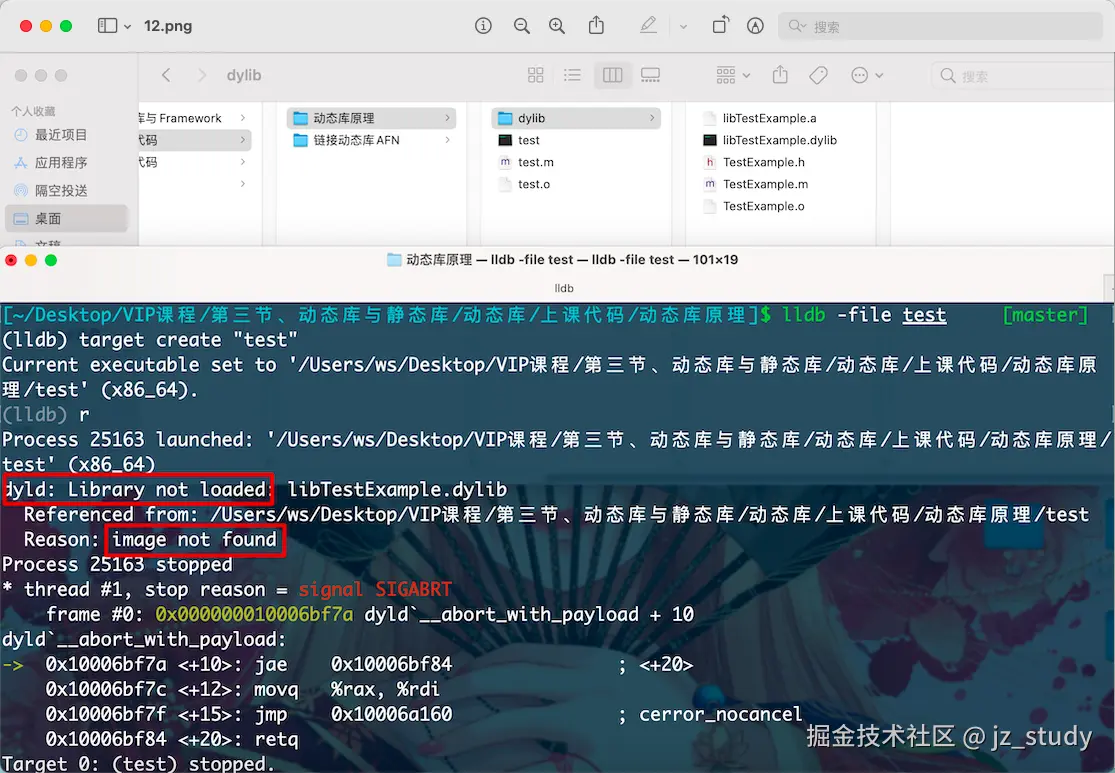
- 加载原理->dyld image not found 路径
- 实际开发。动态库与静态库的链接场景:
i. 静静
ii. 静动
iii. 动静
IV. 动动
V. weak library hidden library need library
export library reexport library
- xcframework\tdb
- 优化->编译优化 + link优化
- swift静态库 + 合并问题 + oc+swift映射 (宏 + 特殊的文件)
动态库原理


链接动态库AFN
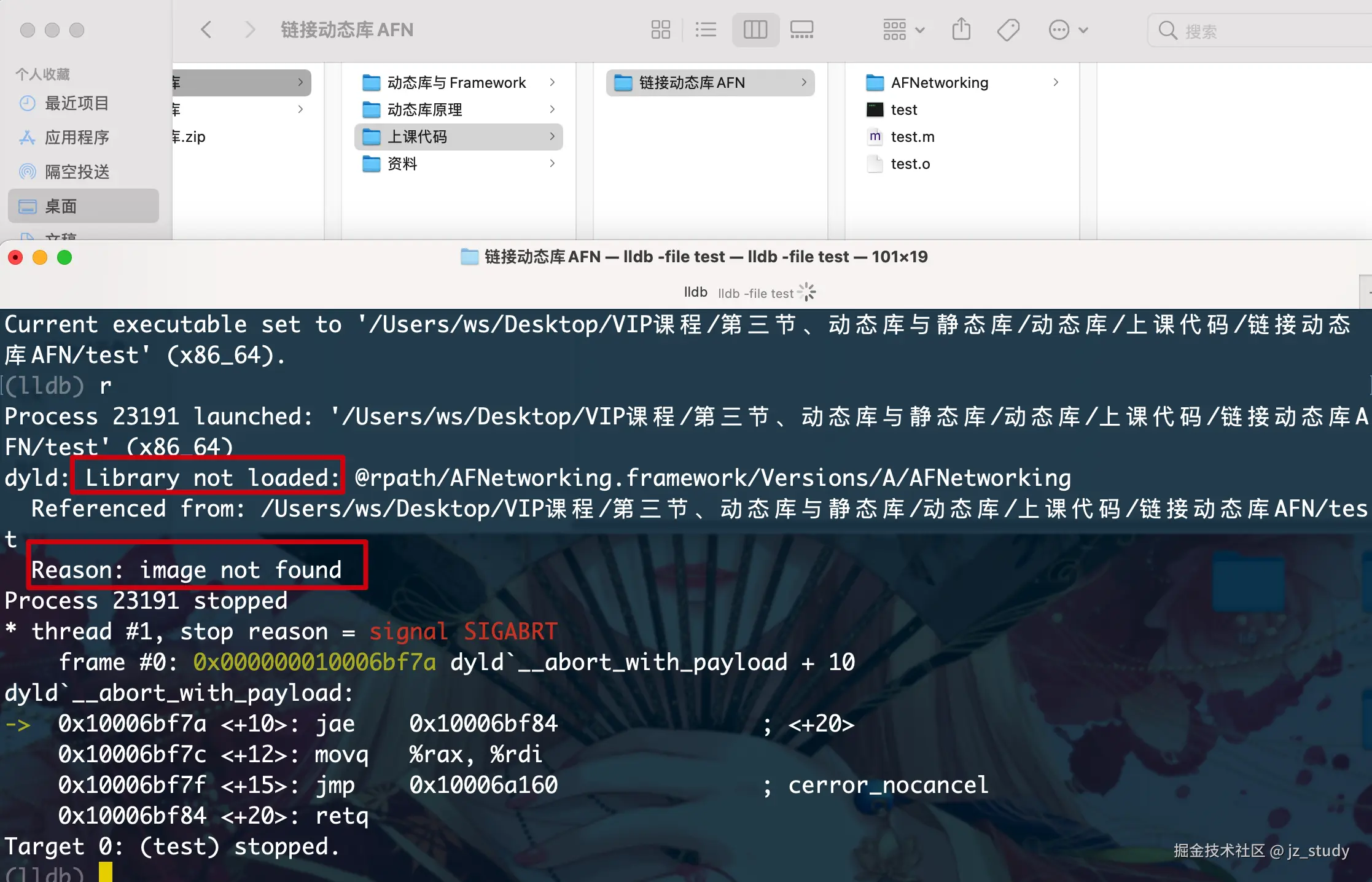
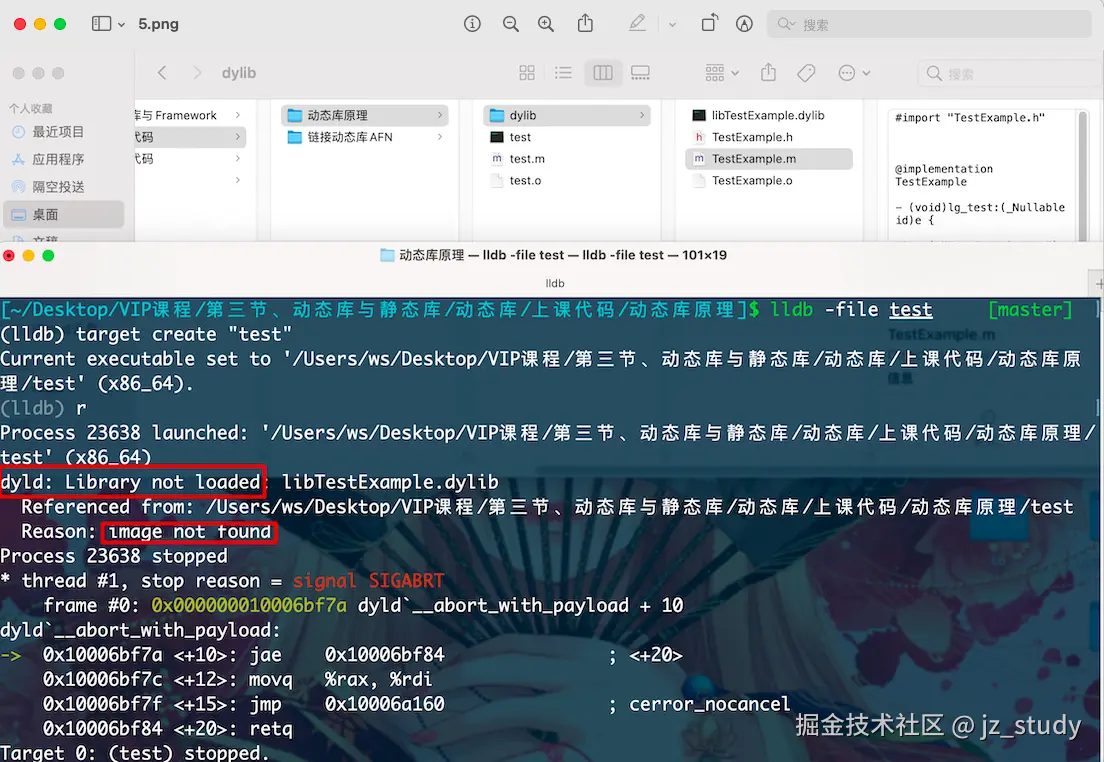
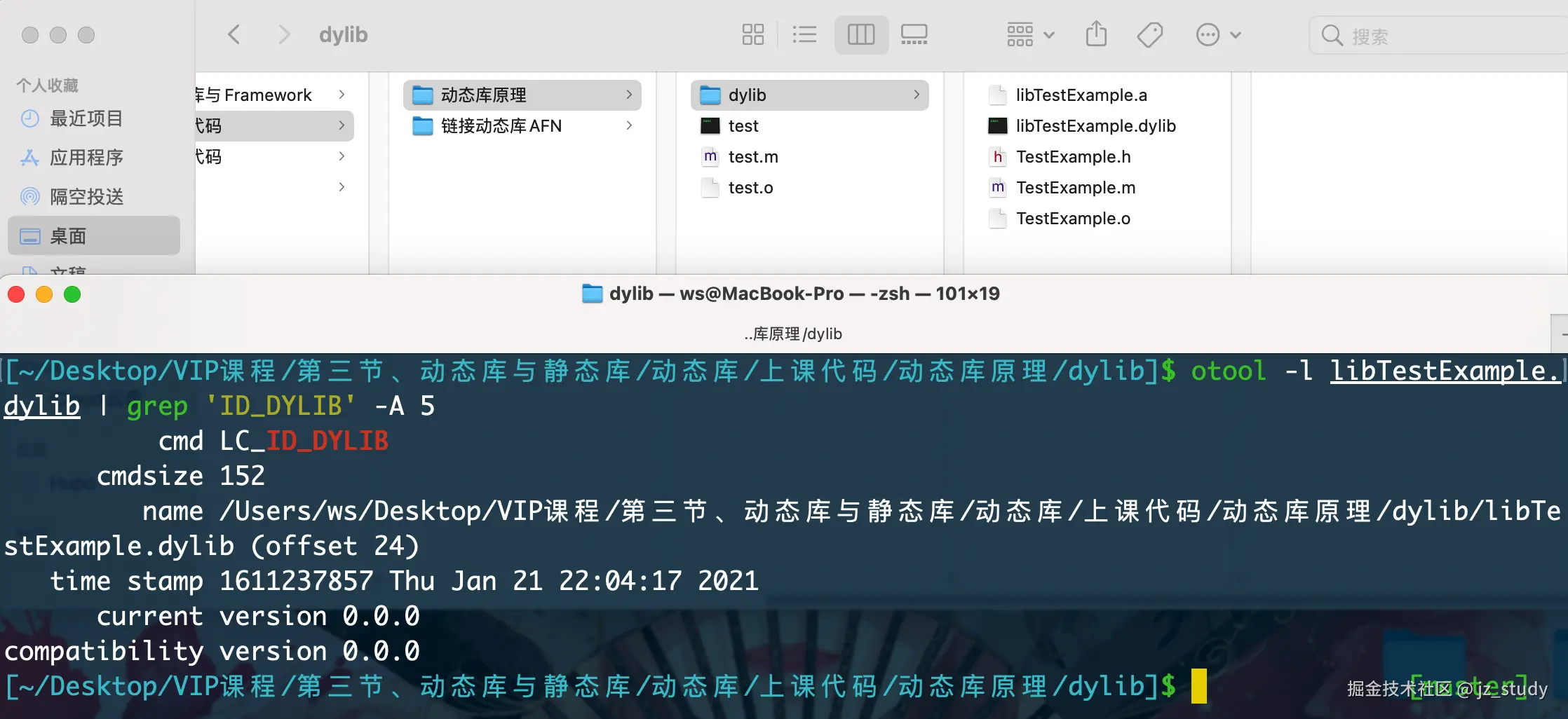
install_name
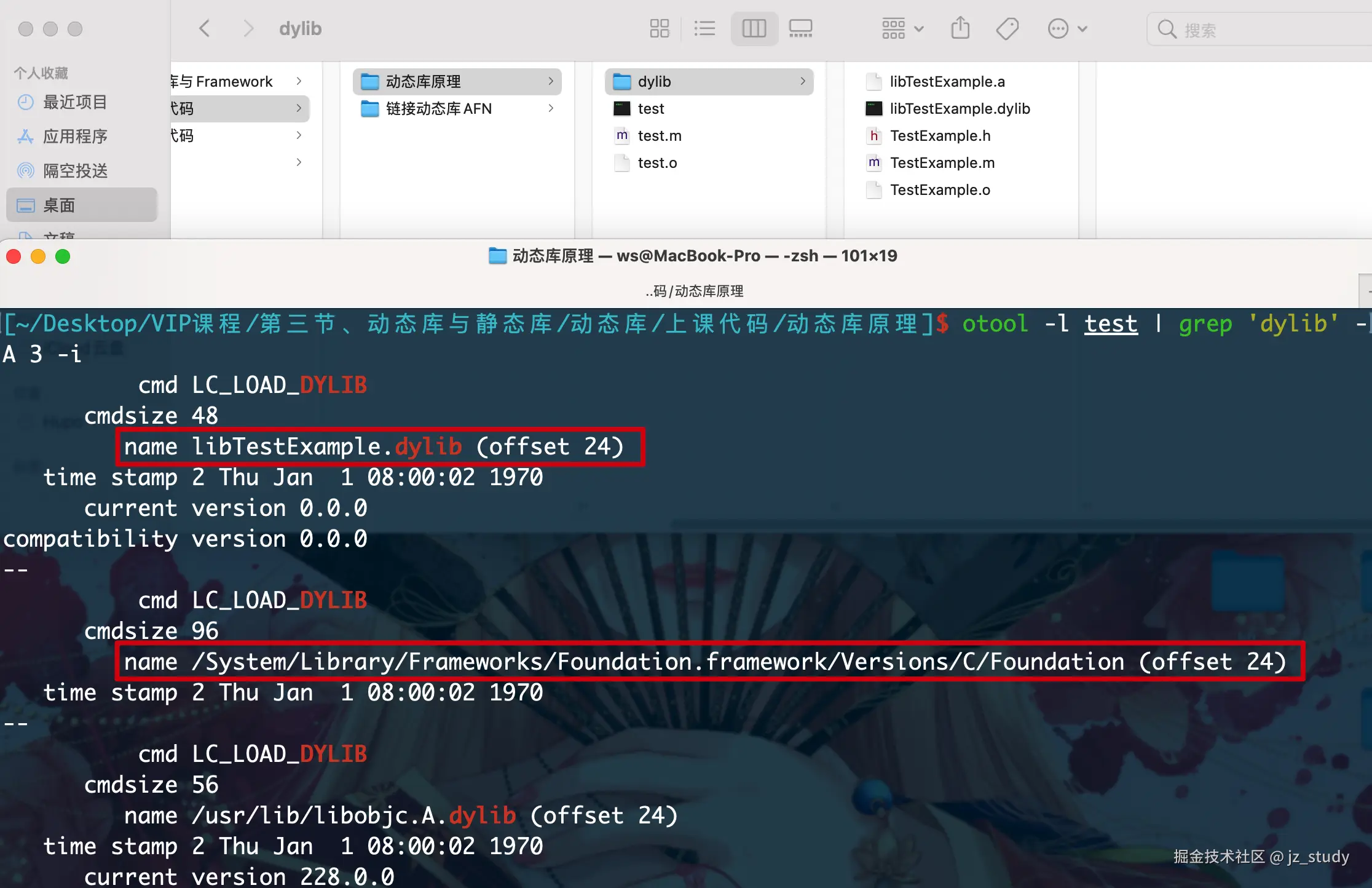
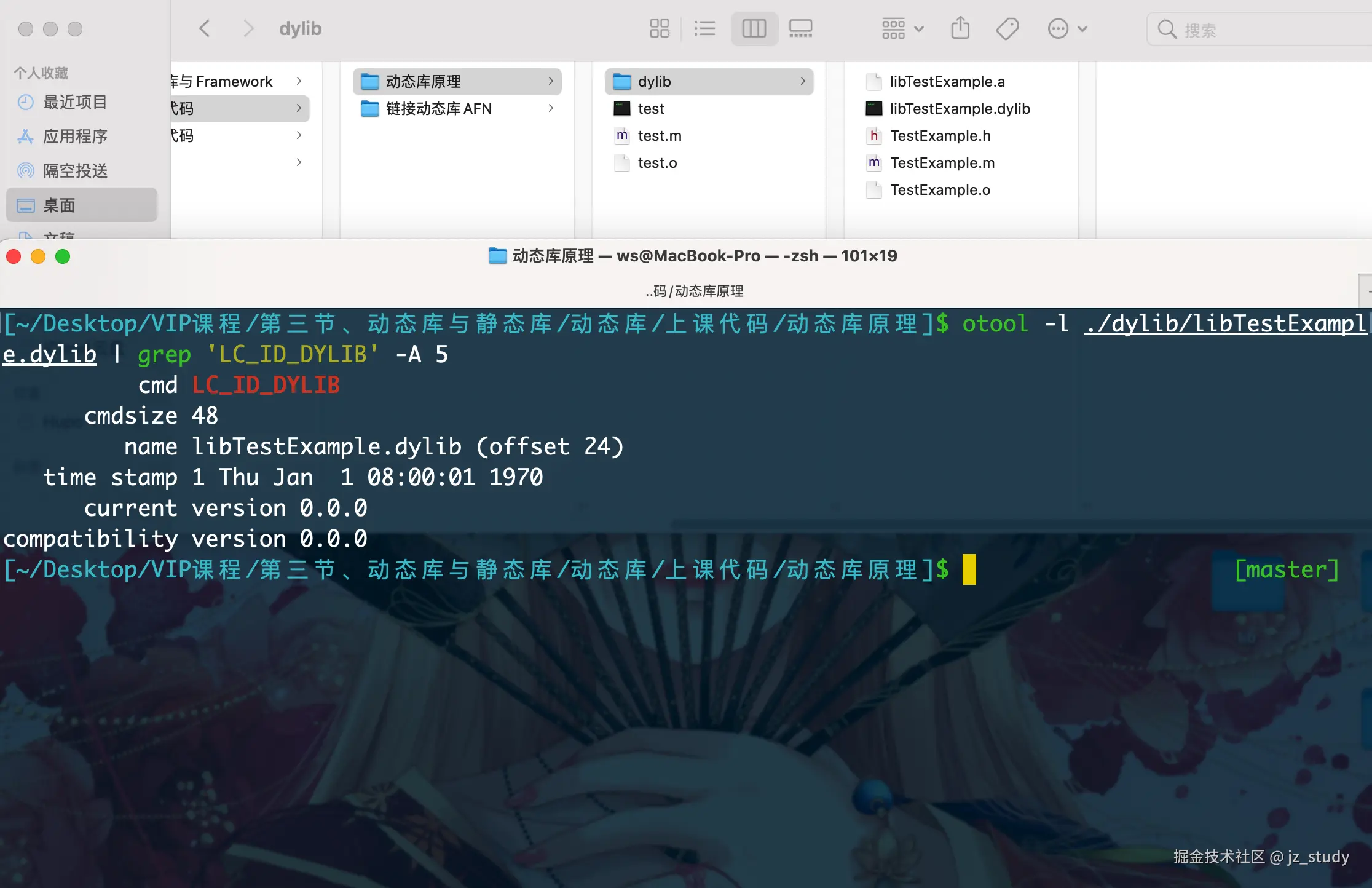
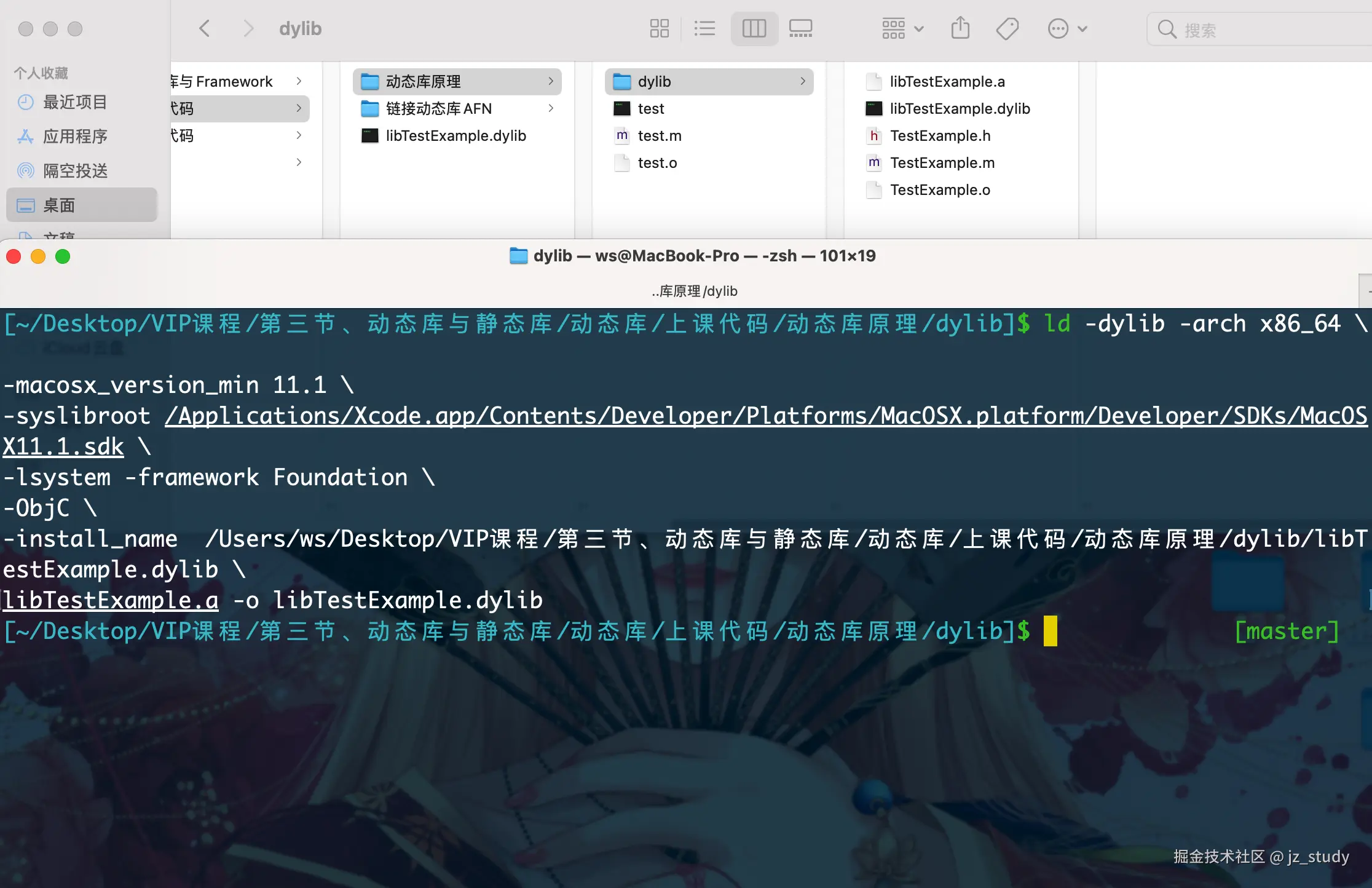


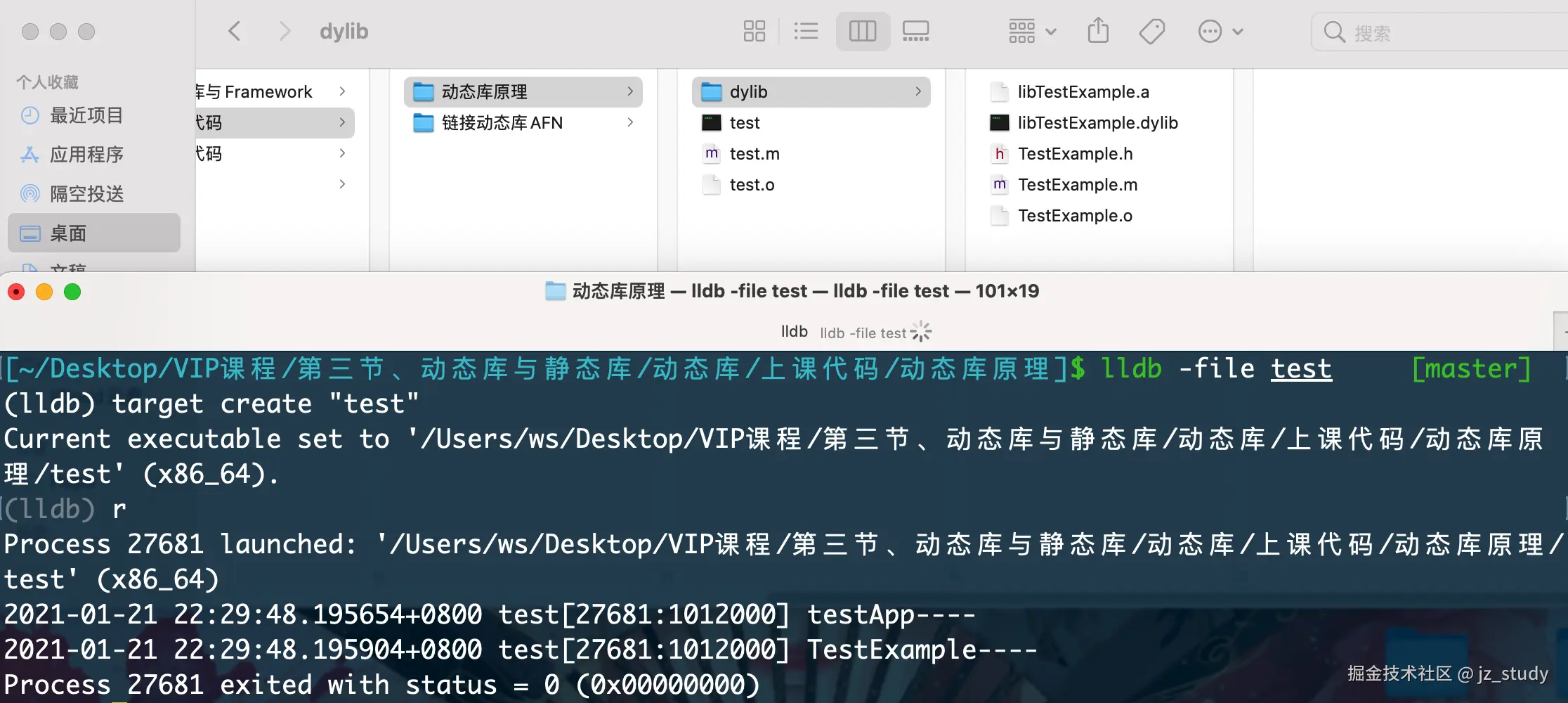
命令详解
/**
 clang命令参数:
     -x: 指定编译文件语言类型
     -g: 生成调试信息
     -c: 生成目标文件,只运行preprocess,compile,assemble,不链接
     -o: 输出文件
     -isysroot: 使用的SDK路径
     1. -I<directory> 在指定目录寻找头文件 header search path
     2. -L<dir> 指定库文件路径(.a\.dylib库文件) library search path
     3. -l<library_name> 指定链接的库文件名称(.a\.dylib库文件)other link flags -lAFNetworking
     -F<directory> 在指定目录寻找framework framework search path
     -framework <framework_name> 指定链接的framework名称 other link flags -framework AFNetworking
 */

/**
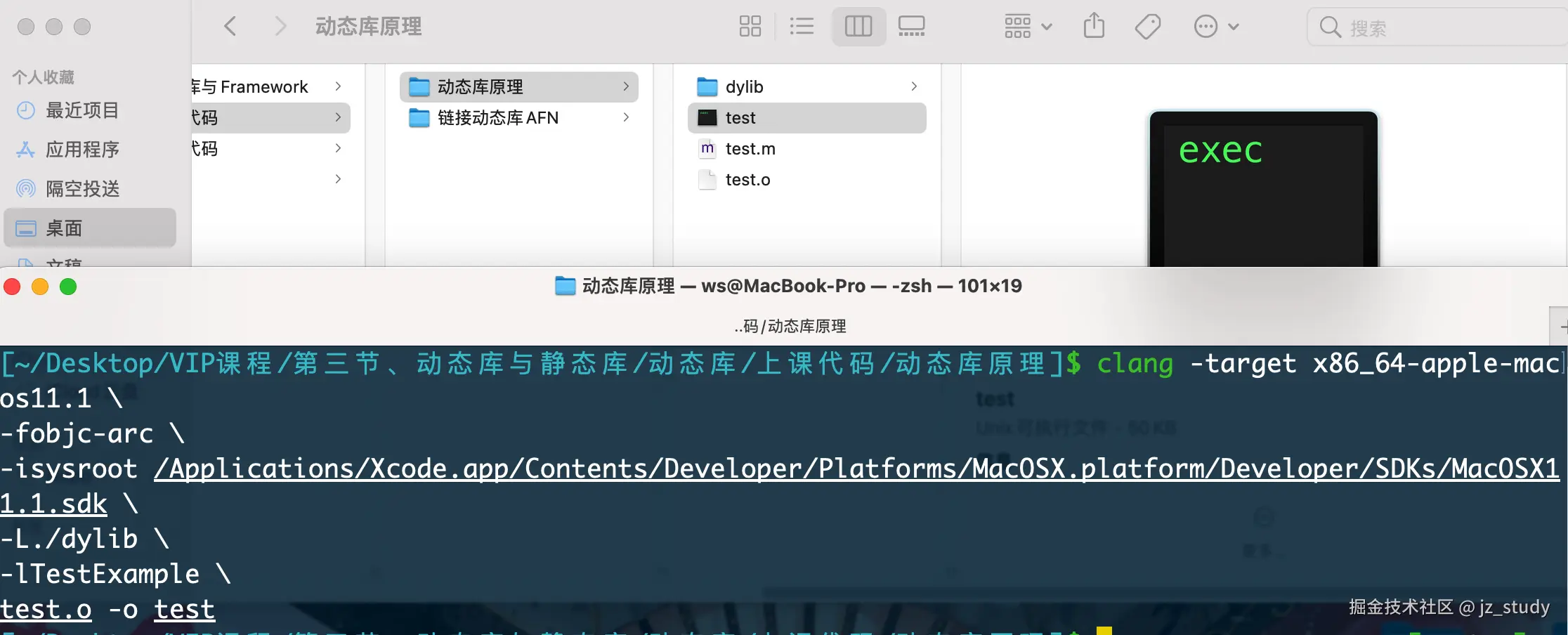
    将test.m编译成test.o:
    1. 使用OC
    2. 生成的是X86_64_macOS架构的代码
        Big Sur是:x86_64-apple-macos11.1,之前是:x86_64-apple-macos10.15
    3. 使用ARC
    4. 使用的SDK的路径在:
        Big Sur是:/Applications/Xcode.app/Contents/Developer/Platforms/MacOSX.platform/Developer/SDKs/MacOSX11.1.sdk
        之前是:/Applications/Xcode.app/Contents/Developer/Platforms/MacOSX.platform/Developer/SDKs/MacOSX10.15.sdk
    5. 用到的其他库的头文件地址在./Frameworks
 */
clang -target x86_64-apple-macos11.1 \
-fobjc-arc \
-isysroot $SYSROOT \
-Xlinker -dead_strip \
-Xlinker -why_live -Xlinker _global_function \
${FILE_NAME}.o ./StaticLibrary/TestExample.o -o ${FILE_NAME}
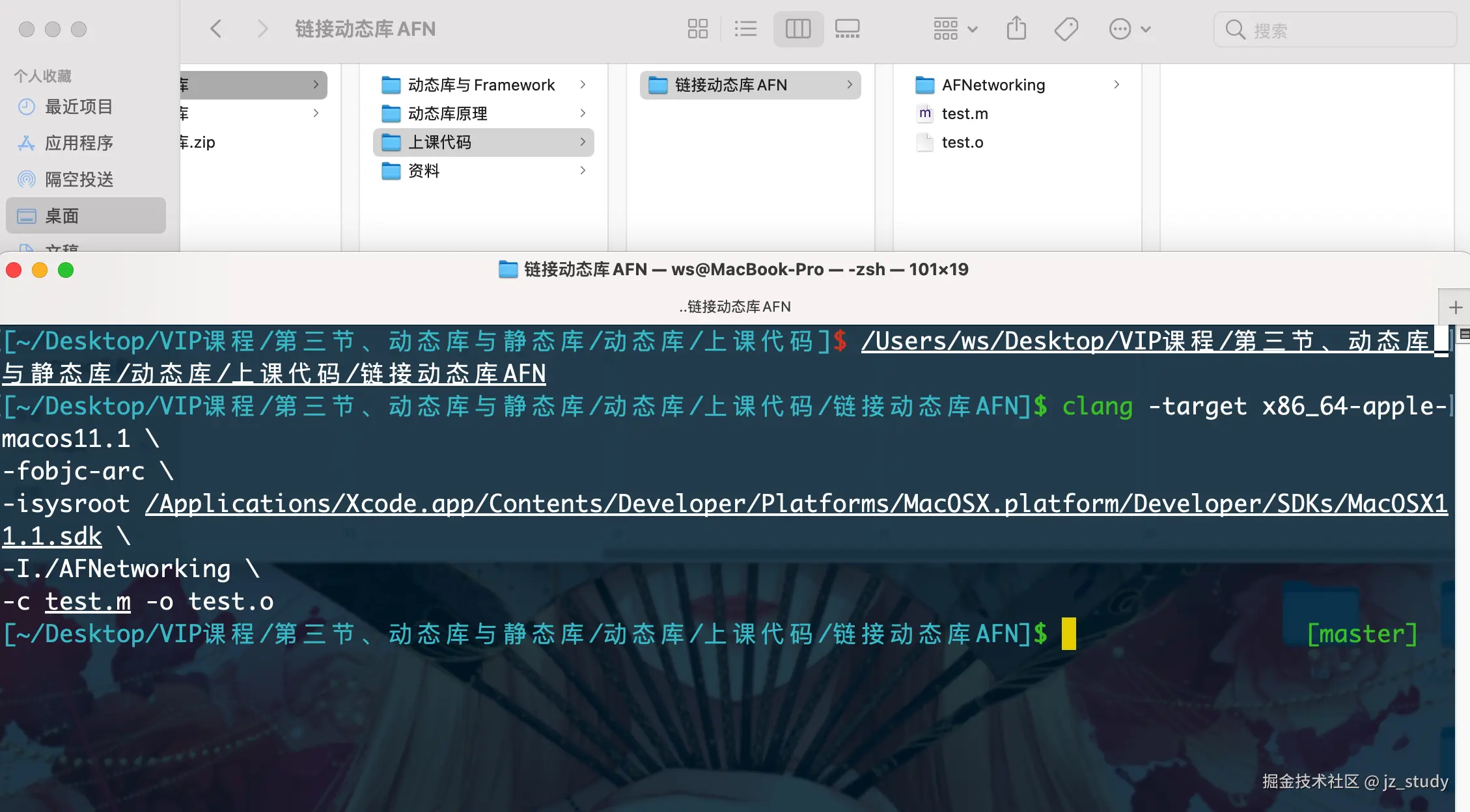
#param mark 链接AFNetworking动态库
clang -target x86_64-apple-macos11.1 \
-fobjc-arc \
-isysroot /Applications/Xcode.app/Contents/Developer/Platforms/MacOSX.platform/Developer/SDKs/MacOSX11.1.sdk \
-I./AFNetworking \
-c test.m -o test.o

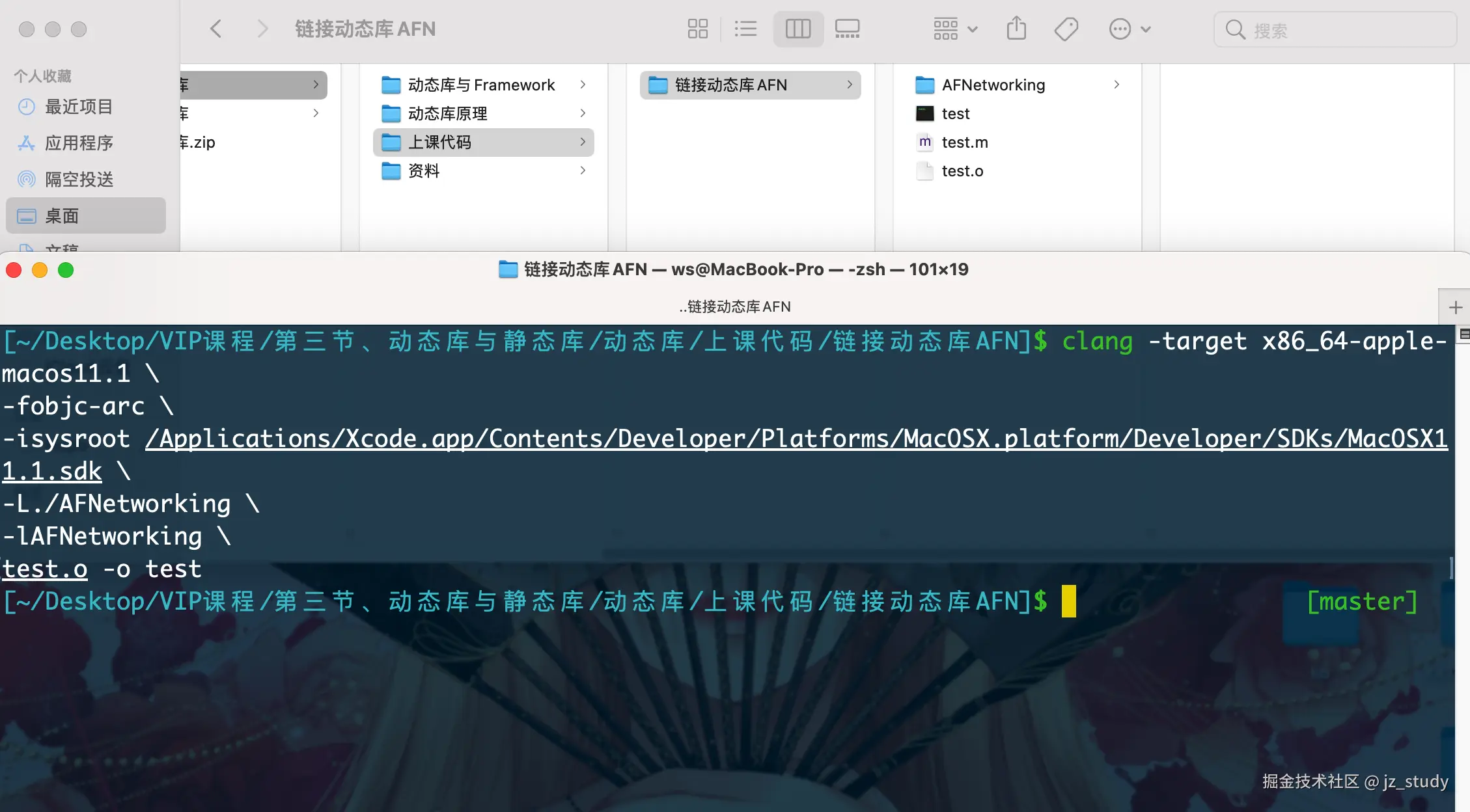
clang -target x86_64-apple-macos11.1 \
-fobjc-arc \
-isysroot /Applications/Xcode.app/Contents/Developer/Platforms/MacOSX.platform/Developer/SDKs/MacOSX11.1.sdk \
-L./AFNetworking \
-lAFNetworking \
test.o -o test

#param mark 动态库原理

clang -target x86_64-apple-macos11.1 \
-fobjc-arc \
-isysroot /Applications/Xcode.app/Contents/Developer/Platforms/MacOSX.platform/Developer/SDKs/MacOSX11.1.sdk \
-I./dylib \
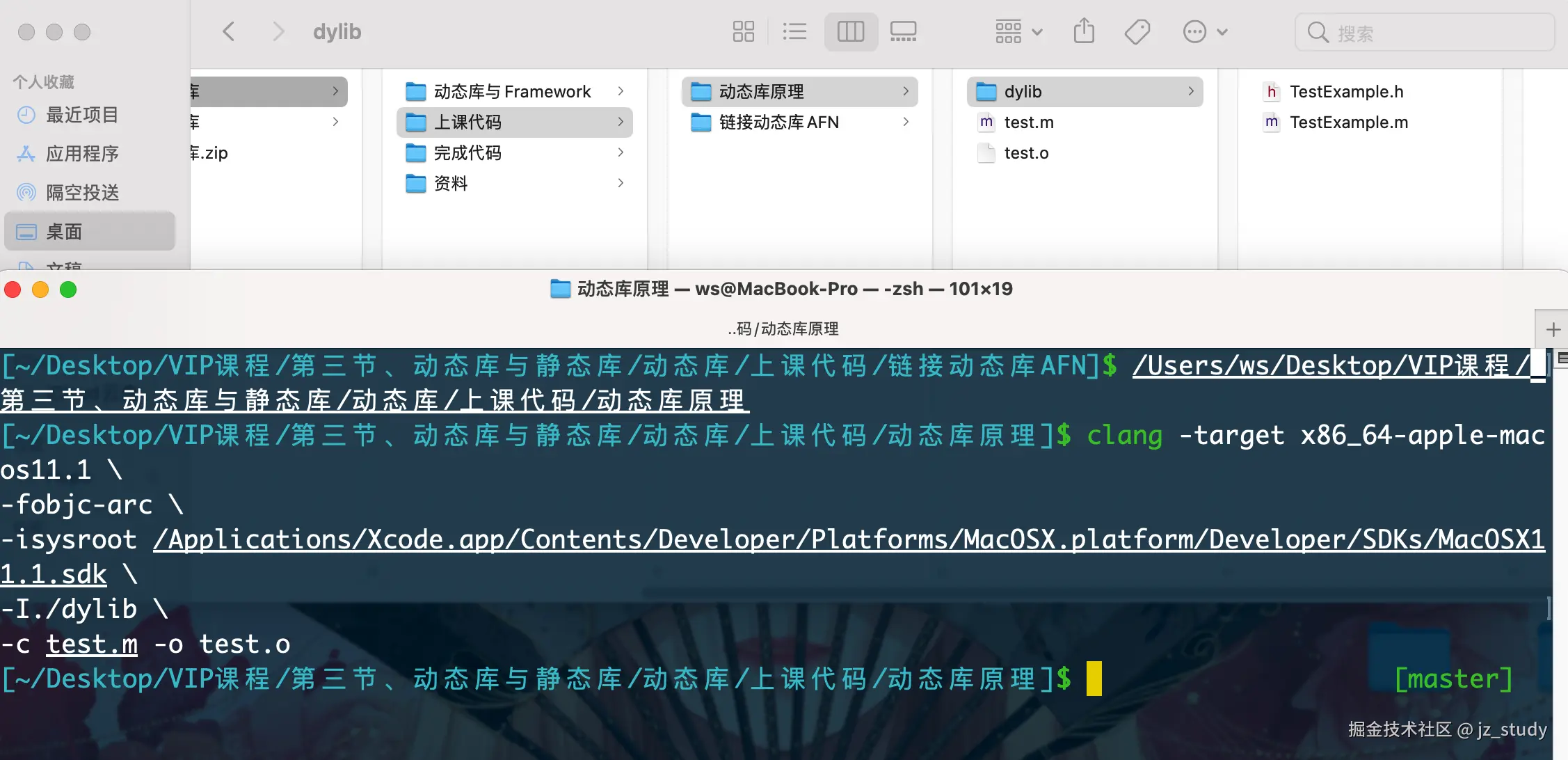
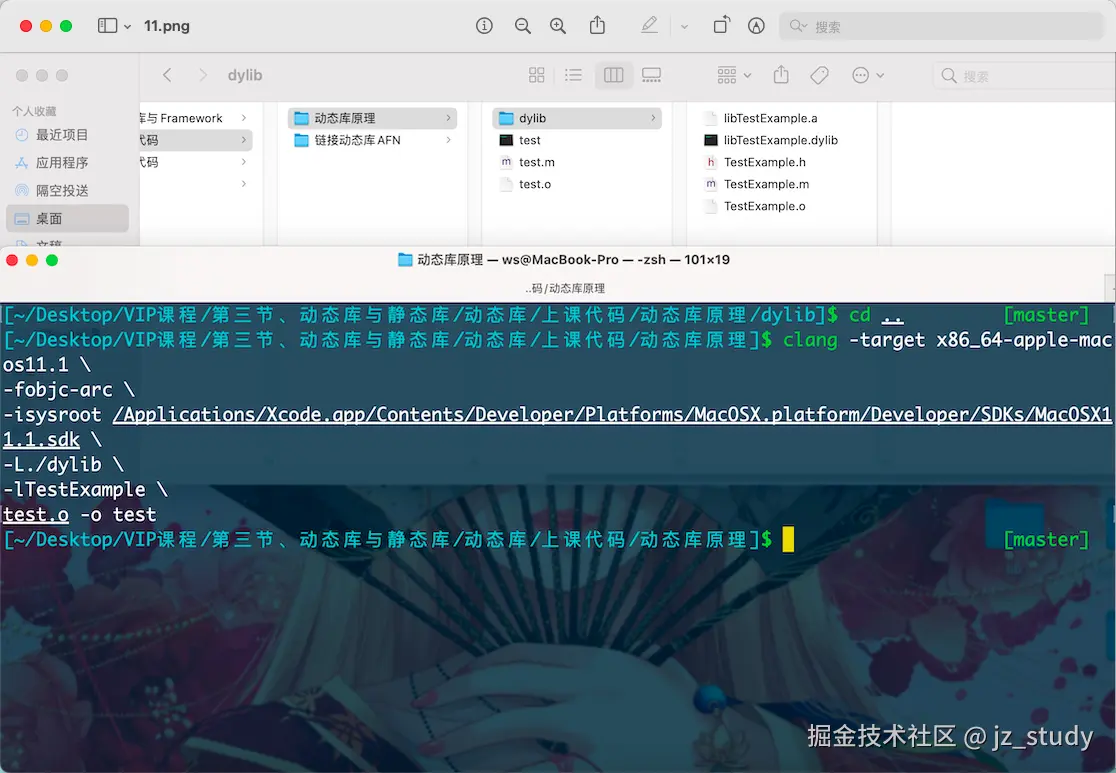
-c test.m -o test.o

clang -target x86_64-apple-macos11.1 \
-fobjc-arc \
-isysroot /Applications/Xcode.app/Contents/Developer/Platforms/MacOSX.platform/Developer/SDKs/MacOSX11.1.sdk \
-c TestExample.m -o TestExample.o

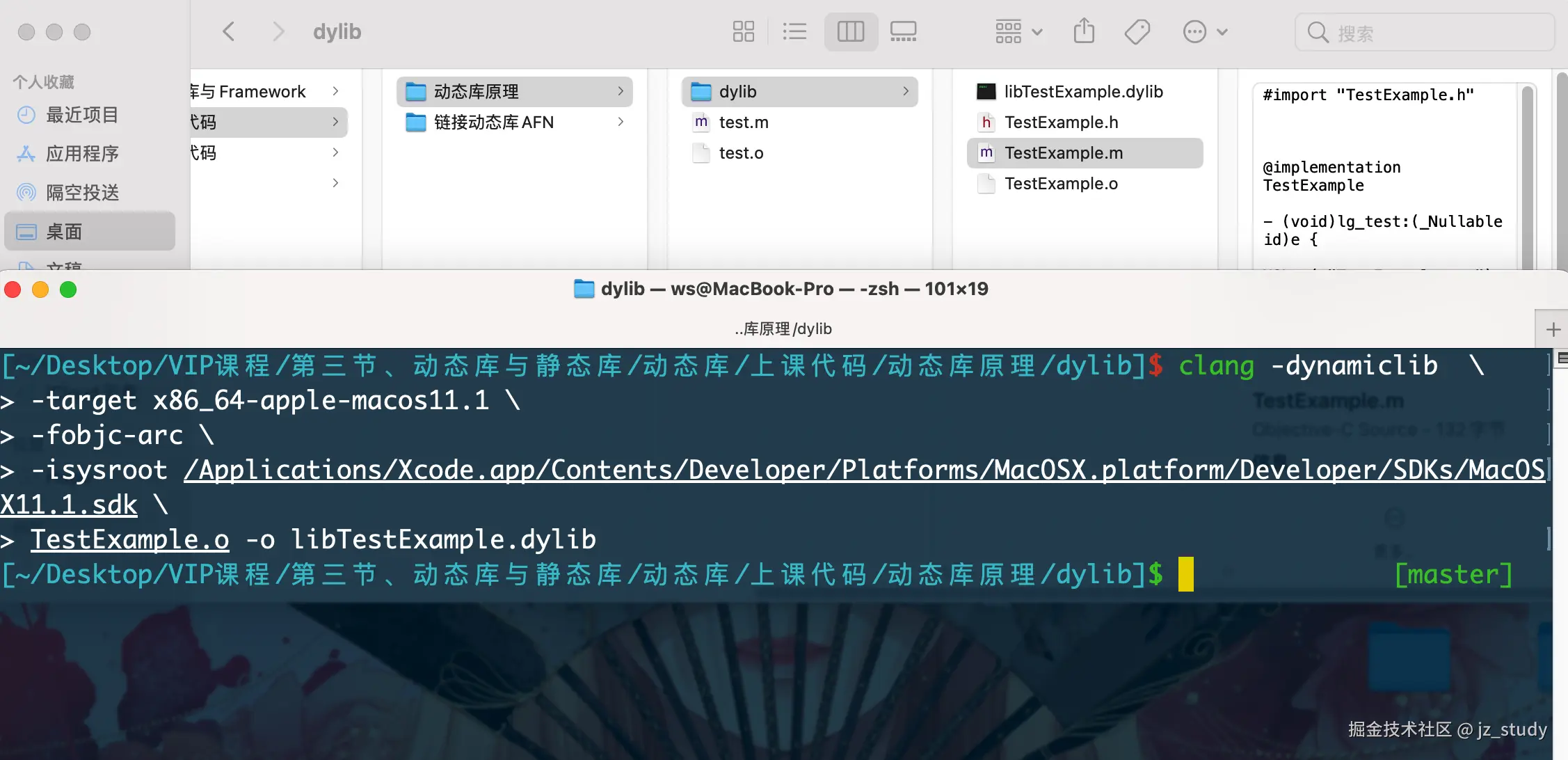
clang -dynamiclib  \
-target x86_64-apple-macos11.1 \
-fobjc-arc \
-isysroot /Applications/Xcode.app/Contents/Developer/Platforms/MacOSX.platform/Developer/SDKs/MacOSX11.1.sdk \
TestExample.o -o libTestExample.dylib

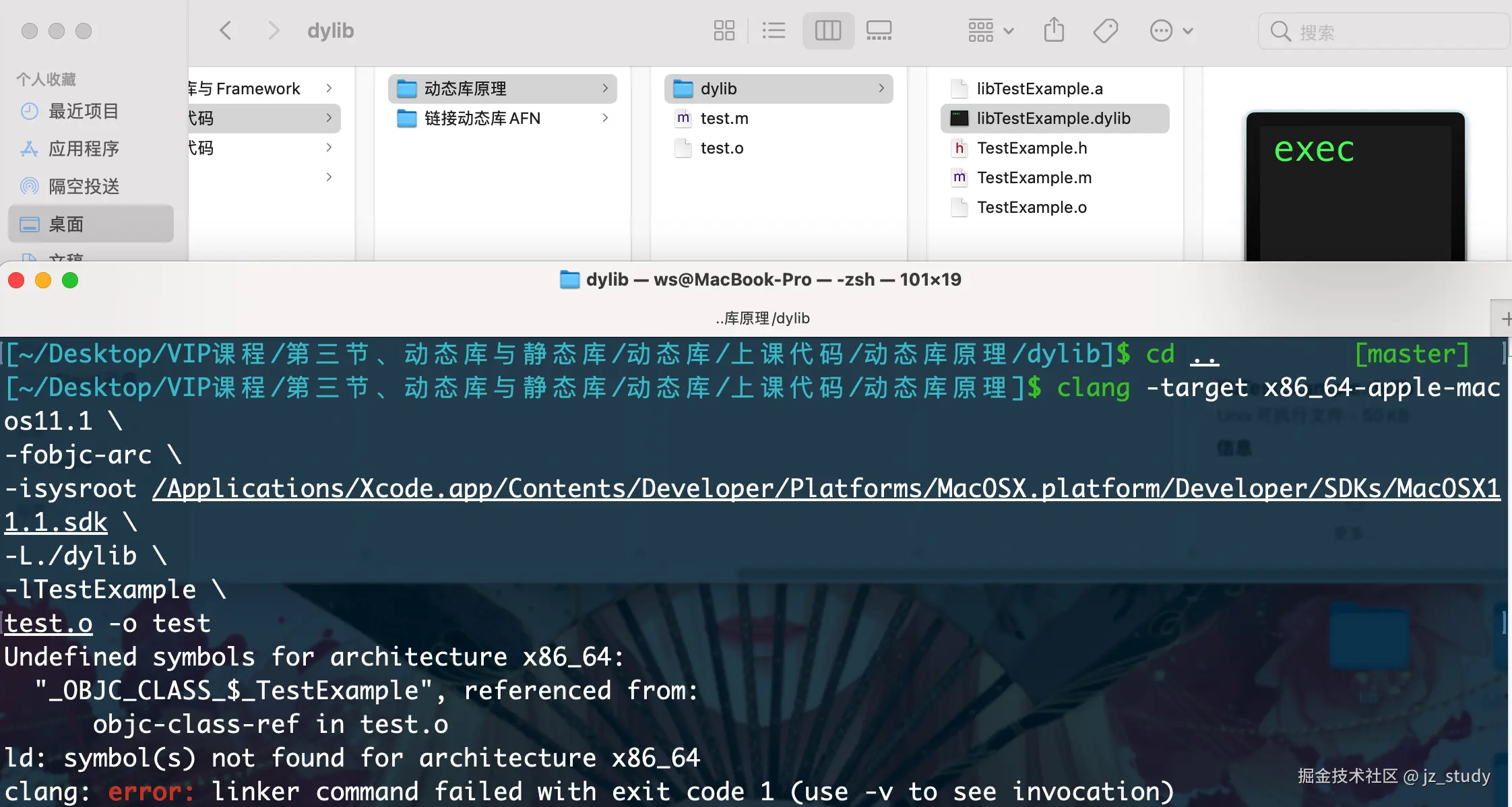
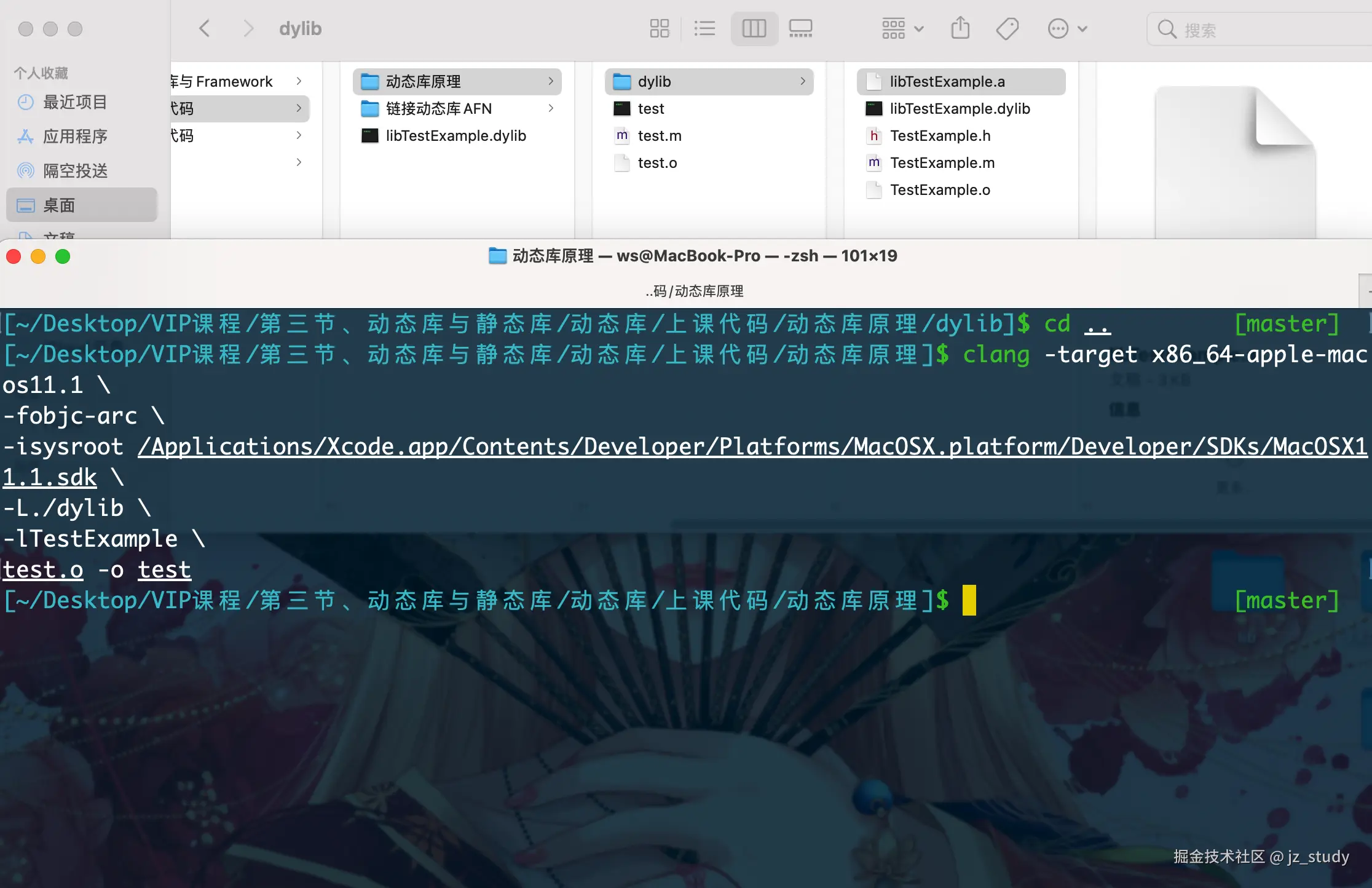
clang -target x86_64-apple-macos11.1 \
-fobjc-arc \
-isysroot /Applications/Xcode.app/Contents/Developer/Platforms/MacOSX.platform/Developer/SDKs/MacOSX11.1.sdk \
-L./dylib \
-lTestExample \
test.o -o test

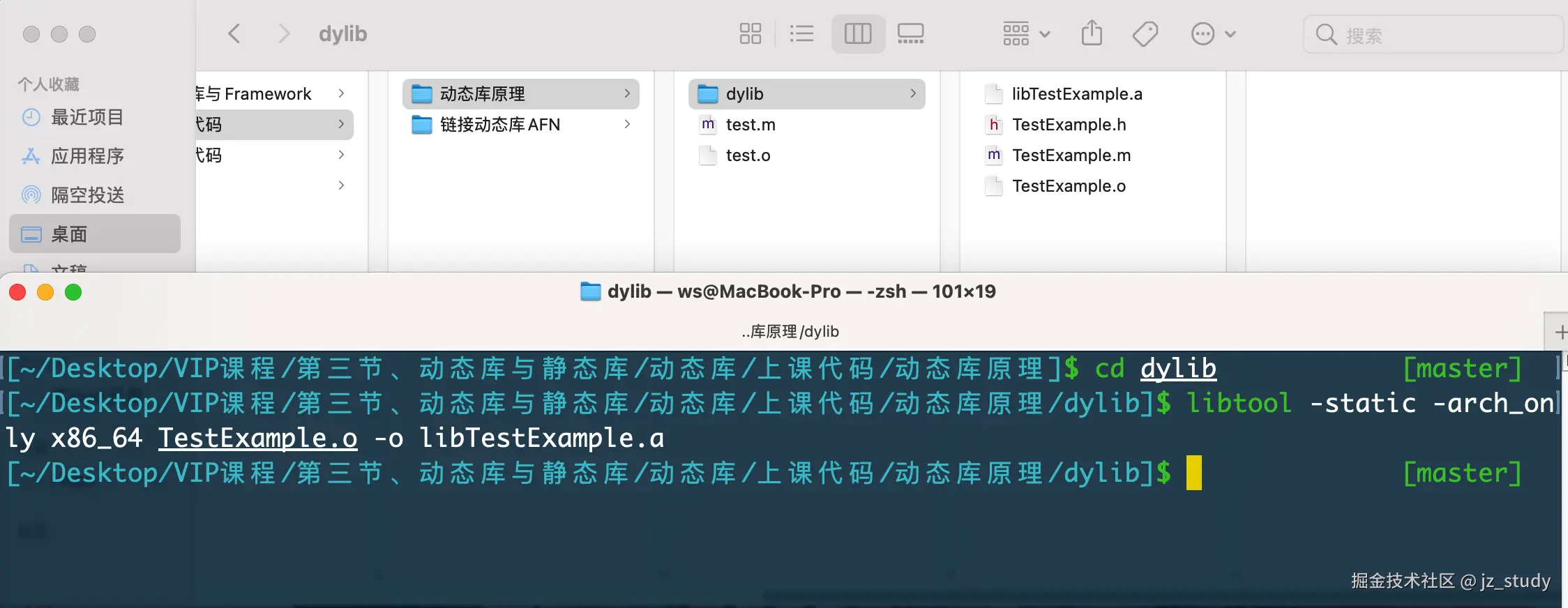
libtool -static -arch_only x86_64 TestExample.o -o libTestExample.a

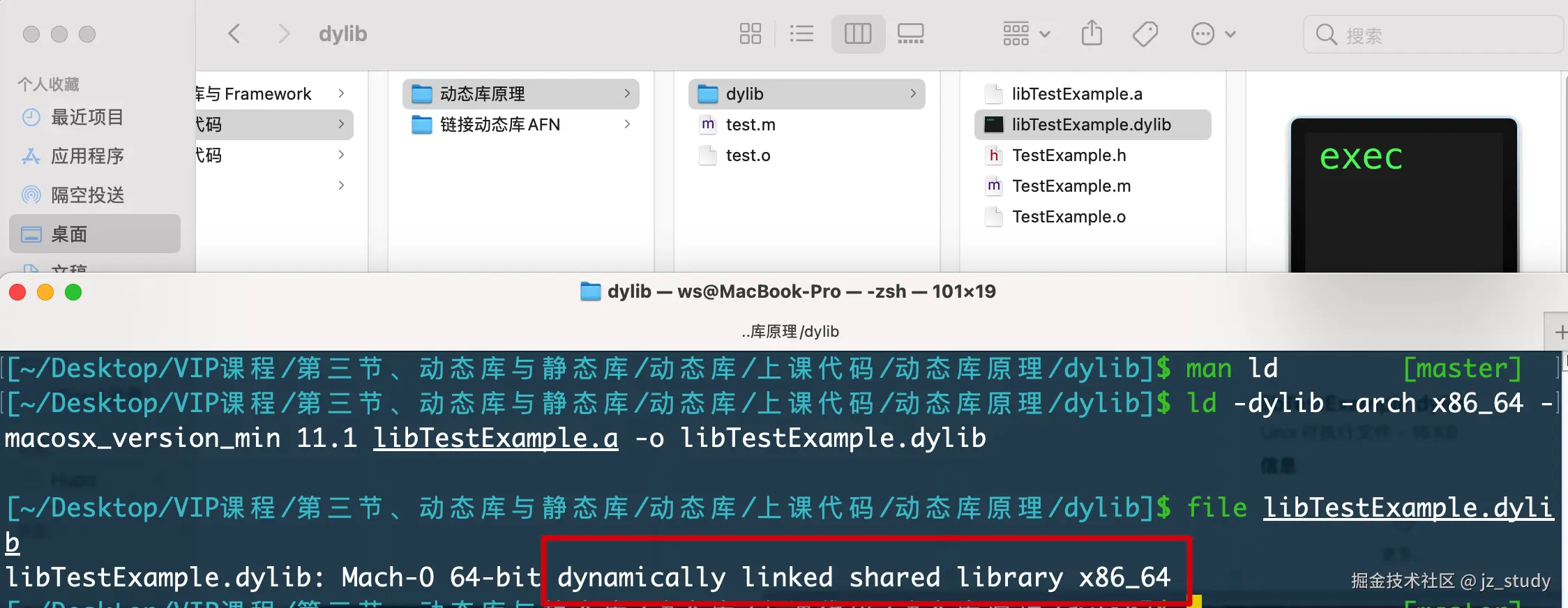
ld -dylib -arch x86_64 -macosx_version_min 11.1 libTestExample.a -o libTestExample.dylib

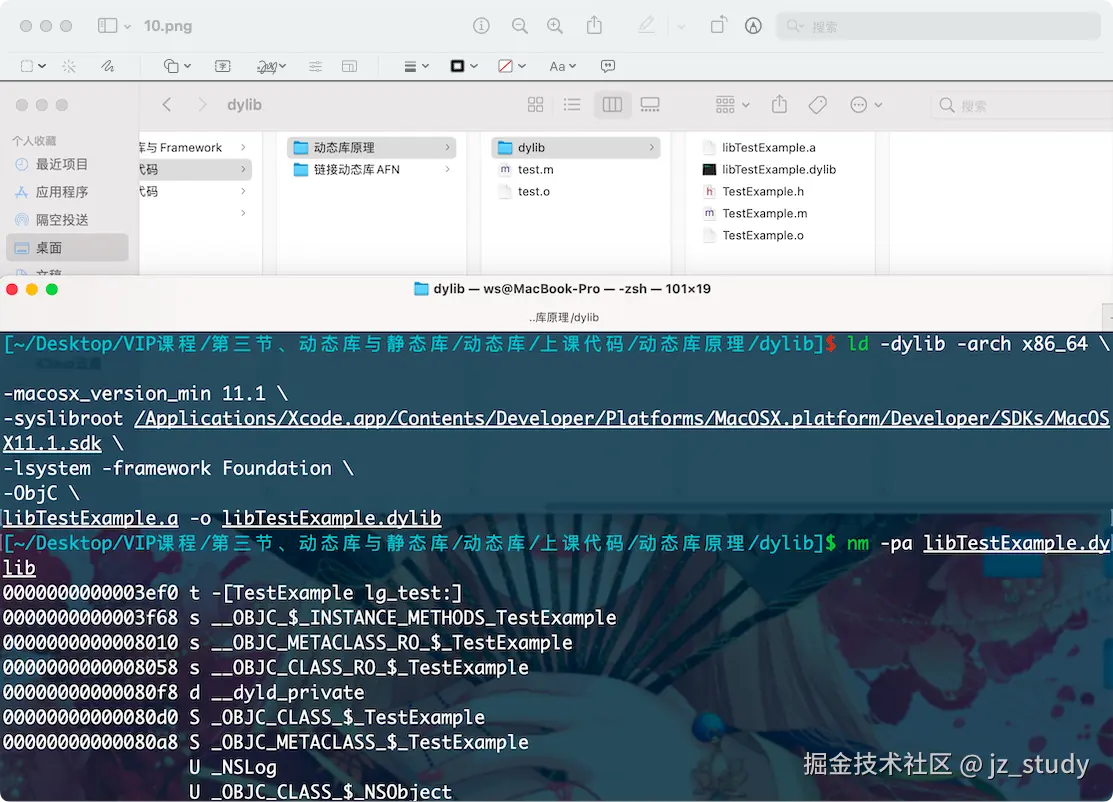
ld -dylib -arch x86_64 \
-macosx_version_min 11.1 \
-syslibroot /Applications/Xcode.app/Contents/Developer/Platforms/MacOSX.platform/Developer/SDKs/MacOSX11.1.sdk \
-lsystem -framework Foundation \
-ObjC \
libTestExample.a -o libTestExample.dylib

clang -target x86_64-apple-macos11.1 \
-fobjc-arc \
-isysroot /Applications/Xcode.app/Contents/Developer/Platforms/MacOSX.platform/Developer/SDKs/MacOSX11.1.sdk \
-L./dylib \
-lTestExample \
test.o -o test

#param mark install name
ld -dylib -arch x86_64 \
-macosx_version_min 11.1 \
-syslibroot /Applications/Xcode.app/Contents/Developer/Platforms/MacOSX.platform/Developer/SDKs/MacOSX11.1.sdk \
-lsystem -framework Foundation \
-ObjC \
-install_name  /Users/ws/Desktop/VIP课程/第三节、动态库与静态库/动态库/上课代码/动态库原理/dylib/libTestExample.dylib \
libTestExample.a -o libTestExample.dylib

clang -target x86_64-apple-macos11.1 \
-fobjc-arc \
-isysroot /Applications/Xcode.app/Contents/Developer/Platforms/MacOSX.platform/Developer/SDKs/MacOSX11.1.sdk \
-L./dylib \
-lTestExample \
test.o -o test

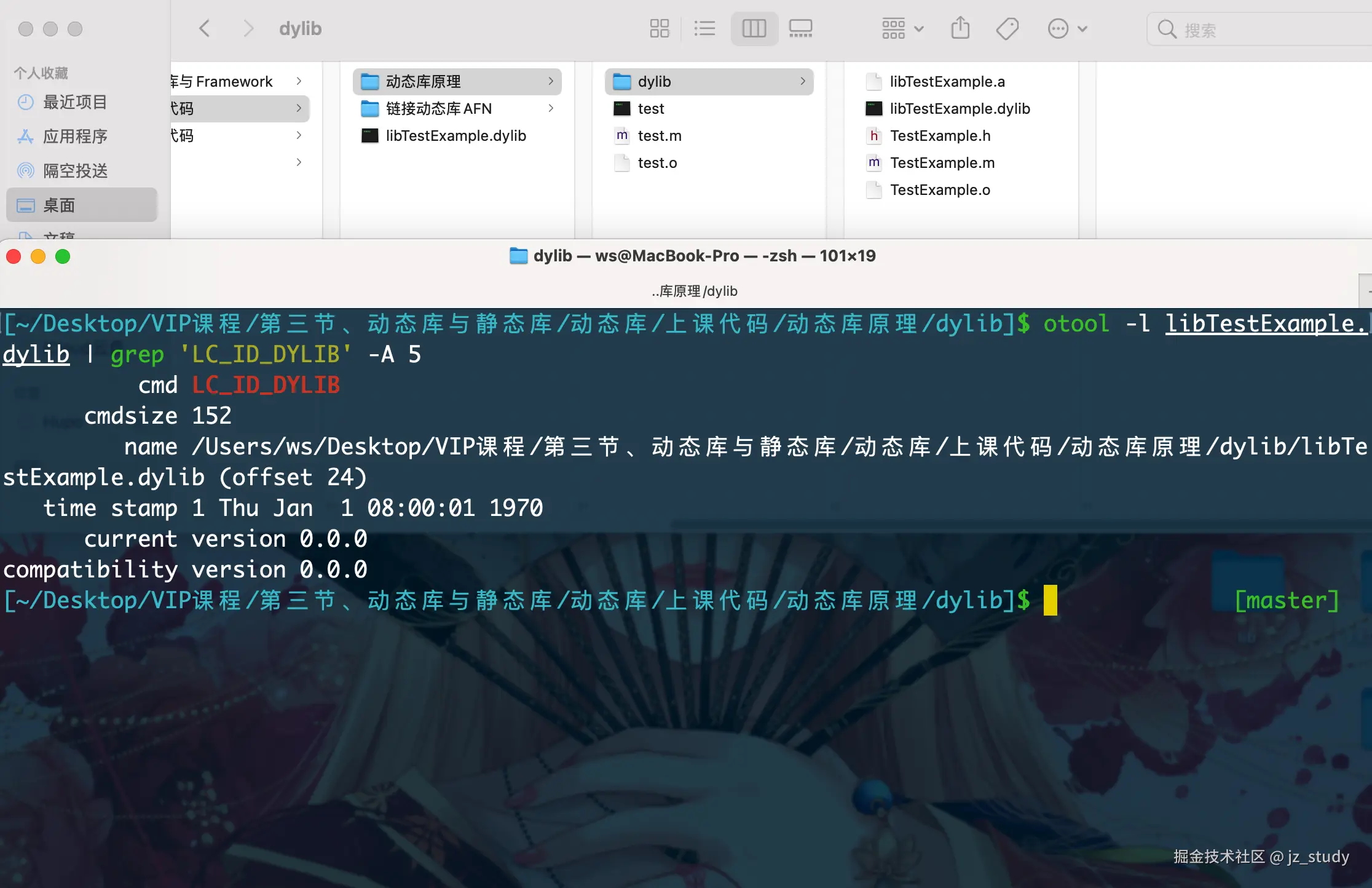
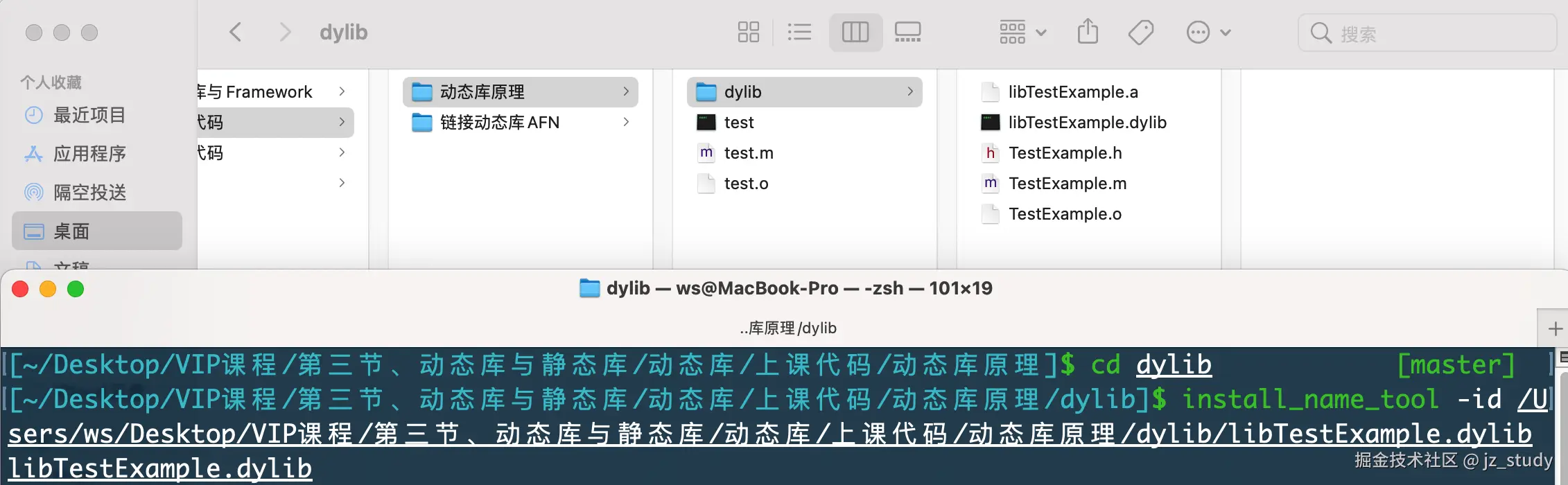
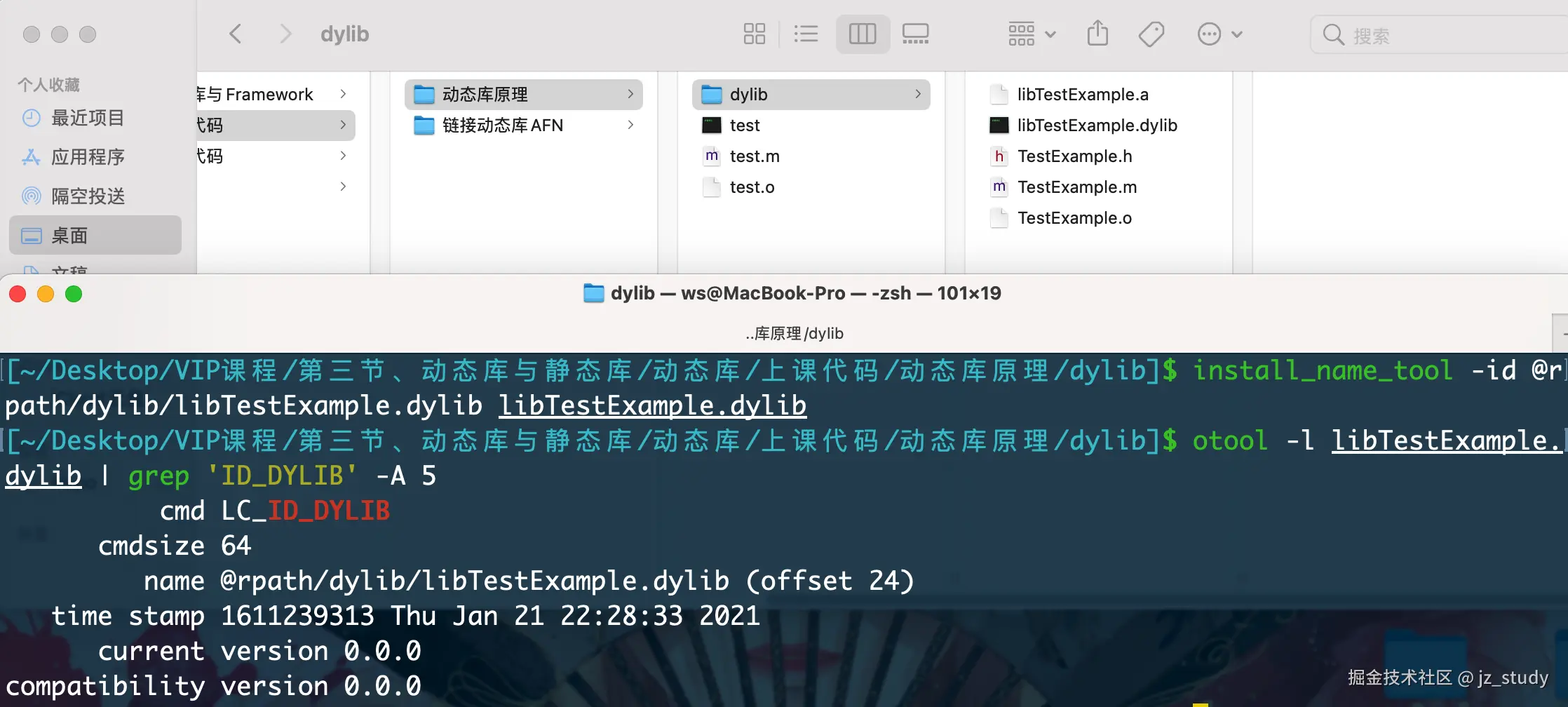
install_name_tool -id /Users/ws/Desktop/VIP课程/第三节、动态库与静态库/动态库/上课代码/动态库原理/dylib/libTestExample.dylib libTestExample.dylib


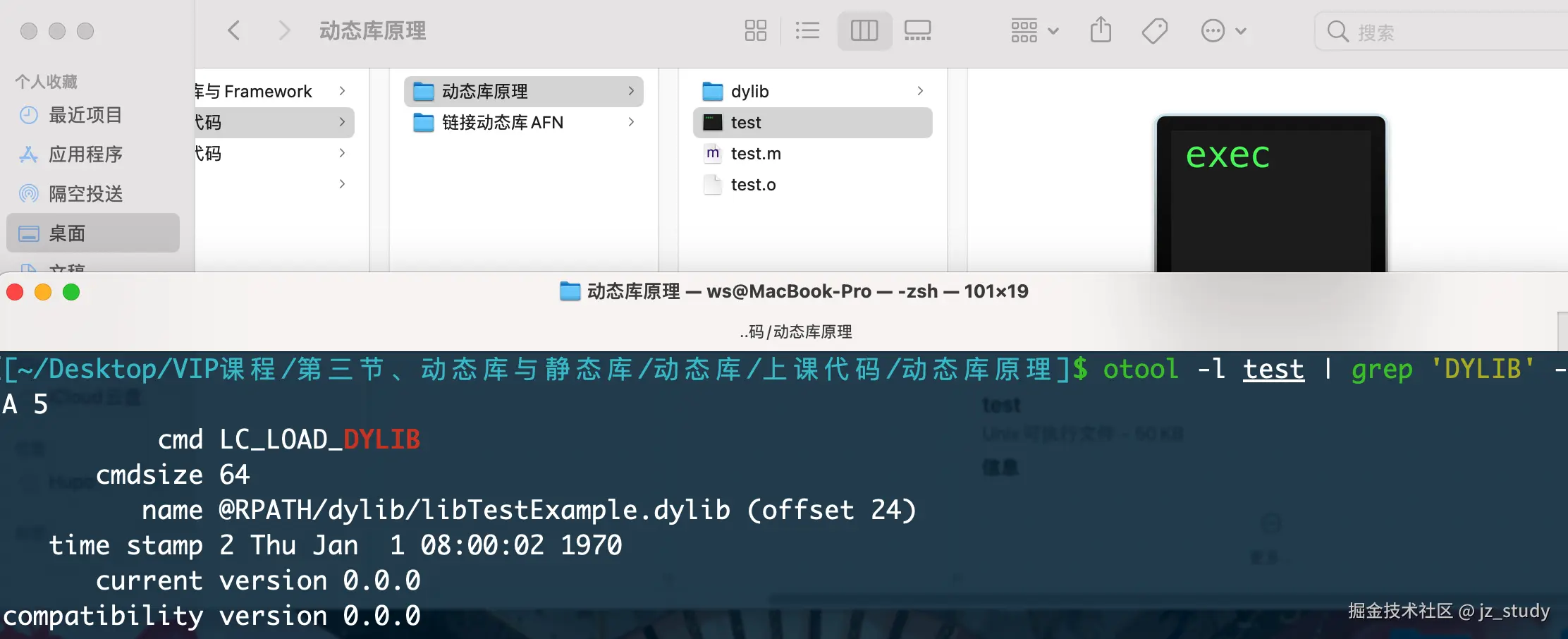
install_name_tool -id @RPATH/dylib/libTestExample.dylib libTestExample.dylib

install_name_tool -add_rpath /Users/ws/Desktop/VIP课程/第三节、动态库与静态库/动态库/上课代码/动态库原理 test


/**
 LC_LINKER_OPTION

链接器的特性,`Auto-Link`。启用这个特性后,当我们`import <模块>`,不需要我们再去往链接器去配置链接参数。比如`import <framework>`我们在代码里使用这个是framework格式的库文件,那么在生成目标文件时,会自动在目标文件的`Mach-O`中,插入一个 `load command`格式是`LC_LINKER_OPTION`,存储这样一个链接器参数`-framework <framework>`。
 */

/**
 `ar`压缩目标文件,并对其进行编号和索引,形成静态库。同时也可以解压缩静态库,查看有哪些目标文件:
 ar -rc a.a a.o
    -r: 像a.a添加or替换文件
    -c: 不输出任何信息
    -t: 列出包含的目标文件
 */

/**
    libtool -static -o <OUTPUT NAME> <LIBRARY_1> <LIBRARY_2>
 */