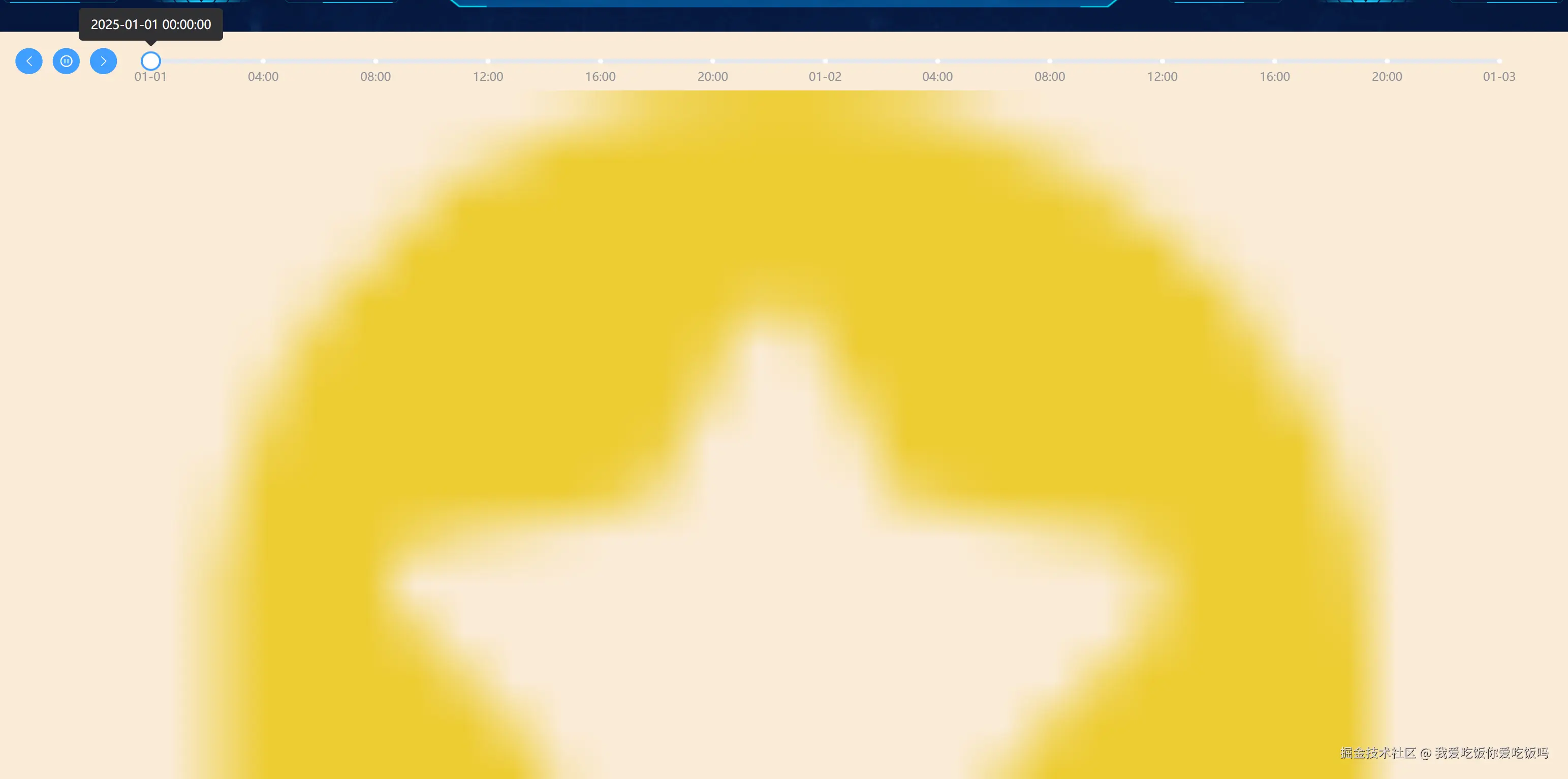
<template>
<div class="timeline-slider">
<div class="slider-wrap">
<el-button type="primary" circle class="iconfont icon-qianjinhoutui" @click="prev" />
<el-button type="primary" circle :class="!isPlaying ? 'iconfont icon-bofang' : 'iconfont icon-zanting'" @click="playToggle" />
<el-button type="primary" circle class="iconfont icon-right" @click="next" />
<el-slider
:marks="marks"
v-model="currentIndex"
:format-tooltip="formatTooltip"
:min="0"
:max="maxIndex"
@change="onSlideChange"
style="width: 90%; padding-left: 40px"
/>
</div>
<div class="image-container">
<img :src="currentImage" :alt="currentDate" />
</div>
</div>
</template>
<script setup>
import { ref, computed, watch, onMounted } from 'vue'
import dayjs from 'dayjs'
import img1 from '@/assets/images/1.png'
import img2 from '@/assets/images/2.png'
import img3 from '@/assets/images/3.png'
const formatTooltip = (val) => {
return images.value[val].date
}
const marks = ref({})
const generateMarks = (startDate, endDate) => {
const start = dayjs(startDate)
const end = dayjs(endDate)
const marks = {
0: start.format('MM-DD'),
}
let current = start.clone().add(1, 'hour')
let index = 1
while (!current.isAfter(end)) {
const key = index.toString()
if (current.format('YYYY-MM-DD') === '2025-01-02' && current.hour() === 0) {
marks[key] = current.format('MM-DD')
} else if (index % 4 === 0) {
marks[key] = current.format('HH:mm')
}
current = current.add(1, 'hour')
index++
}
marks[index - 1] = end.format('MM-DD')
return marks
}
const images = ref([
{
date: '2025-12-30 09:00:00',
image: img1,
},
])
const initTimeData = (startTimes, endTimes, sec) => {
let startTime = dayjs(startTimes)
let endTime = dayjs(endTimes)
const timeArr = []
let currTime = startTime
while (currTime.isSameOrBefore(endTime)) {
timeArr.push({ id: timeArr.length, time: dayjs(currTime).format('YYYY-MM-DD HH:mm:ss') })
currTime = currTime.add(sec, 'minute')
}
return timeArr
}
const isPlaying = ref(false)
const intervalId = ref(null)
const currentIndex = ref(0)
const maxIndex = computed(() => images.value.length - 1)
const currentImage = computed(() => images.value[currentIndex.value].image)
const currentDate = computed(() => images.value[currentIndex.value].date)
const play = () => {
intervalId.value = setInterval(() => {
if (currentIndex.value < maxIndex.value) {
currentIndex.value++
} else {
isPlaying.value = false
stop()
}
}, 2000)
}
const stop = () => {
if (intervalId.value) {
clearInterval(intervalId.value)
intervalId.value = null
}
}
const prev = () => {
if (currentIndex.value > 0) {
currentIndex.value--
}
}
const next = () => {
if (currentIndex.value < maxIndex.value) {
currentIndex.value++
}
}
const playToggle = () => {
if (isPlaying.value) {
stop()
} else {
if (currentIndex.value == maxIndex.value) {
currentIndex.value = 0
}
play()
}
isPlaying.value = !isPlaying.value
}
const onSlideChange = () => {
stop()
}
onMounted(() => {
let arr = initTimeData('2025-01-01', '2025-01-03', 60)
images.value = arr.map((e) => {
return {
date: e.time,
image: +e.id % 2 == 0 ? img1 : +e.id % 3 == 0 ? img2 : img3,
}
})
marks.value = generateMarks('2025-01-01', '2025-01-03')
})
</script>
<style lang="scss" scoped>
.timeline-slider {
height: 100%;
background-color: antiquewhite;
.slider-wrap {
display: flex;
padding: 20px;
}
}
.image-container img {
width: 100%;
height: auto;
text-align: center;
}
</style>