1 express项目
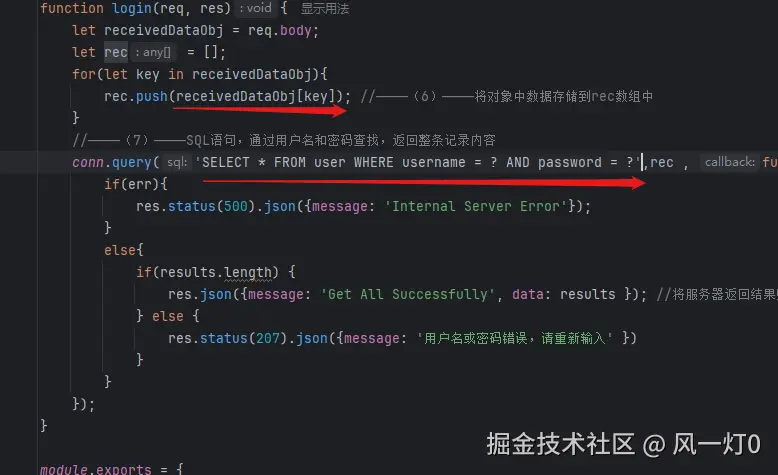
| key | value | 其他 |
|---|
| 引入express-session库 | const session = require(express-session); | |
| 通过urlencoded中间件,来解析表单中的url-encoded格式的数据 | app.use(express.urlencoded({extended: true})); | |
| 设置cookie过期时间为60分钟 | cookie:{maxAge: 60601000} | |
| ——获取用户名 | req.session.loginedUser | |
| index.pug为默认首页 | 'index.pug' | res.render(xxx,) |
| 重定向到/login | res.redirect('pug') | |
| 利用post发起请求 | app.post('post') | |
| 渲染错误处理页面error.pug | res.render('error.pug') | |
| 注销操作,清空session数据 | delete req.session.loginedUser | |
2.原生html
| key | value | 其他 |
|---|
| 手机端适配 | name ="viewport" | |
| 禁止缩放页面 | user-scalable=no | <meta name ="viewport"content="width=device-width,initial-scale=1,minimum-scale=1,maximum-scale=1,user-scalable=no" /> |
| | |
| 去掉列表前的点等列表样式 | list-style: none; | |
| 设置左浮动,是得li元素显示在同一行 | float:left | |
| 去除a标签等下划线 | text-decoration : none | |
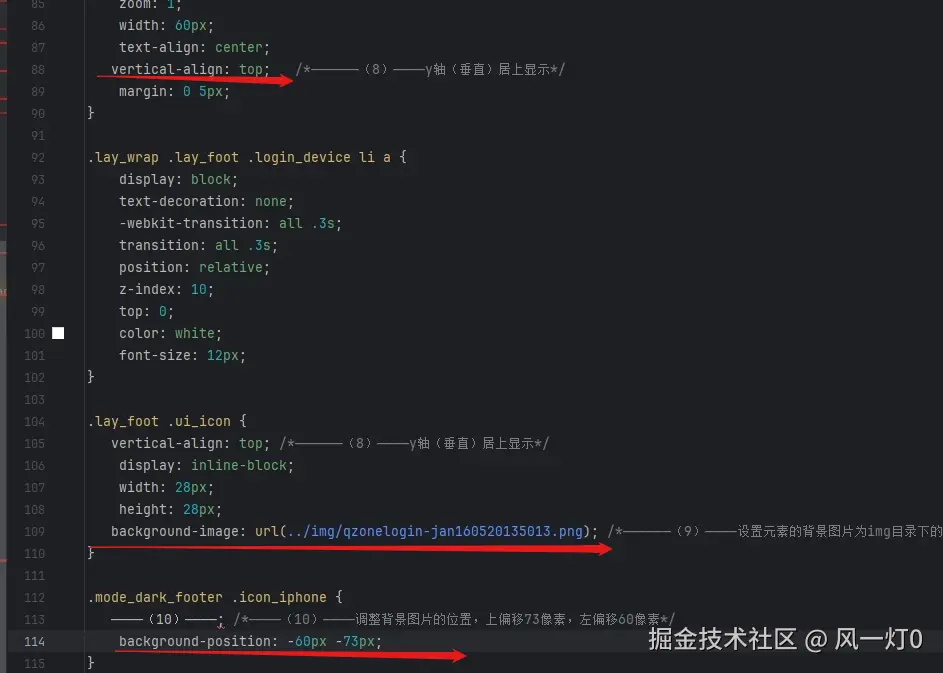
| ——使用雪碧图,设置li元素的背景为 ../image/bg_btn_vip.png中向上偏移80px,向左偏移0像素的位置。且背景不平铺*/ | background: url(../image/bg_btn_vip.png) no-repeat 0 -80px | |
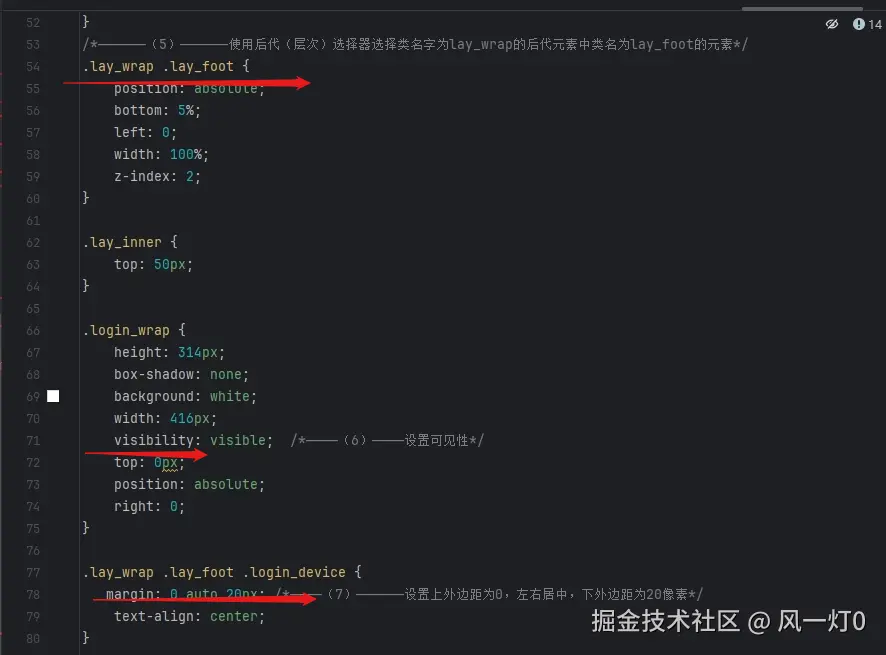
| 绝对定位 | position : absolute | |
| 设置左内边距为20px | padding-left: 20px | |
| 为元素设置圆角边框,圆角的半径为10像素 | border-radius: 10px | |
| 设置文本居中中显示 | text-align: center | |
3.原生html
| key | value | 其他 |
|---|
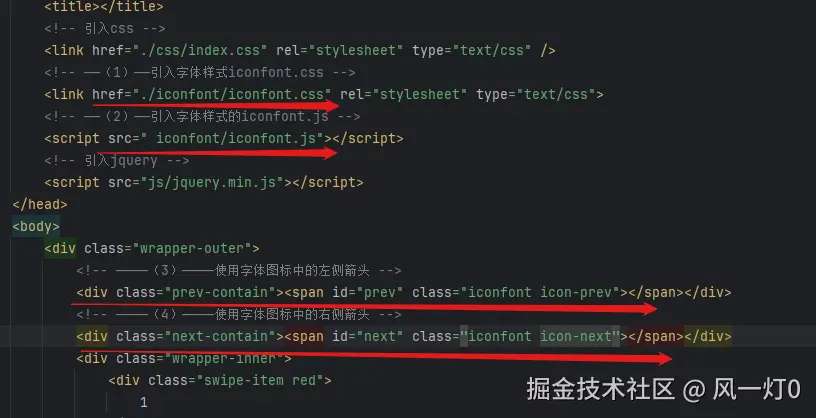
| 引入字体样式 | rel=stylesheet | |
| 使用字体图标样式fa-paypal | class="fa fa-paypal" | |
| —使用字体图标样式fa-transgender-alt | clsss="fa fa-transgender-alt" | |
| —使用fa-cny字体图标 | class="fa fa-cny" | |
| 设置块元素的局中 | margin:auto | |
| 向左浮动 | float:left | |
| 内边距上下各10像素,左右各20像素 | padding: 10px 20px 10px 20px | 上、右、下、左 |
| css hack,提升优先级为最高 | color: red !important;/ | |
| 置行元素显示为块级元素 | color: rgb(252,212,87);display: block; | |
| 最后一个子元素li | li: last-child {} | .nav ul li:nth-child(7) |
4.
Express框架
| key | value | 其他 |
|---|
| 引入自定义数据库连接模块 | require('./cnne.js') | |
| 要求:图书信息按其id字段值升序排序 | select * from db order by id | myconn.execute(————————(3)————————, function(err, results)res.render('bookindex.pug', { title: '图书列表', books: results,}); |
| 获取传入到参数id | req.query.id | |
| 获取页面输入到书籍的id | req.body.id | |
| 根据id更新booksinfo书籍列表中的数据 | 'update booksinfo set name=?,author=?,press=? where id=?' | myconn.execute( ————————(7)————————, [name,author,press,bookid]自动注入后面列表 |
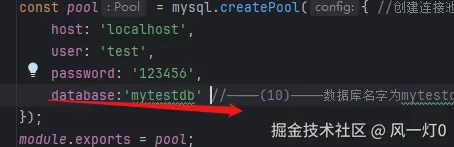
| 创建数据库连接池 | createPool | mysql.createPool({}) |
| —导出连接模块 | module.exports = myconn | 导出这个常量 |
5 css扩展的原生html
| key | value | 其他 |
|---|
| 字体标签 | link ref='stylesheet' | |
| 使用字体图标fa-home | fa fa-home | |
| 设置背景色 | background:rgb(255,225,255) | |
| 设置背景图片 | rgb(25,25,25) url("../dddd") | 标记语言 = : space |
| 设置块元素的水平居中 | margin:0 auto | 不是center |
| 设置第边框为5像素orange色实心线 | border-bottom: 5px solid orange | 地边框:border-bottom |
| 表格单元格边框合并 | border-collapse: collapse | 边框折叠:合并 |
| 鼠标效果 | :hover {} | {}中包含 |
6.使用jquery.min.js的原生html
| key | value | 其他 |
|---|
| 设置图片宽度与页面宽度相同* | img{width:100%} | |
| 导入js库 | src:js/ddd.js | |
| 获取窗口高度,需要对body和html设置高度为100% | $(window).height() | |
| —获取窗口滚动高度 | $(window).scorllTop | |
| 获取元素距离窗口顶部偏移高度 | $el.offset().top | |
| 监听窗口滚动事件,检查元素是否在可视范围内 | 'scroll' | on('scroll',()=>{}) |
| 使用标签选择器获取所有图片 | $('img') | |
| 遍历图片 | .each | |
| 查$cur是否进入可视窗口 | isshow($cur) | |
| 获取 $el的data-src属性,赋值给src | $el.attr('data.src') | 获取熟悉.attr() |
7
| key | value | 其他 |
|---|
| 使用过滤取清除已完成任务 | filter | |
| 更新todos列表,重新渲染页面 | this.setState | |
| App.js中定义的deleteTodo传递给子元素 | deleteTodo={this.de} | |
| 将App.js中定义的checkAll传递给子元素 | checkAll={this.checkAll} | |
| 用父组件传递过来的checkAll方法 | todos.props | |
| —计算待完成事项列表中事项的总数 | todos.lenth | |
| 鼠标移入,背景色设置为‘#eeeeee’,鼠标移除,设置背景色为'white'} | style={{backgroundColor:this.state.flag?'#eeeee':'white' | |
| 已完成事项显示删除线 | {{textDecoration:todoItem.done?'line-through':'none'}} | |
| 显示 | display: this.state.flag?'block':'none' | |
| —监控是否按回车 | event.keyCode==13 | |
8
| key | value | 其他 |
|---|
| 样式 | | |
| 放大并旋转 | transform: scale(1.1) rotate ( 359deg) | |
| 执行时间为1s | transition : transform 1s | |
| 第二个子元素 | :nth-child(2) | |
| 实现行高 | line-height:150px | |
| 去掉下划线 | text-decoration | |
| 过外边距实现上下外边距25像素,水平方向居中显示 | margin:25px auto | |
| 文本居中 | text-align:center | |
9
| key | value | 其他 |
|---|
| 选中选项卡 | active | |
| 默认选中第一个选项卡和第一张图片 | class = 'active' | |
| 清除样式 | add('active').siblings('a').removeClass('active') | |
| 根据下标选择 | demoImgs.eq() | |
| 鼠标事件 | mouseenter: | |
| | |
| | |
| | |
| | |
| | |
| | |
| | |
var tabs = $('#tab a'),
demoImgs = $('#panel img');
tabs.each(function(index) {
$(this).data('index', index).click(function() {
var target = demoImgs.eq($(this).data('index'));
$(this).addClass('active').siblings().removeClass('active');
target.addClass('active').siblings().removeClass('active');
});
});
tabs.on({
mouseenter: function() {
var target;
if (!this.preloaded) {
target = demoImgs.eq($(this).data('index'));
target.attr('src', target.data('src')).data('src', '');
this.preloaded = true;
}
}
});
10
11
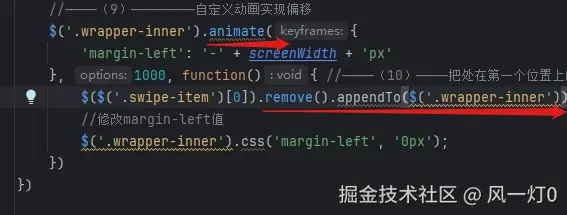
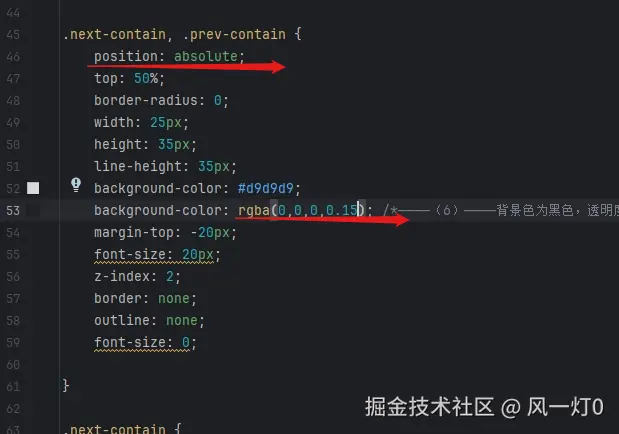
12
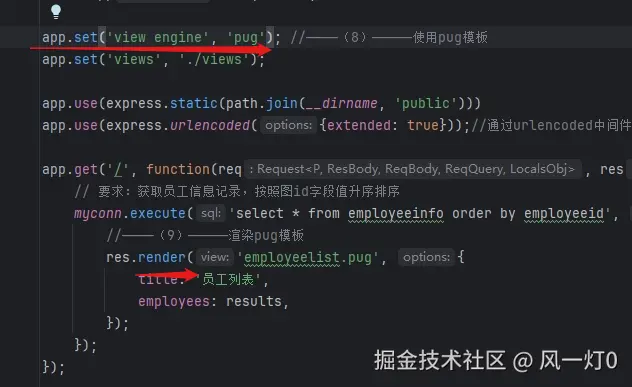
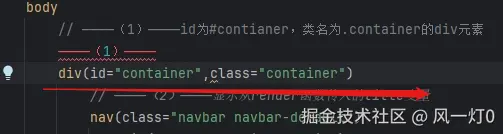
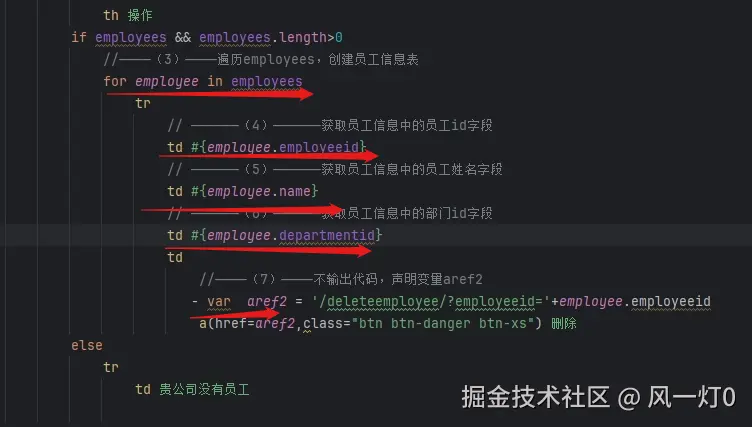
13

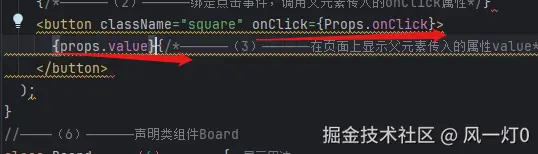
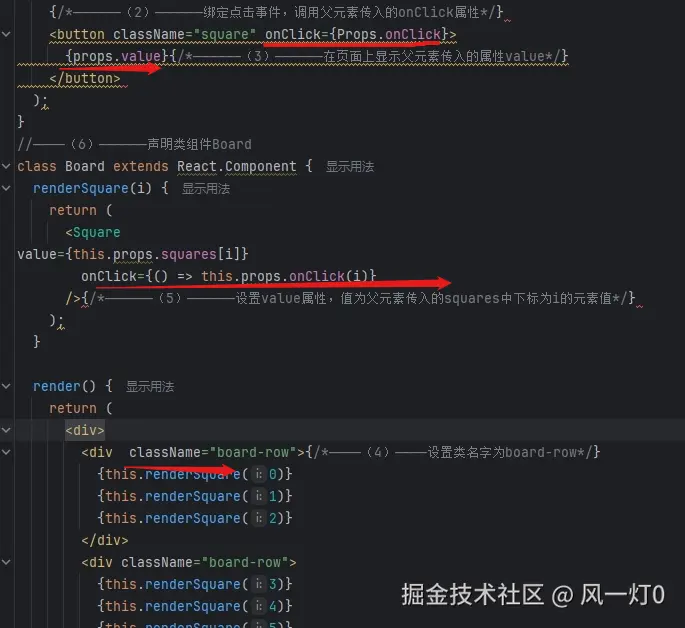
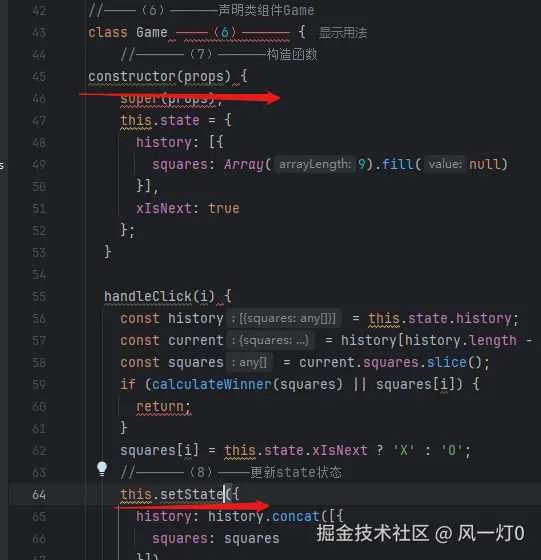
14
15
16

17
-- 左右 -- 上下