elasticsearch 8.x 插件安装(四)之简繁体插件
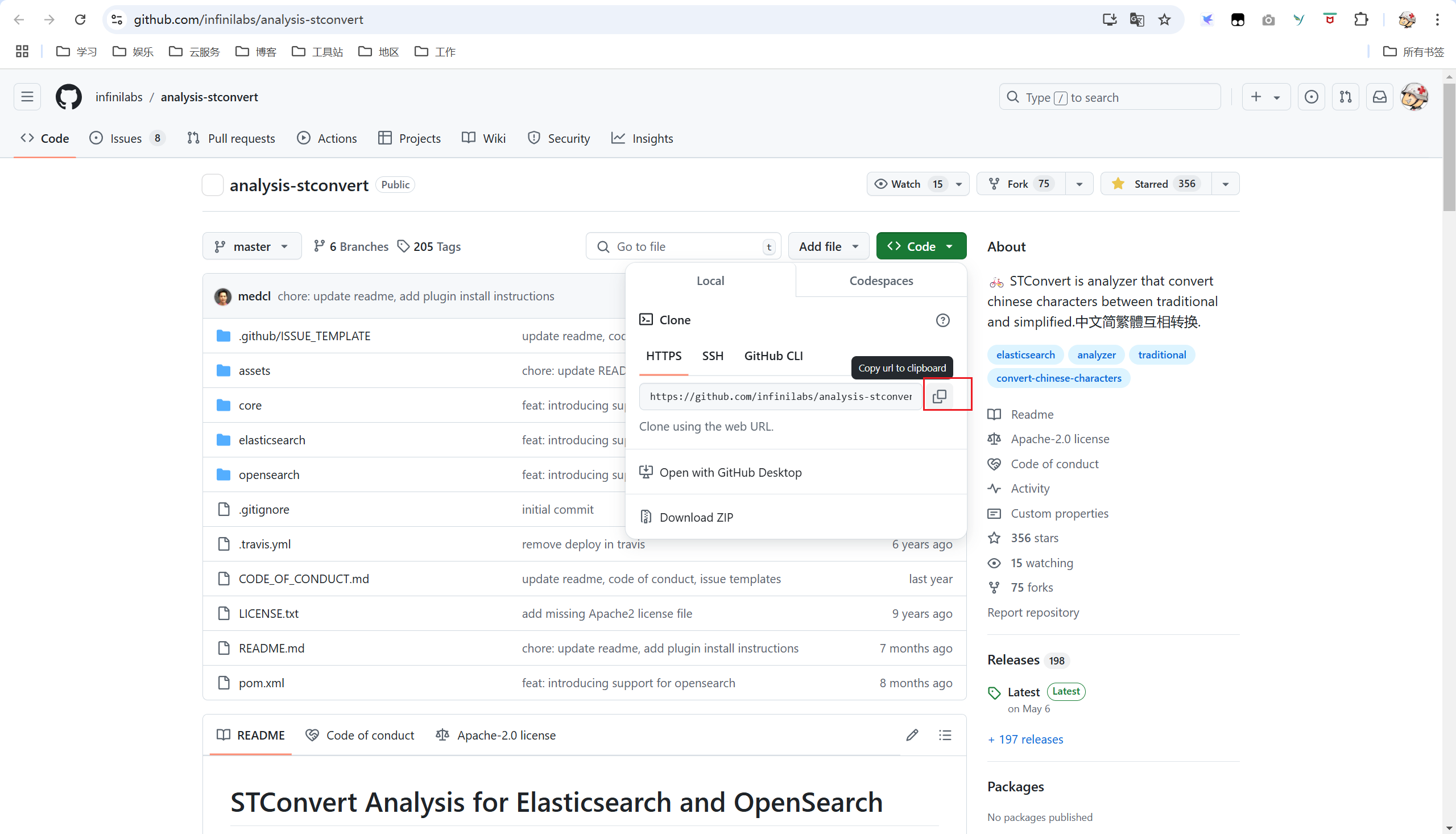
一、拉取代码
二、打包插件
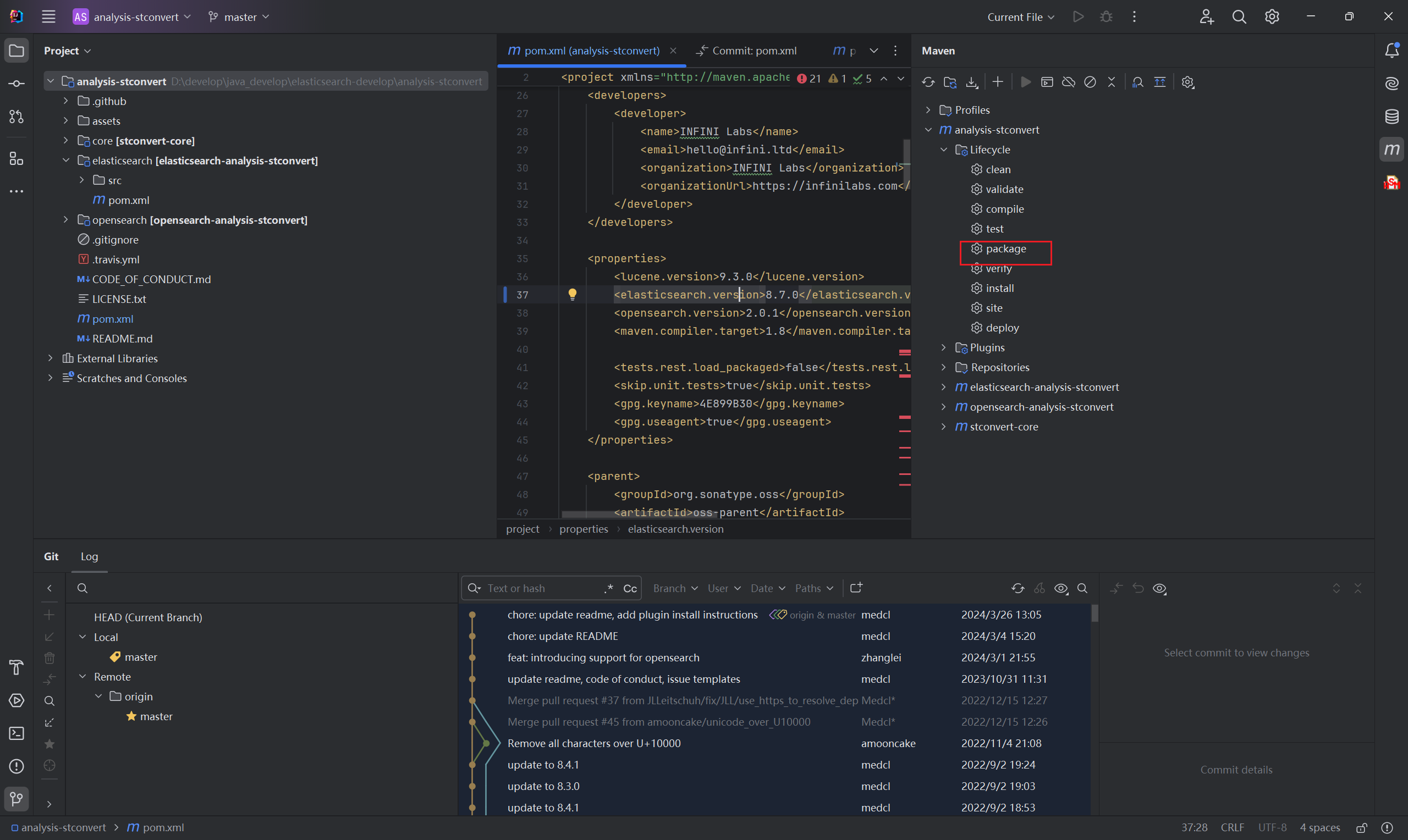
打开pom文件,将elasticsearch.version修改为需要的版本,此处修改为8.7.0。
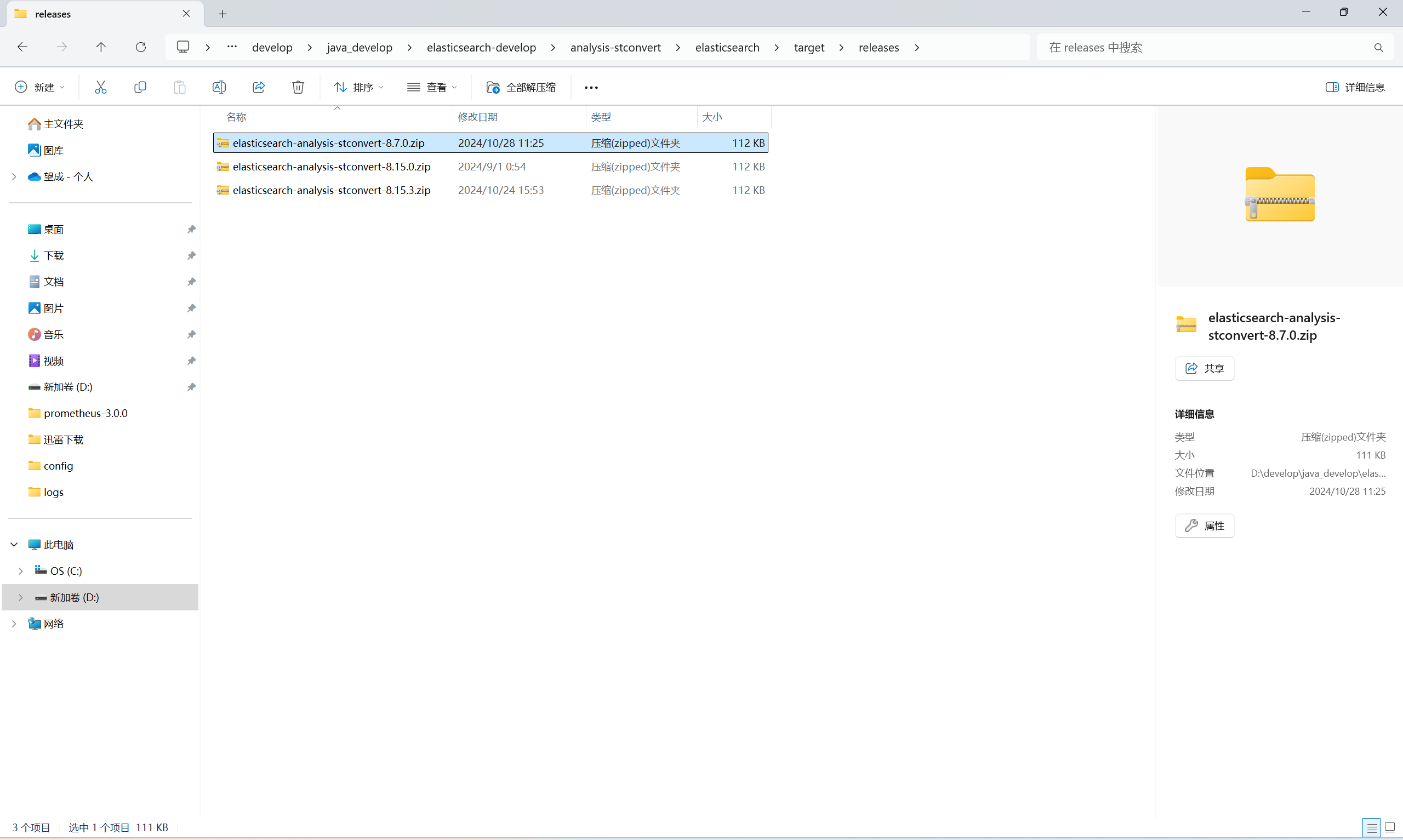
在elasticsearch/target/release目录下会找到对应版本的插件
三、安装插件
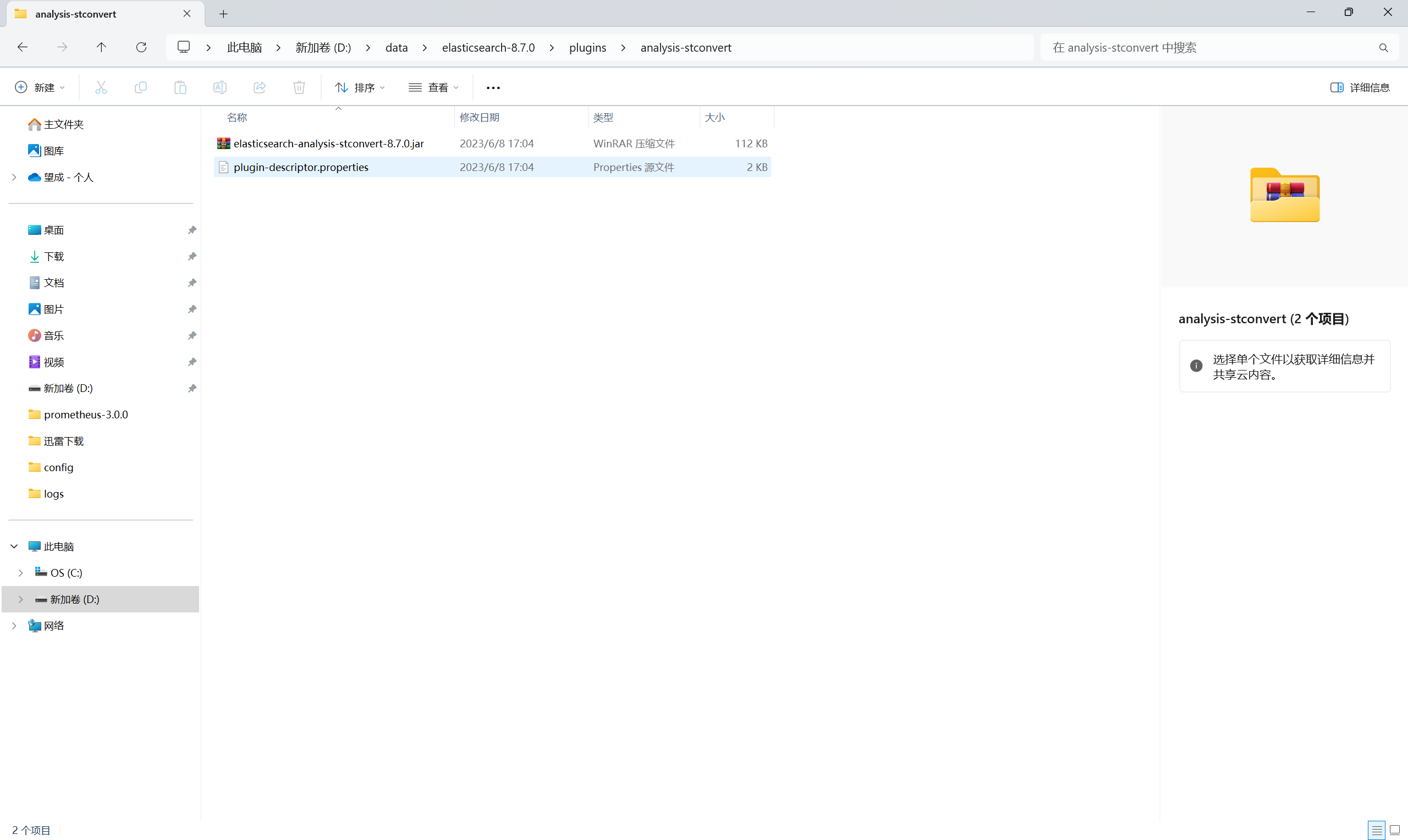
将压缩包解压并复制到es plugins目录下,然后重启es。
四、验证插件
4.1 创建索引
PUT /stconvert/
{
    "settings" : {
        "analysis" : {
            "analyzer" : {
                "tsconvert" : {
                    "tokenizer" : "tsconvert"
                    }
            },
            "tokenizer" : {
                "tsconvert" : {
                    "type" : "stconvert",
                    "delimiter" : "#",
                    "keep_both" : false,
                    "convert_type" : "t2s"
                }
            },
             "filter": {
               "tsconvert" : {
                     "type" : "stconvert",
                     "delimiter" : "#",
                     "keep_both" : false,
                     "convert_type" : "t2s"
                 }
             },
            "char_filter" : {
                "tsconvert" : {
                    "type" : "stconvert",
                    "convert_type" : "t2s"
                }
            }
        }
    }
}
4.2 搜索
GET stconvert/_analyze
{
  "tokenizer" : "keyword",
  "filter" : ["lowercase"],
  "char_filter" : ["tsconvert"],
  "text" : "国际國際"
}

Output:
{
  "tokens": [
    {
      "token": "国际国际",
      "start_offset": 0,
      "end_offset": 4,
      "type": "word",
      "position": 0
    }
  ]
}
4.3 简繁体互搜
DELETE index
PUT index
{
  "settings": {
    "analysis": {
      "char_filter": {
        "tsconvert": {
          "type": "stconvert",
          "convert_type": "t2s"
        }
      },
      "normalizer": {
        "my_normalizer": {
          "type": "custom",
          "char_filter": [
            "tsconvert"
          ],
          "filter": [
            "lowercase"
          ]
        }
      }
    }
  },
  "mappings": {
    "properties": {
      "foo": {
        "type": "keyword",
        "normalizer": "my_normalizer"
      }
    }
  }
}

PUT index/_doc/1
{
  "foo": "國際"
}

PUT index/_doc/2
{
  "foo": "国际"
}

GET index/_search
{
  "query": {
    "term": {
      "foo": "国际"
    }
  }
}

GET index/_search
{
  "query": {
    "term": {
      "foo": "國際"
    }
  }
}
写在最后
如果这篇【文章】有帮助到你,希望可以给【JavaGPT】点个赞👍,创作不易,如果有对【后端技术】、【前端领域】感兴趣的小可爱,也欢迎关注❤️❤️❤️ 【JavaGPT】❤️❤️❤️,我将会给你带来巨大的【收获与惊喜】💝💝💝!
本文由博客一文多发平台 OpenWrite 发布!