

既有适合小白学习的零基础资料,也有适合3年以上经验的小伙伴深入学习提升的进阶课程,涵盖了95%以上大数据知识点,真正体系化!
由于文件比较多,这里只是将部分目录截图出来,全套包含大厂面经、学习笔记、源码讲义、实战项目、大纲路线、讲解视频,并且后续会持续更新
            if (data == null || data.get("FILES") == null){
                continue;
            }
            List<ZsglFileEntity> entityList = new ArrayList<>();
            String[] fileArray = data.get("FILES").toString().split(",");
            List idList = Arrays.asList(fileArray);
            entityList.addAll(fileMapper.selectByIds(idList));
            if (CollectionUtils.isNotEmpty(entityList)){
                for (ZsglFileEntity file : entityList){
                    if ( file.getFssFileId() == null){
                        continue;
                    }
                    String fileUrl = urlPrefix + "/fss/download/" + file.getFssFileId();
                    // 构造URL
                    URL url = new URL(fileUrl);
                    // 打开连接
                    URLConnection con = url.openConnection();
                    //设置请求超时为5s
                    con.setConnectTimeout(5 \* 1000);
                    // 输入流
                    is = con.getInputStream();
                    File tempFile = new File(savePath + "/"+file.getFileName());
                    // 校验文件夹目录是否存在,不存在就创建一个目录
                    if (!tempFile.getParentFile().exists()) {
                        tempFile.getParentFile().mkdirs();
                    }
                    os = new FileOutputStream(tempFile);
                    is = con.getInputStream();
                    con.getHeaderFields();
                    IOUtils.copy(is, os);
                    System.out.println("下载完成");
                }
                entityList.clear();
            }
        }
    }catch (IOException e){
        System.err.println(e);
    }finally {
        IOUtils.closeQuietly(is);
        IOUtils.closeQuietly(os);
    }
}
### 3. 生成压缩文件(浏览器下载)
    response.setCharacterEncoding("UTF-8");
    response.setContentType("multipart/form-data");
    response.setHeader("content-disposition", "attachment;filename=" + "XX数据导出.zip");
    ZipOutputStream zos = new ZipOutputStream(response.getOutputStream());
    try {
        File[] sourceFiles = file.listFiles();
        if (null == sourceFiles || sourceFiles.length < 1) {
            System.out.println("待压缩的文件目录:" + "里面不存在文件,无需压缩.");
        } else {
            for (int i = 0; i < sourceFiles.length;i++){
                File srcFile = sourceFiles[i];
                if (srcFile.isDirectory()){
                    File[] imageSourceFiles = srcFile.listFiles();
                    if (null == imageSourceFiles || imageSourceFiles.length < 1){
                        continue;
                    }
                    for (File imageFile : imageSourceFiles){
                        compress(zos,imageFile,srcFile.getName()+"/");
                    }
                } else {
                    compress(zos,srcFile,"");
                }
            }
        }
    }catch (Exception e){
        e.printStackTrace();
    } finally {
        //关闭流
        try {
            if(null != zos) {
                zos.close();
            }
        } catch (IOException e){
            e.printStackTrace();
        }
    }
其中的压缩方法如下:
public void compress(ZipOutputStream out,File sourceFile,String base) throws Exception { out.putNextEntry( new ZipEntry(base+sourceFile.getName()) ); FileInputStream fos = new FileInputStream(sourceFile); BufferedInputStream bis = new BufferedInputStream(fos); int tag; System.out.println(base); //将源文件写入到zip文件中 while((tag=bis.read())!=-1) { out.write(tag); out.flush(); } out.closeEntry(); bis.close(); fos.close(); }
### 4. 删除临时目录
public void deleteDirectory(File file) { File[] list = file.listFiles(); //无法做到list多层文件夹数据 if (list != null) { for (File temp : list) { //先去递归删除子文件夹及子文件 deleteDirectory(temp); //注意这里是递归调用 } } if (!file.delete()) { //再删除自己本身的文件夹 logger.error("文件删除失败 : %s%n", file); } }
## 二、导入ZIP包


### 1. 上传zip包,解压到临时目录


`这里开始想着在不解压的情况下读取里面的文件,结果没有走通。因为zip里面包含了子文件夹里面的附件信息需要解析。不解压直接解析文件适用于只需要解析zip包中第一层文件的场景,如果子文件夹下的文件也需要处理的话,最好解压后再处理。`
public void unzip(ZipInputStream zipIn, String destDirectory) throws IOException { File destDir = new File(destDirectory); if (!destDir.exists()) { destDir.mkdirs(); } ZipEntry entry = zipIn.getNextEntry(); // 遍历Zip文件中的条目 while (entry != null) { String filePath = destDirectory + File.separator + entry.getName(); if (!entry.isDirectory()) { int index = entry.getName().indexOf("/"); if (index > -1 && entry.getName().length() > index){ File tempFile = new File(destDirectory + File.separator +entry.getName().substring(0,index)); if (!tempFile.exists()){ tempFile.mkdir(); } } File checkFile = new File(filePath); if (!checkFile.exists()) { checkFile.createNewFile();// 创建目标文件 } // 如果条目是文件直接解压 BufferedOutputStream bos = new BufferedOutputStream(new FileOutputStream(filePath)); byte[] bytesIn = new byte[1024]; int read = 0; while ((read = zipIn.read(bytesIn)) != -1) { bos.write(bytesIn, 0, read); } bos.close(); } else { File dir = new File(filePath); if (!dir.exists()){ dir.mkdirs(); } } zipIn.closeEntry(); entry = zipIn.getNextEntry(); } zipIn.close(); }
这里解压遇到了一个问题,之前导出生成的zip包直接导入没问题,但是我把导出的包手动解压后修改了部分数据重新压缩后再导入报错:`ZipInputStream解压远程文件报错,java.lang.IllegalArgumentException: MALFORMED`
 原因:文件名含有中文,zip解析出错
 解决方案,如下行代码,在生成ZipInputStream的时候指定编码格式。


>

> ZipInputStream zis = new ZipInputStream(new BufferedInputStream(inputStream), Charset.forName(“GBK”));

>

>

>


### 2. 读取附件信息上传到文件服务器
public List readLocalFile() throws Exception { File file= new File(destDirectory+"/files"); List fssList = new ArrayList<>(); if (file.exists()) { File[] sourceFiles = file.listFiles(); if (null == sourceFiles || sourceFiles.length < 1) { System.out.println(file.getName()+"目录里面不存在文件,无需处理."); return fssList; } else { for (int i = 0; i < sourceFiles.length;i++){ File srcFile = sourceFiles[i]; FileItemFactory factory = new DiskFileItemFactory(16, null); FileItem item = factory.createItem(srcFile.getName(), "text/plain", true, srcFile.getName()); int bytesRead = 0; byte[] buffer = new byte[8192]; try { FileInputStream fis = new FileInputStream(srcFile); OutputStream os = item.getOutputStream(); while ((bytesRead = fis.read(buffer, 0, 8192)) != -1) { os.write(buffer, 0, bytesRead); } os.close(); fis.close(); } catch (IOException e) { e.printStackTrace(); } MultipartFile mfile = new CommonsMultipartFile(item); AjaxResult fileResult = this.fssFileService.uploadFile(mfile); String filePath = fileResult.get("url") == null ? "" : fileResult.get("url").toString(); if (fileResult.get("fileId") != null){ HashMap tempMap = new HashMap(); String fileId = this.fileService.saveFileInfo(fileResult.get("fileId").toString(),mfile, filePath, ""); tempMap.put(srcFile.getName(), fileId); fssList.add(tempMap); } } } } return fssList; }
注意:这里有个小难点就是File转换成MultipartFile的方法,因为项目中已经有的上传文件是MultipartFile格式的,转换一下就不用在实现一遍上传方法了。
### 3. 读取Excel文件存入数据库
我是用EasyExcel导入Excel文件的,代码很简单,需要注意用EasyExcel导入的Excel文件如果包含多个sheet页,需要写多个导入监听文件。
### 4. 删除临时文件

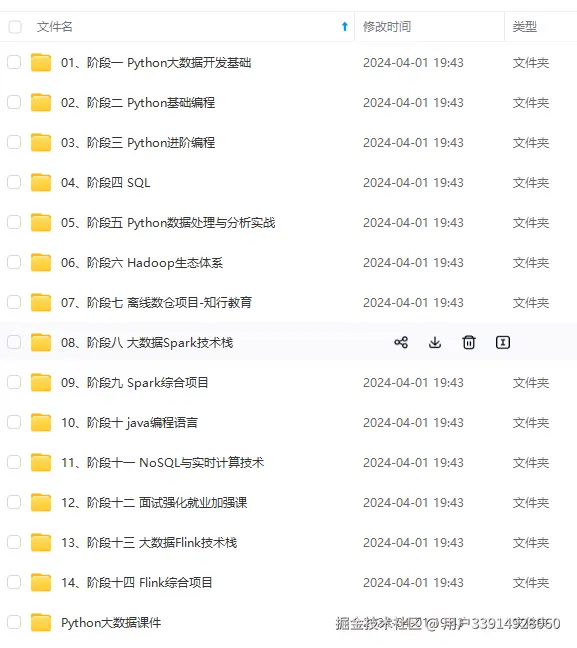
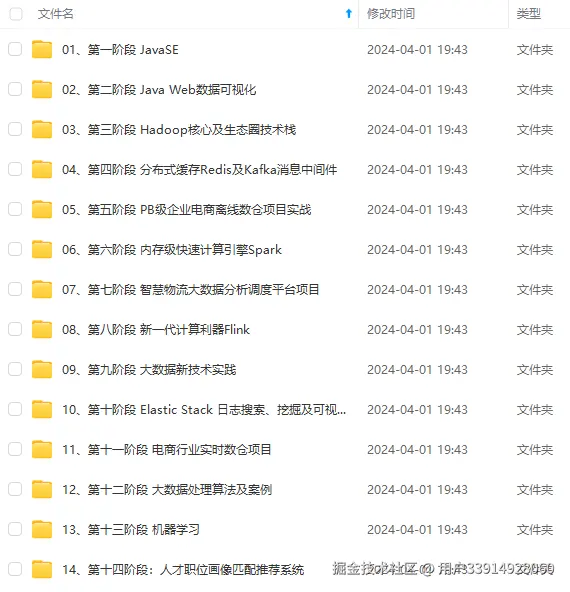
**既有适合小白学习的零基础资料,也有适合3年以上经验的小伙伴深入学习提升的进阶课程,涵盖了95%以上大数据知识点,真正体系化!**
**由于文件比较多,这里只是将部分目录截图出来,全套包含大厂面经、学习笔记、源码讲义、实战项目、大纲路线、讲解视频,并且后续会持续更新**
**[需要这份系统化资料的朋友,可以戳这里获取](https://gitee.com/vip204888)**

