

文末
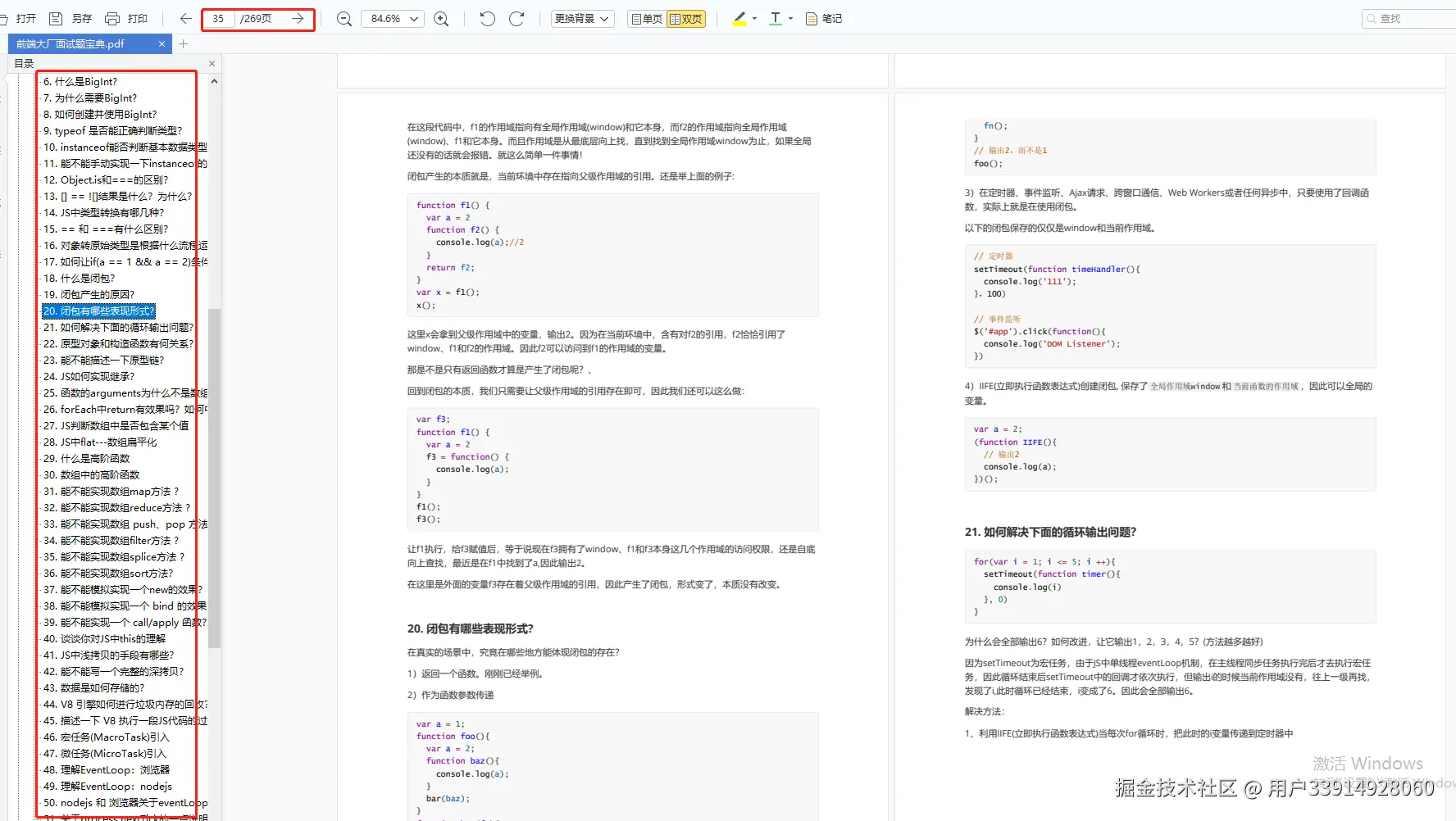
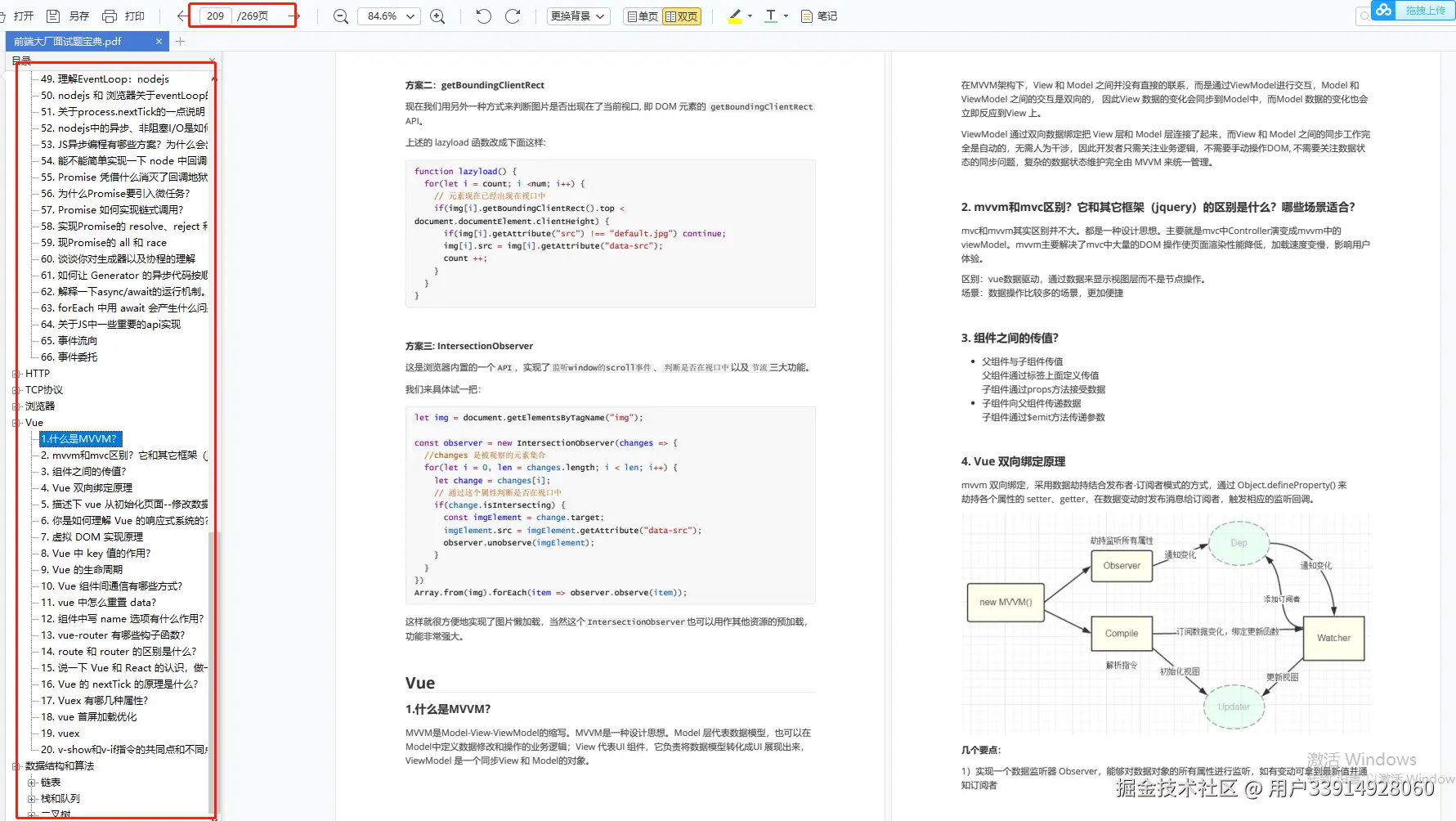
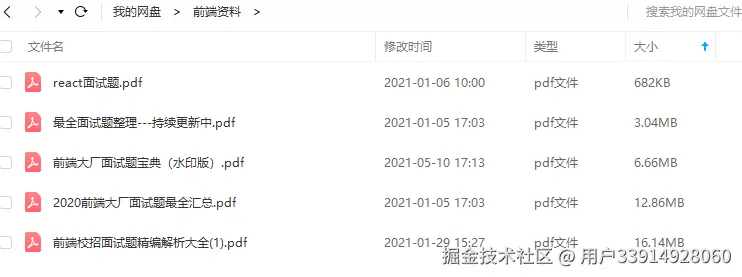
篇幅有限没有列举更多的前端面试题,小编把整理的前端大厂面试题PDF分享出来,一共有269页
开源分享:docs.qq.com/doc/DSmRnRG…
LVGL 是一款具有丰富的部件,具备高级图形特性,支持多种输入设备, 多国语言和独立于硬件之外等免费的开源图形库。接下来我们来看一下 LVGL 图形用户库的主要特点:
- 强大的构建块:按钮、图表、列表、滑块、图像等部件。
- 具有高级图形属性:具有动画、抗锯齿、不透明度、平滑滚动的高级图形。
- 支持各种输入设备:如触摸、鼠标、键盘、编码器。
- 支持多语言:UTF-8 编码。
- 支持多显示器:它可以同时使用多个 TFT 或者单色显示器。
- 支持多种样式属性:它具有类 CSS 样式的完全可定制的图形元素。
- 独立于硬件之外:它与任何微控制器或显示器一起使用。
- 可扩展性:它能够以小内存运行(最低 64 kB 闪存,16 kB RAM 的 MCU)。
- 支持操作系统、外部存储器和 GPU(不是必需的)。
- 具有高级图形效果:可进行单帧缓冲区操作。
- 纯 C 编写: C 语言编写以获得最大的兼容性。
移植工作
- 获取LVGL源码
从 LVGL 官方 GitHub 网址(github.com/lvgl/lvgl/)…
- 把文件中的 lv_conf_template.h 文件名修改成 lv_conf.h 文件名
- .打开 lv_conf.h 文件,修改条件编译指令,如下源码所示。
- 打开 examples 文件夹,除了 porting 文件夹外,用户可以删除其他文件和文件夹
把porting文件夹重新命名为lvgl_driver,并修改文件名称。
- 准备一个裸机工程,其中包括lcd,touch驱动,能正常使用,建立LVGL文件夹。
- 在工程中,创建lvgl/src,lvgl/config/,lvgl/port,lvgl/app
- 添加lvgl源码文件
lvgl/config中主要是lvgl.h lv_conf.h配置文件
lvgl/port中主要是lv_port_disp.c,lv_port_indev.c文件,显示与输入接口文件
lvgl/src中主要是lvgl组件的源代码文件,比较重要,把src文件夹下面的所有的C文件全部添加进去,包括子文件夹下面的,添加比较繁琐。(也可以不用添加全部的,参考正点原子的教程,在这里,我是添加了所有的)
lvgl/app中主要是lvgl案例演示源代码
- 添加文件路径(参考正点原子教程,这里有的教程会添加非常的多的路径,但是正点原子的教程没有很多路径,我也是参考的,建议参考正点原子的文件夹架构)
如果使用我的文件结果这样子是可以的编译通过的,不过我在后面应该是修改了一下头文件包含的位置,可能与lvgl源码中的写法不一样,仅供参考。
工程结构如下
- 添加部分相关文件
lvgl 的 1ms 心跳 通过调用定时器3
//==================================================================================================
// 实现功能:定时器3中断服务函数
// 函数说明: TIM3\_IRQHandler
// 函数备注:
//--------------------------------------------------------------------------------------------------
// | - | - | 0 | 1 | 2 | 3 | 4 | 5 | 6 | 7 | 8 | 9
//==================================================================================================

void TIM3\_IRQHandler(void)
{
	if(TIM\_GetITStatus(TIM3,TIM_IT_Update)==SET) //溢出中断
	{
        lv\_tick\_inc(1);//lvgl的1ms中断
	}
	TIM\_ClearITPendingBit(TIM3,TIM_IT_Update);  //清除中断标志位
}
修改disp代码
/\*\*
 \* @file lv\_port\_disp\_templ.c
 \*
 \*/

/\*Copy this file as "lv\_port\_disp.c" and set this value to "1" to enable content\*/
#if 1

/\*\*\*\*\*\*\*\*\*\*\*\*\*\*\*\*\*\*\*\*\*
 \* INCLUDES
 \*\*\*\*\*\*\*\*\*\*\*\*\*\*\*\*\*\*\*\*\*/
#include "lv\_port\_disp.h"
#include <stdbool.h>
#include "lcd.h"
/\*\*\*\*\*\*\*\*\*\*\*\*\*\*\*\*\*\*\*\*\*
 \* DEFINES
 \*\*\*\*\*\*\*\*\*\*\*\*\*\*\*\*\*\*\*\*\*/
//#ifndef MY\_DISP\_HOR\_RES
// #warning Please define or replace the macro MY\_DISP\_HOR\_RES with the actual screen width, default value 320 is used for now.
// #define MY\_DISP\_HOR\_RES 320
//#endif

//#ifndef MY\_DISP\_VER\_RES
// #warning Please define or replace the macro MY\_DISP\_HOR\_RES with the actual screen height, default value 240 is used for now.
// #define MY\_DISP\_VER\_RES 240
//#endif

/\*\*\*\*\*\*\*\*\*\*\*\*\*\*\*\*\*\*\*\*\*\*
 \* TYPEDEFS
 \*\*\*\*\*\*\*\*\*\*\*\*\*\*\*\*\*\*\*\*\*\*/

/\*\*\*\*\*\*\*\*\*\*\*\*\*\*\*\*\*\*\*\*\*\*
 \* STATIC PROTOTYPES
 \*\*\*\*\*\*\*\*\*\*\*\*\*\*\*\*\*\*\*\*\*\*/
static void disp\_init(void);

static void disp\_flush(lv\_disp\_drv\_t \* disp_drv, const lv\_area\_t \* area, lv\_color\_t \* color_p);
//static void gpu\_fill(lv\_disp\_drv\_t \* disp\_drv, lv\_color\_t \* dest\_buf, lv\_coord\_t dest\_width,
// const lv\_area\_t \* fill\_area, lv\_color\_t color);

/\*\*\*\*\*\*\*\*\*\*\*\*\*\*\*\*\*\*\*\*\*\*
 \* STATIC VARIABLES
 \*\*\*\*\*\*\*\*\*\*\*\*\*\*\*\*\*\*\*\*\*\*/

/\*\*\*\*\*\*\*\*\*\*\*\*\*\*\*\*\*\*\*\*\*\*
 \* MACROS
 \*\*\*\*\*\*\*\*\*\*\*\*\*\*\*\*\*\*\*\*\*\*/

/\*\*\*\*\*\*\*\*\*\*\*\*\*\*\*\*\*\*\*\*\*\*
 \* GLOBAL FUNCTIONS
 \*\*\*\*\*\*\*\*\*\*\*\*\*\*\*\*\*\*\*\*\*\*/

void lv\_port\_disp\_init(void)
{
    /\*-------------------------
 \* Initialize your display
 \* -----------------------\*/
// disp\_init();

    /\*-----------------------------
 \* Create a buffer for drawing
 \*----------------------------\*/

    /\*\*
 \* LVGL requires a buffer where it internally draws the widgets.
 \* Later this buffer will passed to your display driver's `flush\_cb` to copy its content to your display.
 \* The buffer has to be greater than 1 display row
 \*
 \* There are 3 buffering configurations:
 \* 1. Create ONE buffer:
 \* LVGL will draw the display's content here and writes it to your display
 \*
 \* 2. Create TWO buffer:
 \* LVGL will draw the display's content to a buffer and writes it your display.
 \* You should use DMA to write the buffer's content to the display.
 \* It will enable LVGL to draw the next part of the screen to the other buffer while
 \* the data is being sent form the first buffer. It makes rendering and flushing parallel.
 \*
 \* 3. Double buffering
 \* Set 2 screens sized buffers and set disp\_drv.full\_refresh = 1.
 \* This way LVGL will always provide the whole rendered screen in `flush\_cb`
 \* and you only need to change the frame buffer's address.
 \*/

    /\* Example for 1) \*/
    static lv\_disp\_draw\_buf\_t draw_buf_dsc_1;
    static lv\_color\_t buf_1[LV_HOR_RES_MAX \* 10];                          /\*A buffer for 10 rows\*/
    lv\_disp\_draw\_buf\_init(&draw_buf_dsc_1, buf_1, NULL, LV_HOR_RES_MAX \* 10);   /\*Initialize the display buffer\*/

    /\*-----------------------------------
 \* Register the display in LVGL
 \*----------------------------------\*/

    static lv\_disp\_drv\_t disp_drv;                         /\*Descriptor of a display driver\*/
    lv\_disp\_drv\_init(&disp_drv);                    /\*Basic initialization\*/

    /\*Set up the functions to access to your display\*/

    /\*Set the resolution of the display\*/
    disp_drv.hor_res = lcddev.width;
    disp_drv.ver_res = lcddev.height;

    /\*Used to copy the buffer's content to the display\*/
    disp_drv.flush_cb = disp_flush;

    /\*Set a display buffer\*/
    disp_drv.draw_buf = &draw_buf_dsc_1;

    /\*Required for Example 3)\*/
    //disp\_drv.full\_refresh = 1

    /\* Fill a memory array with a color if you have GPU.
 \* Note that, in lv\_conf.h you can enable GPUs that has built-in support in LVGL.
 \* But if you have a different GPU you can use with this callback.\*/
    //disp\_drv.gpu\_fill\_cb = gpu\_fill;

    /\*Finally register the driver\*/
    lv\_disp\_drv\_register(&disp_drv);
}

/\*\*\*\*\*\*\*\*\*\*\*\*\*\*\*\*\*\*\*\*\*\*
 \* STATIC FUNCTIONS
 \*\*\*\*\*\*\*\*\*\*\*\*\*\*\*\*\*\*\*\*\*\*/

/\*Initialize your display and the required peripherals.\*/
//static void disp\_init(void)
//{
// /\*You code here\*/
//}

volatile bool disp_flush_enabled = true;

/\* Enable updating the screen (the flushing process) when disp\_flush() is called by LVGL
 \*/
void disp\_enable\_update(void)
{
    disp_flush_enabled = true;
}

/\* Disable updating the screen (the flushing process) when disp\_flush() is called by LVGL
 \*/
void disp\_disable\_update(void)
{
    disp_flush_enabled = false;
}

/\*Flush the content of the internal buffer the specific area on the display
 \*You can use DMA or any hardware acceleration to do this operation in the background but
 \*'lv\_disp\_flush\_ready()' has to be called when finished.\*/
static void disp\_flush(lv\_disp\_drv\_t \* disp_drv, const lv\_area\_t \* area, lv\_color\_t \* color_p)
{

    LCD\_Color\_Fill(area->x1,area->y1,area->x2,area->y2,(u16\*)color_p);
    lv\_disp\_flush\_ready(disp_drv);
}

#else /\*Enable this file at the top\*/

/\*This dummy typedef exists purely to silence -Wpedantic.\*/
typedef int keep_pedantic_happy;
#endif
基本上只要修改disp_flush函数,不同的屏幕显示接口移植
修改indev代码,配置好触摸屏驱动
/\*\*
\* @file lv\_port\_indev\_templ.c
\*
\*/
/\*Copy this file as "lv\_port\_indev.c" and set this value to "1" to enable content\*/
#if 1
/\*\*\*\*\*\*\*\*\*\*\*\*\*\*\*\*\*\*\*\*\*
\* INCLUDES
\*\*\*\*\*\*\*\*\*\*\*\*\*\*\*\*\*\*\*\*\*/
#include "lv\_port\_indev.h"
#include "../lvgl.h"
#include "touch.h"
/\*\*\*\*\*\*\*\*\*\*\*\*\*\*\*\*\*\*\*\*\*
\* DEFINES
\*\*\*\*\*\*\*\*\*\*\*\*\*\*\*\*\*\*\*\*\*/
/\*\*\*\*\*\*\*\*\*\*\*\*\*\*\*\*\*\*\*\*\*\*
\* TYPEDEFS
\*\*\*\*\*\*\*\*\*\*\*\*\*\*\*\*\*\*\*\*\*\*/
/\*\*\*\*\*\*\*\*\*\*\*\*\*\*\*\*\*\*\*\*\*\*
\* STATIC PROTOTYPES
\*\*\*\*\*\*\*\*\*\*\*\*\*\*\*\*\*\*\*\*\*\*/
static void touchpad\_init(void);
static void touchpad\_read(lv\_indev\_drv\_t \* indev_drv, lv\_indev\_data\_t \* data);
static bool touchpad\_is\_pressed(void);
static void touchpad\_get\_xy(lv\_coord\_t \* x, lv\_coord\_t \* y);
/\*\*\*\*\*\*\*\*\*\*\*\*\*\*\*\*\*\*\*\*\*\*
\* STATIC VARIABLES
\*\*\*\*\*\*\*\*\*\*\*\*\*\*\*\*\*\*\*\*\*\*/
lv\_indev\_t \* indev_touchpad;
static int32\_t encoder_diff;
static lv\_indev\_state\_t encoder_state;
/\*\*\*\*\*\*\*\*\*\*\*\*\*\*\*\*\*\*\*\*\*\*
\* MACROS
\*\*\*\*\*\*\*\*\*\*\*\*\*\*\*\*\*\*\*\*\*\*/
/\*\*\*\*\*\*\*\*\*\*\*\*\*\*\*\*\*\*\*\*\*\*
\* GLOBAL FUNCTIONS
\*\*\*\*\*\*\*\*\*\*\*\*\*\*\*\*\*\*\*\*\*\*/
void lv\_port\_indev\_init(void)
{
static lv\_indev\_drv\_t indev_drv;
/\*------------------
\* Touchpad
\* -----------------\*/
/\*Initialize your touchpad if you have\*/
touchpad\_init();
/\*Register a touchpad input device\*/
lv\_indev\_drv\_init(&indev_drv);
indev_drv.type = LV_INDEV_TYPE_POINTER;
indev_drv.read_cb = touchpad_read;
indev_touchpad = lv\_indev\_drv\_register(&indev_drv);
/\*------------------
\* Touchpad
\* -----------------\*/
/\*Initialize your touchpad\*/
static void touchpad\_init(void)
{
/\*Your code comes here\*/
tp_dev.init();
if (0 == (tp_dev.touchtype & 0x80))
{
TP\_Adjust();
TP\_Save\_Adjdata();
}
}
/\*Will be called by the library to read the touchpad\*/
static void touchpad\_read(lv\_indev\_drv\_t \* indev_drv, lv\_indev\_data\_t \* data)
{
static lv\_coord\_t last_x = 0;
static lv\_coord\_t last_y = 0;
/\*Save the pressed coordinates and the state\*/
if(touchpad\_is\_pressed())
{
touchpad\_get\_xy(&last_x, &last_y);
data->state = LV_INDEV_STATE_PR;
}
else {
data->state = LV_INDEV_STATE_REL;
}
/\*Set the last pressed coordinates\*/
data->point.x = last_x;
data->point.y = last_y;
}
/\*Return true is the touchpad is pressed\*/
static bool touchpad\_is\_pressed(void)
{
if(tp_dev.sta & TP_PRES_DOWN)
return true;
return false;
}
#### 总结一下
面试前要精心做好准备,简历上写的知识点和原理都需要准备好,项目上多想想难点和亮点,这是面试时能和别人不一样的地方。
还有就是表现出自己的谦虚好学,以及对于未来持续进阶的规划,企业招人更偏爱稳定的人。
**[开源分享:【大厂前端面试题解析+核心总结学习笔记+真实项目实战+最新讲解视频】](https://docs.qq.com/doc/DSmRnRGxvUkxTREhO)**
万事开头难,但是程序员这一条路坚持几年后发展空间还是非常大的,一切重在坚持。
为了帮助大家更好更高效的准备面试,特别整理了《前端工程师面试手册》电子稿文件。
**前端面试题汇总**
**JavaScript**
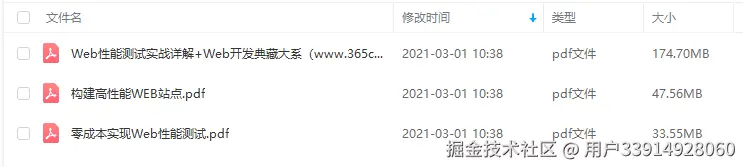
**性能**
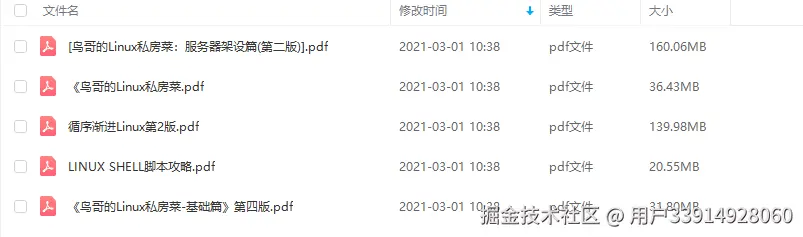
**linux**
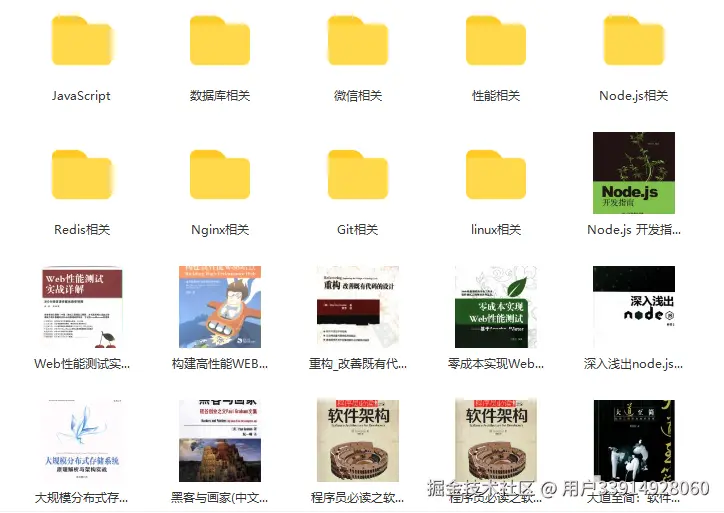
**前端资料汇总**
前端工程师岗位缺口一直很大,符合岗位要求的人越来越少,所以学习前端的小伙伴要注意了,一定要把技能学到扎实,做有含金量的项目,这样在找工作的时候无论遇到什么情况,问题都不会大。

