

package util

import "testing"

// 普通的测试
func TestGenShortID(t *testing.T) {
    shortID, err := GenShortID()
    if shortID == "" || err != nil {
        t.Error("GenShortID failed")
    }
}
然后, 在根目录下运行 go test -v ./util/, 测试结果如下:
root@592402321ce7:/workspace# go test -v ./util/
=== RUN   TestGenShortID
--- PASS: TestGenShortID (0.00s)
PASS
ok      tzh.com/web/util        0.006s
现在我也找了很多测试的朋友,做了一个分享技术的交流群,共享了很多我们收集的技术文档和视频教程。
如果你不想再体验自学时找不到资源,没人解答问题,坚持几天便放弃的感受
可以加入我们一起交流。而且还有很多在自动化,性能,安全,测试开发等等方面有一定建树的技术大牛
分享他们的经验,还会分享很多直播讲座和技术沙龙
可以免费学习!划重点!开源的!!!
qq群号:110685036【暗号:csdn999】
性能测试
性能测试的结果形如:
func BenchmarkHello(b *testing.B) {
  for i := 0; i < b.N; i++ {
    fmt.Sprintf("hello")
  }
}
在 util_test.go 添加性能测试:
// 性能测试
func BenchmarkGenShortID(b *testing.B) {
    for i := 0; i < b.N; i++ {
        GenShortID()
    }
}
运行结果如下(使用 --run=none 避免运行普通的测试函数, 因为一般不可能有函数名匹配 none):
root@592402321ce7:/workspace# go test -v -bench="BenchmarkGenShortID$" --run=none ./util/
goos: linux
goarch: amd64
pkg: tzh.com/web/util
BenchmarkGenShortID-2             507237              2352 ns/op
PASS
ok      tzh.com/web/util        1.229s
这说明, 平均每次运行 GenShortID() 需要 2352 纳秒.
性能分析
运行测试的时候, 可以指定一些参数, 生成性能文件 profile.
-blockprofile block.out
    Write a goroutine blocking profile to the specified file
    when all tests are complete.
    Writes test binary as -c would.

-blockprofilerate n
    Control the detail provided in goroutine blocking profiles by
    calling runtime.SetBlockProfileRate with n.
    See 'go doc runtime.SetBlockProfileRate'.
    The profiler aims to sample, on average, one blocking event every
    n nanoseconds the program spends blocked. By default,
    if -test.blockprofile is set without this flag, all blocking events
    are recorded, equivalent to -test.blockprofilerate=1.

-coverprofile cover.out
    Write a coverage profile to the file after all tests have passed.
    Sets -cover.

-cpuprofile cpu.out
    Write a CPU profile to the specified file before exiting.
    Writes test binary as -c would.

-memprofile mem.out
    Write an allocation profile to the file after all tests have passed.
    Writes test binary as -c would.

-memprofilerate n
    Enable more precise (and expensive) memory allocation profiles by
    setting runtime.MemProfileRate. See 'go doc runtime.MemProfileRate'.
    To profile all memory allocations, use -test.memprofilerate=1.

-mutexprofile mutex.out
    Write a mutex contention profile to the specified file
    when all tests are complete.
    Writes test binary as -c would.

-mutexprofilefraction n
    Sample 1 in n stack traces of goroutines holding a
    contended mutex.
使用下面的命令, 生成 CPU 的 profile:
go test -v -bench="BenchmarkGenShortID$" --run=none -cpuprofile cpu.out ./util/
当前目录下, 应该会生成 cpu.out 文件和 util.test 文件.
使用下面的命令, 观察耗时操作:
# 进入交互模式
go tool pprof cpu.out
top
安装 Graphviz 后可以生成可视化的分析图.
apt install graphviz
go tool pprof -http=":" cpu.out
测试覆盖率
root@592402321ce7:/workspace# go test -v -coverprofile=cover.out ./util/
=== RUN TestGenShortID
--- PASS: TestGenShortID (0.00s)

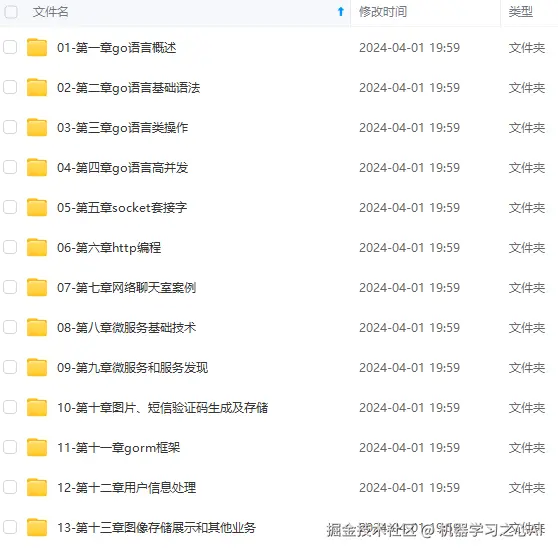

**既有适合小白学习的零基础资料,也有适合3年以上经验的小伙伴深入学习提升的进阶课程,涵盖了95%以上Go语言开发知识点,真正体系化!**
**由于文件比较多,这里只是将部分目录截图出来,全套包含大厂面经、学习笔记、源码讲义、实战项目、大纲路线、讲解视频,并且后续会持续更新**
**[如果你需要这些资料,可以戳这里获取](https://gitee.com/vip204888)**

