

一次性闹钟
            // When the alarm goes off, we want to broadcast an Intent to our

            // BroadcastReceiver. Here we make an Intent with an explicit class

            // name to have our own receiver (which has been published in

            // AndroidManifest.xml) instantiated and called, and then create an

            // IntentSender to have the intent executed as a broadcast.

            Intent intent = new Intent(AlarmController.this, OneShotAlarm.class);

            PendingIntent sender \= PendingIntent.getBroadcast(

                    AlarmController.this, 0, intent, 0);


            // We want the alarm to go off 10 seconds from now.

            Calendar calendar = Calendar.getInstance();

            calendar.setTimeInMillis(System.currentTimeMillis());

            calendar.add(Calendar.SECOND, 10);


            // Schedule the alarm!

            AlarmManager am = (AlarmManager) getSystemService(ALARM\_SERVICE);

            am.set(AlarmManager.RTC\_WAKEUP, calendar.getTimeInMillis(), sender);
重复闹钟
闹钟设置:
            // When the alarm goes off, we want to broadcast an Intent to our

            // BroadcastReceiver. Here we make an Intent with an explicit class

            // name to have our own receiver (which has been published in

            // AndroidManifest.xml) instantiated and called, and then create an

            // IntentSender to have the intent executed as a broadcast.

            // Note that unlike above, this IntentSender is configured to

            // allow itself to be sent multiple times.

            Intent intent = new Intent(AlarmController.this,

                    RepeatingAlarm.class);

            PendingIntent sender \= PendingIntent.getBroadcast(

                    AlarmController.this, 0, intent, 0);


            // We want the alarm to go off 10 seconds from now.

            Calendar calendar = Calendar.getInstance();

            calendar.setTimeInMillis(System.currentTimeMillis());

            calendar.add(Calendar.SECOND, 10);

            // Schedule the alarm!

            AlarmManager am = (AlarmManager) getSystemService(ALARM\_SERVICE);

            am.setRepeating(AlarmManager.RTC\_WAKEUP,

                    calendar.getTimeInMillis(), 10 \* 1000, sender);
闹钟取消:
            // Create the same intent, and thus a matching IntentSender, for

            // the one that was scheduled.

            Intent intent = new Intent(AlarmController.this,

                    RepeatingAlarm.class);

            PendingIntent sender \= PendingIntent.getBroadcast(

                    AlarmController.this, 0, intent, 0);


            // And cancel the alarm.

            AlarmManager am = (AlarmManager) getSystemService(ALARM\_SERVICE);

            am.cancel(sender);
AlarmManager说明
AlarmManager这个类提供对系统闹钟服务的访问接口。
对它的获取是通过系统服务:
Context.getSystemService(Context.ALARM_SERVICE)。
相关方法说明:
cancel(PendingIntent operation)方法将会取消Intent匹配的任何闹钟。
关于Intent的匹配,查看filterEquals(Intent other)方法的说明可知,两个Intent从intent resolution(filtering)(Intent决议或过滤)的角度来看是一致的,即认为两个Intent相等。即是说,Intent的action,data,type,class,categories是相同的,其他的数据都不在比较范围之内。
set(int type, long triggerAtMillis, PendingIntent operation)方法将会设置一个闹钟。
注意:对于计时操作,可能使用Handler更加有效率和简单。
设置闹钟的时候注意:
1.如果声明的triggerAtMillis是一个过去的时间,闹钟将会立即被触发。
2.如果已经有一个相同intent的闹钟被设置过了,那么前一个闹钟将会取消,被新设置的闹钟所代替。
注意这里说的intent相同指的都是Intent在 filterEquals(Intent)的定义下匹配。
闹钟是一个广播,接收器需要自己定义和注册,注册使用动态注册( registerReceiver(BroadcastReceiver, IntentFilter) )或者静态注册( tag in an AndroidManifest.xml file)都可以。
setRepeating(int type, long triggerAtMillis, long intervalMillis, PendingIntent operation)方法将会设置一个重复性的闹钟。
比set方法多了一个间隔参数。
type的类型是四种:
ELAPSED_REALTIME, ELAPSED_REALTIME_WAKEUP, RTC, RTC_WAKEUP.
区分的是时间标准和是否在睡眠状态下唤醒设备。
具体查看官方文档吧不再详细解释啦。
实例
比如要设置一个每晚21:30唤醒的重复闹钟:
private static final int INTERVAL = 1000 \* 60 \* 60 \* 24;// 24h
//...
Intent intent \= new Intent(context, RequestAlarmReceiver.class);
PendingIntent sender \= PendingIntent.getBroadcast(context,
REQUEST\_CODE, intent, PendingIntent.FLAG\_CANCEL\_CURRENT);
// Schedule the alarm!
AlarmManager am = (AlarmManager) context
.getSystemService(Context.ALARM\_SERVICE);
Calendar calendar \= Calendar.getInstance();
calendar.set(Calendar.HOUR\_OF\_DAY, 21);
calendar.set(Calendar.MINUTE, 30);
calendar.set(Calendar.SECOND, 10);
calendar.set(Calendar.MILLISECOND, 0);
**《960全网最全Android开发笔记》**
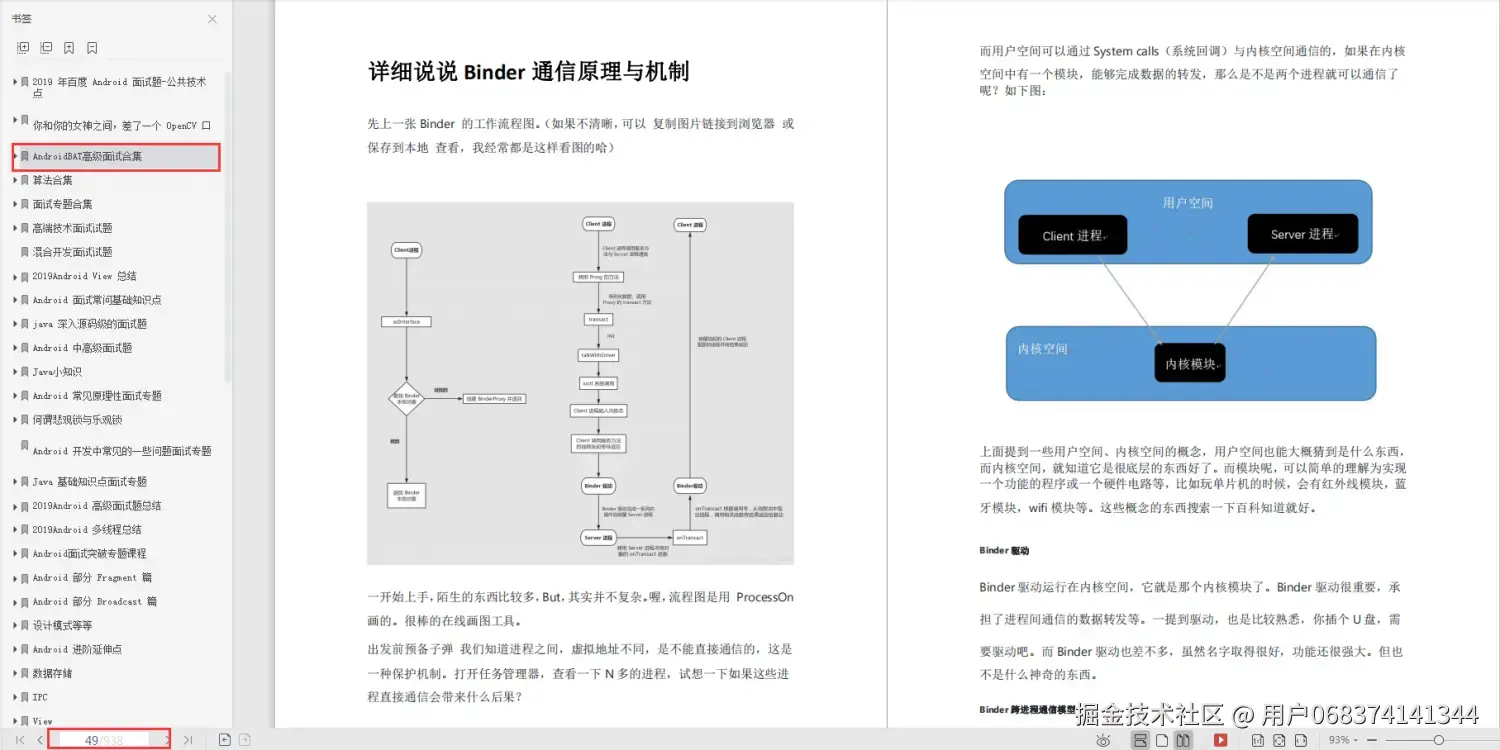
**《379页Android开发面试宝典》**

**《507页Android开发相关源码解析》**
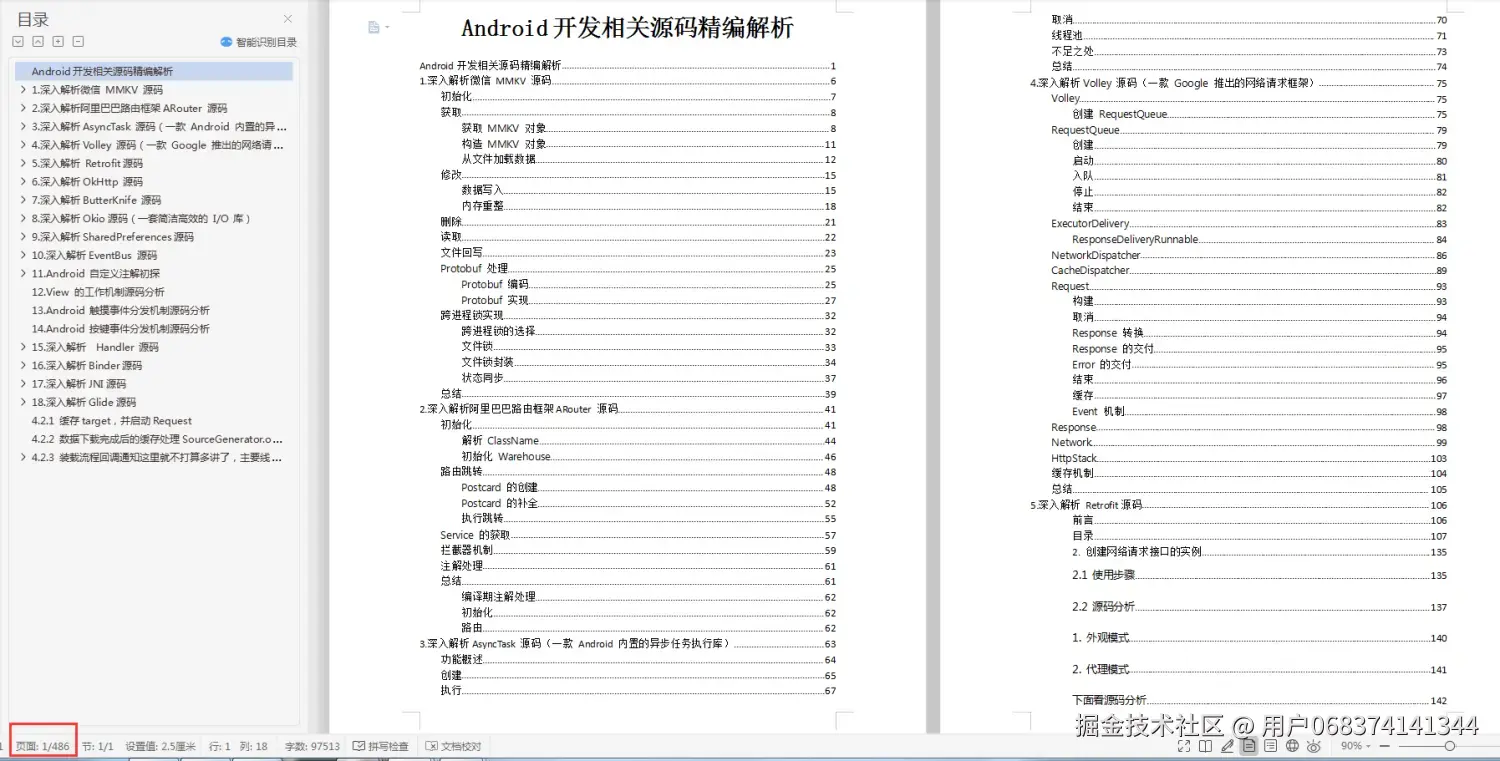
>因为文件太多,全部展示会影响篇幅,暂时就先列举这些部分截图,大家可以**[点击这里](https://github.com/a120464/Android-P7/blob/master/Android%E5%BC%80%E5%8F%91%E4%B8%8D%E4%BC%9A%E8%BF%99%E4%BA%9B%EF%BC%9F%E5%A6%82%E4%BD%95%E9%9D%A2%E8%AF%95%E6%8B%BF%E9%AB%98%E8%96%AA%EF%BC%81.md)**自行领取。

