原生vue3四位数验证码框实现
效果图
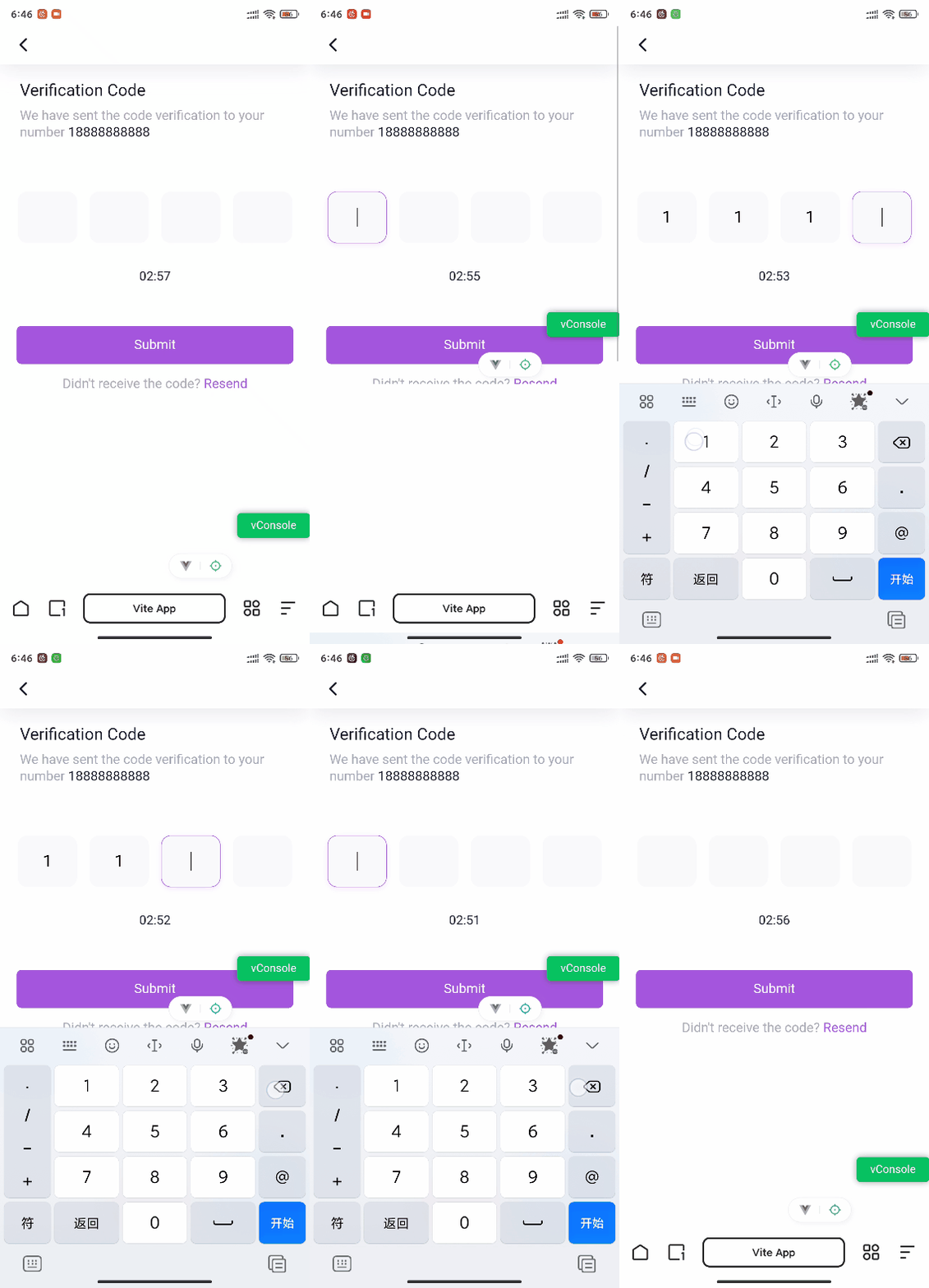
demo
 <div class="verification-container">
    <input
      v-for="(code, index) in verificationCodes"
      :key="index"
      v-model="verificationCodes[index]"
      @input="handleInput(index, $event)"
      @keydown="handleKeyDown(index, $event)"
      maxlength="1"
      class="verification-input"
    />
</div>
const verificationCodes = ref(['', '', '', ''])
const handleInput = (index, event) => {
const value = event.target.value
verificationCodes.value[index] = value
if (value && index < verificationCodes.value.length - 1) {
const nextInput = event.target.nextElementSibling
if (nextInput) {
nextTick(() => {
nextInput.focus()
})
}
}
}
const handleKeyDown = (index, event) => {
if (event.key === 'Backspace' && !event.target.value && index > 0) {
const prevInput = event.target.previousElementSibling
if (prevInput) {
nextTick(() => {
prevInput.focus()
})
}
}
}