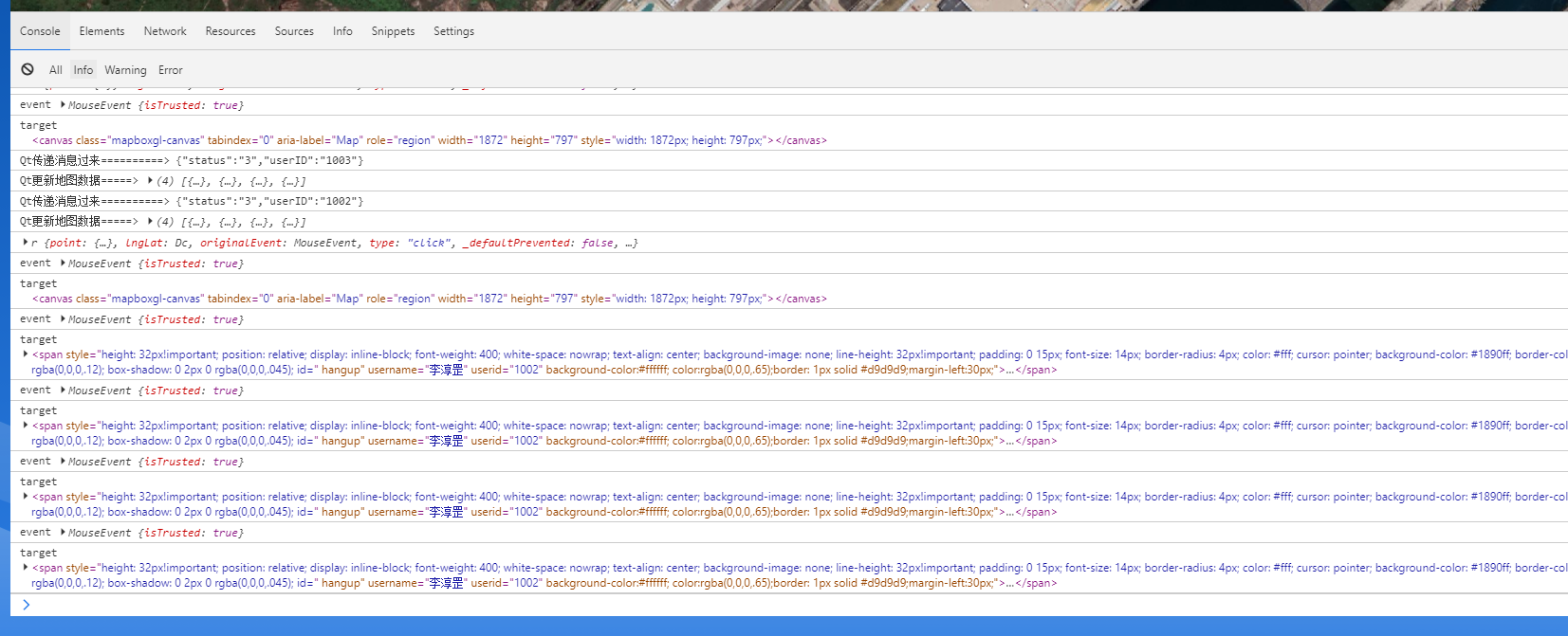
> 最近开发中需要用到和c++开发的操作台进行通信的的需求,就找到了这个技术,记录一下
`npm i qwebchannel`
`import { qwebchannel } from "qwebchannel"
`initQt.js`
```js
let context
const initQt = (callback) => {
// 初始化时创建了一个QWebChannel对象,里面的第一个参数qt.webChannelTransport,只有Qt端正确地向页面设置了webchannel才能取到,否则会是undefined。 所以要判断qt是否存在
// eslint-disable-next-line no-undef
if (typeof qt != "undefined") {
context = null
new QWebChannel(qt.webChannelTransport, function(channel) {
// Qt channel.objects对应了Qt实现里向webchannel注册的对象表,channel.objects.qtWebObj即为从表中取出名为"qtWebObj"的对象
console.loe('调C++传递消息过去的方法',channel.objects)
context = channel.objects.qtWebObj
context.sigUpdateStatInMap.connect(function(e) {
console.log("Qt传递消息过来==========>", e)
callback && callback(e)
})
})
} else {
console.error("初始化Qt对象失败")
}
}
/**
* 给Qt发送数据(此处封装是为了调用不同方法发送消息)
* data数据内容
*
**/
const sendMessage = (data) => {
console.error("调用Qt方法发送消息=========================>",data)
if (typeof context == "undefined") {
initQt()
} else {
if (context && data) {
let messageObj = JSON.stringify(data)
//我这边c++定义的是js_MakeAudioCall方法,要改成自己的C++的方法
context.js_MakeAudioCall(messageObj)
}
}
}
//接收消息
const getMessage = (callback) => {
initQt(callback)
}
```
```vue
// 在onMounted方法中调用接收信息的方法并使用
onMounted(() => {
getMessage((e) => {
console.log('Qt发送消息过来====>',e)
})
})
//给qt发送消息
const clickBtn = () => {
const data='你好QT'
sendMessage(data)
}
```