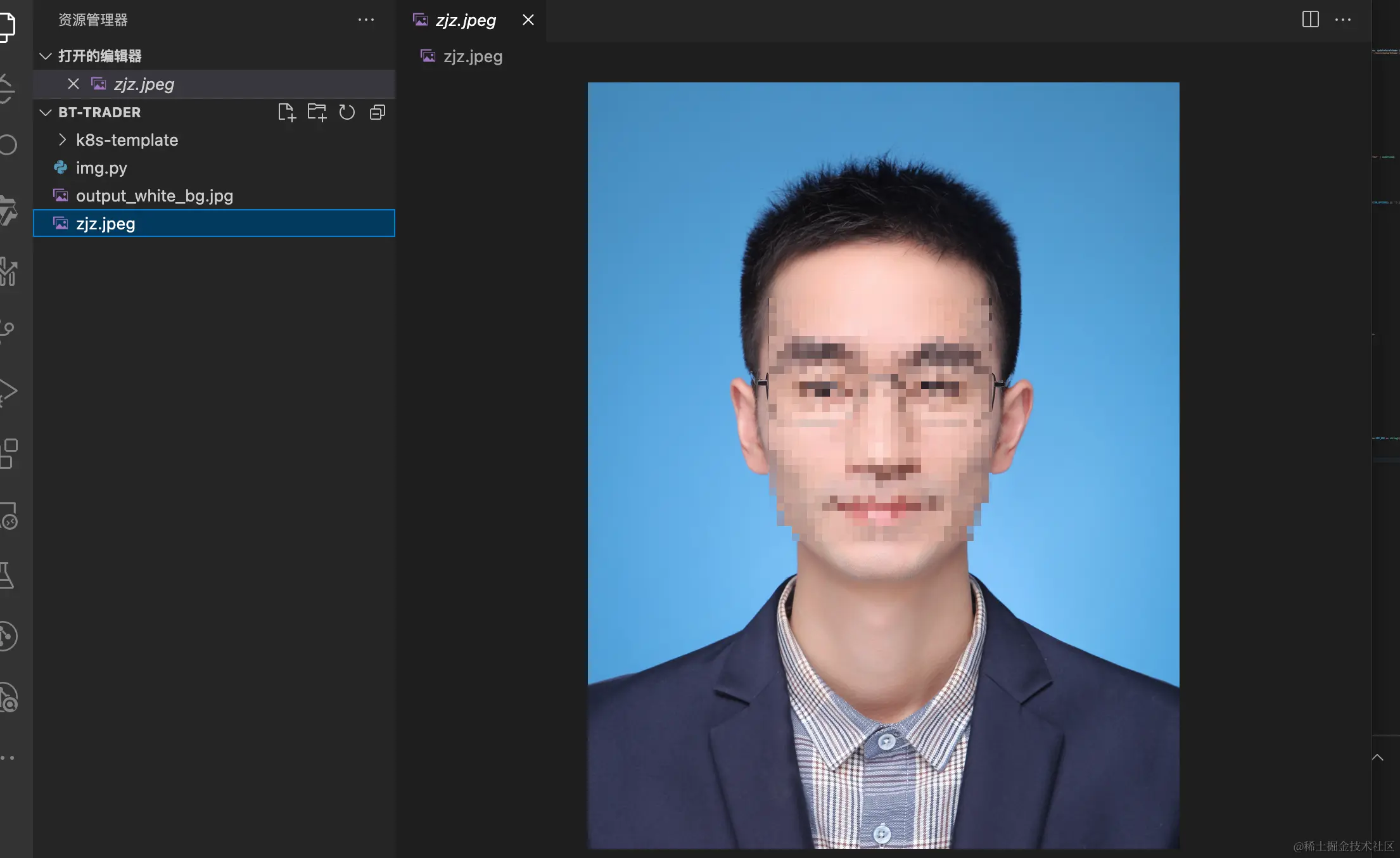
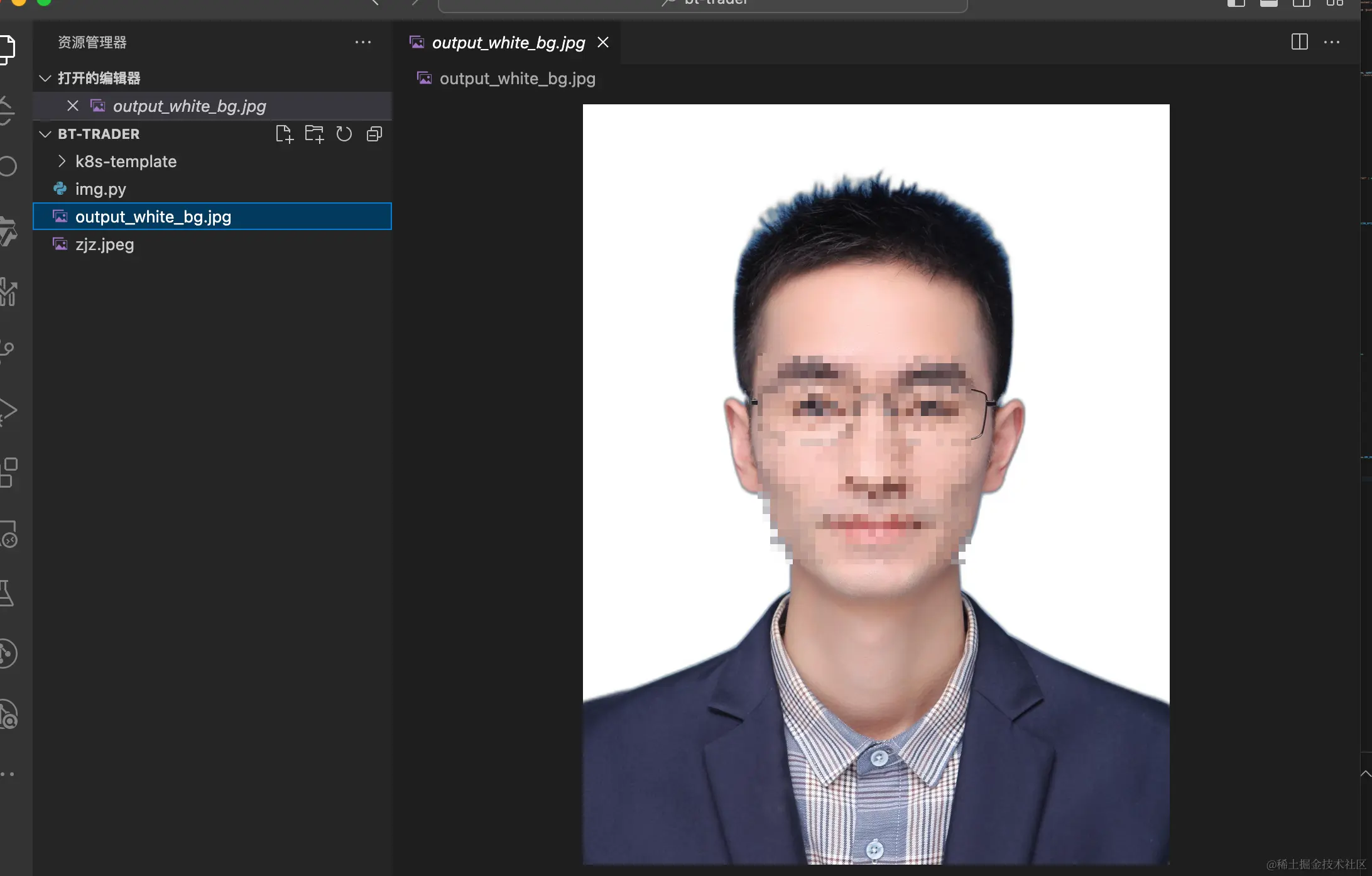
- 安装基本的python环境 (略)
- 安装rembg
pip install rembg
from rembg import remove
from PIL import Image
import numpy as np
import io
def remove_background_and_set_white(input_path, output_path):
with open(input_path, 'rb') as i:
input_data = i.read()
output_data = remove(input_data)
image = Image.open(io.BytesIO(output_data))
white_background = Image.new('RGBA', image.size, (255, 255, 255, 255))
white_background.paste(image, (0, 0), image)
final_image = white_background.convert('RGB')
final_image.save(output_path)
input_path = './zjz.jpeg'
output_path = 'output_white_bg.jpg'
remove_background_and_set_white(input_path, output_path)