一、 前言
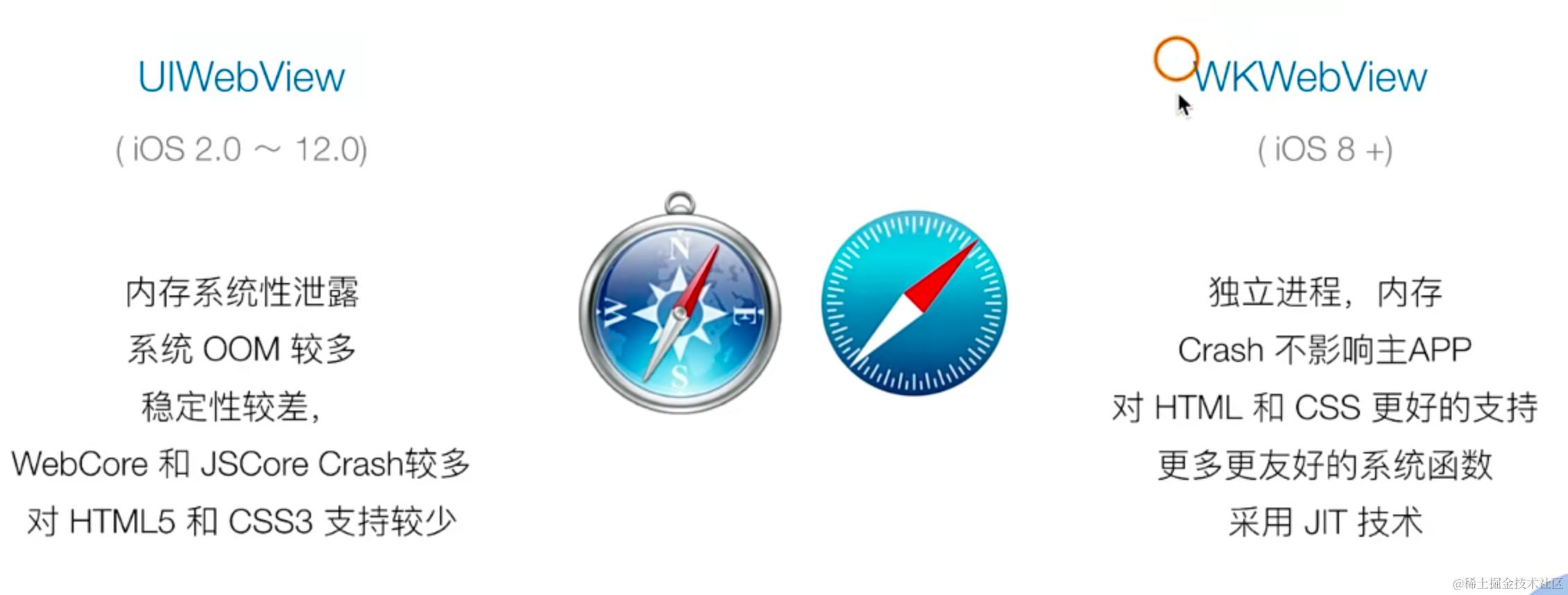
WebKit 框架 —— 是一个开源的Web浏览器引擎 对于 IOS 中的 WebKit.framework 就是在 WebCore、底层桥接、JSCore 引擎等核心模块的基础上,针对 IOS 平台的项目封装。
新的 WKWebVIew
二、实现
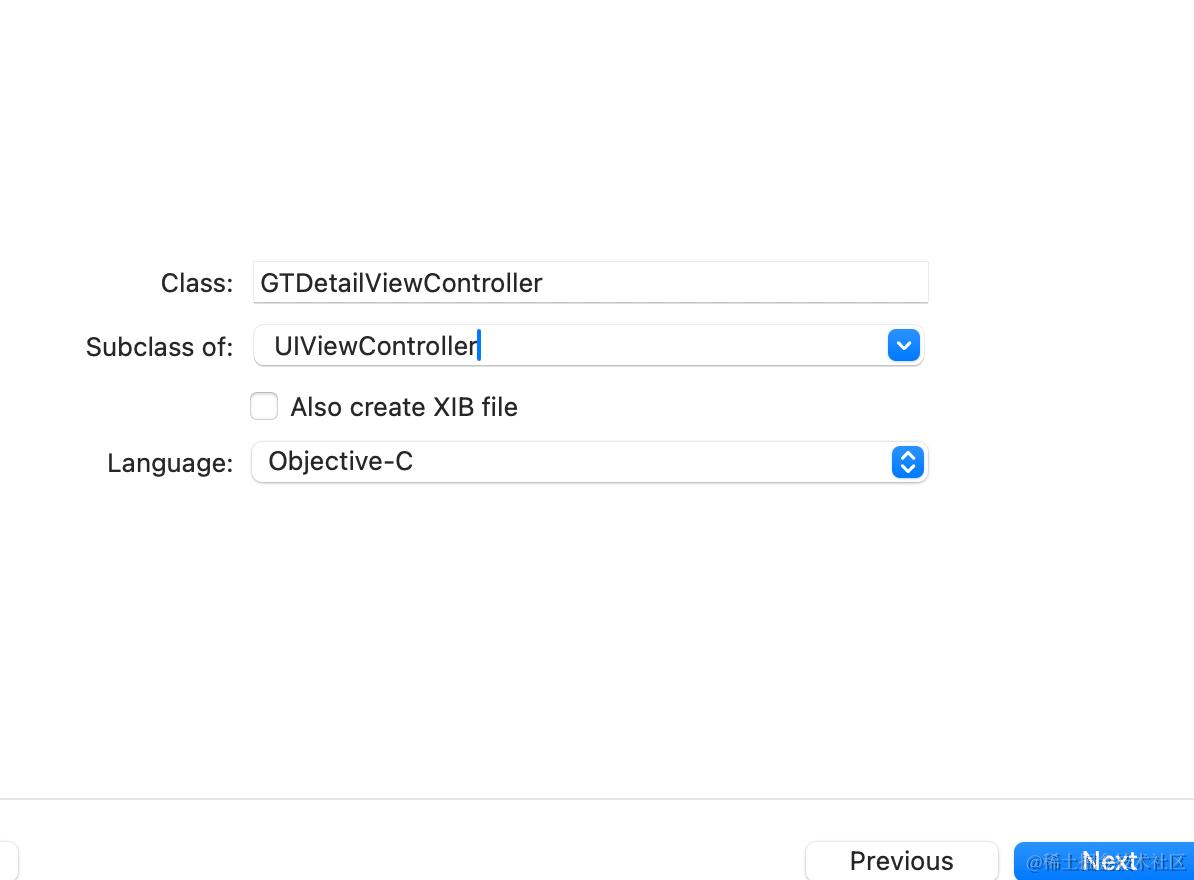
2-1、创建一个 ViewController
#import "GTDetailViewController.h"
#import <WebKit/WebKit.h>

@interface GTDetailViewController ()
@property(nonatomic,strong,readwrite) WKWebView *webView;
@end
@implementation GTDetailViewController
- (void)viewDidLoad {
    [super viewDidLoad];
    [self.view addSubview:({
        self.webView = [[WKWebView alloc] initWithFrame:CGRectMake(0, 88, self.view.frame.size.width, self.view.frame.size.height - 88)];
        self.webView;
    })];
    [self.webView loadRequest:[NSURLRequest requestWithURL:[NSURL URLWithString:@"https://time.geekbang.org"]]];
}
@end
点击 view 跳转 webview 使用
// 引入 #import "GTDetailViewController.h"

// 点击哪个cell,获取index 实现一个点击进入对应页面的逻辑, 新建一个 uiviewcontroller
- (void)tableView:(UITableView *)tableView didSelectRowAtIndexPath:(NSIndexPath *)indexPath{
    // 进入新建的ViewController
    // UIViewController *controller = [[UIViewController alloc] init];
    // 进入GTDetailViewController
    GTDetailViewController *controller = [[GTDetailViewController alloc] init];
    controller.view.backgroundColor = [UIColor systemPinkColor];
    controller.title = [NSString stringWithFormat:@"%@", @(indexPath.row)];
    [self.navigationController pushViewController:controller animated:YES];
}
2-2、 WKWebView Delegates
-
WKNavigationDelegate
- decidePolicyForNavigationAction 是否加载请求(JS和Native通信、特殊逻辑、scheme 拦截)
- didDinishNavigation webView 完成加载 (业务逻辑)
- didFailNavigation webView 加载失败(loadingView展示,重试按钮等)
- webViewWebContentProcessDidTerminate webView Crash 回调 (自动重新加载)
-
WKUIDelegate 用的比较少
- runJavaScriptAlertPanelWithMessage
- runJavaScriptConfirmPanelWithMessage
- runJavaScriptTextInputPanelWithPrompt
处理 alert confirm prompt 自定义样式
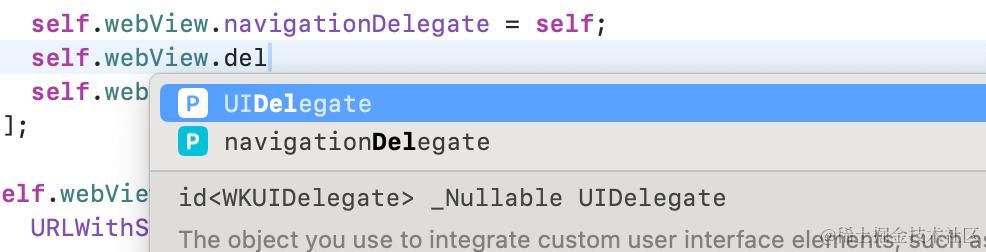
webview 有两个 delegate —— WKNavigationDelegate 和 WKUIDelegate
使用一下 WKNavigationDelegate 里面的方法
// 将self 设置到 delegate 上
self.webView.navigationDelegate = self;

// 方法

// 是否允许展示webview内容
- (void)webView:(WKWebView *)webView decidePolicyForNavigationAction:(WKNavigationAction *)navigationAction decisionHandler:(void (^)(WKNavigationActionPolicy))decisionHandler{
    decisionHandler(WKNavigationActionPolicyAllow);
};

// 加载完成
- (void)webView:(WKWebView *)webView didFinishNavigation:(null_unspecified WKNavigation *)navigation{
    NSLog(@"加载完毕哦");
}
2-3、实现webview加载进度条
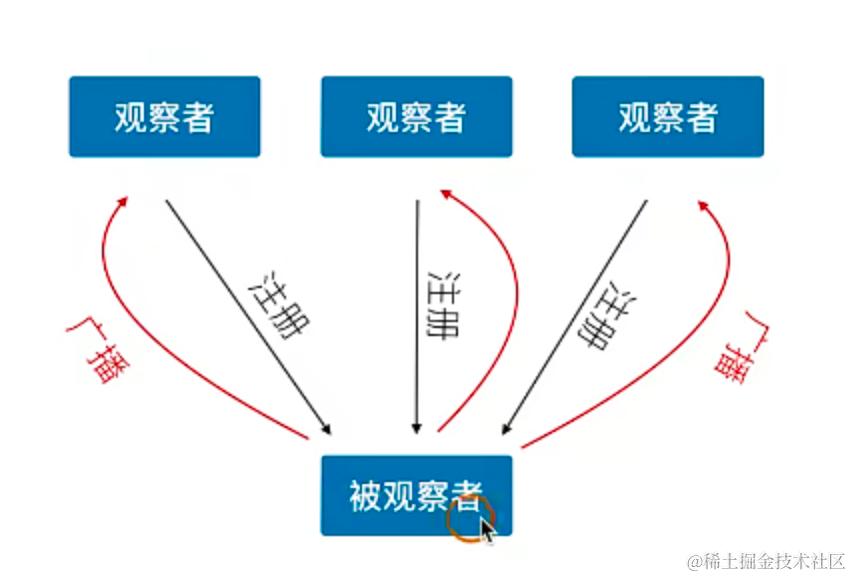
观察者与delegate 对比
delegate 只能设置一个对象, 一对一的回调,一对多还需要中转 观察者模式通过多个观察者注册,当事件广播的时候,都可以接收到消息
KVO NSKeyValueObserving
- self 作为监听者,接受事件
- 监听 self.webview 的estimatedProgress 属性
- 在 NSKeyValueObservingOptionNew 的时候发通知
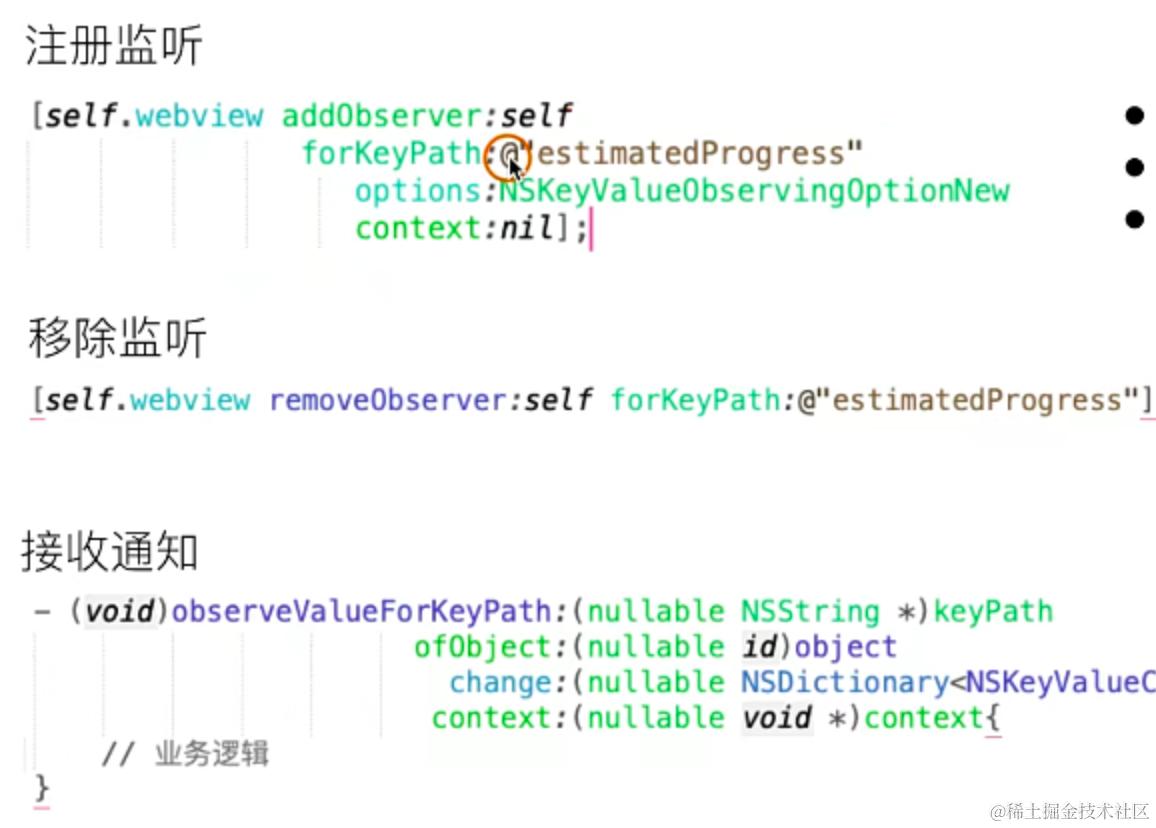
变化的条件,被观察者注册一个属性,如 estimatedProgress self 作为监听者,系统会自动把属性变化后的通知发送到被观察者,也就是self身上,自身实现一个函数,去接受发生变化的广播,销毁的时候,需要移除掉。
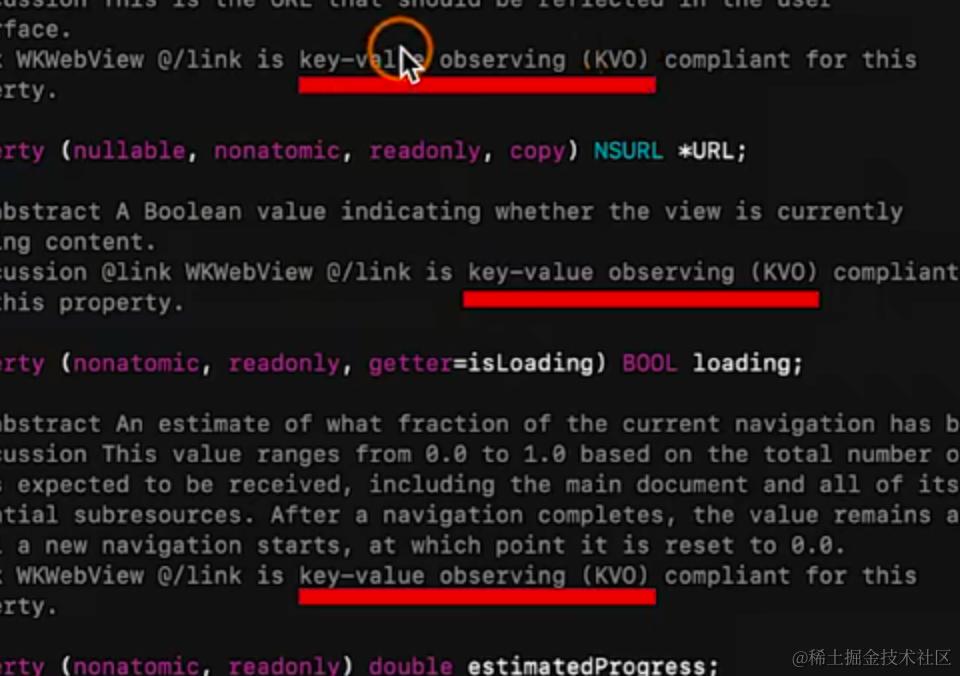
当系统出现 KVO 就可以使用
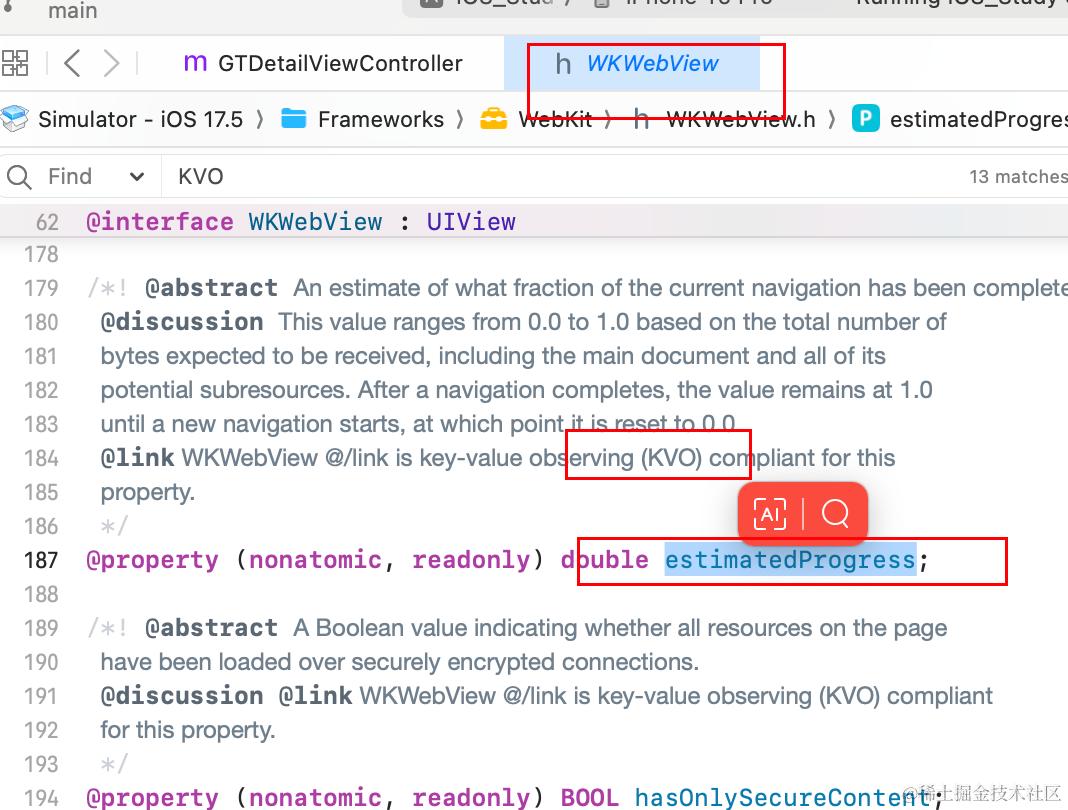
实现进度条,就可以观察 webview的 estimatedProgress 属性
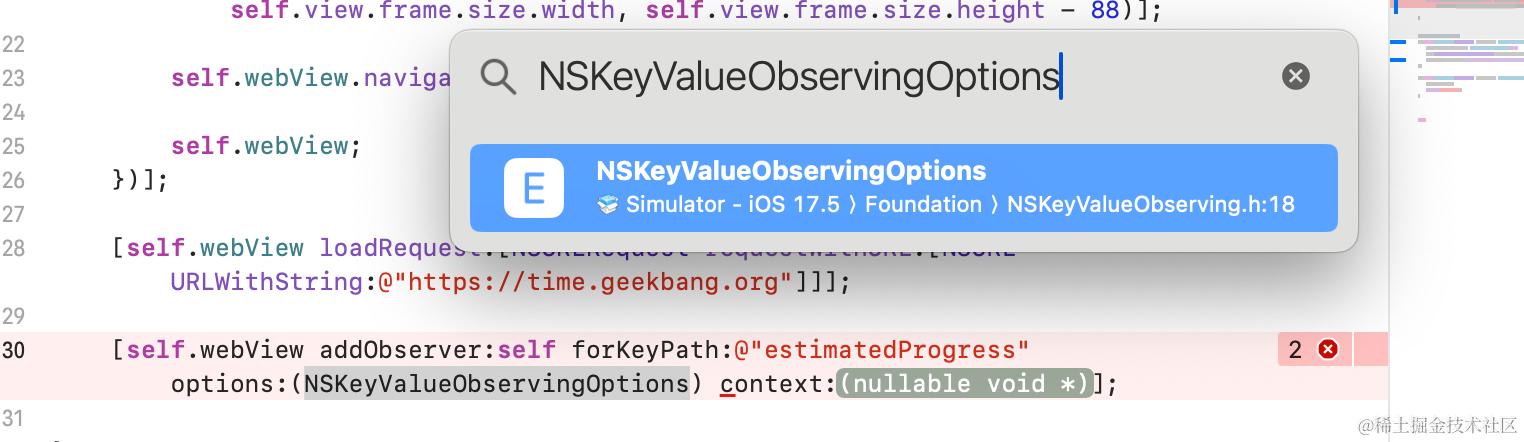
代码如下
1、创建监听
// 添加 KVO 监听
[self.webView addObserver:self forKeyPath:@"estimatedProgress" options:NSKeyValueObservingOptionNew context:nil];


// 实现监听的回调
- (void)observeValueForKeyPath:(nullable NSString *)keyPath ofObject:(nullable id)object change:(nullable NSDictionary<NSKeyValueChangeKey, id> *)change context:(nullable void *)context{
    NSLog(@"监听变化");
    // 设置进度条的进度
    self.progressView.progress = self.webView.estimatedProgress;
};

// 监听webview加载完成
- (void)webView:(WKWebView *)webView didFinishNavigation:(null_unspecified WKNavigation *)navigation{
    NSLog(@"加载完毕哦");
    //将其从父视图中移除
    [self.progressView removeFromSuperview];
}
2、添加进度条
// 添加属性
@property(nonatomic,strong,readwrite) UIProgressView *progressView;

// 添加一个进度条 UI
[self.webView addSubview:({
    self.progressView = [[UIProgressView alloc] initWithFrame:CGRectMake(0, 0, self.view.frame.size.width, 20)];
    self.progressView;
})];
3、销毁移除
// 销毁的时候移除监听
-(void)dealloc{
    [self.webView removeObserver:self forKeyPath:@"estimatedProgress"];
};
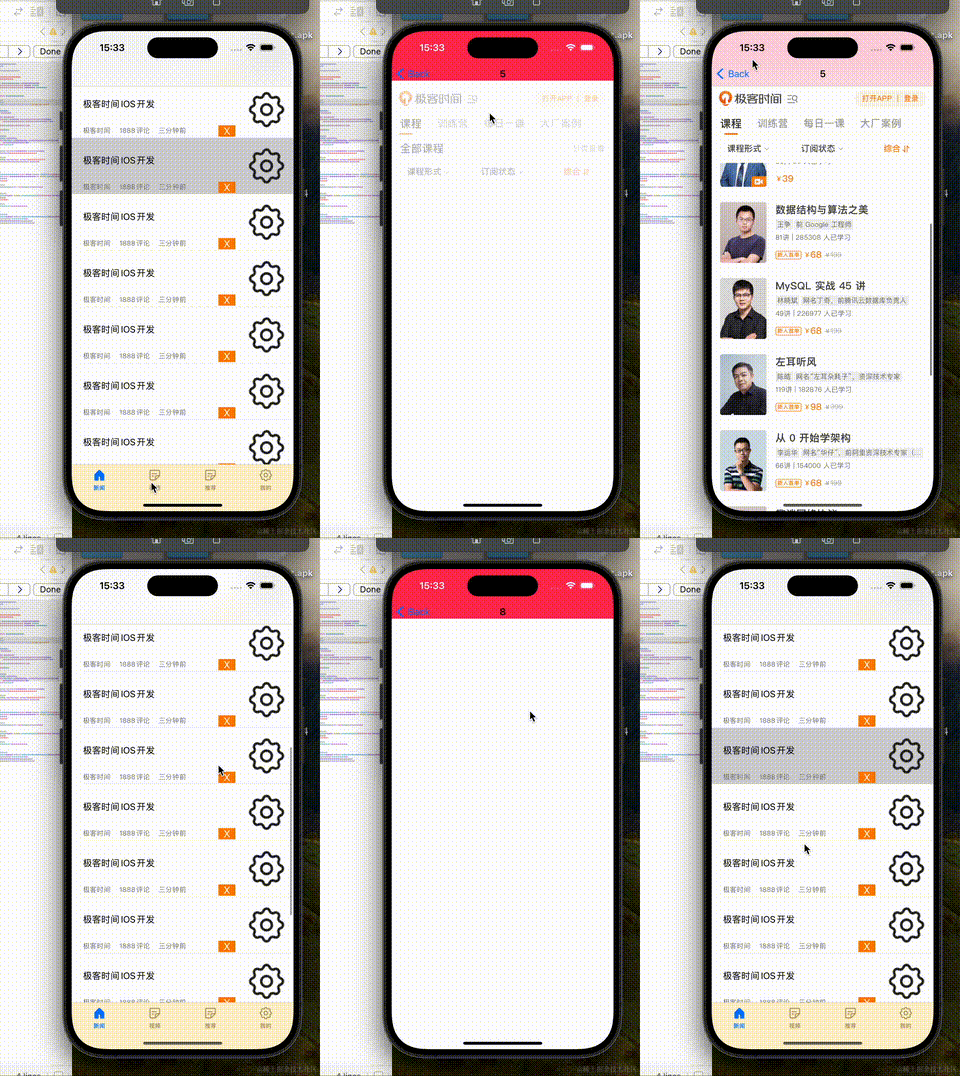
三、通讯
未完待续