wangEditor5 复制文章内容,里面如果出现图片跨域,对应图片不显示,在编辑器中显示空白
第一种情况:显示空白
第二种情况:显示图片不显示,这个至少显示了 alt 信息
 原因:
原因:
-
图片跨域的问题,导致上面图片显示不出来 github.com/wangeditor-…
-
复制文章,粘贴到编辑器,样式丢失 github.com/wangeditor-…
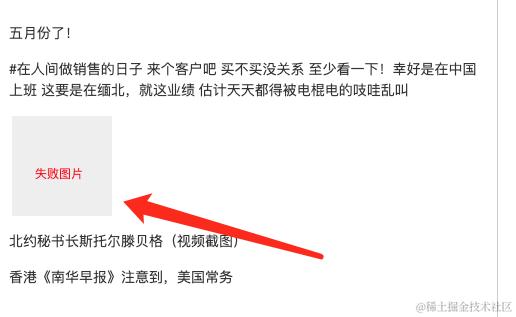
解决: 图片需要有错误展示状态即可,这样用户就清楚这里有一张跨域图片,我是修改对应样式实现
.w-e-image-container {
	img {
		min-width: 100px;
		min-height: 100px;
		background-color: #eee;
		&::after {
			position: absolute;
			top: 50%;
			left: 0;
			display: block;
			width: 100px;
			height: 100px;
			color: red;
			font-size: 12px;
			text-align: center;
			content: "失败图片";
		}
	}
}
效果:
编辑图片,弹编辑图片弹窗,点了一下输入框,导致焦点改变
	//替换图片
	const replaceImg = (data: { file?: FileType }) => {
		if (!data.file) {
			message.error("图片插入失败,请重试");
			return;
		}
		fileToBase64(data.file).then((imgSrc) => {
                        // 加这个 重置一下就行
			editorRef.current && editorRef.current?.restoreSelection();

			editorRef.current?.deleteBackward("character");
			const node = {
				type: "image",
				src: imgSrc,
				href: "",
				alt: "图片",
				style: { width: "100%" },
				children: [{ text: "" }],
			};
			editorRef.current?.insertNode(node);
			setCleanupModalVisible(false);
			setCutModalVisible(false);
		});
	};