先看看我的
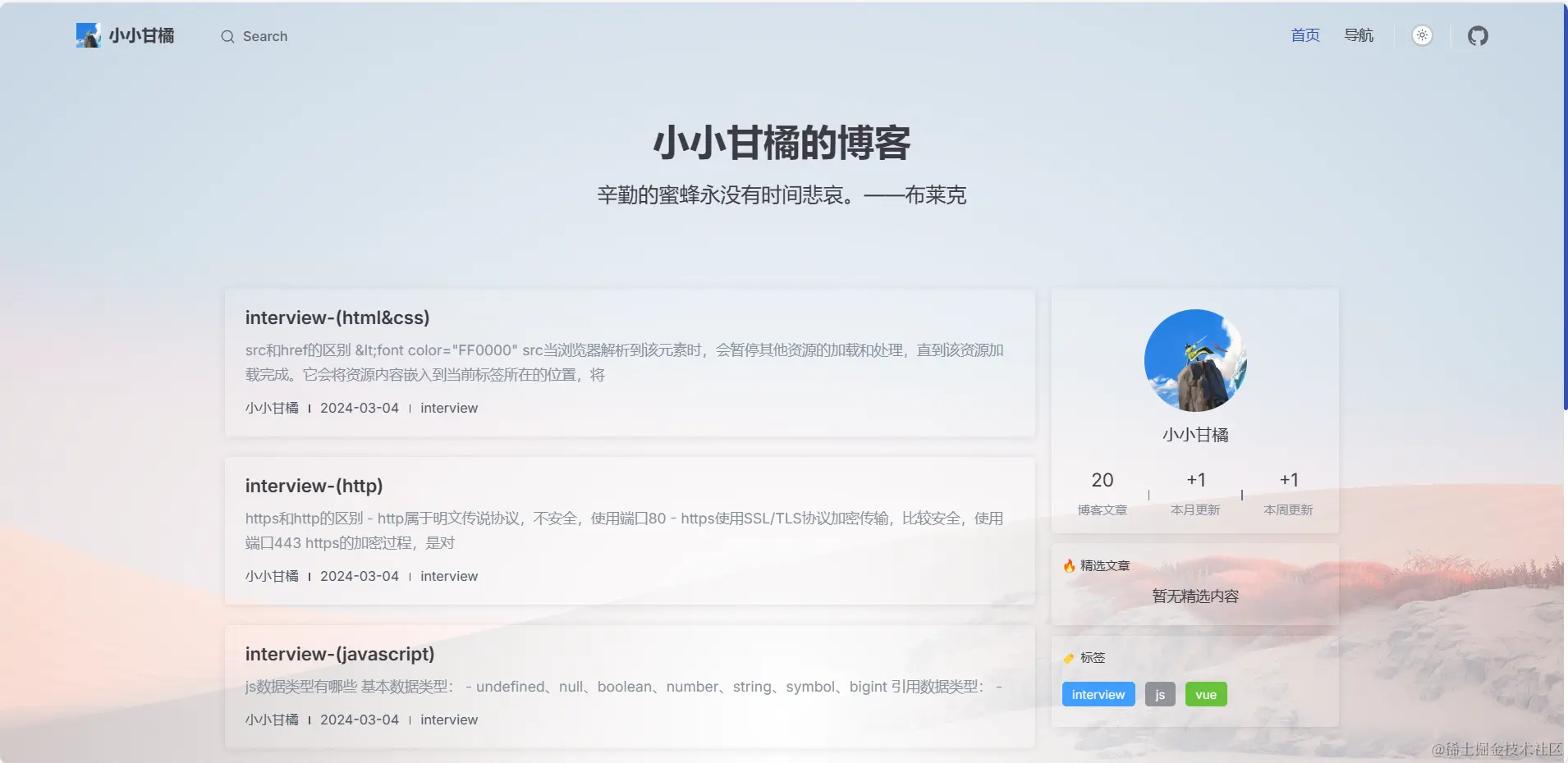
前期准备(官方说的)
第一步
npm add -D vitepress
pnpm add -D vitepress
yarn add -D vitepress
bun add -D vitepress
第二步
npx vitepress init
pnpm vitepress init
yarn vitepress init
bun vitepress init
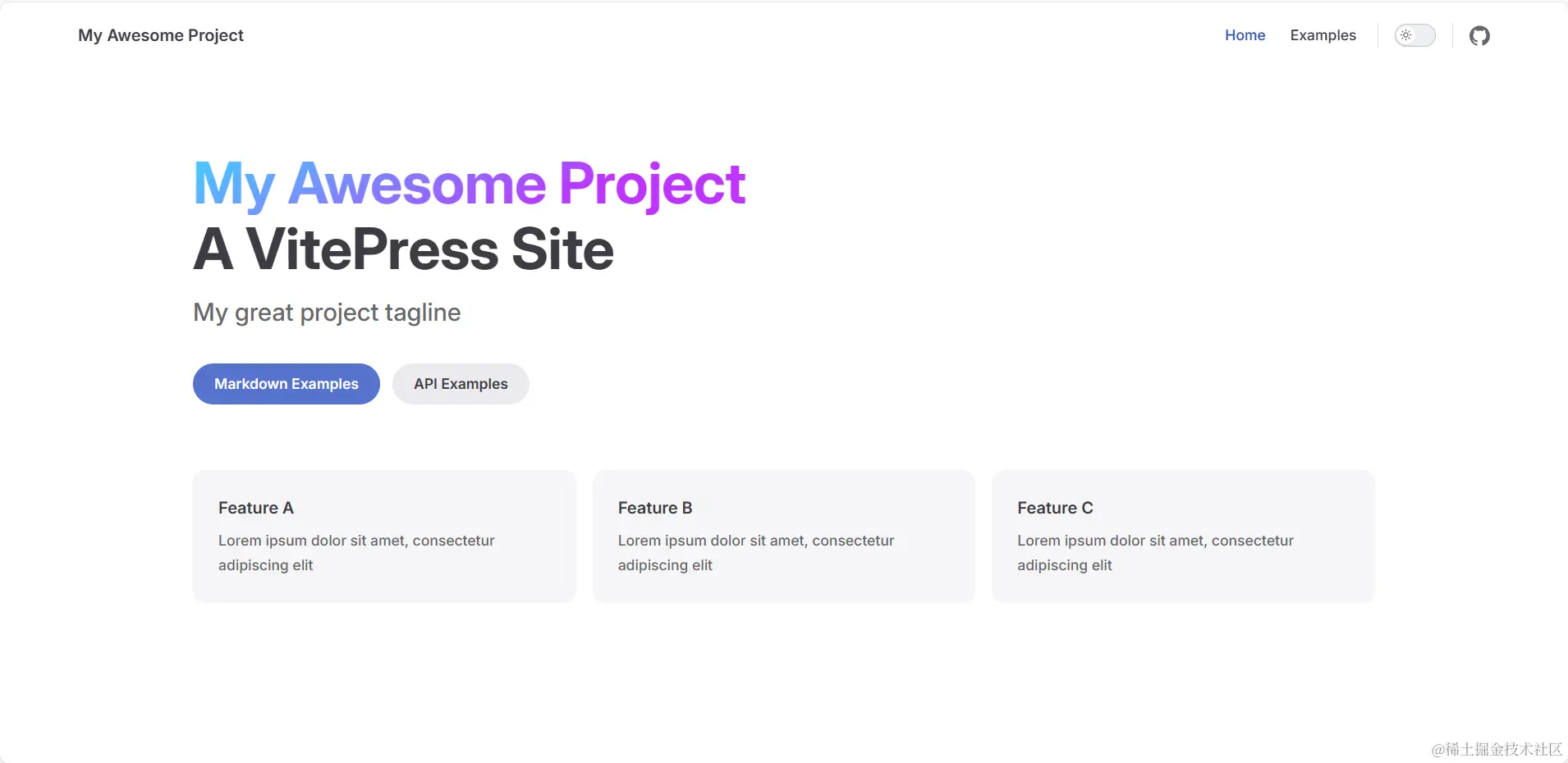
┌  Welcome to VitePress!
│
◇  Where should VitePress initialize the config?
│  ./docs
│
◇  Site title:
│  My Awesome Project
│
◇  Site description:
│  A VitePress Site
│
◆  Theme:
│  ● Default Theme (Out of the box, good-looking docs)
│  ○ Default Theme + Customization
│  ○ Custom Theme
└
第三步
npm run docs:dev
第四步
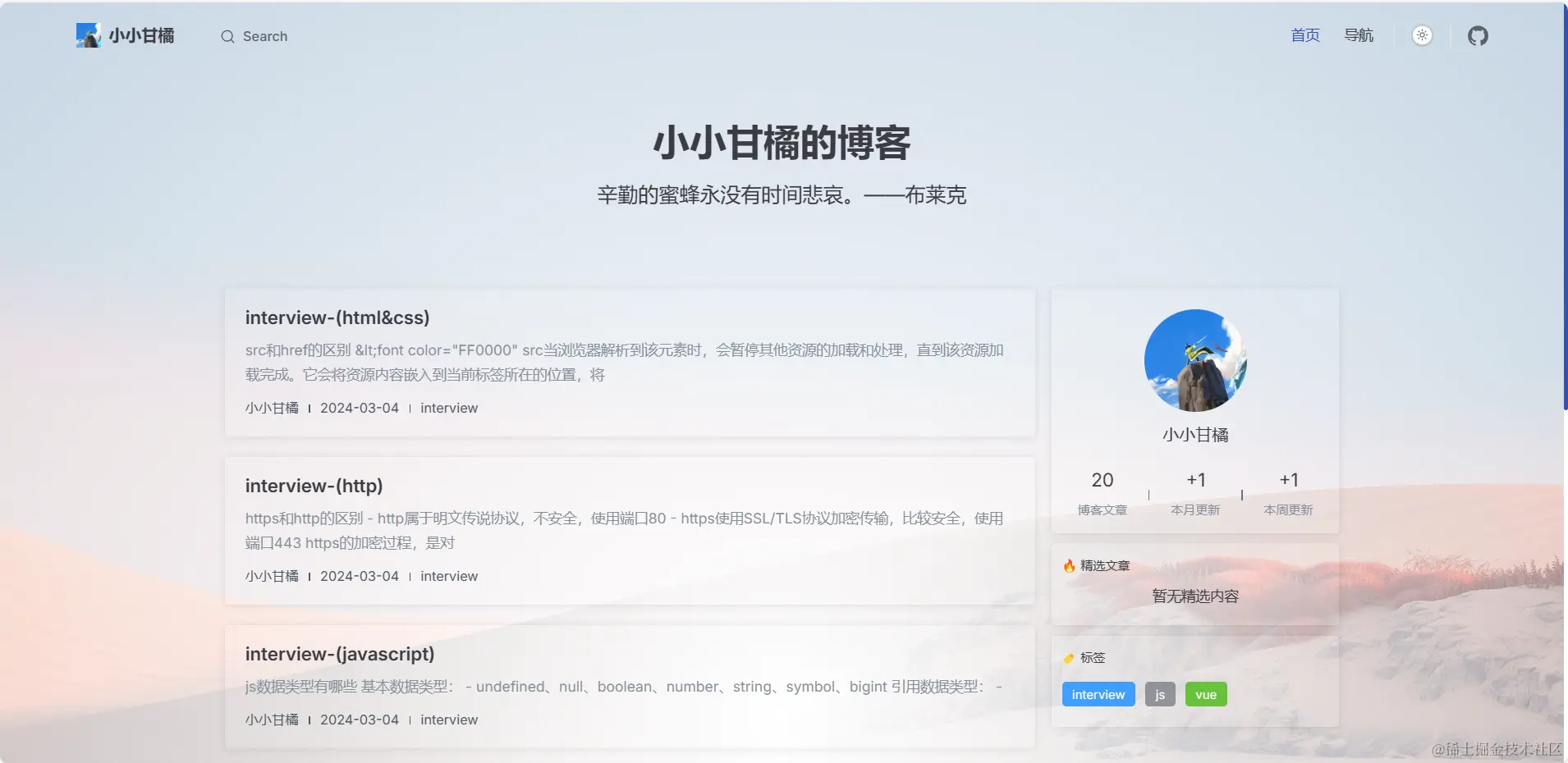
pnpm add @sugarat/theme
pnpm add @element-plus/icons-vue element-plus vue sass
- 在配置文件
.vitepress/config.ts (.js,mts等等均可) 中引入主题配置
import { defineConfig } from 'vitepress'
import { getThemeConfig } from '@sugarat/theme/node'
const blogTheme = getThemeConfig({})
export default defineConfig({
extends: blogTheme,
})
- 在布局配置文件
.vitepress/theme/index.ts中引入主题布局
import BlogTheme from '@sugarat/theme'

export default BlogTheme
第五步
npm install vite-plugin-vitepress-auto-sidebar
import AutoSidebar from 'vite-plugin-vitepress-auto-sidebar';
export default defineConfig({
vite:{
plugins:[
AutoSidebar(),
],
},
})
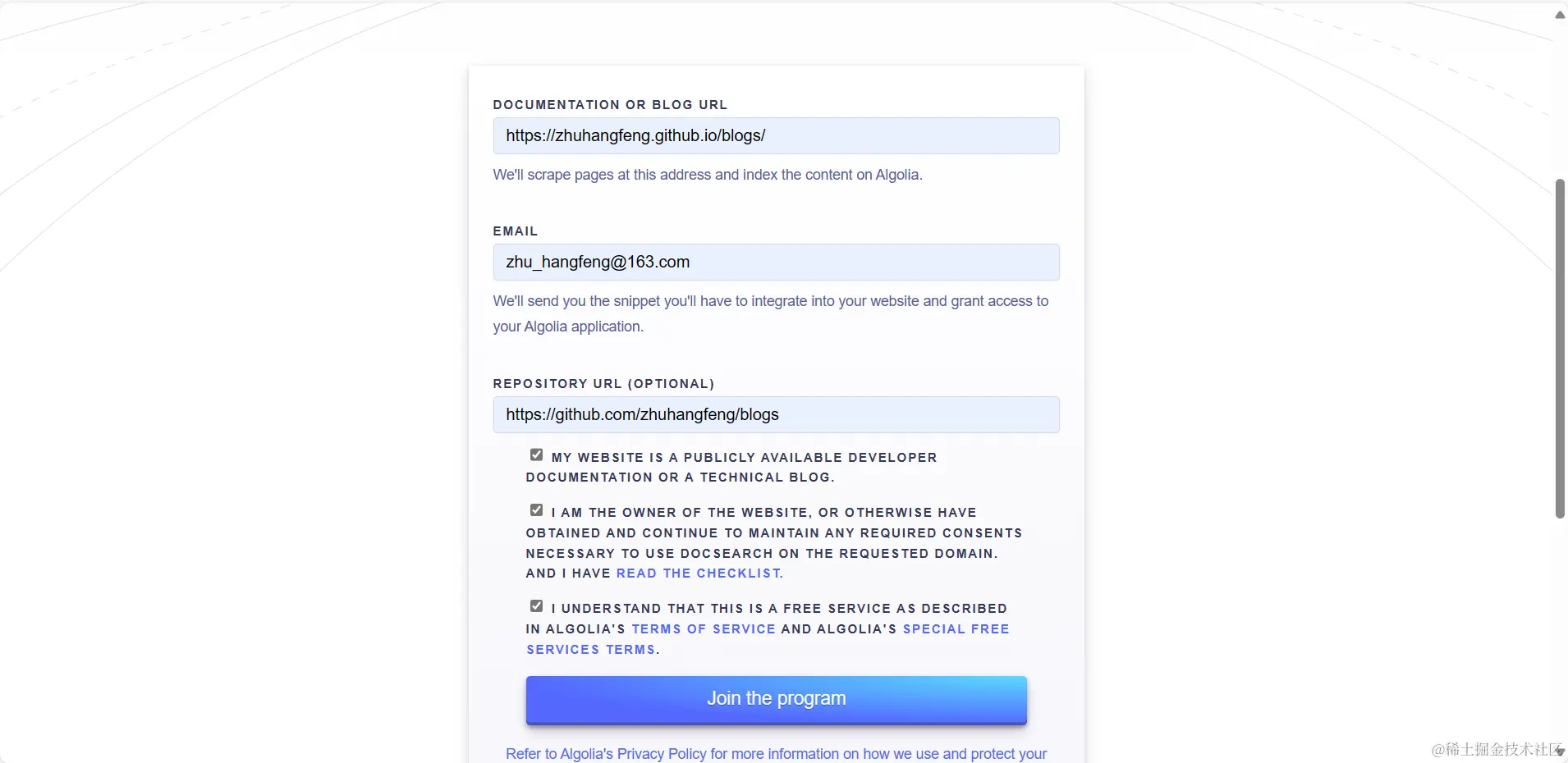
第五步(搜索配置可有可无)
import { defineConfig } from 'vitepress'
import { getThemeConfig } from '@sugarat/theme/node'
export default defineConfig({
  themeConfig: {
    algolia:{
      appId: '',
      apiKey: '',
      indexName: '',
      placeholder: '搜索',
    },
  }
})
第六步