涉及API
- onMouseDown
- onMouseMove
- onMouseUp
- getBoundingClientRect
效果
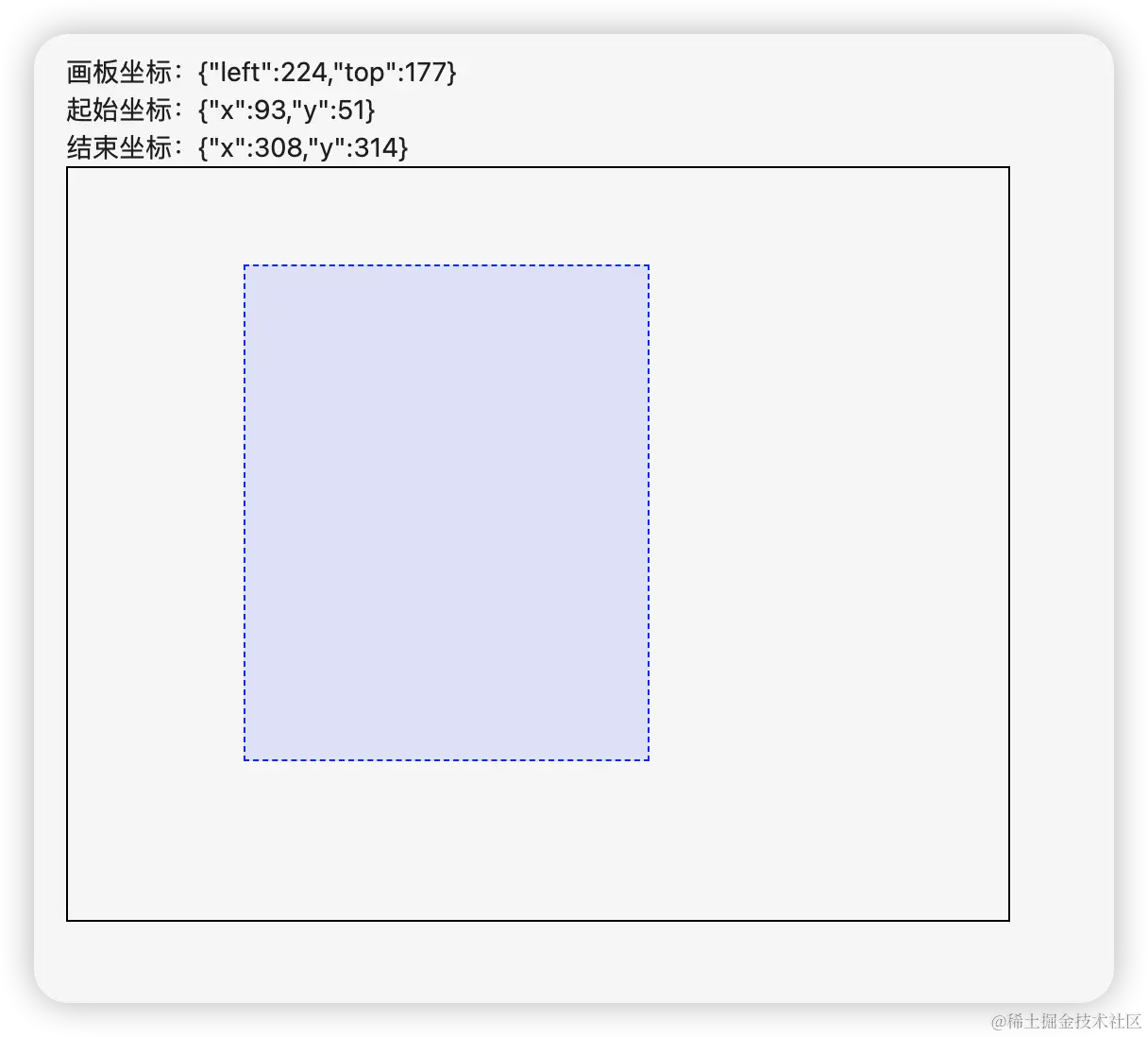
代码
import React, { useCallback, useState } from 'react';
const DragSelectComponent = () => {
const [startPoint, setStartPoint] = useState({ x: 0, y: 0 });
const [endPoint, setEndPoint] = useState({ x: 0, y: 0 });
const [rect, setRect] = useState({ left: 0, top: 0 });
const [selecting, setSelecting] = useState(false);
const getRect = () => {
return rect;
};
const handleMouseDown = (e: any) => {
setSelecting(true);
var rect = e.target.getBoundingClientRect();
setRect({ left: rect.left, top: rect.top });
const x = e.clientX - rect.left;
const y = e.clientY - rect.top;
setStartPoint({ x, y });
setEndPoint({ x, y });
};
const handleMouseMove = (e: any) => {
if (selecting) {
var rect = getRect();
const x = e.clientX - rect.left;
const y = e.clientY - rect.top;
setEndPoint({ x, y });
}
};
const handleMouseUp = useCallback(() => {
setSelecting(false);
}, []);
return (
<div>
<div>
<div>画板坐标:{JSON.stringify(rect)}</div>
<div>起始坐标:{JSON.stringify(startPoint)}</div>
<div>结束坐标:{JSON.stringify(endPoint)}</div>
</div>
<div onMouseDown={handleMouseDown} onMouseMove={handleMouseMove} onMouseUp={handleMouseUp} style={{ position: 'relative', width: '500px', height: '400px', border: '1px solid black' }}>
<div
style={{
position: 'absolute',
top: Math.min(startPoint.y, endPoint.y),
left: Math.min(startPoint.x, endPoint.x),
width: Math.abs(endPoint.x - startPoint.x),
height: Math.abs(endPoint.y - startPoint.y),
border: '1px dashed blue',
backgroundColor: 'rgba(0, 0, 255, 0.1)'
}}
/>
</div>
</div>
);
};
export default DragSelectComponent;



