- 检查Node.js,要求版本 (16.18.0、18.12.0 或更高版本) - nodejs.org/en/download
- 建议安装 vscode 进行开发 - code.visualstudio.com/
- 打开命令窗口(这里以Windows为例,cmd)输入:
npm install --global @ui5/cli
- 创建项目文件夹 demo1,进入demo1进行初始化:
npm init -y
- 执行:
ui5 init
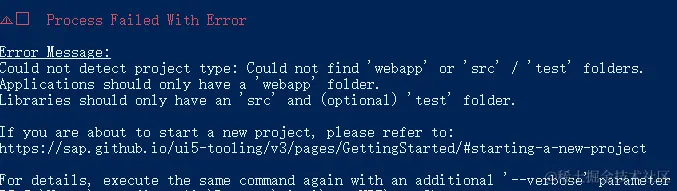 这里需要手动创建一个 webapp 文件夹,再次执行命令 生成 ui5.yaml 文件
- 进入 webapp 文件夹 创建 manifest.json 文件
{
    "sap.app": {
        "id": "sap.ui.demo.walkthrough"
    }
}
- 执行:
ui5 use sapui5@latest
更新ui5.yaml
- webapp 文件夹下创建 index.html:
<!DOCTYPE html>
<html lang="en">
<head>
    <meta charset="UTF-8">
    <meta name="viewport" content="width=device-width, initial-scale=1.0">
    <title>Document</title>
</head>
<body>
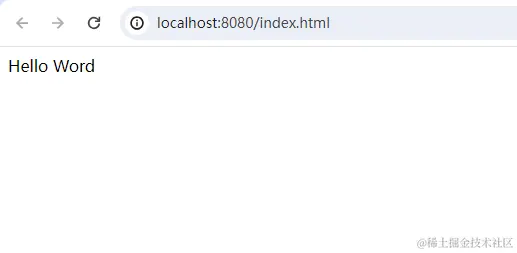
    <div>Hello Word</div>
</body>
</html>
- 编辑 package.json 文件:
{
  "name": "demo1",
  "version": "1.0.0",
  "description": "",
  "main": "index.js",
  "scripts": {
    "test": "echo \"Error: no test specified\" && exit 1",
    "start": "ui5 serve -o index.html"
  },
  "keywords": [],
  "author": "",
  "license": "ISC"
}
- 执行:
npm start