1.引入jar包
<dependency>
    <groupId>org.springframework.boot</groupId>
    <artifactId>spring-boot-starter-websocket</artifactId>
</dependency>
2.websocket配置
import org.springframework.context.annotation.Bean;
import org.springframework.context.annotation.Configuration;
import org.springframework.web.socket.config.annotation.EnableWebSocket;
import org.springframework.web.socket.server.standard.ServerEndpointExporter;
@Configuration
@EnableWebSocket
public class WebSocketConfig {
@Bean
public ServerEndpointExporter serverEndpointExporter() {
return new ServerEndpointExporter();
}
}
3.websocket业务代码
package socket;
import lombok.extern.slf4j.Slf4j;
import org.springframework.stereotype.Component;
import javax.websocket.*;
import javax.websocket.server.ServerEndpoint;
import java.io.IOException;
import java.util.concurrent.CopyOnWriteArraySet;
@ServerEndpoint("/ws/serialIdentification")
@Component
@Slf4j
public class WebSocketTest {
private static final CopyOnWriteArraySet<WebSocketTest> SESSIONS = new CopyOnWriteArraySet<>();
private Session session;
@OnOpen
public void onOpen(Session session) {
this.session = session;
SESSIONS.add(this);
log.info(String.format("成功建立连接~ 当前总连接数为:%s", SESSIONS.size()));
}
@OnClose
public void onClose() {
SESSIONS.remove(this);
log.info(String.format("成功关闭连接~ 当前总连接数为:%s", SESSIONS.size()));
}
@OnMessage
public void onMessage(String message, Session session) {
log.info(message);
try {
fanoutMessage(message);
} catch (Exception e) {
log.error(e.getMessage(),e);
}
}
@OnError
public void onError(Session session, Throwable error) {
log.info("发生错误");
log.error(error.getMessage(),error);
}
public void sendMessage(String message) {
try {
this.session.getBasicRemote().sendText(message);
} catch (IOException e) {
log.error(e.getMessage(),e);
}
}
public void fanoutMessage(String message) {
SESSIONS.forEach(ws -> ws.sendMessage(message));
}
}
4.html调用
<!DOCTYPE html>
<html lang="en">
<head>
<meta charset="UTF-8">
<title>webSocket</title>
<style type="text/css">
</style>
</head>
<body>
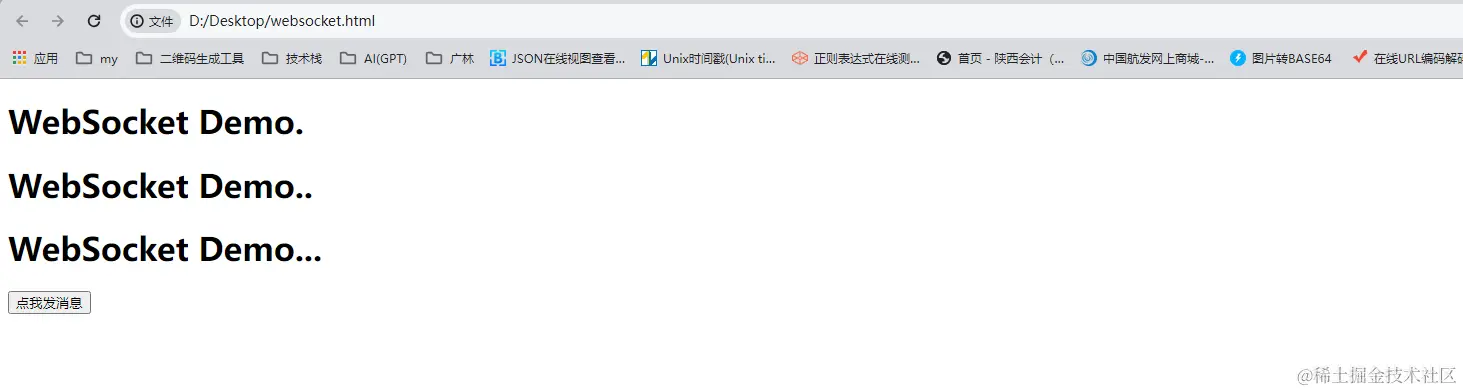
<h1>WebSocket Demo.</h1>
<h1>WebSocket Demo..</h1>
<h1>WebSocket Demo...</h1>
<input type="button" onclick="sendMsg()" value="点我发消息"/>
<input type="button" onclick="postTest()" value="测试post跨域"/>
</body>
<script type="application/javascript">
var websocket = {
send: function (str) {
}
};
window.onload = function () {
if (!'WebSocket' in window) return;
webSocketInit();
};
function webSocketInit() {
websocket = new WebSocket("ws://localhost:801/api/ws/alarmWebSocket");
websocket.onopen = function () {
};
websocket.onmessage = function (event) {
console.info(event.data)
};
websocket.onerror = function () {
alert("WebSocket连接发生错误");
};
websocket.onclose = function () {
alert("WebSocket连接关闭");
};
window.onbeforeunload = function () {
websocket.close()
};
}
function sendMsg(){
websocket.send(JSON.stringify(data))
}
</script>
</html>
5.测试