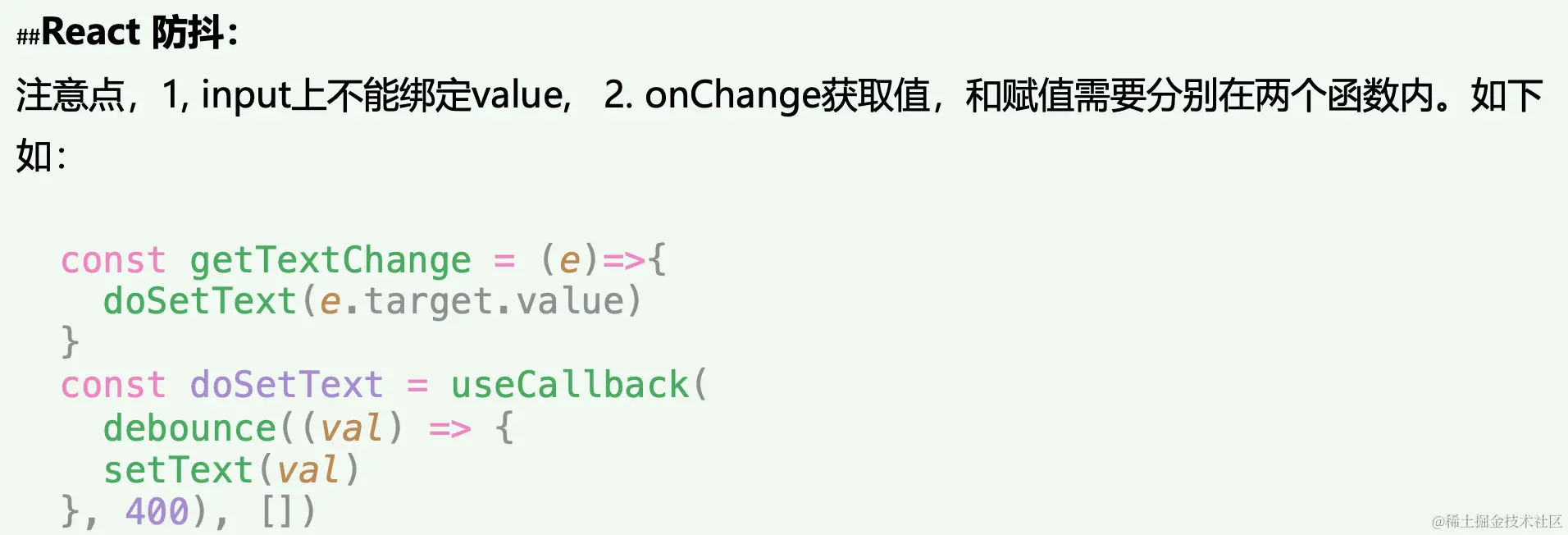
React 防抖函数写法
直接放在组件里或者单独写个hook
const [text, setText] = useState("");
const handleSetVal = useDebounce(setText);
const changeValue = (e: React.ChangeEvent<HTMLInputElement>) => {
handleSetVal(e.target.value);
};
const queryData = () => {
testDebounce({ text }).then((res) => {
console.log("data", res);
});
};
useEffect(() => {
queryData();
}, [text]);
### 下面为Hook
function useDebounce(fn1){
const handleSetVal = useCallback(
_.debounce((val: string) => {
fn1(val);
}, 2000),
[]
);
return handleSetVal
}
export default useDebounce



