grid-template-areas运用
<!DOCTYPE html>
<html lang="en">
  <head>
    <meta charset="UTF-8" />
    <title>Document</title>
    <style>
      .grid {
        display: grid;
        grid-template-columns: 150px auto 150px;
        grid-template-areas:
          'a a a'
          'b c d'
          'e e e';
        color: white;
        text-align: center;
      }

      .grid * {
        text-align: center;
      }

      .grid div {
        height: 300px;
        margin: 2px;
        background-color: #e91d62;
      }

      header {
        height: 60px;
        background-color: gray;
        grid-area: a;
      }

      .grid .left {
        grid-area: b;
      }

      .grid .mid {
        grid-area: c;
      }

      .grid .right {
        grid-area: d;
      }

      footer {
        height: 60px;
        background-color: gray;
        grid-area: e;
      }
    </style>
  </head>
  <body>
    <div class="grid">
      <header>header</header>
      <div class="mid">mid</div>
      <div class="left">left</div>
      <div class="right">right</div>
      <footer>footer</footer>
    </div>
    <script></script>
  </body>
</html>
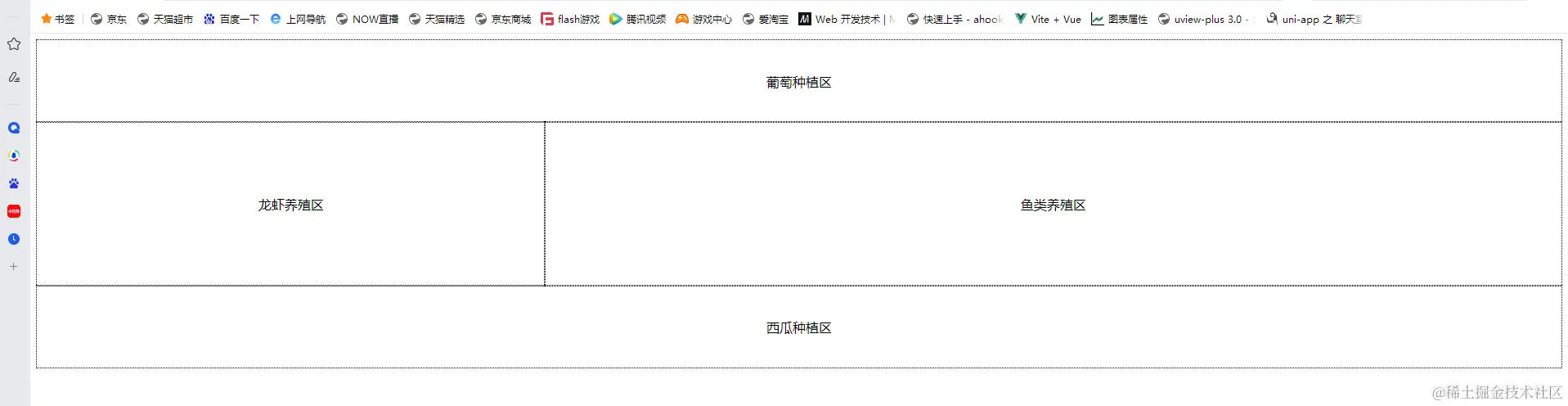
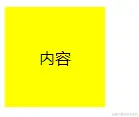
grid垂直居中
<!DOCTYPE html>
<html>
<head>
<style>
.container {
display: grid;
place-items: center;
justify-content: center;
align-items: center;
height: 100px;
width: 100px;
background-color: yellow;
}
</style>
</head>
<body>
<div class="container">
<div class="item">内容</div>
</div>
</body>
</html>
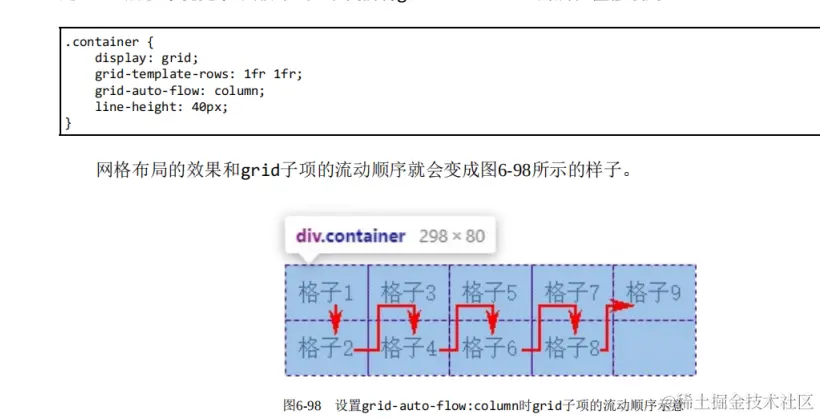
grid排列方向(主轴方向)
grid九宫格布局
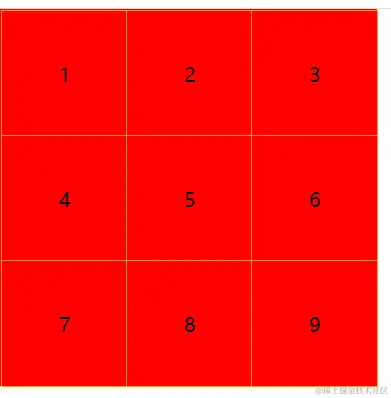
<!DOCTYPE html>
<html lang="en">
<head>
<meta charset="UTF-8" />
<title>Document</title>
<style>
* {
margin: 0;
padding: 0;
}
.container {
width: 300px;
border: 1px solid red;
display: grid;
grid-template-columns: 100px 100px 100px;
grid-template-rows: 100px 100px 100px;
}
.item {
border: 1px solid orange;
background-color: red;
height: 100%;
width: 100%;
display: grid;
justify-items: center;
align-items: center;
}
</style>
</head>
<body>
<div class="container">
<div class="item item1">1</div>
<div class="item item2">2</div>
<div class="item item3">3</div>
<div class="item item4">4</div>
<div class="item item5">5</div>
<div class="item item6">6</div>
<div class="item item7">7</div>
<div class="item item8">8</div>
<div class="item item9">9</div>
</div>
<script></script>
</body>
</html>
grid响应式布局
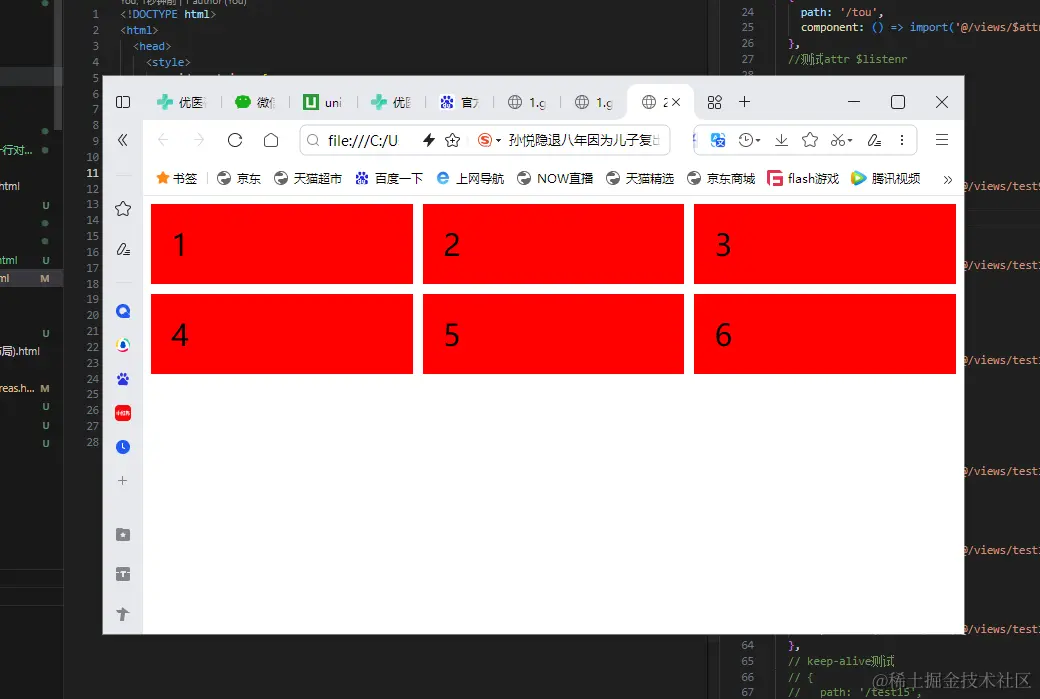
<!DOCTYPE html>
<html>
  <head>
    <style>
      .grid-container {
        display: grid;
        grid-template-columns: repeat(auto-fill, minmax(200px, 1fr));
        grid-gap: 10px;
      }
      .grid-item {
        background-color: rgba(255, 255, 255, 0.8);
        padding: 20px;
        font-size: 30px;
      }
    </style>
  </head>
  <body>
    <div class="grid-container">
      <div class="grid-item">1</div>
      <div class="grid-item">2</div>
      <div class="grid-item">3</div>
      <div class="grid-item">4</div>
      <div class="grid-item">5</div>
      <div class="grid-item">6</div>
    </div>
  </body>
</html>



