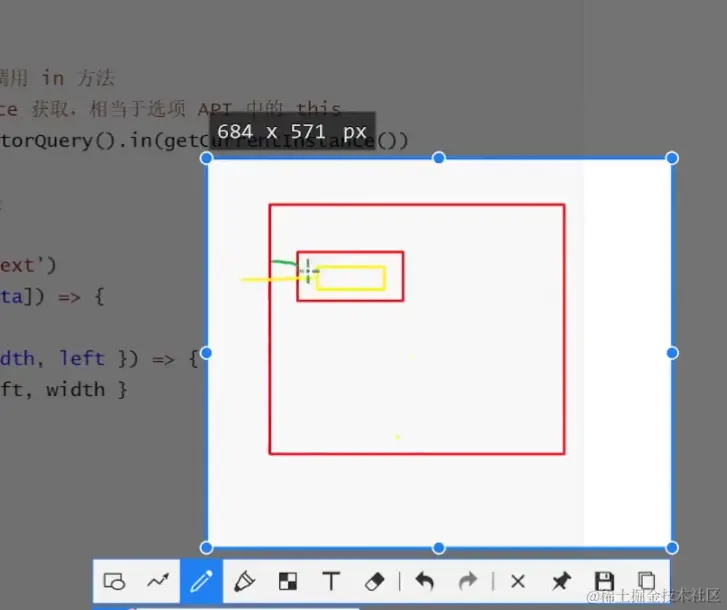
实际开发中自定义tabs选项卡的场景还是很多的,手动实现一下,其实非常简单
上代码
<script setup>
	import { ref, computed, onMounted, getCurrentInstance } from 'vue'
	const tabBarRect = ref([])
	const tabIndex = ref(0)
	const customTabsProps = defineProps({
		list: {
			type: Array,
			default: [],
		},
	})
	const customTabsEmit = defineEmits(['click'])
	onMounted(() => {
		const query = uni.createSelectorQuery().in(getCurrentInstance())

		query
			.selectAll('.custom-tabs, .tabs-bar-text')
			.boundingClientRect(([parent, ...data]) => {
				// 记录每个 tab 文字宽度和位置
				tabBarRect.value = data.map(({ width, left }) => {
					return { left: left - parent.left, width }
				})
			})
			.exec()
	})
	// 计算游标的位置
	const cursorPosition = computed(() => {
		if (tabBarRect.value.length === 0) return
		const { width, left } = tabBarRect.value[tabIndex.value]
		return left + (width - 20) / 2
	})
	function onTabChange(index, tab) {
		// 显示/隐藏组件
		tabIndex.value = index
		// 触发自定义事件
		customTabsEmit('click', { index, ...tab })
	}
</script>
<template>
	<view class="custom-tabs">
		<view
			v-for="(tab, index) in customTabsProps.list"
			:key="tab.label"
			@click="onTabChange(index, tab)"
			:class="{ active: tabIndex === index }"
			class="custom-tabs-bar"
		>
			<text class="tabs-bar-text">{{ tab.label }}</text>
		</view>
		<view
			:style="{ left: cursorPosition + 'px' }"
			class="custom-tabs-cursor"
		></view>
	</view>
</template>

<style lang="scss">
	.custom-tabs {
		display: flex;
		position: relative;
		padding: 0 30rpx;
	}

	.custom-tabs-bar {
		height: 80rpx;
		line-height: 80rpx;
		color: #979797;
		padding-right: 30rpx;
		position: relative;

		&.active {
			color: #121826;
			font-weight: 500;
		}
	}

	.tabs-bar-text {
		font-size: 30rpx;
		// position: absolute;
	}

	.custom-tabs-cursor {
		position: absolute;
		bottom: 3px;

		width: 20px;
		height: 2px;
		border-radius: 2px;
		background-color: #2cb5a5;
		transition: all 0.3s ease-out;
	}
</style>
上图