将客户输入的身份证中的出生年月性别提取出来赋值到当前页面的控件上
场景
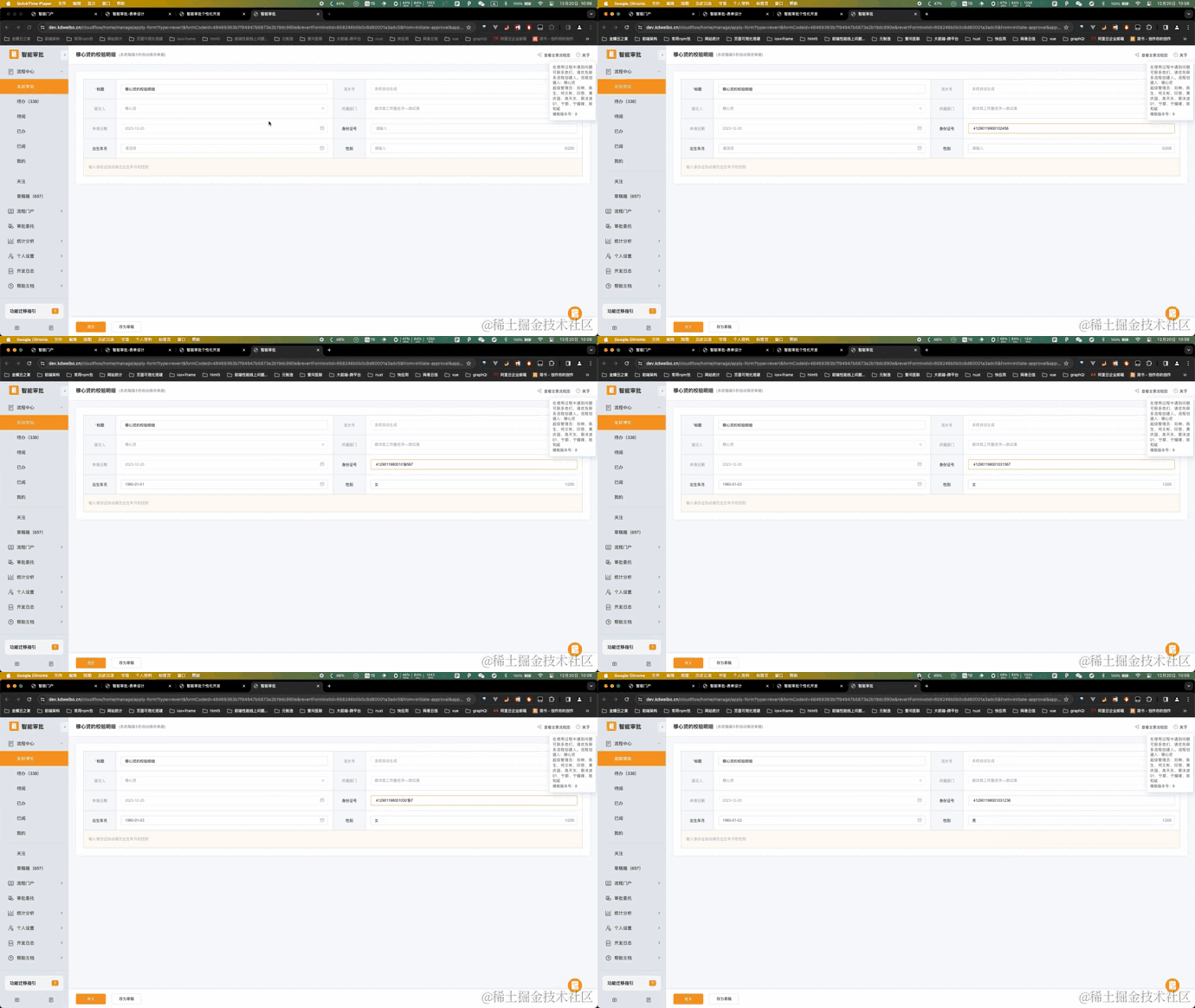
入职填写身份证号时,输入身份证号,自动填充出生年月和性别。
模板配置
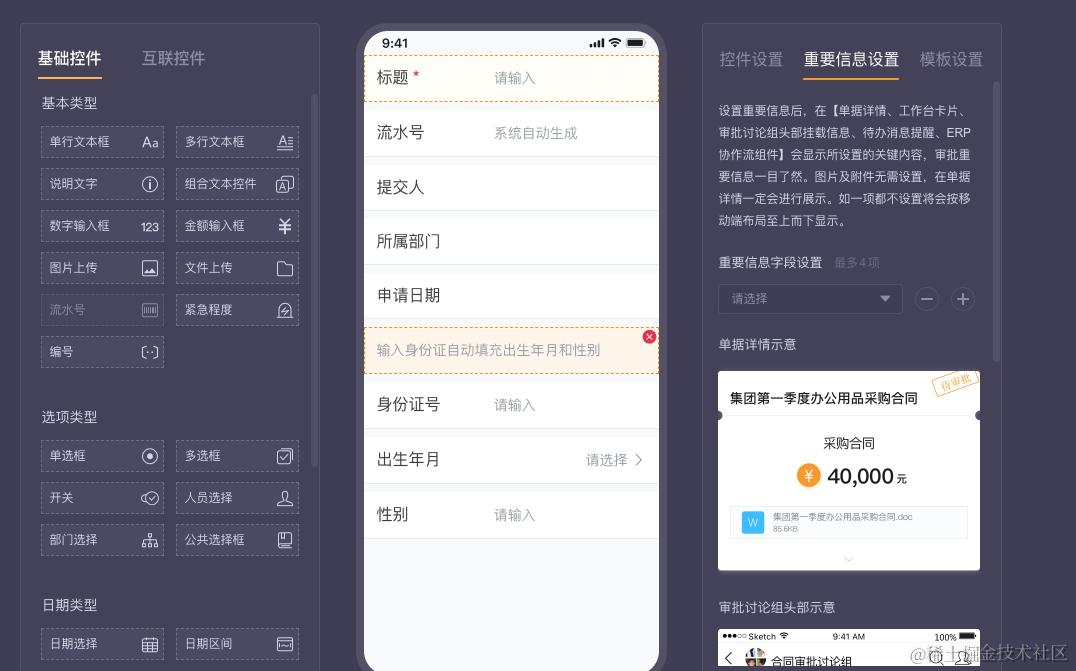
个性化代码块示例代码
<script type="text/javascript">
    // 解析身份证号的函数
    function parseIdCard(idCard) {
        // 校验身份证号的长度
        if (idCard.length !== 18) {
            return null;
        }

        // 分别提取身份证号中的年月日和顺序码
        const year = idCard.substring(6, 10);
        const month = idCard.substring(10, 12);
        const day = idCard.substring(12, 14);
        const orderCode = idCard.substring(14, 17);

        // 解析性别
        const genderCode = parseInt(orderCode) % 2 === 0 ? '女' : '男';

        // 解析出生日期
        const birthday = `${year}/${month}/${day}`;

        // 返回结果
        return {
            birthday: birthday,
            gender: genderCode
        };
    }

    cf.ready(function(){
        // 监听身份证号的改变,在改变的回调函数中解析身份证号,从中解析出性别和出生年月
        cf.form.subscribeFieldValueChange("Nu_0", function (idCardString) {
            const result = parseIdCard(idCardString);
            if (result === null) {
                console.log('无效的身份证号');
            } else {
                // 解析成功 将出生年月和性别分别赋值给表单上的对应控件

                // 赋值出生年月
                console.log(`出生日期:${result.birthday}`);
                cf.form.setFieldValue("Da_0", new Date(result.birthday).getTime())
                // 赋值性别
                console.log(`性别:${result.gender}`);
                cf.form.setFieldValue("Te_0", result.gender)
            }
        })
    })
</script>
运行时效果
欢迎关注我的个人公众号「「小枫学幽默」」一起成长,一起分享生活!!