1. 使用table
<!DOCTYPE html>
<html lang="en">
	<head>
		<meta charset="UTF-8" />
		<meta
			name="viewport"
			content="width=device-width, initial-scale=1.0" />
		<title>Document</title>
		<style>
			.parent {
				width: 800px;
				height: 600px;
				border: 1px solid pink;
			}
			.children {
				border: 1px solid skyblue;
			}
		</style>
	</head>
	<body>
		<table class="parent">
			<tr>
				<td class="children">
					一串文字一串文字一串文字一串文字一串文字一串文字一串文字一串文字一串文字一串文字一串文字一串文字一串文字一串文字一串文字一串文字一串文字一串文字一串文字一串文字一串文字一串文字一串文字一串文字一串文字一串文字一串文字一串文字一串文字一串文字一串文字一串文字一串文字一串文字一串文字一串文字一串文字一串文字一串文字一串文字一串文字一串文字一串文字一串文字一串文字一串文字一串文字一串文字一串文字一串文字一串文字一串文字一串文字一串文字一串文字一串文字一串文字一串文字一串文字一串文字一串文字一串文字一串文字一串文字一串文字一串文字一串文字一串文字一串文字一串文字
				</td>
			</tr>
		</table>
	</body>
</html>
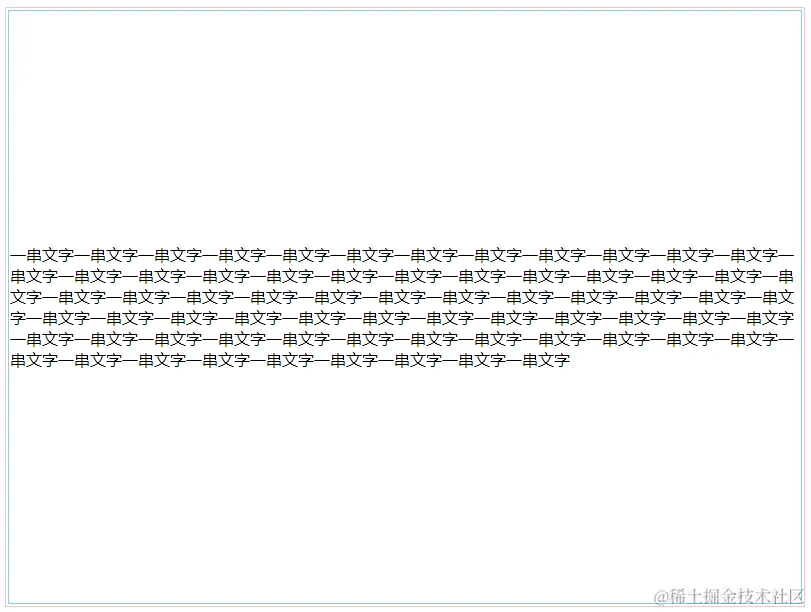
2.使用div来代替table
<!DOCTYPE html>
<html lang="en">
<head>
<meta charset="UTF-8" />
<meta
name="viewport"
content="width=device-width, initial-scale=1.0" />
<title>Document</title>
<style>
div.table{
display: table;
border: 1px solid pink;
width: 800px;
height: 600px;
}
div.td{
display: table-cell;
vertical-align: middle;
border: 1px solid skyblue;
}
div.children{
border: 1px solid orange;
}
</style>
</head>
<body>
<div class="table">
<div class="td">
<div class="children">
一串文字一串文字一串文字一串文字一串文字一串文字一串文字一串文字一串文字一串文字一串文字一串文字一串文字一串文字一串文字一串文字一串文字一串文字一串文字一串文字一串文字一串文字一串文字一串文字一串文字一串文字一串文字一串文字一串文字一串文字一串文字一串文字一串文字一串文字一串文字一串文字一串文字一串文字一串文字一串文字一串文字一串文字一串文字一串文字一串文字一串文字一串文字一串文字一串文字一串文字一串文字一串文字一串文字一串文字一串文字一串文字一串文字一串文字一串文字一串文字一串文字一串文字一串文字一串文字一串文字一串文字一串文字一串文字一串文字一串文字
</div>
</div>
</div>
</body>
</html>
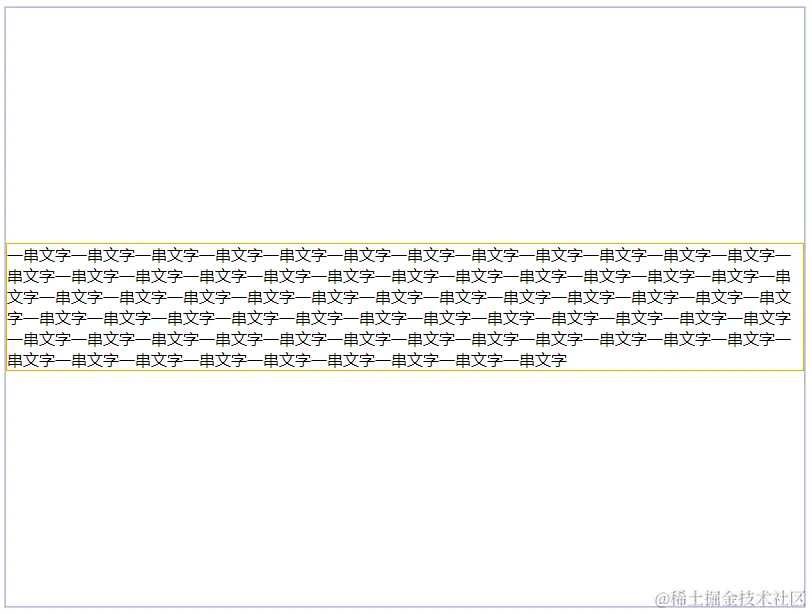
3.使用双伪元素
<!DOCTYPE html>
<html lang="en">
<head>
<meta charset="UTF-8" />
<meta
name="viewport"
content="width=device-width, initial-scale=1.0" />
<title>Document</title>
<style>
.parent {
width: 800px;
height: 600px;
text-align: center;
border: 1px solid pink;
}
.children {
display: inline-block;
width: 300px;
vertical-align: middle;
border: 1px solid skyblue;
}
.parent::before,
.parent::after {
content: '';
display: inline-block;
height: 100%;
vertical-align: middle;
border: 1px solid orange;
}
</style>
</head>
<body>
<div class="parent">
<div class="children">
一串文字一串文字一串文字一串文字一串文字一串文字一串文字一串文字一串文字一串文字一串文字一串文字一串文字一串文字一串文字一串文字一串文字一串文字一串文字一串文字一串文字一串文字一串文字一串文字一串文字一串文字一串文字一串文字一串文字一串文字一串文字一串文字一串文字一串文字一串文字一串文字一串文字一串文字一串文字一串文字一串文字一串文字一串文字一串文字一串文字一串文字一串文字一串文字一串文字一串文字一串文字一串文字一串文字一串文字一串文字一串文字一串文字一串文字一串文字一串文字一串文字一串文字一串文字一串文字一串文字一串文字一串文字一串文字一串文字一串文字
</div>
</div>
</body>
</html>
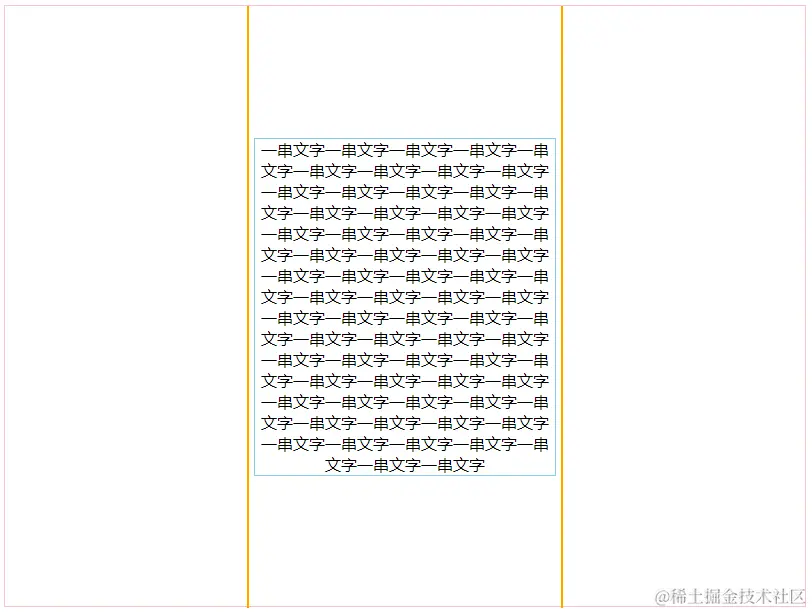
4. 绝对定位+ margin-top、margin-left
<!DOCTYPE html>
<html lang="en">
<head>
<meta charset="UTF-8" />
<meta
name="viewport"
content="width=device-width, initial-scale=1.0" />
<title>Document</title>
<style>
.parent {
position: relative;
width: 800px;
height: 600px;
border: 1px solid pink;
}
.children {
position: absolute;
top: 50%;
left: 50%;
margin-top: -150px;
margin-left: -200px;
width: 400px;
height: 300px;
border: 1px solid skyblue;
}
</style>
</head>
<body>
<div class="parent">
<div class="children">
一串文字一串文字一串文字一串文字一串文字一串文字一串文字一串文字一串文字一串文字一串文字一串文字一串文字一串文字一串文字一串文字一串文字一串文字一串文字一串文字一串文字一串文字一串文字一串文字一串文字一串文字一串文字一串文字一串文字一串文字一串文字一串文字一串文字一串文字一串文字一串文字一串文字一串文字一串文字一串文字一串文字一串文字一串文字一串文字一串文字一串文字一串文字一串文字一串文字一串文字一串文字一串文字一串文字一串文字一串文字一串文字一串文字一串文字一串文字一串文字一串文字一串文字一串文字一串文字一串文字一串文字一串文字一串文字一串文字一串文字
</div>
</div>
</body>
</html>
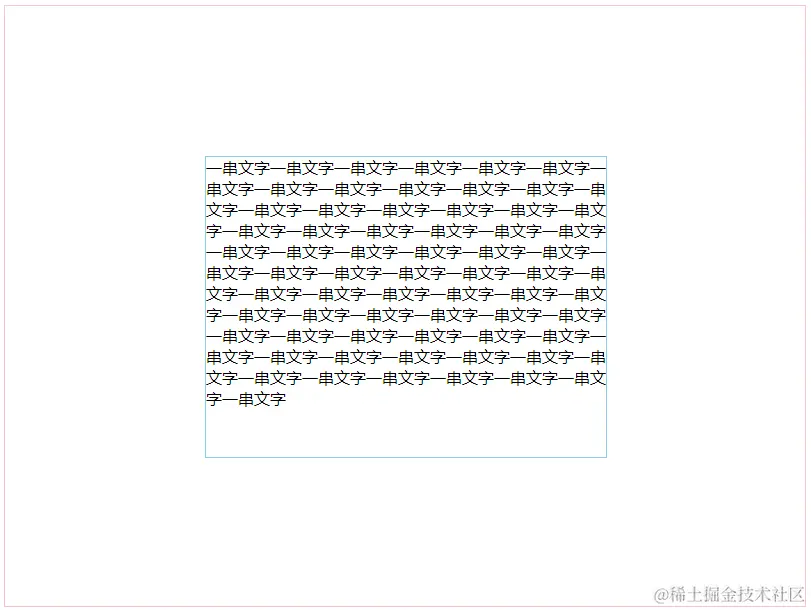
5.绝对定位+ margin
<!DOCTYPE html>
<html lang="en">
<head>
<meta charset="UTF-8" />
<meta
name="viewport"
content="width=device-width, initial-scale=1.0" />
<title>Document</title>
<style>
.parent {
position: relative;
width: 800px;
height: 600px;
border: 1px solid pink;
}
.children {
position: absolute;
top: 0;
left: 0;
bottom: 0;
right: 0;
margin: auto;
width: 400px;
height: 300px;
border: 1px solid skyblue;
}
</style>
</head>
<body>
<div class="parent">
<div class="children">
一串文字一串文字一串文字一串文字一串文字一串文字一串文字一串文字一串文字一串文字一串文字一串文字一串文字一串文字一串文字一串文字一串文字一串文字一串文字一串文字一串文字一串文字一串文字一串文字一串文字一串文字一串文字一串文字一串文字一串文字一串文字一串文字一串文字一串文字一串文字一串文字一串文字一串文字一串文字一串文字一串文字一串文字一串文字一串文字一串文字一串文字一串文字一串文字一串文字一串文字一串文字一串文字一串文字一串文字一串文字一串文字一串文字一串文字一串文字一串文字一串文字一串文字一串文字一串文字一串文字一串文字一串文字一串文字一串文字一串文字
</div>
</div>
</body>
</html>
6. 绝对定位+ transform
<!DOCTYPE html>
<html lang="en">
<head>
<meta charset="UTF-8" />
<meta
name="viewport"
content="width=device-width, initial-scale=1.0" />
<title>Document</title>
<style>
.parent {
position: relative;
width: 800px;
height: 600px;
border: 1px solid pink;
}
.children {
position: absolute;
top: 50%;
left: 50%;
transform: translate(
-50%,
-50%
);
width: 400px;
height: 300px;
border: 1px solid skyblue;
}
</style>
</head>
<body>
<div class="parent">
<div class="children">
一串文字一串文字一串文字一串文字一串文字一串文字一串文字一串文字一串文字一串文字一串文字一串文字一串文字一串文字一串文字一串文字一串文字一串文字一串文字一串文字一串文字一串文字一串文字一串文字一串文字一串文字一串文字一串文字一串文字一串文字一串文字一串文字一串文字一串文字一串文字一串文字一串文字一串文字一串文字一串文字一串文字一串文字一串文字一串文字一串文字一串文字一串文字一串文字一串文字一串文字一串文字一串文字一串文字一串文字一串文字一串文字一串文字一串文字一串文字一串文字一串文字一串文字一串文字一串文字一串文字一串文字一串文字一串文字一串文字一串文字
</div>
</div>
</body>
</html>
7.使用flex
<!DOCTYPE html>
<html lang="en">
<head>
<meta charset="UTF-8" />
<meta
name="viewport"
content="width=device-width, initial-scale=1.0" />
<title>Document</title>
<style>
.parent {
display: flex;
justify-content: center;
align-items: center;
width: 800px;
height: 600px;
border: 1px solid pink;
}
.children {
width: 400px;
height: 300px;
border: 1px solid skyblue;
}
</style>
</head>
<body>
<div class="parent">
<div class="children">
一串文字一串文字一串文字一串文字一串文字一串文字一串文字一串文字一串文字一串文字一串文字一串文字一串文字一串文字一串文字一串文字一串文字一串文字一串文字一串文字一串文字一串文字一串文字一串文字一串文字一串文字一串文字一串文字一串文字一串文字一串文字一串文字一串文字一串文字一串文字一串文字一串文字一串文字一串文字一串文字一串文字一串文字一串文字一串文字一串文字一串文字一串文字一串文字一串文字一串文字一串文字一串文字一串文字一串文字一串文字一串文字一串文字一串文字一串文字一串文字一串文字一串文字一串文字一串文字一串文字一串文字一串文字一串文字一串文字一串文字
</div>
</div>
</body>
</html>