一、前端主题切换方案
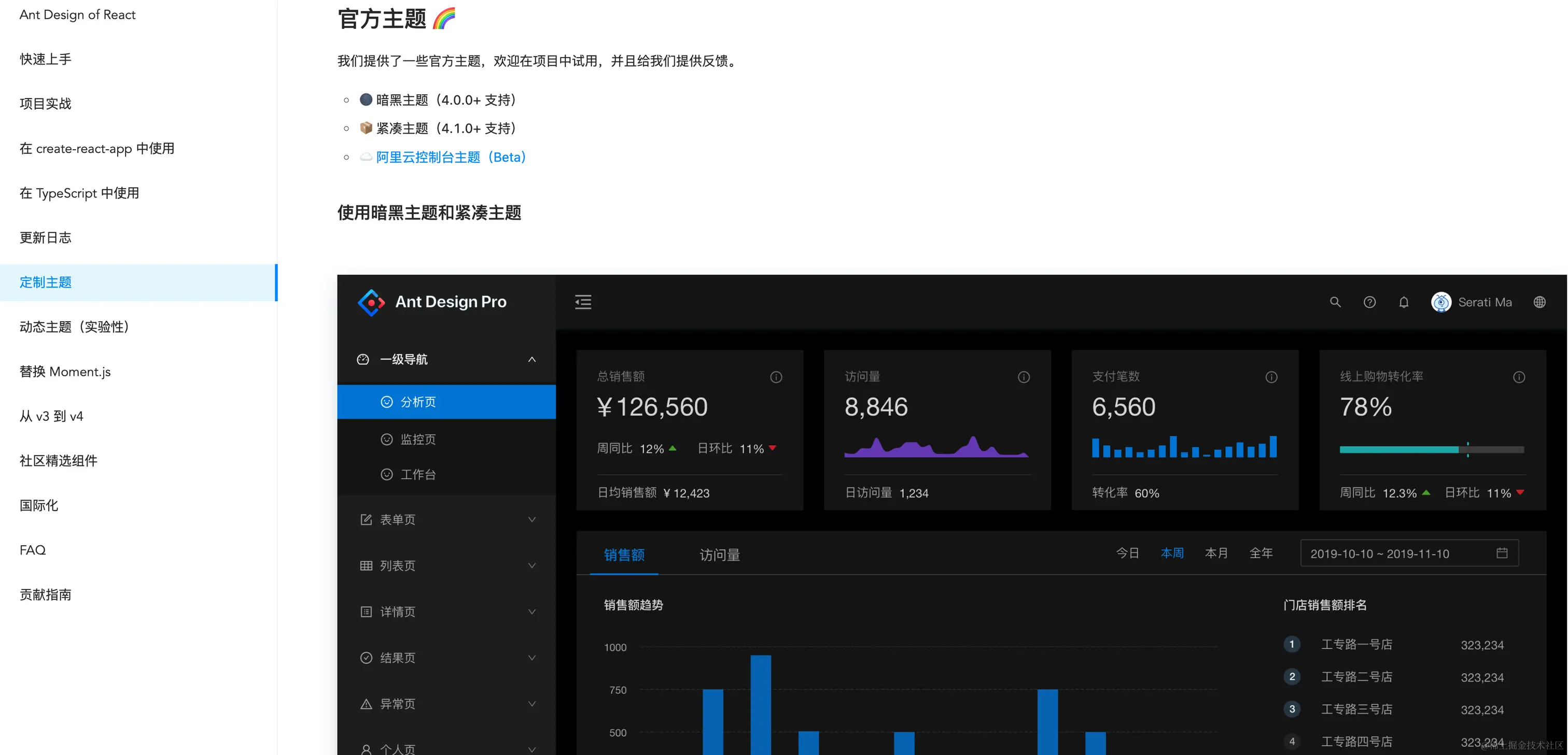
- 引入框架主题包
- 优点:框架自带,使用方便
- 缺点:样式包体积大,主题样式写死不好自定义
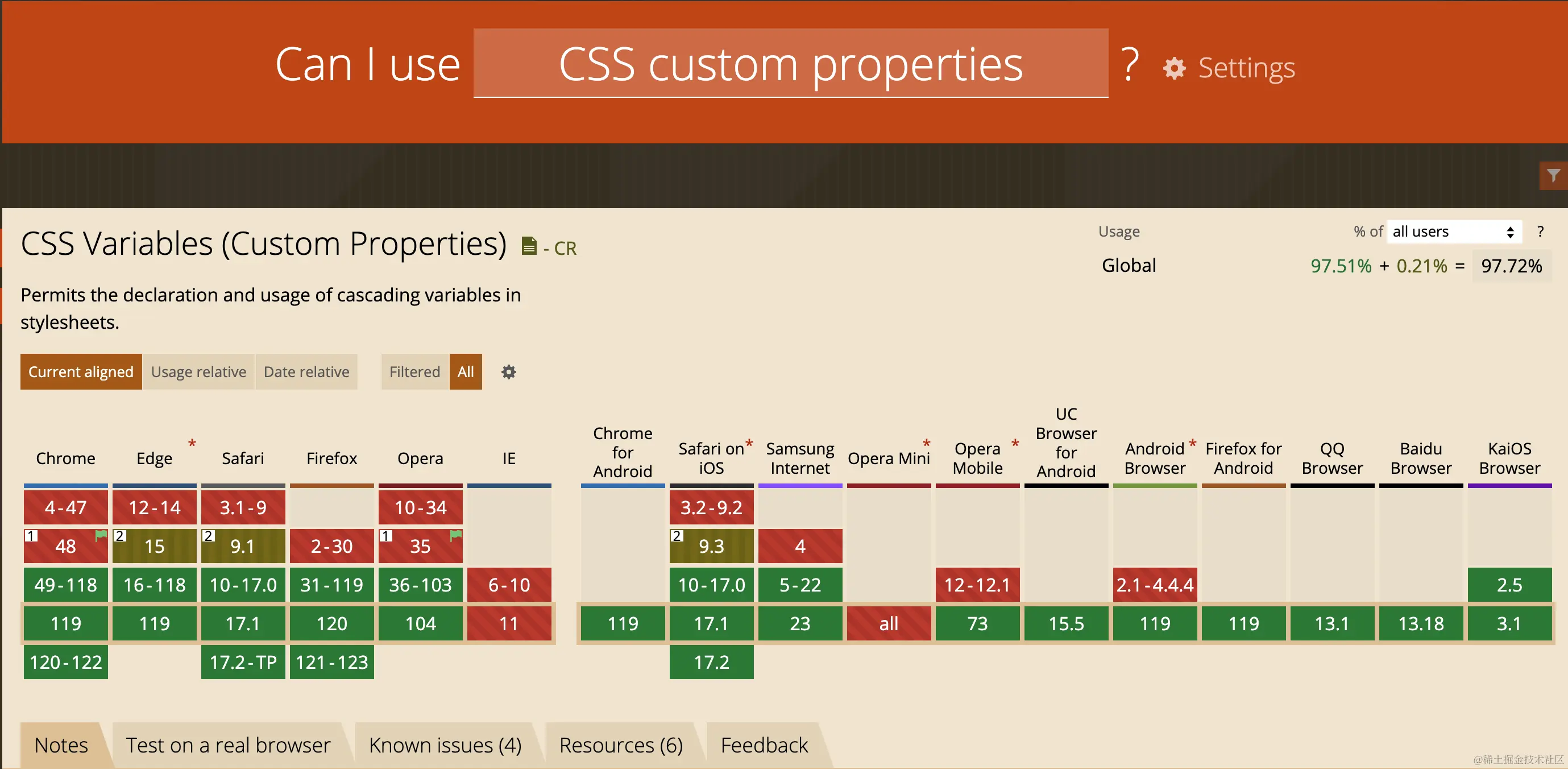
- css变量自定义主题
- 优点:体积小,自定义方便
- 缺点:无法兼容老古董浏览器
- sass自定义主题
- 优点:自定义方便,兼容性好
- 缺点:体积相对css变量要大
二、sass自定义主题思路
js切换body上绑定的主题
<body data-theme="dark"></body>
export const THEMES = [
{ label: "暗色", value: "dark", color: "#000000" },
{ label: "亮色", value: "light", color: "#ffffff" },
{ label: "薄暮", value: "dust-red", color: "#f5222d" },
{ label: "金盏花", value: "calendula-gold", color: "#faad14" },
{ label: "极光绿", value: "polar-green", color: "#52c41a" },
{ label: "拂晓蓝", value: "daybreak-blue", color: "#1677ff" },
{ label: "酱紫", value: "golden-purple", color: "#eb2f96" },
];
export function setTheme(theme = "dark") {
try {
if (!THEMES.find((t) => t.value === theme)) {
throw new Error(
"theme '" + theme + "' is not supported by the theme manager"
);
}
document.body.setAttribute("data-theme", theme);
} catch (e) {
console.error(e);
}
}
预编译主题样式 theme.sass
$color-grey: grey;
$color-primary: #1677ff;
$color-dark: #000000;
$color-light: #ffffff;
$color-dustred: #f5222d;
$color-calendulagold: #faad14;
$color-polargreen: #52c41a;
$color-daybreakblue: #1677ff;
$color-goldenpurple: #eb2f96;
$themes: (
dark: (
background-color: $color-dark,
text-color: $color-light,
border-color: $color-grey,
),
light: (
background-color: $color-light,
text-color: $color-dark,
border-color: $color-grey,
),
dust-red: (
background-color: $color-dustred,
text-color: $color-light,
border-color: $color-grey,
),
calendula-gold: (
background-color: $color-calendulagold,
text-color: $color-light,
border-color: $color-grey,
),
polar-green: (
background-color: $color-polargreen,
text-color: $color-light,
border-color: $color-grey,
),
daybreak-blue: (
background-color: $color-daybreakblue,
text-color: $color-light,
border-color: $color-grey,
),
golden-purple: (
background-color: $color-goldenpurple,
text-color: $color-light,
border-color: $color-grey,
),
);
$currentTheme: dark;
@mixin useTheme() {
@each $key, $val in $themes {
$currentTheme: $key !global;
body[data-theme='#{$key}'] & {
@content;
}
}
}
@function getVar($key) {
$themeMap: map-get($map: $themes, $key: $currentTheme);
@return map-get($map: $themeMap, $key: $key);
}
需要的地方混淆主题样式
.item {
  box-sizing: border-box;
  display: flex;
  align-items: center;
  justify-content: center;
  width: 100px;
  height: 100px;
  margin: 5px;
  border-radius: 5px;
  opacity: 0.8;
  cursor: pointer;
  transition: all 200ms ease-in-out;

  @include useTheme {
    background-color: getVar('background-color');
    color: getVar('text-color');
    box-shadow: 0 0 5px 1px getVar('border-color');
  }

  &:hover {
    z-index: 1;
    opacity: 1;
  }
}
三、示例代码