1,安装数据库集成工具
数据库集成工具 - 掘金 (juejin.cn)
2,
pip install -i https:

3,简单的增删改查
import mysql.connector
conn = mysql.connector.connect(
host="localhost",
user="root",
password="",
database="test"
)
cursor = conn.cursor()
create_table = """
CREATE TABLE IF NOT EXISTS students (
id INT AUTO_INCREMENT PRIMARY KEY,
name VARCHAR(255),
age INT,
grade VARCHAR(255)
)
"""
cursor.execute(create_table)
insert_data = "INSERT INTO students (name, age, grade) VALUES (%s, %s, %s)"
student_data = [
("Alice", 20, "A"),
("Bob", 19, "B"),
("Charlie", 21, "A"),
]
cursor.executemany(insert_data, student_data)
conn.commit()
select_data = "SELECT * FROM students"
cursor.execute(select_data)
result = cursor.fetchall()
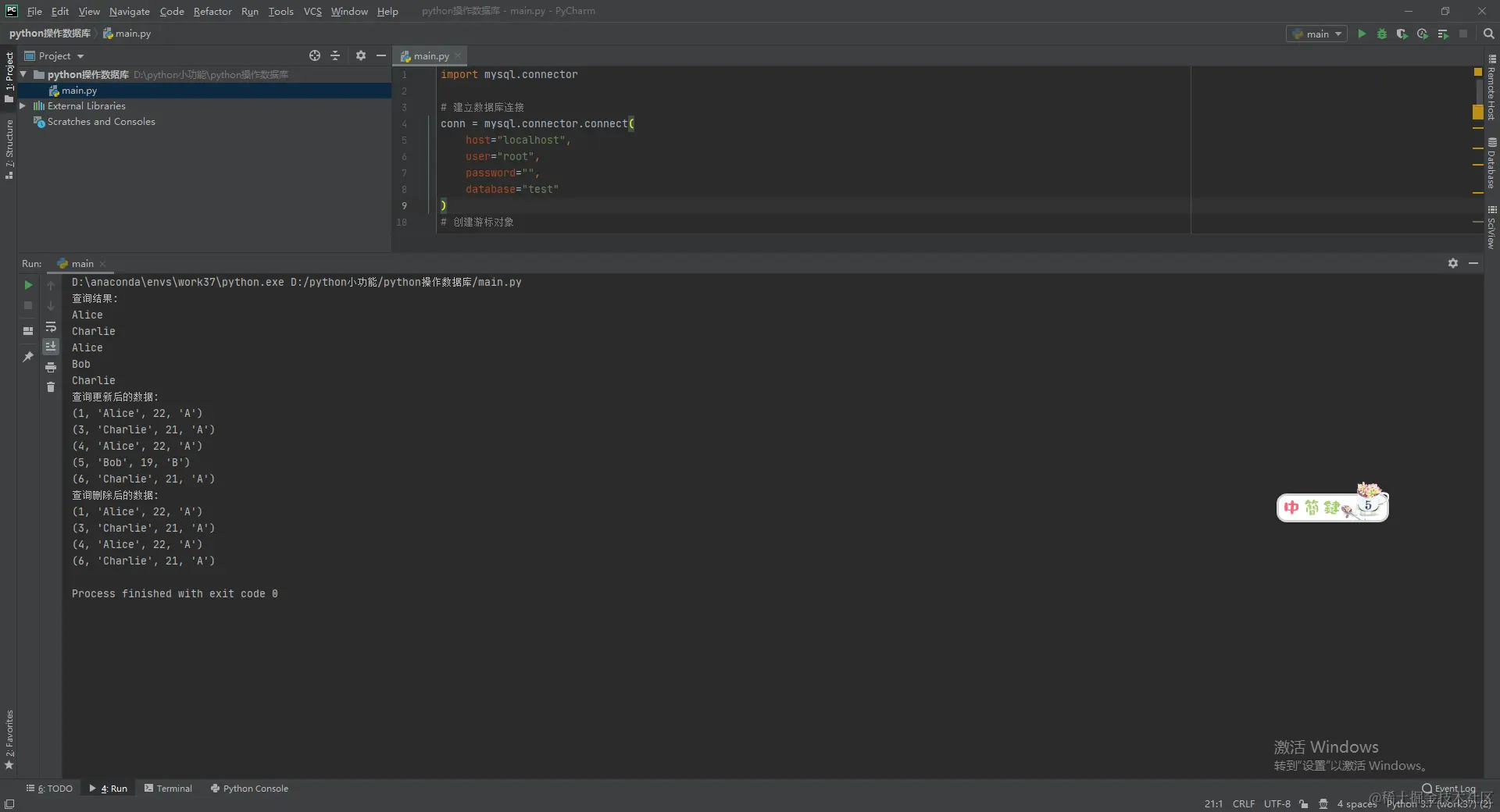
print("查询结果:")
for row in result:
print(row[1])
update_data = "UPDATE students SET age = %s WHERE name = %s"
new_age = 22
name = "Alice"
cursor.execute(update_data, (new_age, name))
conn.commit()
cursor.execute(select_data)
result = cursor.fetchall()
print("查询更新后的数据:")
for row in result:
print(row)
delete_data = "DELETE FROM students WHERE name = %s"
name = "Bob"
cursor.execute(delete_data, (name,))
conn.commit()
cursor.execute(select_data)
result = cursor.fetchall()
print("查询删除后的数据:")
for row in result:
print(row)
cursor.close()
conn.close()