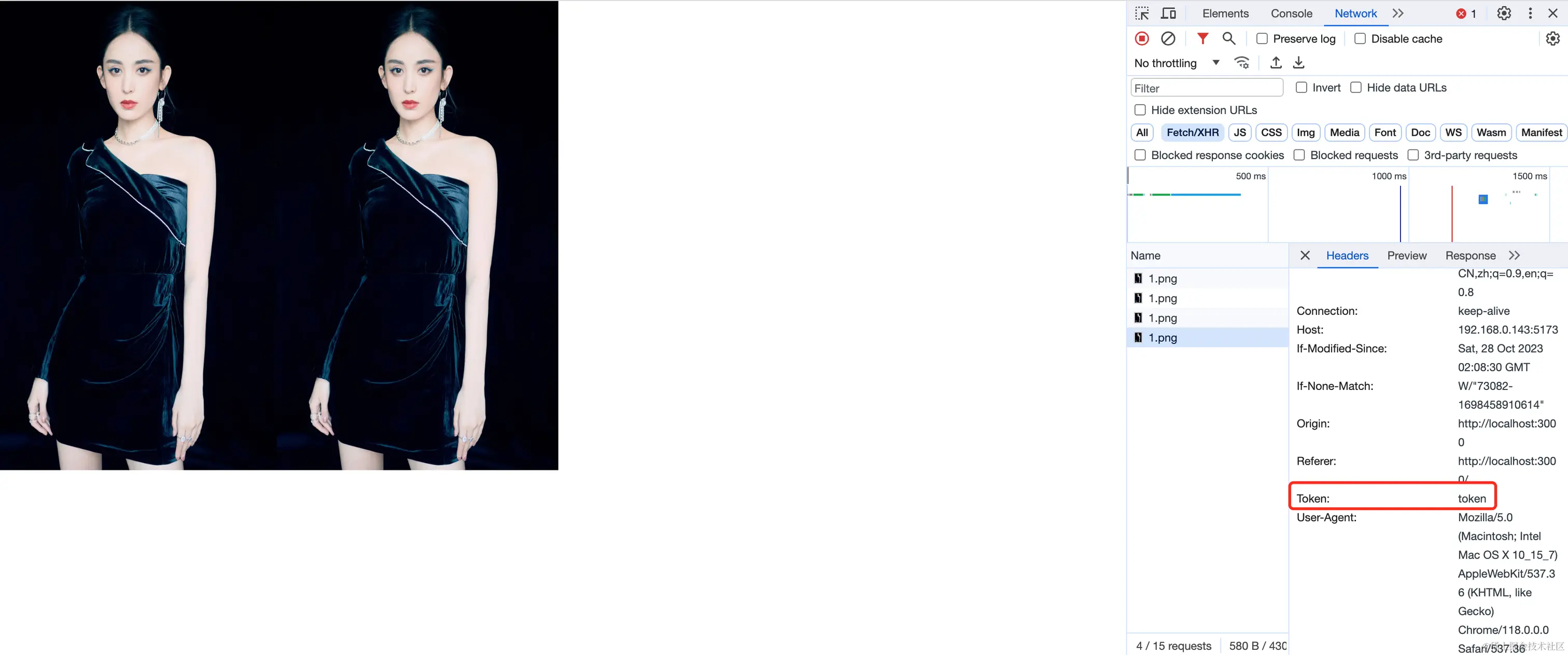
有些项目访问静态资源是需要携带身份信息的
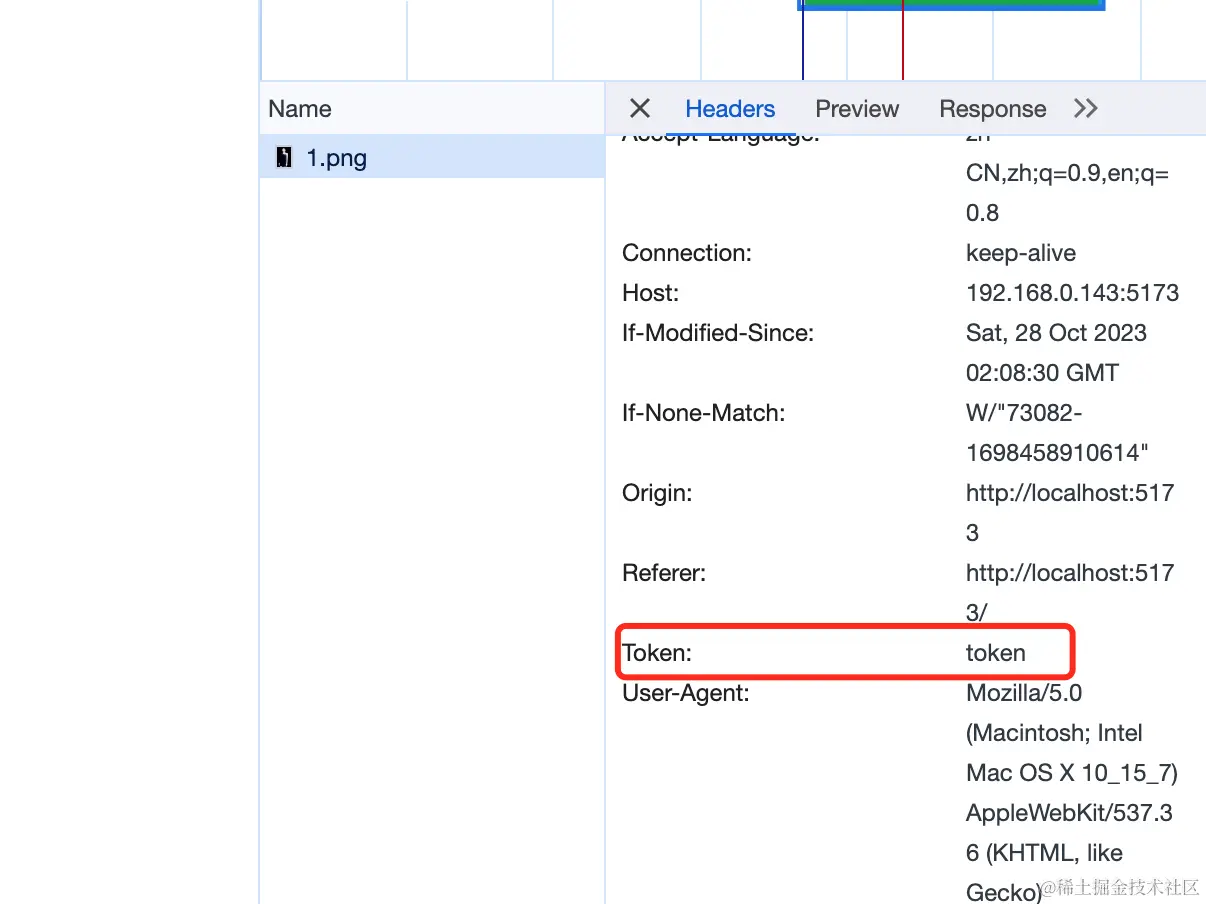
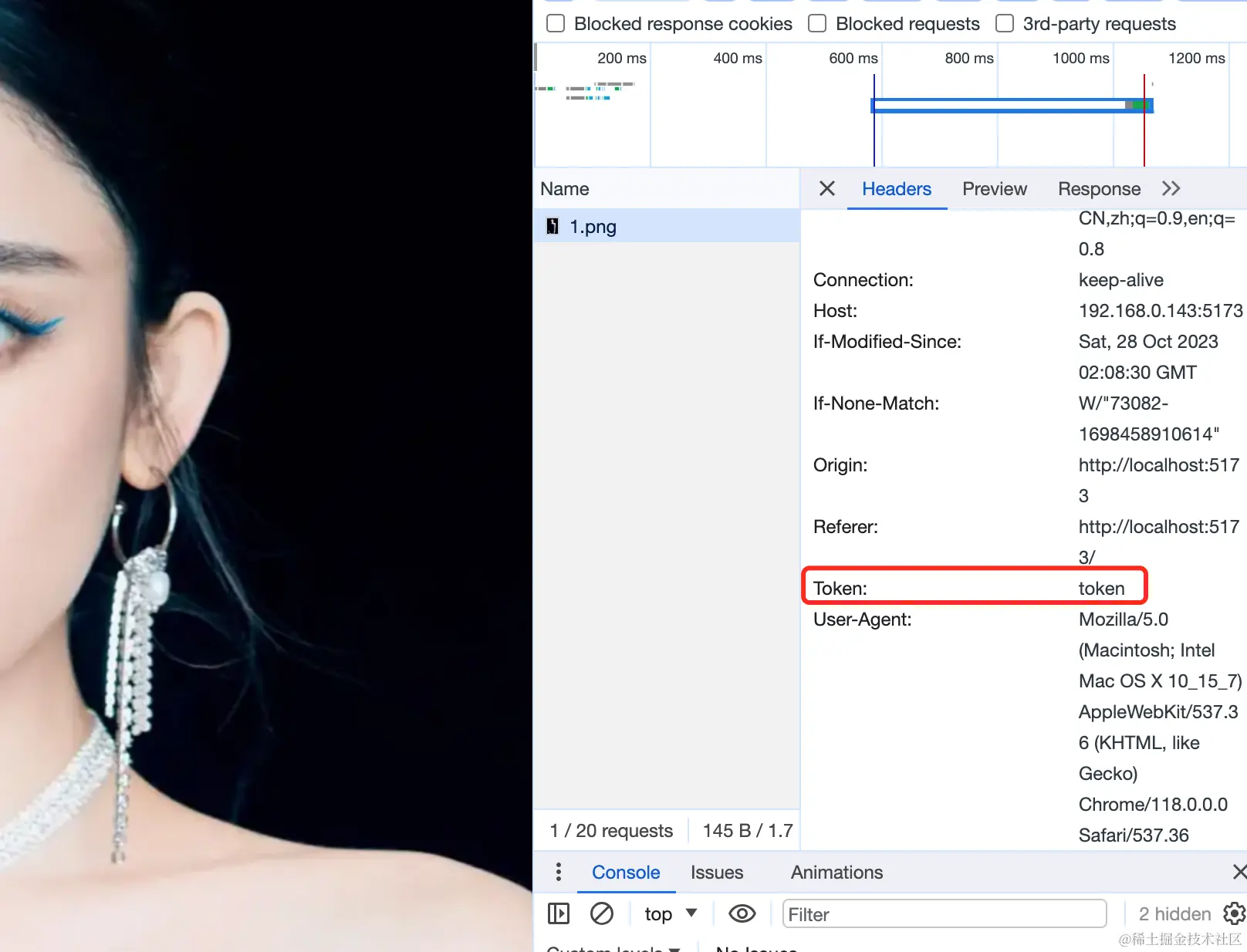
有的需要在url拼接token 有的需要在header中携带
搞一个简单的小Demo
1. 封装组件
<template>
  <img ref="img" />
</template>
<script setup lang="ts">
import axios from "axios";
import { onMounted, ref, watch, watchEffect } from "vue";
const img = ref<HTMLImageElement | undefined>();

const props = defineProps({
  src: {
    type: String,
    required: true,
    default: "",
  },
});
const getImage = () => {
  axios({
    url: props.src,
    method: "get",
    responseType: "blob",
  }).then((res) => {
    console.log(res);
    img.value.src = URL.createObjectURL(res.data)
  });
};
onMounted(() => {getImage()});
</script>
<template>
  <div>
    <GetImage style="width: 500px;height: 300px;" src="http://192.168.0.143:5173/1.png" alt="" />
  </div>
</template>

<script lang="ts" setup>
import GetImage from './components/GetImage.vue'
</script>
2. 自定义指令
<template>
  <div>
    <img v-tokenImage src="http://192.168.0.143:5173/1.png" alt="" />
  </div>
</template>

<script lang="ts" setup>
</script>
v-tokenImage
app.directive("tokenImage", {
  mounted(el, binding) {
    const url = el.getAttribute('src')
    axios({
      url,
      method: "get",
      responseType: "blob",
    }).then((res) => {
      console.log(res);
      el.src = URL.createObjectURL(res.data);
    });
  },
});
React还是封装组件
TokenImg.jsx
import React, { useRef,useEffect } from "react";
import axios from "axios"

export default function TokenImg({ url,width,height }) {
  const img = useRef(null);
 const getImage = (url) => {
    axios({
      url,
      method: "get",
      responseType: "blob",
    }).then((res) => {
      console.log(res);
      img.current.src = URL.createObjectURL(res.data);
    });
  }
  useEffect(() => {
    getImage(url)
    return () => {
    }
  }, [url])

  return <img ref={img} alt="" style={{width,height}}/>;
}
import { useState, useRef, useEffect } from "react";
import TokenImg from "./components/TokenImg";

function App() {
  const [urls,Seturls] = useState(['http://192.168.0.143:5173/1.png','http://192.168.0.143:5173/1.png'])
  return (
    <>
      {
        urls.length && urls.map(url=><TokenImg url={url} width={300} height={500} />)
      }
    </>
  );
}

export default App;