<template>
  <div class="box">
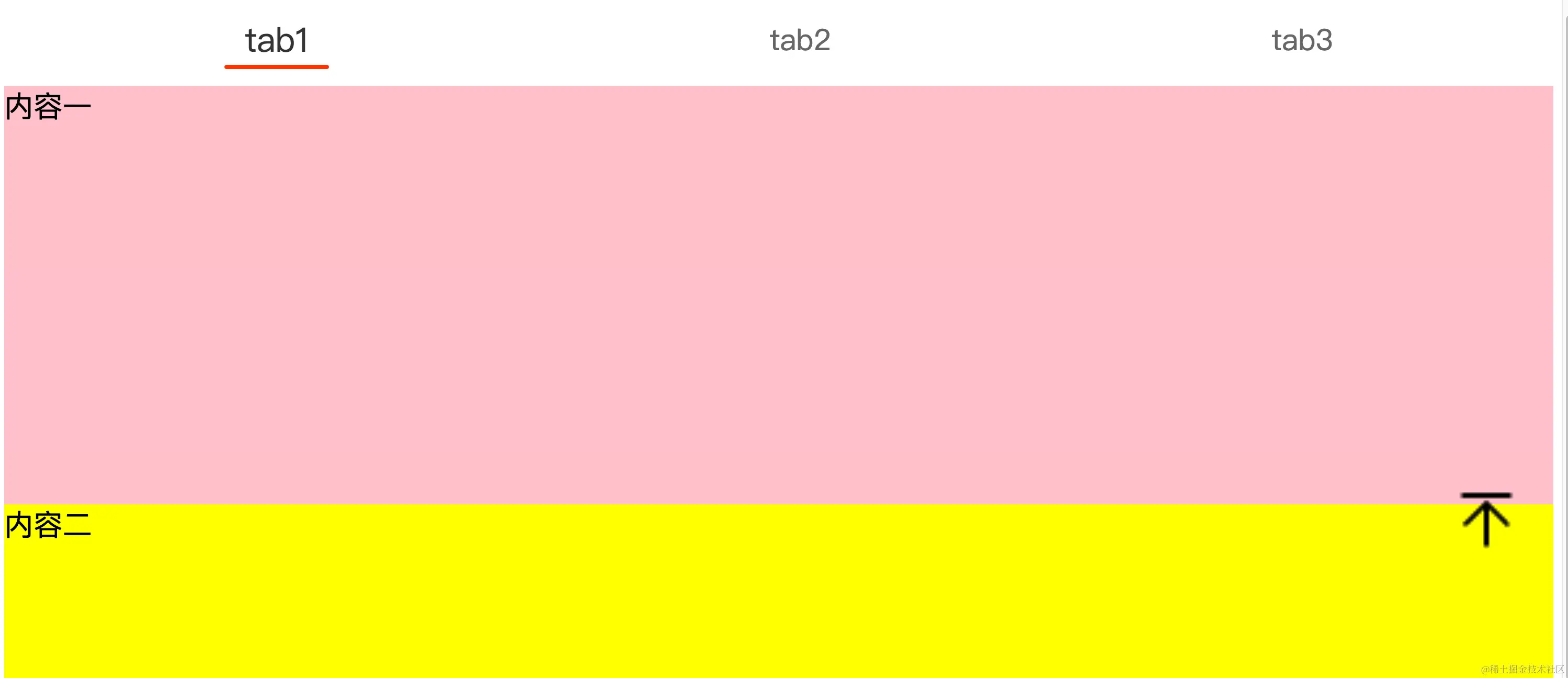
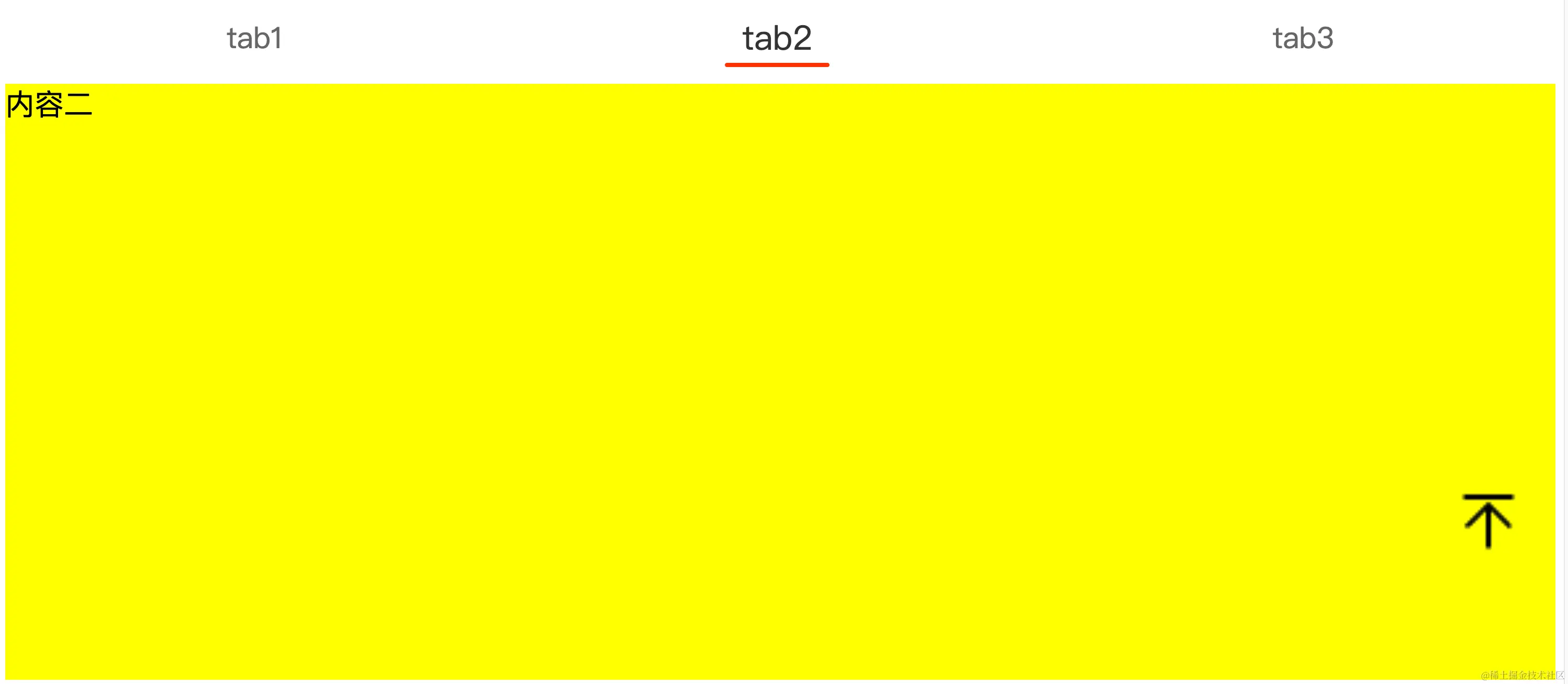
    <div class="tab" ref="tab">
      <div v-for="(item, index) in tabs" :key="index">
        <div
          class="tab-item"
          :class="{ active: active === index }"
          @click="switchTab(index)"
        >
          {{ item }}
        </div>
      </div>
    </div>
    <div class="cont" ref="cont">
      <div class="cont_1" ref="cont_1">内容一</div>
      <div class="cont_2" ref="cont_2">内容二</div>
      <div class="cont_3" ref="cont_3">内容三</div>
    </div>
    <div
      class="back-top"
      :style="{
        backgroundImage: 'url(' + backTopImg + ')',
        backgroundPosition: 'center',
        backgroundSize: '100% 100%',
        backgroundRepeat: 'no-repeat',
      }"
      @click="backTop"
    ></div>
  </div>
</template>
<script>
export default {
  data() {
    return {
      tabs: ['tab1', 'tab2', 'tab3'],
      active: 0,
      cont1: null,
      cont2: null,
      cont3: null,
      isClickTab: false,
      backTopImg: require('@/assets/backtop.png'),
    }
  },
  methods: {
    backTop() {
      // 将内容滚动到视图顶部,具有平滑滚动效果
      this.cont1.scrollIntoView({
        block: 'start',
        behavior: 'smooth',
      })
    },
    switchTab(index) {
      if (index === 0) {
        this.cont1.scrollIntoView({
          block: 'start',
          behavior: 'smooth',
        })
      } else if (index === 1) {
        this.cont2.scrollIntoView({
          block: 'start',
          behavior: 'smooth',
        })
      } else {
        this.cont3.scrollIntoView({
          block: 'start',
          behavior: 'smooth',
        })
      }
    },
  },
  mounted() {
    this.cont1 = this.$refs['cont_1']
    this.cont2 = this.$refs['cont_2']
    this.cont3 = this.$refs['cont_3']
    // 获取标签栏高度
    const tabH = this.$refs['tab'].offsetHeight

    // 监听内容容器的滚动事件
    this.$refs['cont'].addEventListener('scroll', () => {
      // 根据内容位置更新活动标签(tab栏)
      if (this.cont3.getBoundingClientRect().top <= tabH) {
        this.active = 2
        return false
      }
      if (this.cont2.getBoundingClientRect().top <= tabH) {
        this.active = 1
        return false
      }
      if (this.cont1.getBoundingClientRect().top <= tabH) {
        this.active = 0
      }
    })
  },
}
</script>
<style lang="scss" scoped>
.box {
  font-size: 28px;
  overflow-x: auto;
  height: 100vh;
  display: -webkit-flex;
  display: flex;
  flex-direction: column;
  overflow-y: hidden;

  .tab {
    height: 88px;
    background: #fff;
    line-height: 88px;
    color: #666;
    display: -webkit-flex;
    display: flex;
    justify-content: space-around;

    .tab-item {
      cursor: pointer;
    }

    .active {
      font-size: 32px;
      color: #333;
      transition: font-size 0.2s ease, color 0.2s ease;
      display: flex;
      flex-direction: column;
      justify-content: center;
      align-items: center;
      &::after {
        display: block;
        content: '';
        width: 100px;
        height: 4px;
        margin: auto;
        margin-top: -20px;
        background: rgba(255, 51, 0, 1);
        border-radius: 3px;
        transition: width 0.2s ease;
      }
    }
  }
  .cont {
    height: 300px;
    flex-grow: 1;
    overflow: auto;
    /* 添加一个滚动框,以保持滚动功能 */
    scrollbar-width: thin;
    scrollbar-color: transparent transparent;
    &::-webkit-scrollbar {
      width: 0px;
    }
    &::-webkit-scrollbar-thumb {
      background-color: transparent;
    }
    .cont_1 {
      height: 400px;
      background: pink;
    }
    .cont_2 {
      height: 800px;
      background: yellow;
    }
    .cont_3 {
      height: 100%;
      background: lightgreen;
    }
  }
  .back-top {
    width: 80px;
    height: 80px;
    border-radius: 50%;
    position: fixed;
    bottom: 120px;
    right: 32px;
  }
}
</style>