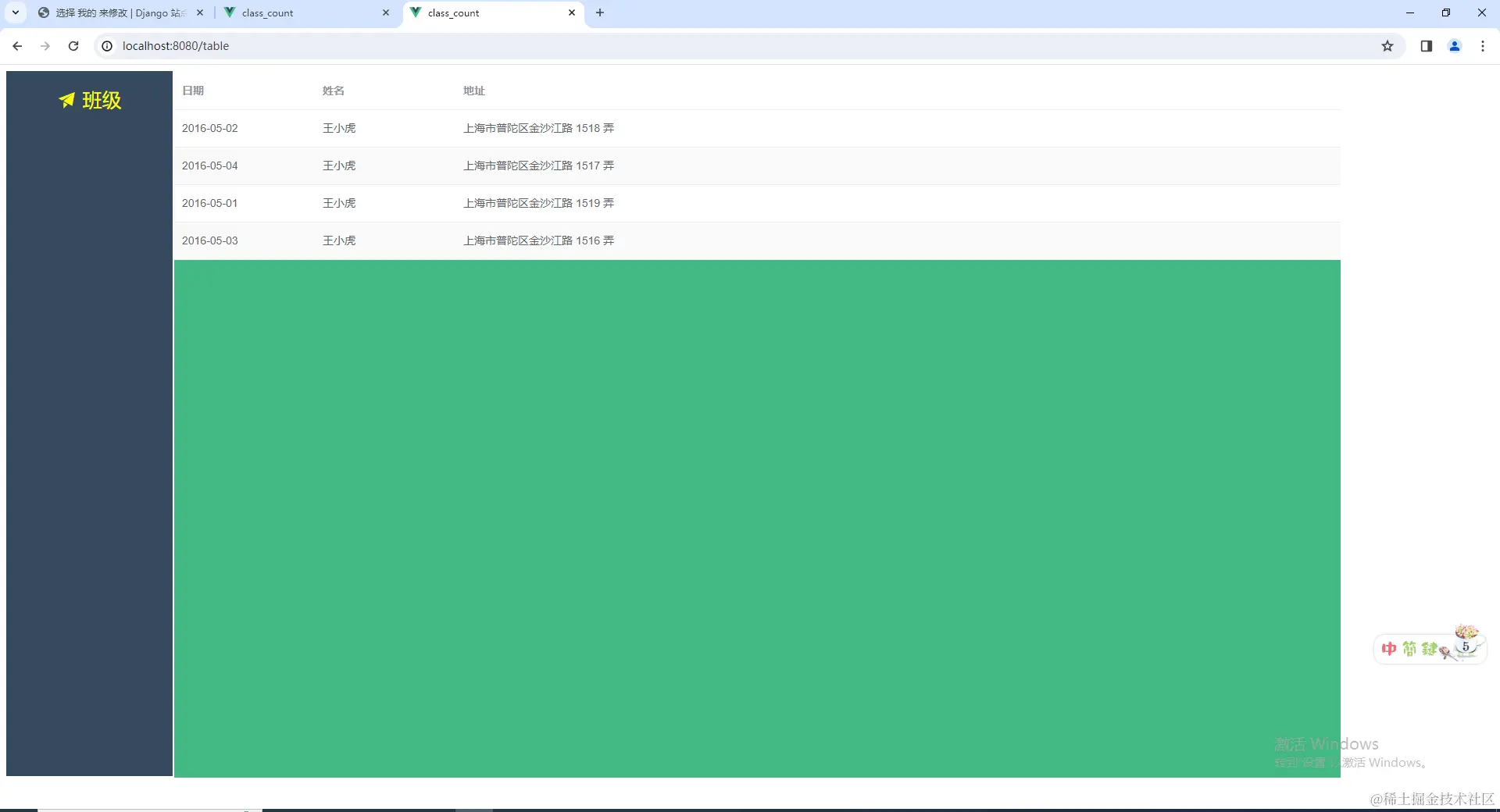
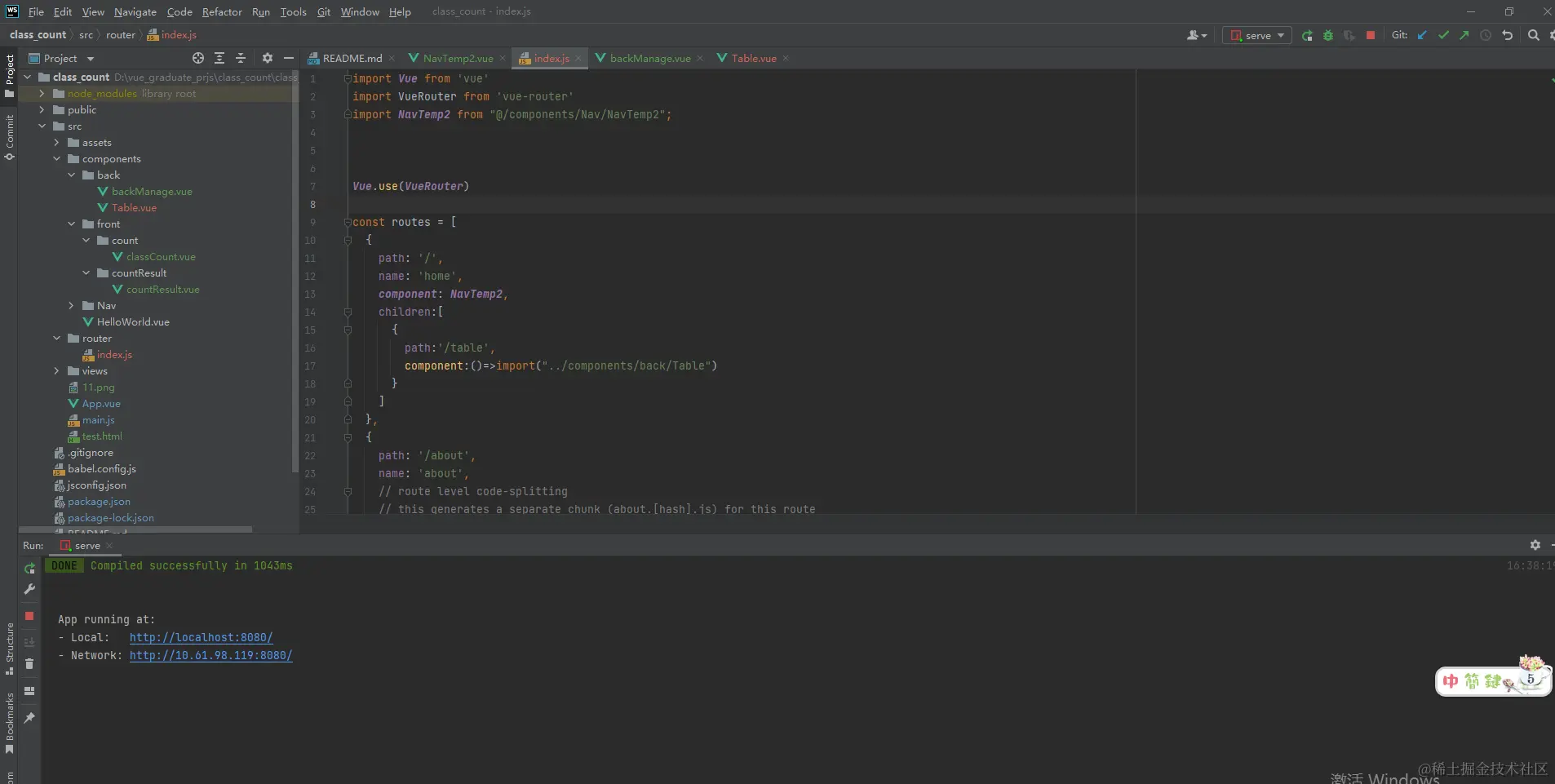
代码
<template>
<div>
<div class="main">
<div class="class">
<router-link :to="{path: '/table'}">
<i class="el-icon-s-promotion"></i>
班级
</router-link>
</div>
</div>
<div class="container">
<router-view></router-view>
</div>
</div>
</template>
<script>
export default {
name: "NavTemp2",
data(){
return{
navWidth:'',
navHeight:'',
navOneRowWidth:'',
navOneRowHeight:'',
themeWidth:'',
themeHeight:'',
themeAndLeft:''
}
},
mounted() {
this.gethomeheight()
this.gethomewidth()
window.addEventListener('resize', this.gethomewidth);
window.addEventListener('resize', this.gethomeheight);
},
methods:{
gethomewidth(){
var windowwidth = window.innerWidth
this.navWidth = parseInt(windowwidth/9)+'px'
document.documentElement.style.setProperty('--navWidth',this.navWidth);
this.navOneRowWidth = this.navWidth
document.documentElement.style.setProperty('--navOneRowWidth',this.navOneRowWidth);
this.themeWidth = parseInt(windowwidth/9*7)+'px'
document.documentElement.style.setProperty('--themeWidth',this.themeWidth);
this.themeAndLeft = parseInt(windowwidth/9+10)+'px'
document.documentElement.style.setProperty('--themeAndLeft',this.themeAndLeft);
},
gethomeheight(){
var windowheight = window.innerHeight
this.navHeight = parseInt(windowheight-50)+'px'
document.documentElement.style.setProperty('--navHeight',this.navHeight);
this.navOneRowHeight = parseInt(windowheight/18)+'px'
document.documentElement.style.setProperty('--navOneRowHeight',this.navOneRowHeight);
document.documentElement.style.setProperty('--themeHeight',this.navHeight);
}
},
}
</script>
<style scoped>
:root{
--navWidth:'';
--navHeight:'';
--navOneRowWidth:'';
--navOneRowHeight: '';
--themeWidth:'';
--themeHeight:'';
--themeAndLeft:'';
}
.main{
background-color: #35495d;
width: var(--navWidth);
height: var(--navHeight);
color: #d1d1d1;
font-size: 25px;
}
.container{
background-color: #42b983;
position: absolute;
left: var(--themeAndLeft);
top: 10px;
width: var(--themeWidth);
height: var(--navHeight);
}
.class{
width: var(--navOneRowWidth);
height: var(--navOneRowHeight);
padding-top: 20px;
}
.class:hover{
background-color:hsla(0, 0%, 100%, 0.1);
}
.router-link-active {
text-decoration: none;
color: yellow;
}
a{
text-decoration: none;
color: #d1d1d1;
}
</style>



