- 该标签需要配合js一起使用
- 可以绘制三角形、矩形、圆形等多种图案
- 常用于游戏、动画、可视化数据等工作场景
- 可以直接使用canvas标签测试出是否兼容
<canvas width="500" height="500" style="border:1px solid">
    请使用支持canvas的主流浏览器查看
</canvas>
基本使用
<canvas width = "500" height = "500" id = "cvs"></canvas>
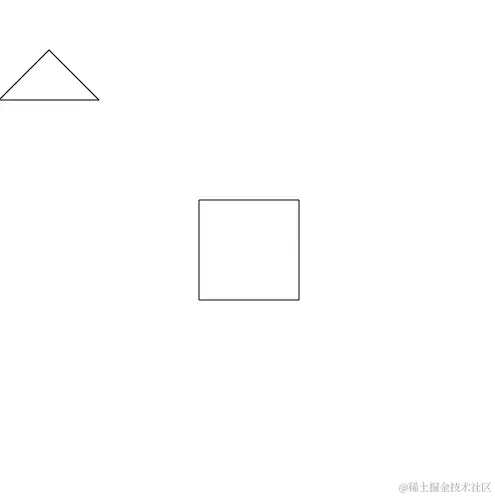
const c = document.getElementById("cvs");
c.moveTo(50, 50);
c.lineTo(100, 100);
c.lineTo(0, 100);
c.closePath();
c.stroke();
const c = document.getElementById("cvs");
c.beginPath();
c.moveTo(200, 200);
c.lineTo(300, 200);
c.lineTo(300, 300);
c.lineTo(200, 300);
c.lineTo(200, 200);
c.lineWidth = '0';
c.lineJoin = 'miter';
c.lineCap = 'butt';
c.strokeStyle = '#000';
c.stroke();
使用接口
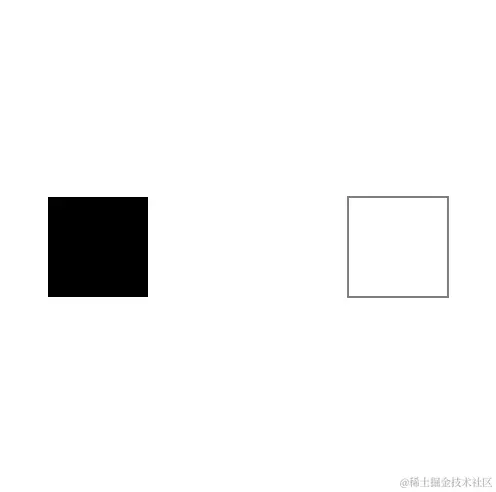
const c = document.getElementById("cvs");
c.fillRect(100, 200, 100, 100);
c.rect(200, 200, 100, 100);
c.strokeRect(300, 200, 100, 100);
c.clearRect(0, 0, 500, 500);
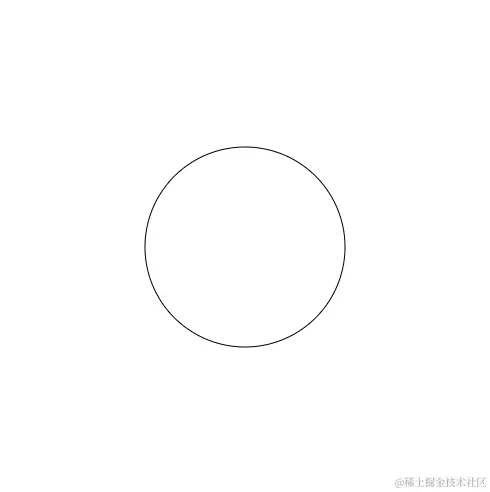
const c = cRef.current.getContext('2d');
c.arc(250, 250, 100, 0, Math.PI * 2, true);
c.stroke();
样式保存
const c = cRef.current.getContext('2d');
c.lineWidth = 2;
c.strokeStyle = 'green';
c.save();
c.arc(100, 100, 100, 0, Math.PI * 2, true);
c.moveTo(350, 250);
c.arc(250, 250, 100, 0, Math.PI * 2, true);
c.stroke();
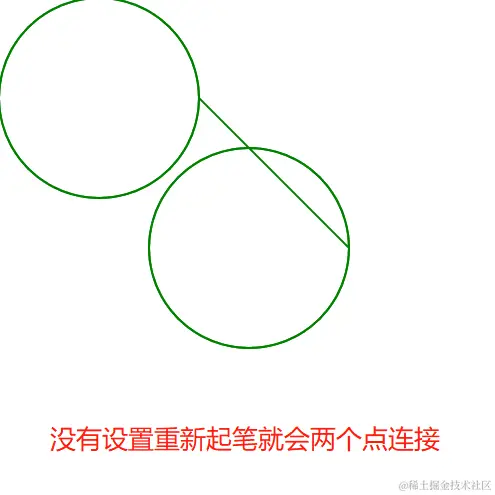
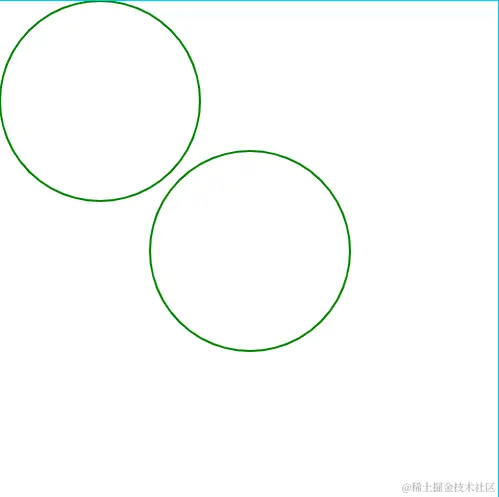
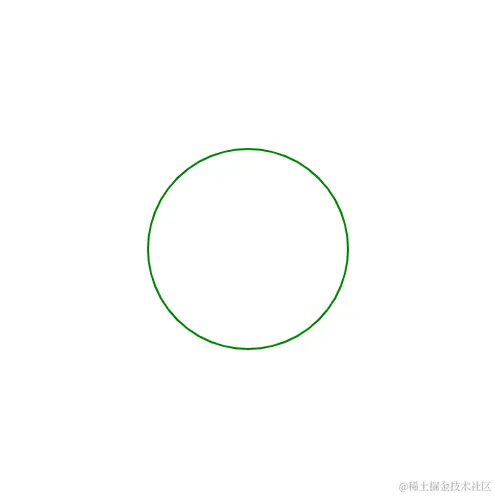
const c = cRef.current.getContext('2d');
c.lineWidth = 2;
c.strokeStyle = 'green';
c.save();
c.arc(100, 100, 100, 0, Math.PI * 2, true);
c.beginPath();
c.arc(250, 250, 100, 0, Math.PI * 2, true);
c.stroke();
旋转、移动(连续使用效果可以叠加)
c.translate(x, y);
c.rotate((Math.PI / 180) * 角度);