效果
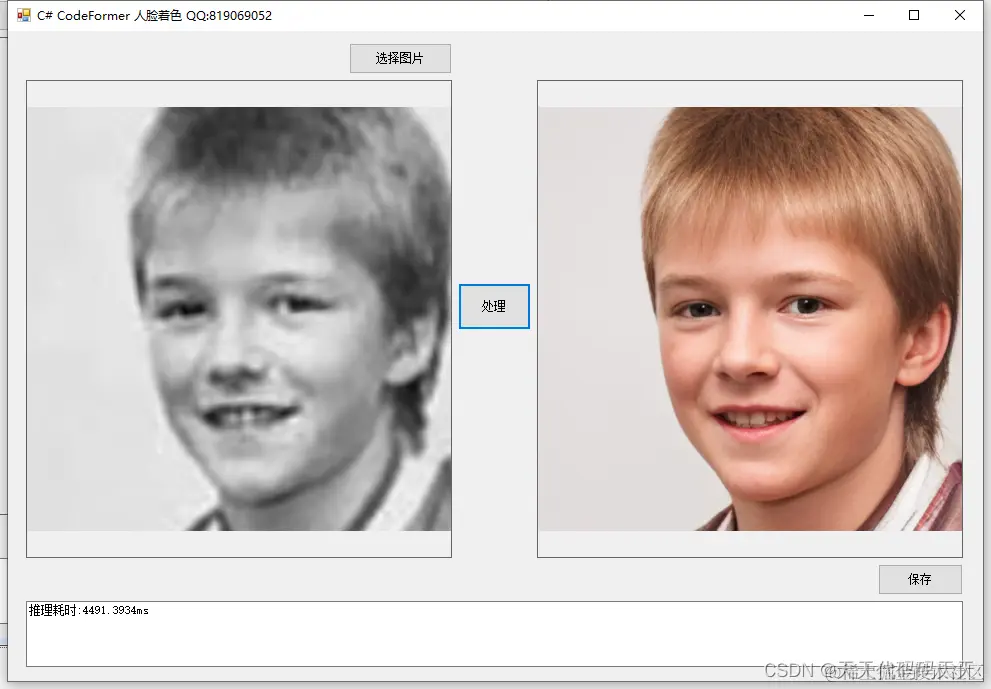
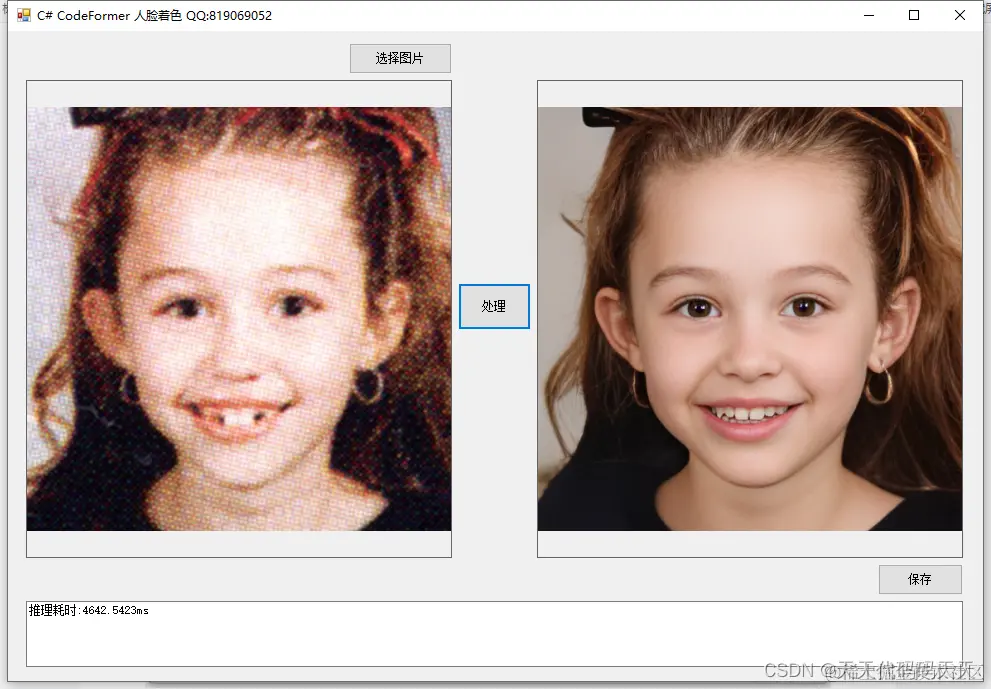
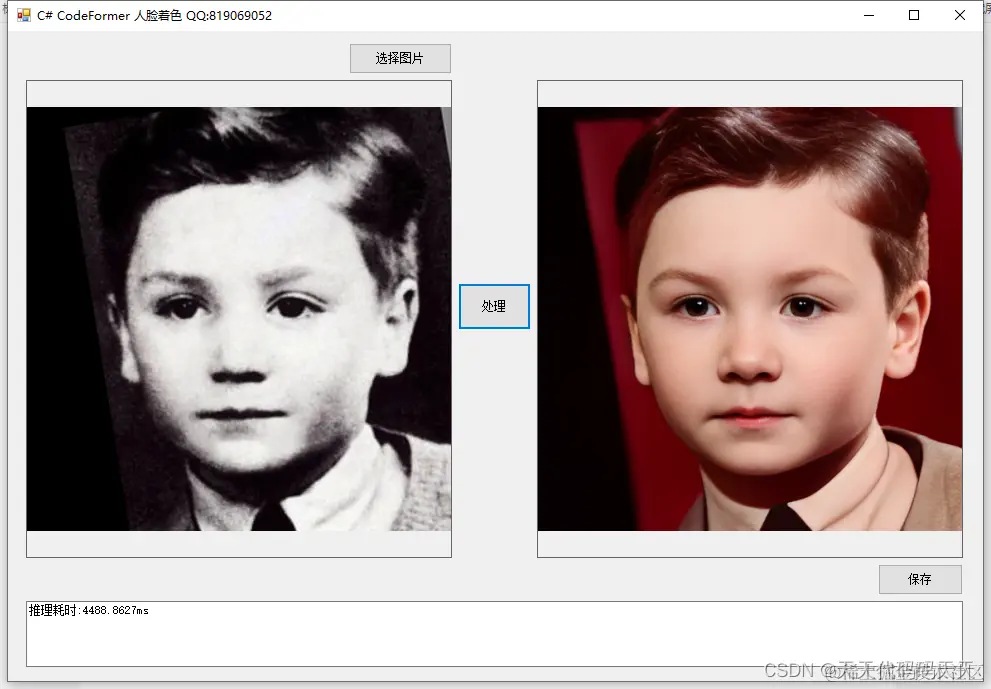
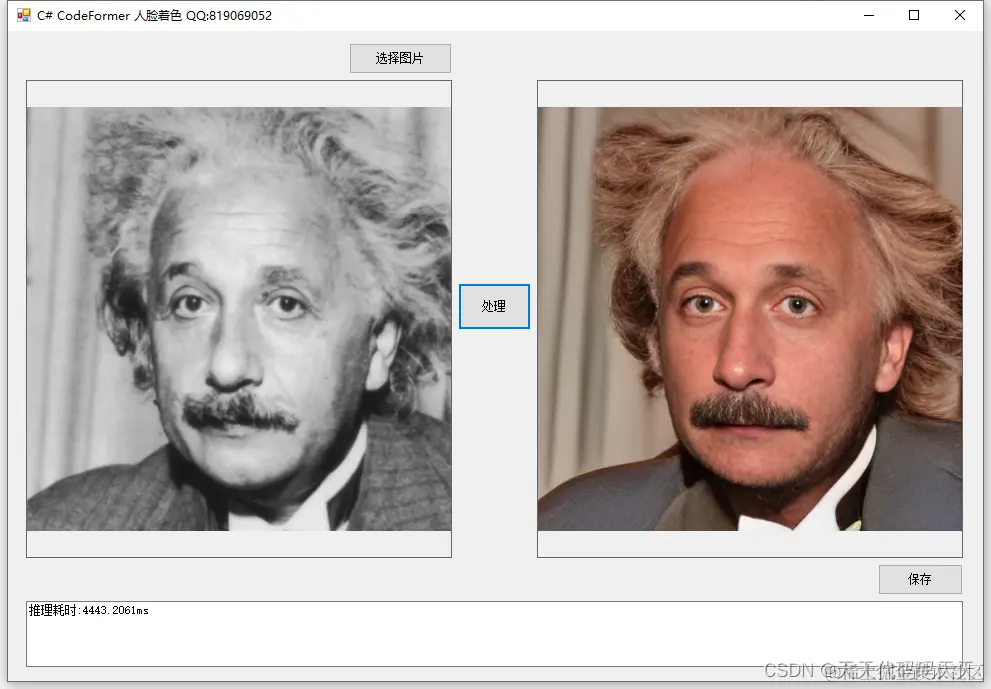
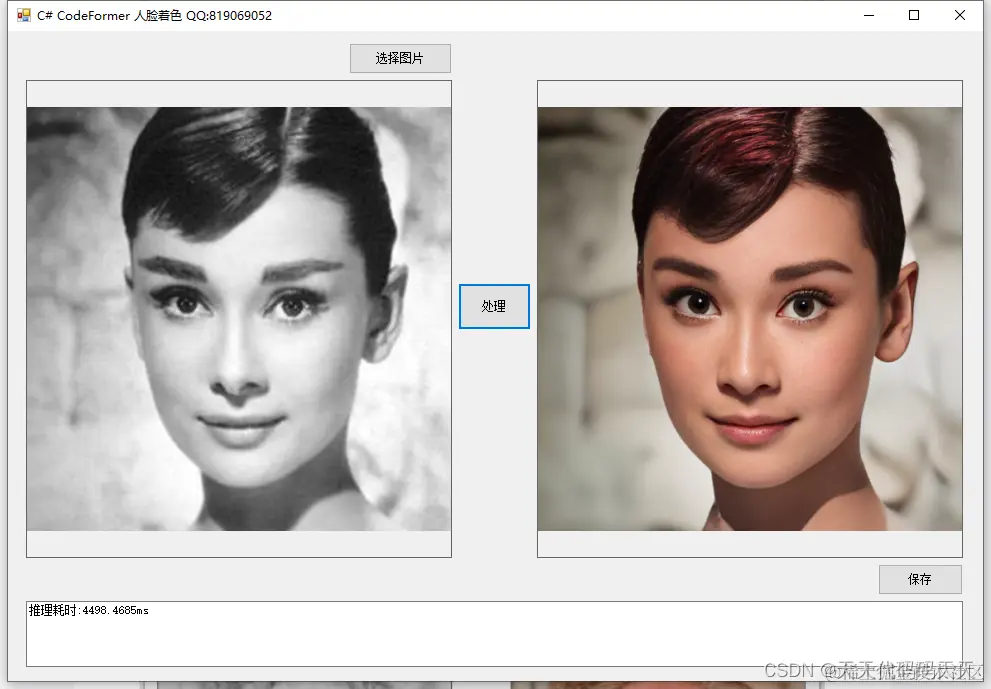
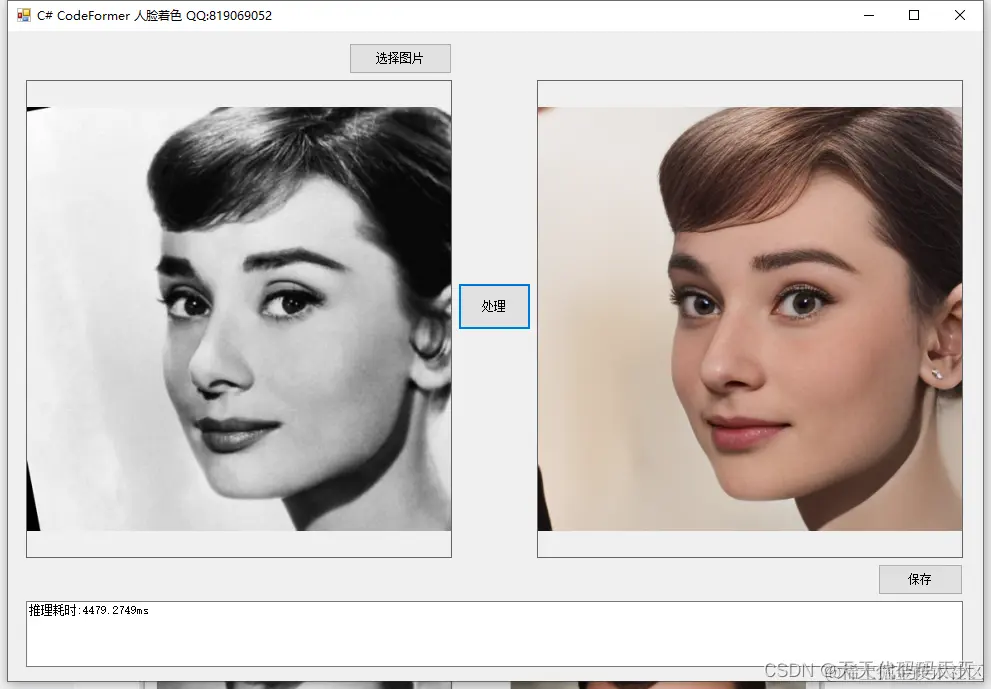
项目

代码
using Microsoft.ML.OnnxRuntime
using Microsoft.ML.OnnxRuntime.Tensors
using OpenCvSharp
using System
using System.Collections.Generic
using System.Drawing
using System.Drawing.Imaging
using System.Windows.Forms
namespace CodeFormer_Demo
{
public partial class Form1 : Form
{
public Form1()
{
InitializeComponent()
}
string fileFilter = "*.*|*.bmp;*.jpg;*.jpeg;*.tiff;*.tiff;*.png"
string image_path = ""
string startupPath
DateTime dt1 = DateTime.Now
DateTime dt2 = DateTime.Now
int modelSize = 512
string model_path
Mat image
Mat result_image
SessionOptions options
InferenceSession onnx_session
Tensor<float> input_tensor
List<NamedOnnxValue> input_container
private void button1_Click(object sender, EventArgs e)
{
OpenFileDialog ofd = new OpenFileDialog()
ofd.Filter = fileFilter
if (ofd.ShowDialog() != DialogResult.OK) return
pictureBox1.Image = null
image_path = ofd.FileName
pictureBox1.Image = new Bitmap(image_path)
textBox1.Text = ""
image = new Mat(image_path)
pictureBox2.Image = null
}
private void button2_Click(object sender, EventArgs e)
{
if (image_path == "")
{
return
}
textBox1.Text = "正在处理,请稍等……"
pictureBox2.Image = null
Application.DoEvents()
result_image = OnnxHelper.Run(image, modelSize, input_tensor, input_container, onnx_session, ref dt1, ref dt2)
if (!result_image.Empty())
{
pictureBox2.Image = new Bitmap(result_image.ToMemoryStream())
textBox1.Text = "推理耗时:" + (dt2 - dt1).TotalMilliseconds + "ms"
}
else
{
textBox1.Text = "无信息"
}
}
private void Form1_Load(object sender, EventArgs e)
{
startupPath = Application.StartupPath
model_path = startupPath + "\\model\\codeformer_colorization.onnx"
modelSize = 512
// 创建输出会话,用于输出模型读取信息
options = new SessionOptions()
options.LogSeverityLevel = OrtLoggingLevel.ORT_LOGGING_LEVEL_INFO
//设置为CPU上运行
options.AppendExecutionProvider_CPU(0)
// 创建推理模型类,读取本地模型文件
onnx_session = new InferenceSession(model_path, options)
// 输入Tensor
input_tensor = new DenseTensor<float>(new[] { 1, 3, modelSize, modelSize })
// 创建输入容器
input_container = new List<NamedOnnxValue>()
}
private void button3_Click(object sender, EventArgs e)
{
if (pictureBox2.Image == null)
{
return
}
Bitmap output = new Bitmap(pictureBox2.Image)
var sdf = new SaveFileDialog()
sdf.Title = "保存"
sdf.Filter = "Images (*.jpg)|*.jpg|Images (*.png)|*.png|Images (*.bmp)|*.bmp|Images (*.emf)|*.emf|Images (*.exif)|*.exif|Images (*.gif)|*.gif|Images (*.ico)|*.ico|Images (*.tiff)|*.tiff|Images (*.wmf)|*.wmf"
if (sdf.ShowDialog() == DialogResult.OK)
{
switch (sdf.FilterIndex)
{
case 1:
{
output.Save(sdf.FileName, ImageFormat.Jpeg)
break
}
case 2:
{
output.Save(sdf.FileName, ImageFormat.Png)
break
}
case 3:
{
output.Save(sdf.FileName, ImageFormat.Bmp)
break
}
case 4:
{
output.Save(sdf.FileName, ImageFormat.Emf)
break
}
case 5:
{
output.Save(sdf.FileName, ImageFormat.Exif)
break
}
case 6:
{
output.Save(sdf.FileName, ImageFormat.Gif)
break
}
case 7:
{
output.Save(sdf.FileName, ImageFormat.Icon)
break
}
case 8:
{
output.Save(sdf.FileName, ImageFormat.Tiff)
break
}
case 9:
{
output.Save(sdf.FileName, ImageFormat.Wmf)
break
}
}
MessageBox.Show("保存成功,位置:" + sdf.FileName)
}
}
}
}
下载
可执行程序exe下载
源码下载
参考
GitHub - sczhou/CodeFormer: [NeurIPS 2022] Towards Robust Blind Face Restoration with Codebook Lookup Transformer



