效果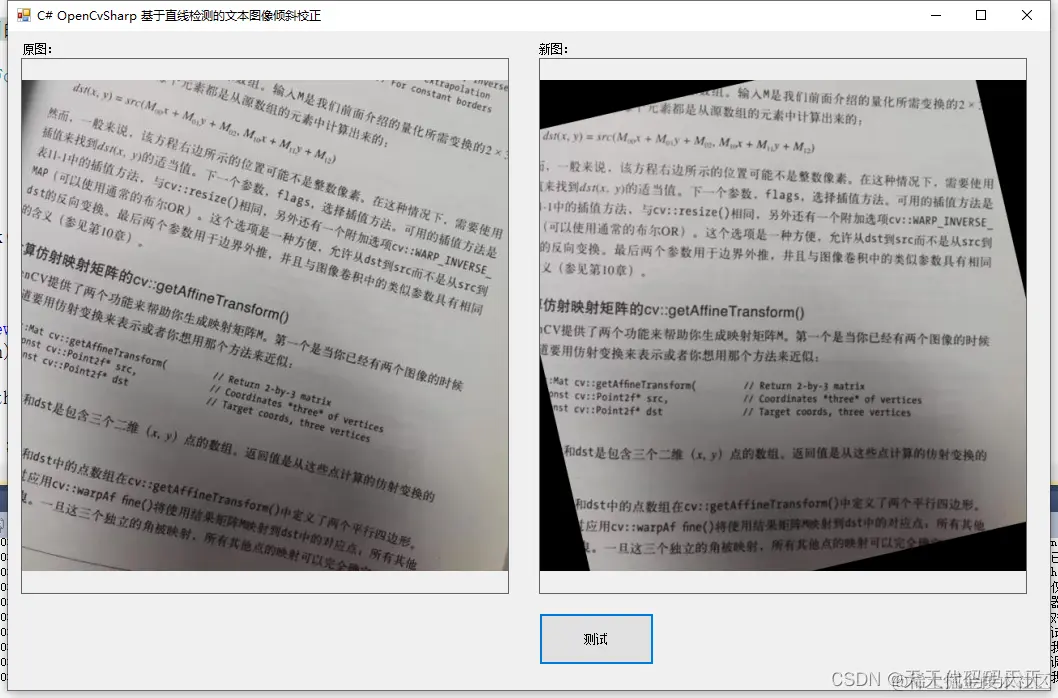
项目
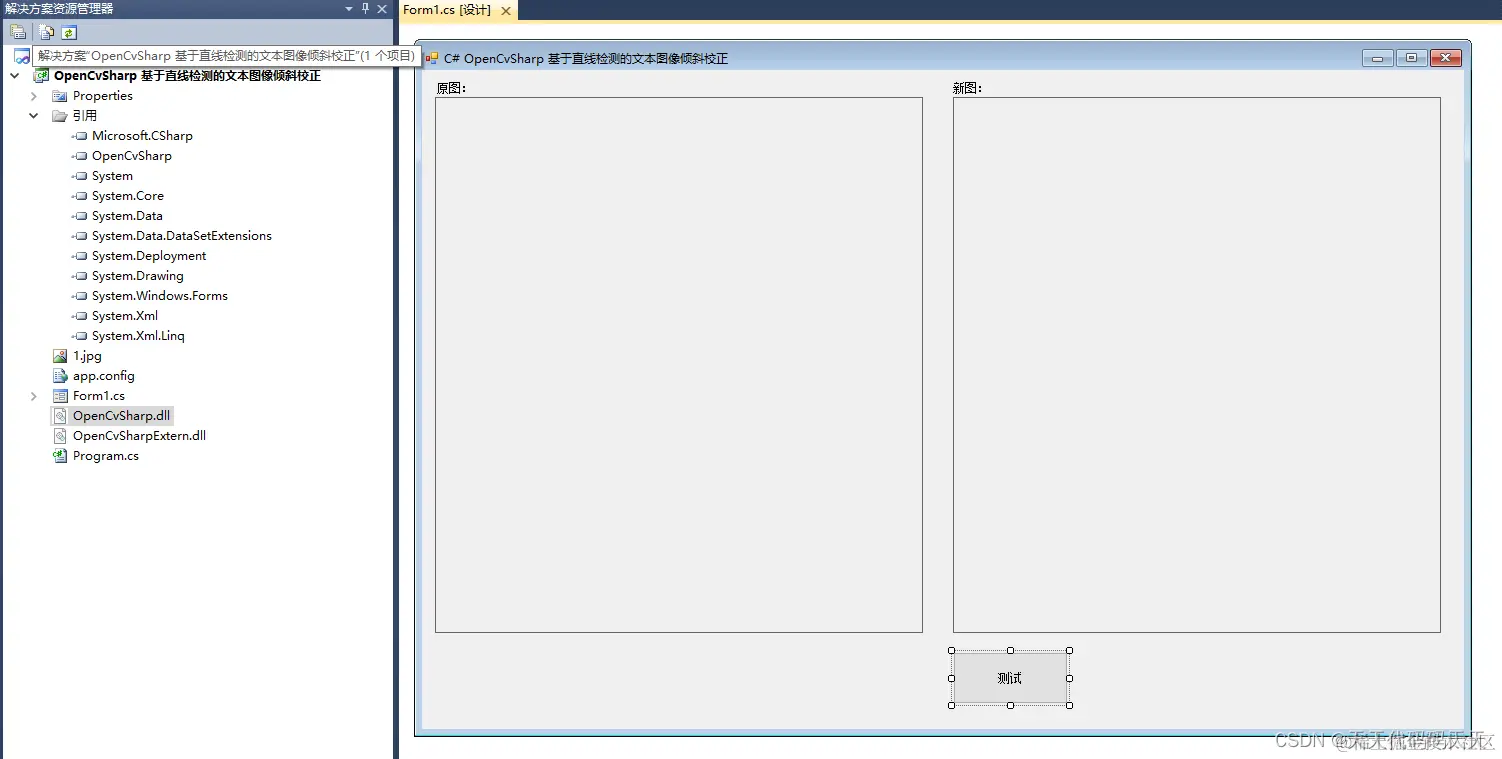
代码
using System
using System.Collections.Generic
using System.ComponentModel
using System.Data
using System.Drawing
using System.Linq
using System.Text
using System.Windows.Forms
using OpenCvSharp
namespace OpenCvSharp_基于直线检测的文本图像倾斜校正
{
public partial class Form1 : Form
{
public Form1()
{
InitializeComponent()
}
private void button1_Click(object sender, EventArgs e)
{
string path = "1.jpg"
pictureBox1.Image = new Bitmap(path)
Mat mat = new Mat(path)
Mat gray = new Mat(path, ImreadModes.Grayscale)
Mat binary = new Mat()
Cv2.Threshold(gray, binary, 50, 255, ThresholdTypes.BinaryInv)
Mat element = Cv2.GetStructuringElement(MorphShapes.Rect, new OpenCvSharp.Size(7, 1))
Mat dilation = new Mat()
Cv2.Dilate(binary, dilation, element)
Mat cannyDst = new Mat()
Cv2.Canny(dilation, cannyDst, 150, 200)
Mat houghDst = new Mat()
mat.CopyTo(houghDst)
LineSegmentPolar[] lineing = Cv2.HoughLines(cannyDst, 1, Cv2.PI / 180, 110, 0, 0)
Scalar color = new Scalar(0, 255, 255)
double meanAngle = 0.0
int numCnt = 0
for (int i = 0
{
double rho = lineing[i].Rho
double theta = lineing[i].Theta
OpenCvSharp.Point pt1 = new OpenCvSharp.Point()
OpenCvSharp.Point pt2 = new OpenCvSharp.Point()
double a = Math.Cos(theta)
double b = Math.Sin(theta)
double x0 = a * rho, y0 = b * rho
pt1.X = (int)Math.Round(x0 + 600 * (-b))
pt1.Y = (int)Math.Round(y0 + 600 * a)
pt2.X = (int)Math.Round(x0 - 600 * (-b))
pt2.Y = (int)Math.Round(y0 - 600 * a)
Cv2.Line(houghDst, pt1, pt2, color, 1, LineTypes.Link4)
theta = theta * 180 / Cv2.PI - 90
meanAngle += theta
numCnt++
}
//Cv2.ImShow("houghDst", houghDst)
meanAngle /= numCnt
Point2f center = new Point2f(mat.Cols / 2.0f, mat.Rows / 2.0f)
Mat warpDst = new Mat()
Mat rot_mat = Cv2.GetRotationMatrix2D(center, meanAngle, 1.0)
OpenCvSharp.Size dst_sz = new OpenCvSharp.Size(mat.Cols, mat.Rows)
Cv2.WarpAffine(mat, warpDst, rot_mat, dst_sz)
pictureBox2.Image = new Bitmap(warpDst.ToMemoryStream())
}
}
}
Demo下载



