前言
- Vue开发一个组件的时候,它有一个
插槽的功能,当一个组件不足我们的需要时,可以用一个插槽先占位,其他小伙伴可以自己扩展
- React在开发一个组件的时候,它
没有插槽的能力,于是自己决定手撸一个,让React也支持类似于Vue插槽
思路
- 1、给
ReactElement节点加一个slot的属性
- 2、组件在渲染的时候通过
props.children获取到ReactElement子节点,并且转换成数组
- 3、遍历获取到的
ReactElement子节点,取出props中的slot作为对象的key,ReactElement作为对象的value
- 4、在遍历的过程中,如果没有
slot属性,default作为对象的key
- 5、最终我们会得到一个
完整的Map对象,去渲染到对应的容器中
完整代码
const useSlot = (props) => {
let childrens = [];
if (props.children) {
if (Array.isArray(props.children)) {
childrens = props.children;
} else {
childrens = [props.children];
}
}
let slotMap = {};
childrens.forEach((children) => {
slotMap[children.props.slot || "default"] = children;
});
return slotMap;
};
function Layout(props) {
const slot = useSlot(props);
return (
<>
{slot.head}
{slot.middle}
{slot.tail}
{slot.default}
</>
);
}
export default function AppSlot() {
return (
<>
<Layout>
<h1>默认</h1>
<h1 slot="head">头部</h1>
<h1 slot="middle">中间</h1>
<h1 slot="tail">尾部</h1>
</Layout>
</>
);
}
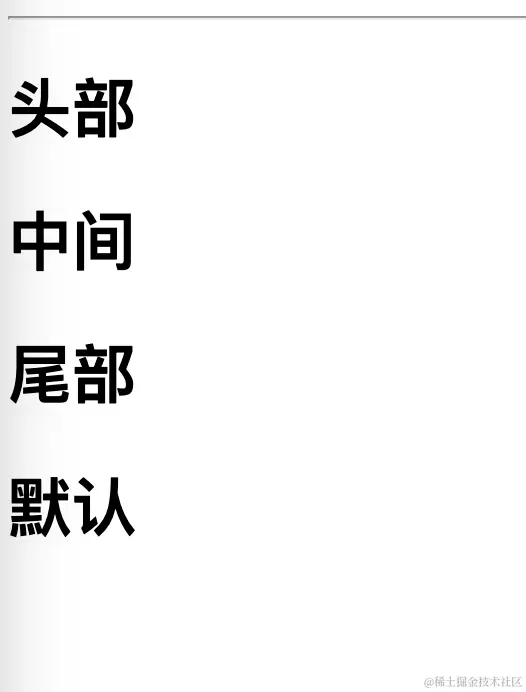
渲染截图