效果
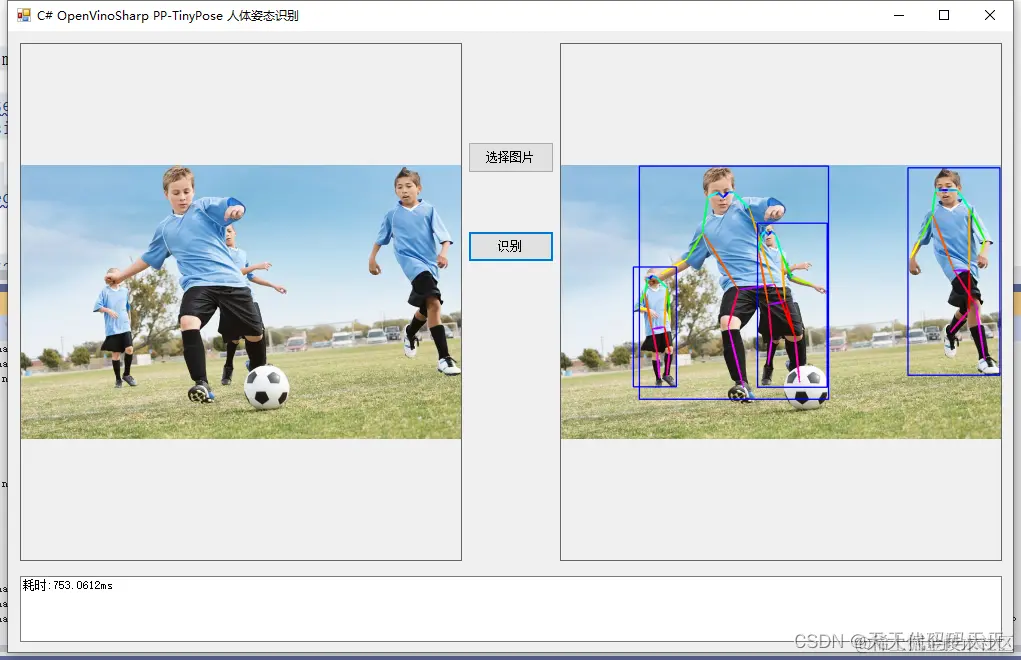
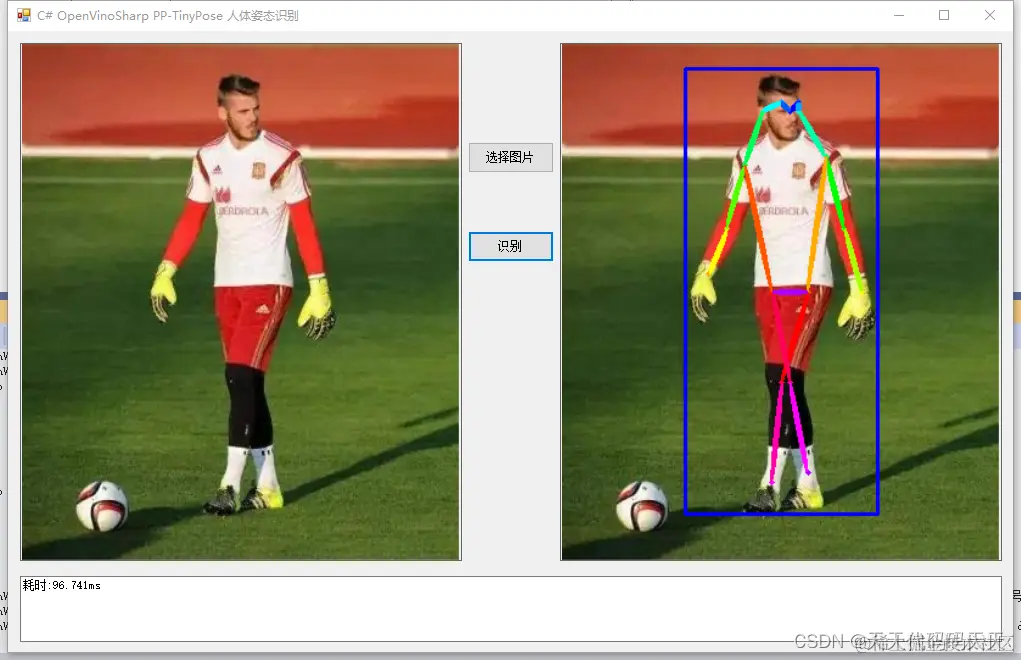
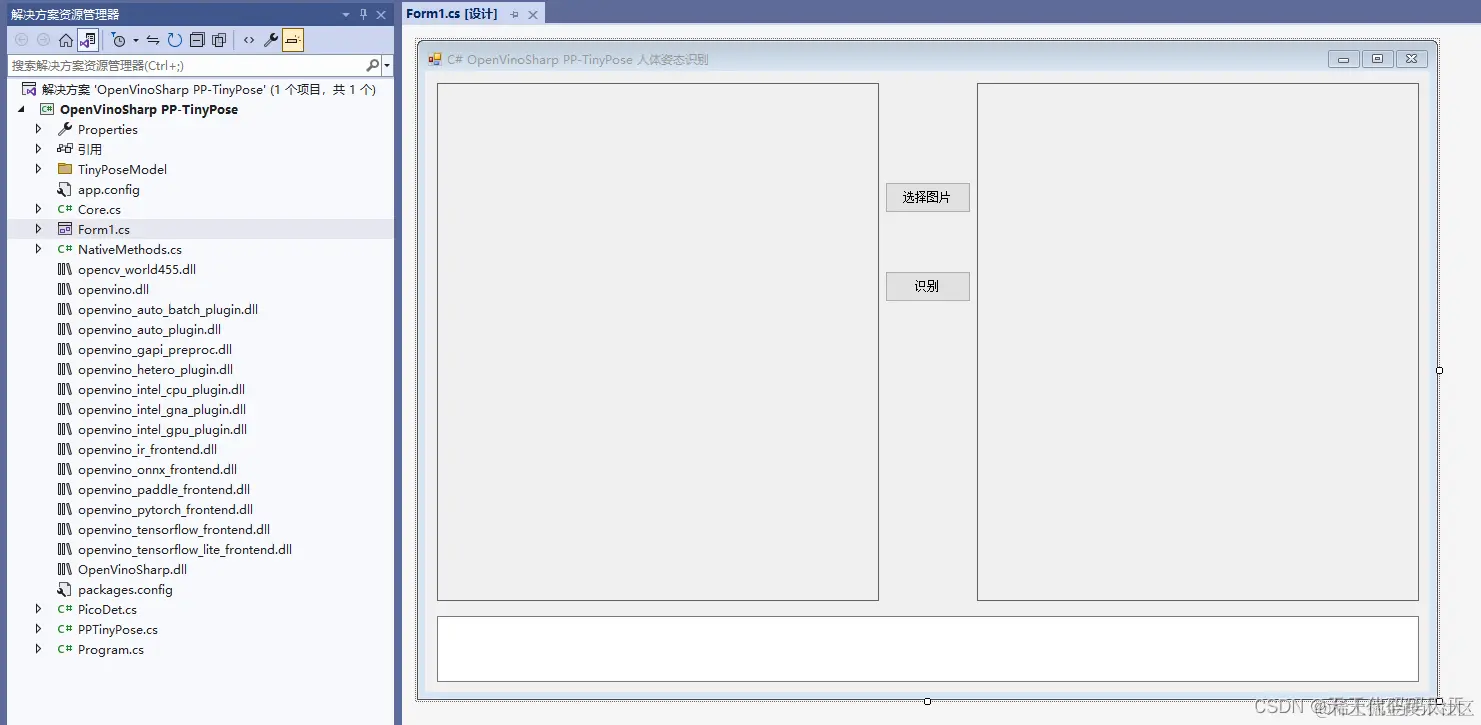
项目
部分代码
using OpenCvSharp
using OpenCvSharp.Extensions
using System
using System.Collections.Generic
using System.ComponentModel
using System.Data
using System.Drawing
using System.Linq
using System.Text
using System.Windows.Forms
namespace OpenVinoSharp_PP_TinyPose人体姿态识别
{
public partial class Form1 : Form
{
public Form1()
{
InitializeComponent()
}
string fileFilter = "*.*|*.bmp;*.jpg;*.jpeg;*.tiff;*.tiff;*.png"
string image_path = ""
String startupPath
DateTime dt1 = DateTime.Now
DateTime dt2 = DateTime.Now
// 行人检测模型
string mode_path_det
// 关键点检测模型
string mode_path_pose
// 设备名称
string device_name
//行人区域检测
PicoDet pico_det
//人体姿势检测
PPTinyPose tiny_pose
Mat image
private void button2_Click(object sender, EventArgs e)
{
OpenFileDialog ofd = new OpenFileDialog()
ofd.Filter = fileFilter
if (ofd.ShowDialog() != DialogResult.OK) return
pictureBox1.Image = null
image_path = ofd.FileName
pictureBox1.Image = new Bitmap(image_path)
textBox1.Text = ""
}
private void Form1_Load(object sender, EventArgs e)
{
startupPath = Application.StartupPath
//推理模型路径中不能不含中文,否则会报错
mode_path_det = Application.StartupPath + @"\TinyPoseModel\picodet_v2_s_320_pedestrian\ir\picodet_s_320_lcnet_pedestrian.xml"
mode_path_pose = Application.StartupPath + @"\TinyPoseModel\tinypose_256_192\tinypose_256_192.onnx"
// 设备名称
device_name = "CPU"
//行人区域检测
pico_det = new PicoDet(mode_path_det, device_name)
//人体姿势检测
tiny_pose = new PPTinyPose(mode_path_pose, device_name)
}
private void button1_Click(object sender, EventArgs e)
{
tiny_pose_image()
}
public void tiny_pose_image()
{
if (image_path == "")
{
return
}
image = Cv2.ImRead(image_path)
OpenCvSharp.Size size_det = new OpenCvSharp.Size(320, 320)
pico_det.set_shape(size_det, 2125)
dt1 = DateTime.Now
List<Rect> result_rect = pico_det.predict(image)
//人体姿势检测
OpenCvSharp.Size size_pose = new OpenCvSharp.Size(256, 192)
tiny_pose.set_shape(size_pose)
List<Rect> point_rects
List<Mat> person_rois = tiny_pose.get_point_roi(image, result_rect, out point_rects)
for (int p = 0
{
// 关键点识别
float[,] person_point = tiny_pose.predict(person_rois[p])
tiny_pose.draw_poses(person_point, point_rects[p], ref image)
}
dt2 = DateTime.Now
for (int i = 0
{
Cv2.Rectangle(image, result_rect[i], new Scalar(255, 0, 0), 2)
}
pictureBox2.Image = BitmapConverter.ToBitmap(image)
textBox1.Text = "耗时:" + (dt2 - dt1).TotalMilliseconds + "ms"
}
}
}
exe程序下载
完整Demo下载