Compose desktop 学习
- 开发工具idea2022
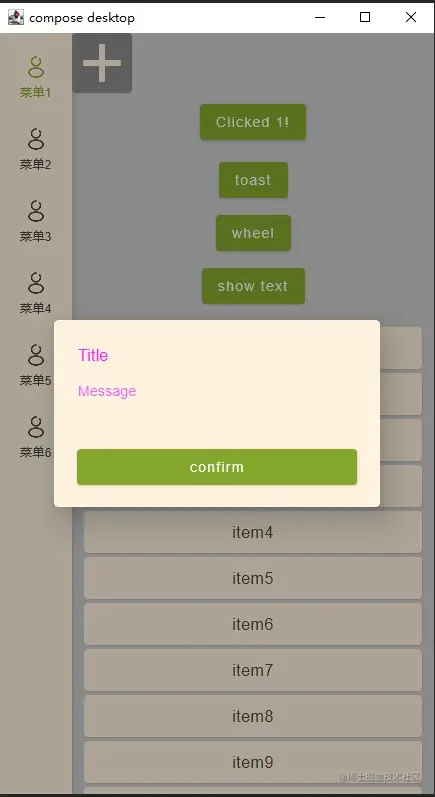
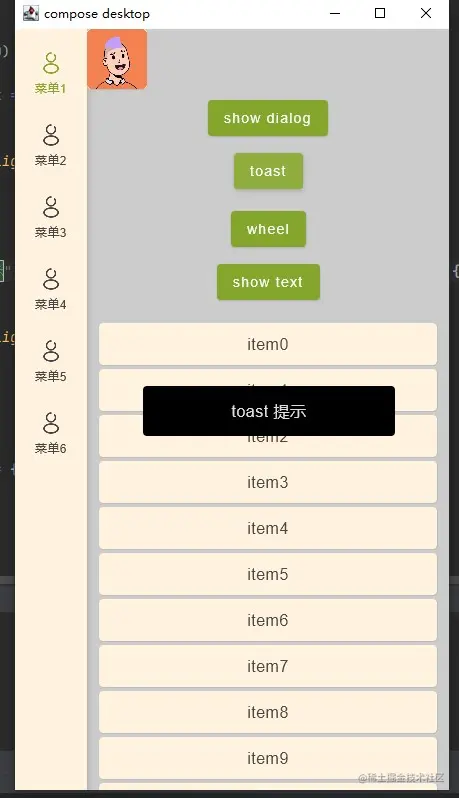
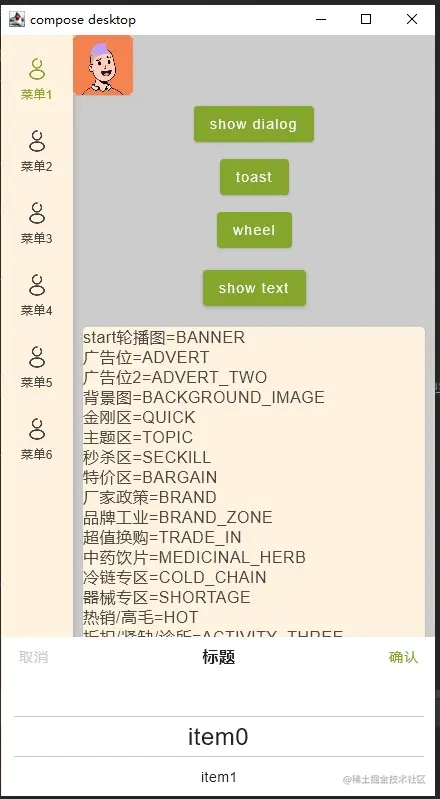
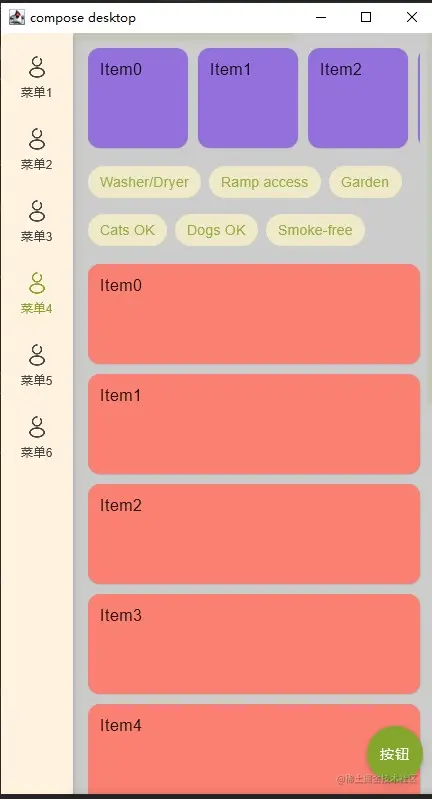
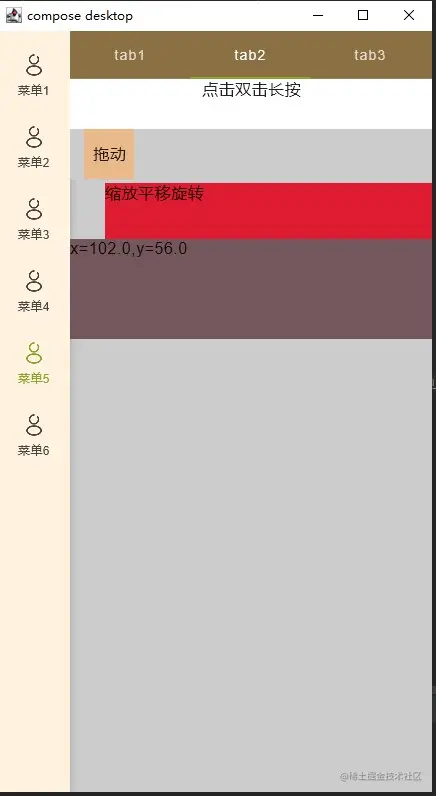
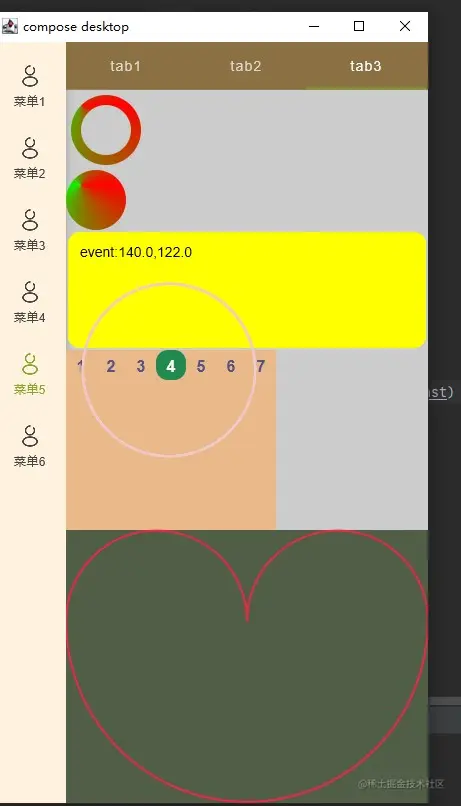
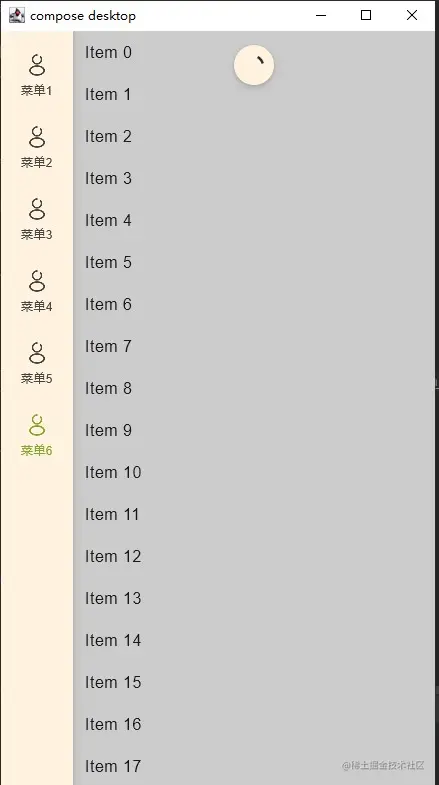
- 基础功能实践包含主题按钮弹框列表加载画布动画等,网络ktor基础功能调用,打开获取图片文件
@Composable
fun ComposeStudyTheme(
    darkTheme: Boolean = isSystemInDarkTheme(),
    content: @Composable() () -> Unit
) {
    val colors = if (darkTheme) {
        DarkColorPalette
    } else {
        LightColorPalette
    }
    MaterialTheme(
        colors = colors, // 颜色
//        typography = Typography, // 字体
//        shapes = Shapes, // 形状
        content = content // 声明的视图
    )
}

val Teal200= Color(0xFF80CBC4)
val Purple500 = Color(0xFF9C27B0)
val Purple700 = Color(0xFF7B1FA2)
val Purple200 = Color(0xFFCE93D8)

private val DarkColorPalette = darkColors(
    primary = Purple200,
    primaryVariant = Purple700,
    secondary = Teal200
)
private val LightColorPalette = lightColors(
    primary = Purple500,
    primaryVariant = Purple700,
    secondary = Teal200
)
        var currentState by remember { mutableStateOf(false) }
        val trans = updateTransition(currentState)
        val dx by trans.animateFloat(transitionSpec = { tween(1000, easing = LinearEasing) }) { isSelected ->
            if (isSelected) 1f else 0f
        }
//        val deltaXAnim = rememberInfiniteTransition()
//        val dx by deltaXAnim.animateFloat(
//            initialValue = 0f, targetValue = 1f, animationSpec = infiniteRepeatable(//infiniteRepeatable
//                animation = tween(1000, easing = LinearEasing), repeatMode = RepeatMode.Restart
//            )
//        )
        Canvas(Modifier.fillMaxSize()) {
            drawRect(color6, size = size)
            var centerX = size.width / 2
            var centerY = size.height / 3
            var radius = (size.width / 4) * dx
            val path = Path()
            var rectLeft = Rect(Offset(centerX - radius, centerY), radius)
            var rectRight = Rect(Offset(centerX + radius, centerY), radius)
            var bottom = Rect(Offset(centerX, centerY), radius * 2)

            path.arcTo(rectLeft, 180f, 180f, true)
            path.arcTo(rectRight, 180f, 180f, true)
            path.arcTo(bottom, 0f, 180f, true)


            drawPath(
                path,
                color = Color(0xFFee2746),
                style = Stroke(width = 2.dp.value, cap = StrokeCap.Round, miter = 1f, join = StrokeJoin.Round)
            )
        }
        LaunchedEffect(Dispatchers.Unconfined) {
            delay(1000)
            currentState = true
        }
示例代码demo地址