if ((response.status = 200)) {
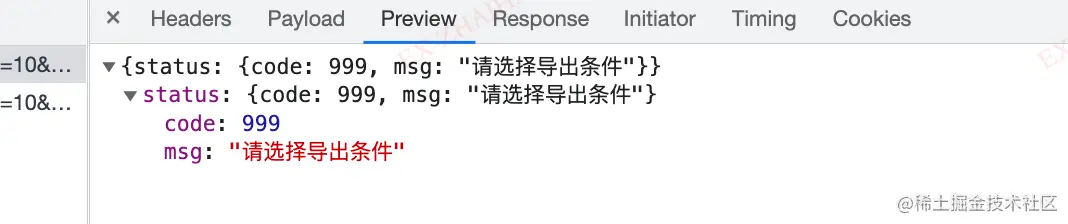
if (response.data.type === 'application/json') {
const fileReader = new FileReader()
fileReader.onload = function () {
try {
const jsonData = JSON.parse(fileReader.result)
console.log('后台返回的信息', jsonData.status)
notification.error({
message: '下载失败',
description: jsonData.status.msg
})
} catch (err) {
console.log('success...')
}
}
fileReader.readAsText(response.data)
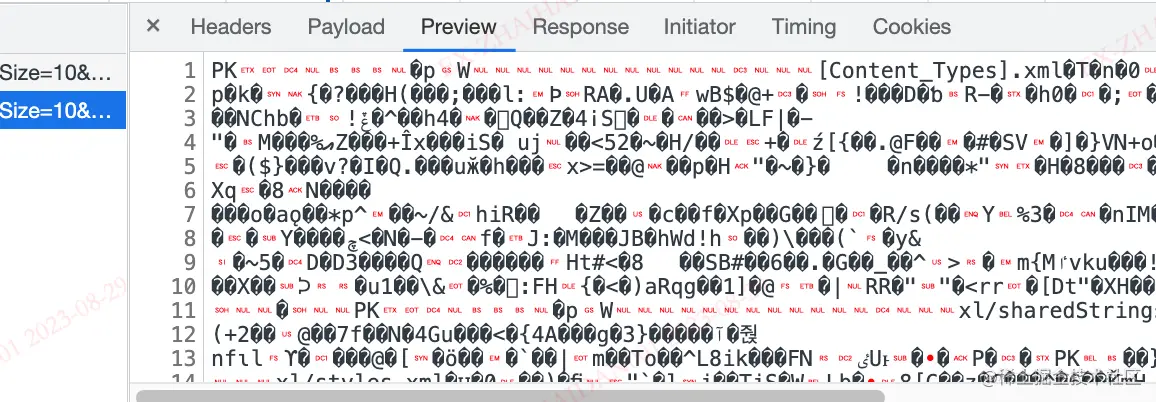
} else {
console.log('下载文件流')
const url = window.URL.createObjectURL(response.data)
const link = document.createElement('a')
link.style.display = 'none'
link.href = url
const date = moment().format('YYYYMMDD')
const lastName = response.headers['content-disposition'].match(/.+\.([a-z|A-Z]+).*/)[1]
console.log('lastName', lastName)
link.setAttribute('download', `${date}${response.config.fileName}.${lastName}`)
document.body.appendChild(link)
link.click()
document.body.removeChild(link)
window.URL.revokeObjectURL(link.href)
}
} else {
notification.error({
message: '下载失败',
description: response.statusText
})
}