效果
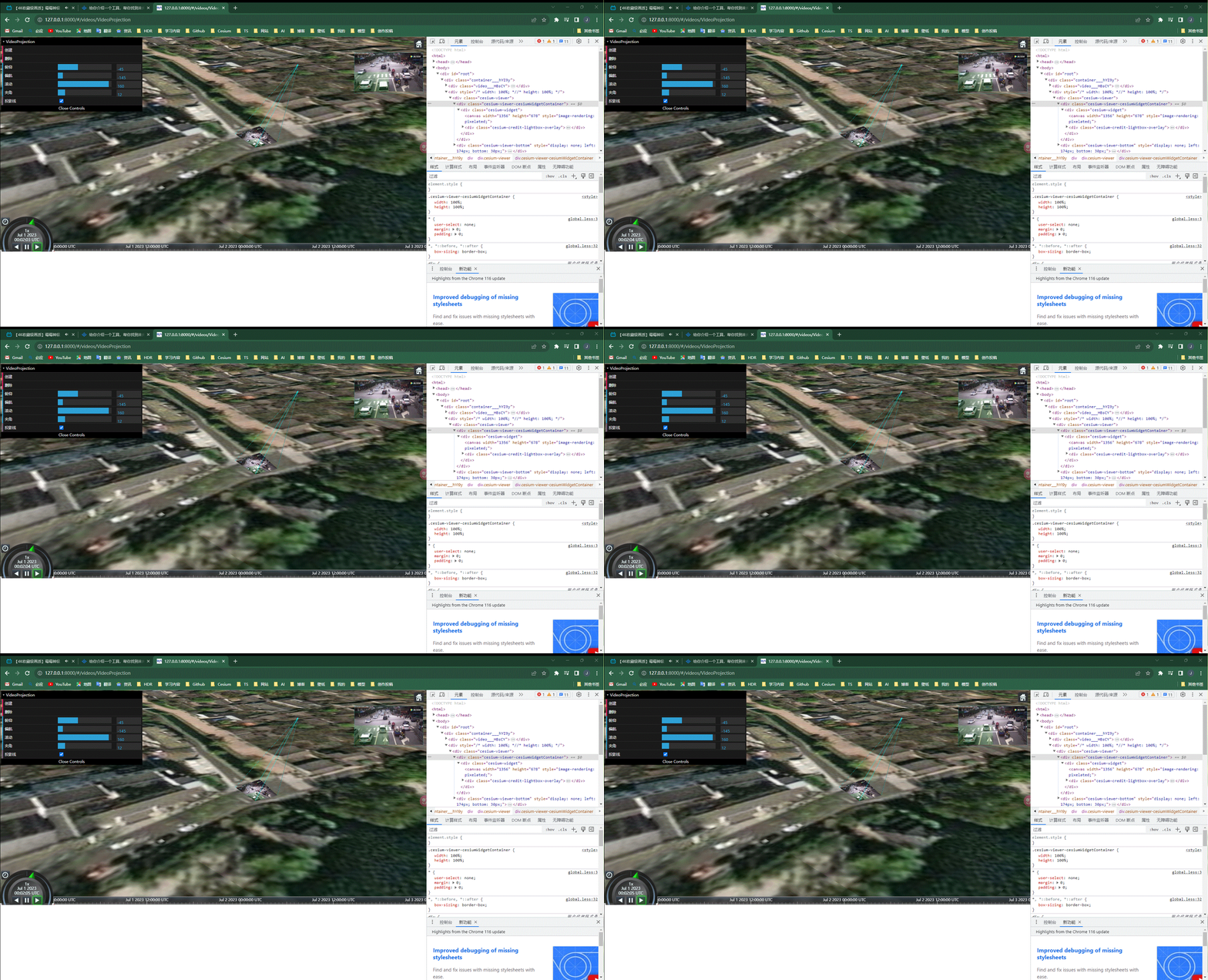
开发思路
- 通过预置点计算出投影方位和位置
let rotation = this.options.rotation;
if (rotation) {
  if (!rotation.heading) rotation.heading = 90;
  if (!rotation.pitch) rotation.pitch = 0;
  if (!rotation.roll) rotation.roll = 0;
} else {
  this.options.rotation = { heading: 90, pitch: 0, roll: 0 };
}
let { worldMapPoint, upVector, directionVector, rightVector } =
  calculateHPRPosition(
    this.options.cameraPosition,
    Cesium.HeadingPitchRoll.fromDegrees(
      rotation!.heading,
      rotation!.pitch,
      rotation!.roll,
    ),
    this.options.far!,
  );
this.position = worldMapPoint;
this.cameraOrientationVector = {
  upVector,
  directionVector,
  rightVector,
};
- 监听Video播放内容,设置视频纹理
let video = this.video;
if (!video) {
throw new Error('options 中没有 video<HTMLVideoElement> 属性');
} else {
this.activeVideoListener &&
this.viewer.clock.onTick.removeEventListener(this.activeVideoListener);
this.activeVideoListener = () => {
this.videoTexture && this.videoTexture.destroy();
this.videoTexture = new Cesium.Texture({
context: this.viewer.scene.context,
source: video,
width: 1,
height: 1,
pixelFormat: Cesium.PixelFormat.RGBA,
pixelDatatype: Cesium.PixelDatatype.UNSIGNED_BYTE,
});
};
this.viewer.clock.onTick.addEventListener(this.activeVideoListener);
}
- 通过投影方位倾斜度翻转度和位置,计算出Orientation
this.orientation = setOrientation(
  this.viewer,
  this.cameraOrientationVector,
  this.options,
);
- 创建ShadowMap(阴影Map)
this.shadowMapCamera = setShadowMapCamera(
this.viewer,
this.cameraOrientationVector,
this.options,
);
this.viewShadowMap = new Cesium.ShadowMap({
lightCamera: this.shadowMapCamera,
enabled: false,
darkness: 1,
isPointLight: false,
cascadesEnabled: false,
pointLightRadius: this.options.far,
context: this.viewer.scene.context,
});
- 创建预置点投影锥体,并设置ShadowMap为锥体面
this.cameraFrustum = setFrustum(
  this.shadowMapCamera.frustum as Cesium.PerspectiveFrustum,
  this.orientation,
  this.options,
);
this.viewer.scene.primitives.add(this.cameraFrustum);
- 设置后期处理
this.postProcess = setPostProcess(this, this.options);
this.viewer.scene.postProcessStages.add(this.postProcess);