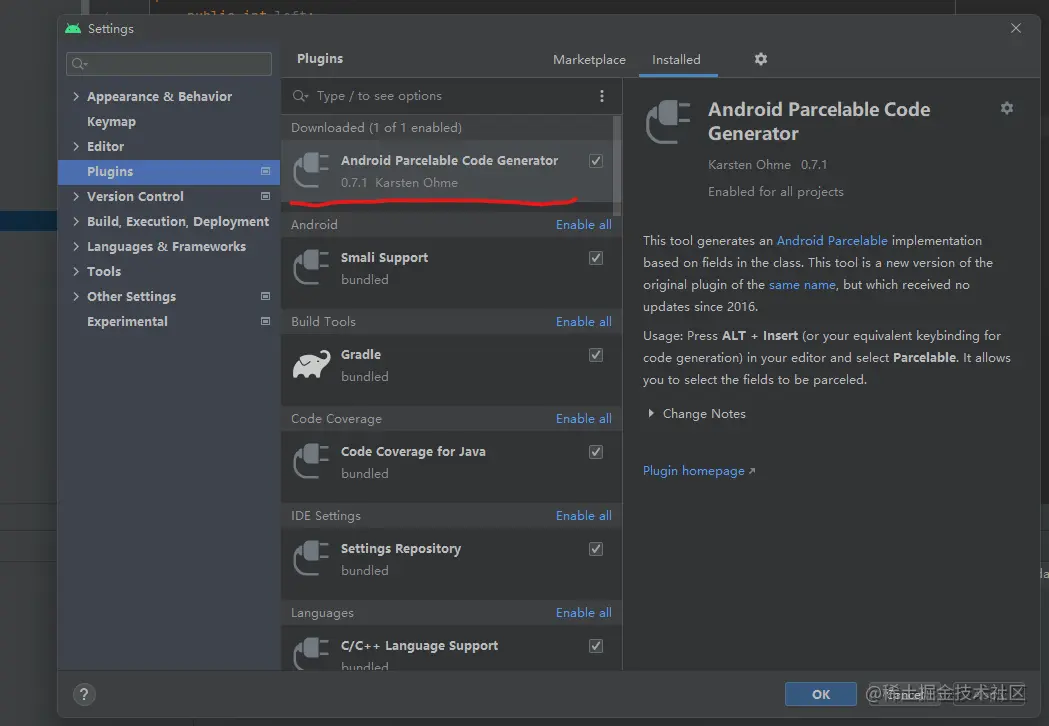
- 安装插件 Android Parcelable Code Generator
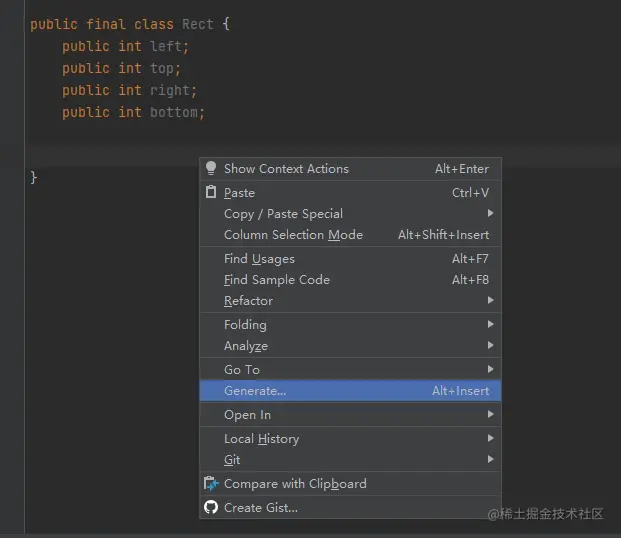
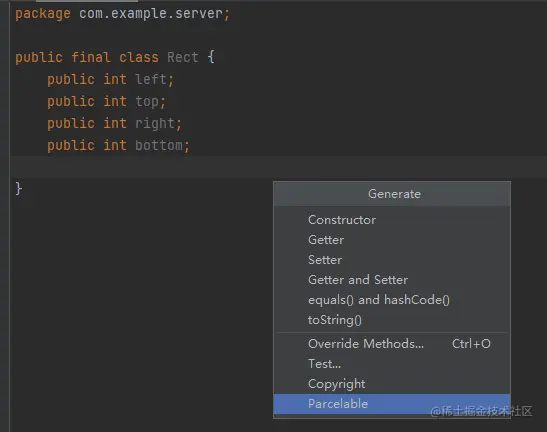
- 创建数据类Rect, 右键,选择Generate -> Parcelable
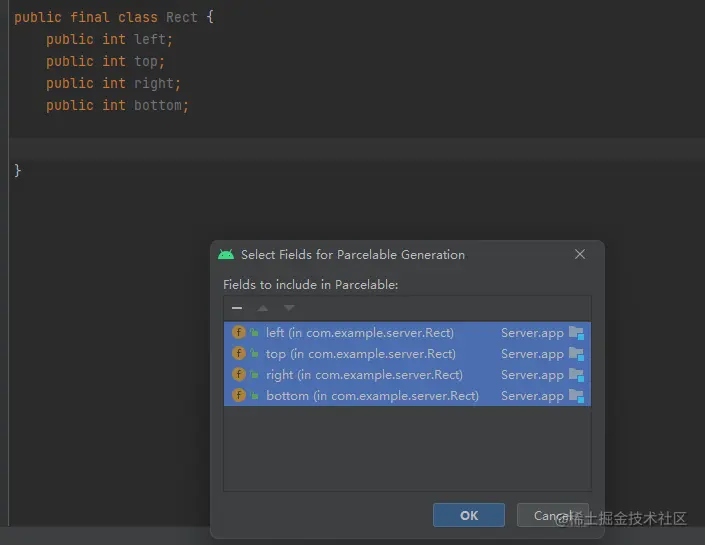
- 生成效果如下
import android.os.Parcel;
import android.os.Parcelable;

public final class Rect implements Parcelable {
    public int left;
    public int top;
    public int right;
    public int bottom;

    @Override
    public int describeContents() {
        return 0;
    }

    @Override
    public void writeToParcel(Parcel dest, int flags) {
        dest.writeInt(this.left);
        dest.writeInt(this.top);
        dest.writeInt(this.right);
        dest.writeInt(this.bottom);
    }

    public void readFromParcel(Parcel source) {
        this.left = source.readInt();
        this.top = source.readInt();
        this.right = source.readInt();
        this.bottom = source.readInt();
    }

    public Rect() {
    }

    protected Rect(Parcel in) {
        this.left = in.readInt();
        this.top = in.readInt();
        this.right = in.readInt();
        this.bottom = in.readInt();
    }

    public static final Parcelable.Creator<Rect> CREATOR = new Parcelable.Creator<Rect>() {
        @Override
        public Rect createFromParcel(Parcel source) {
            return new Rect(source);
        }

        @Override
        public Rect[] newArray(int size) {
            return new Rect[size];
        }
    };
}



