效果
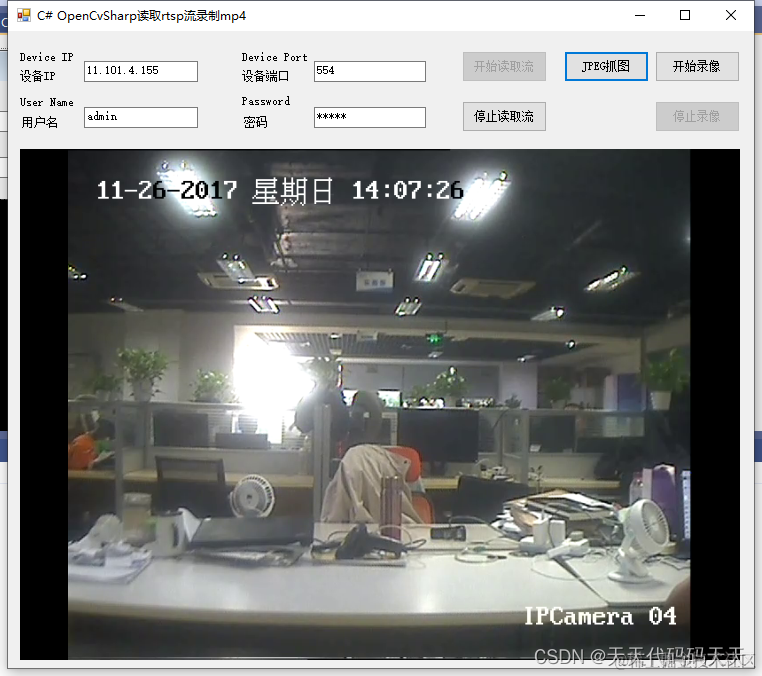
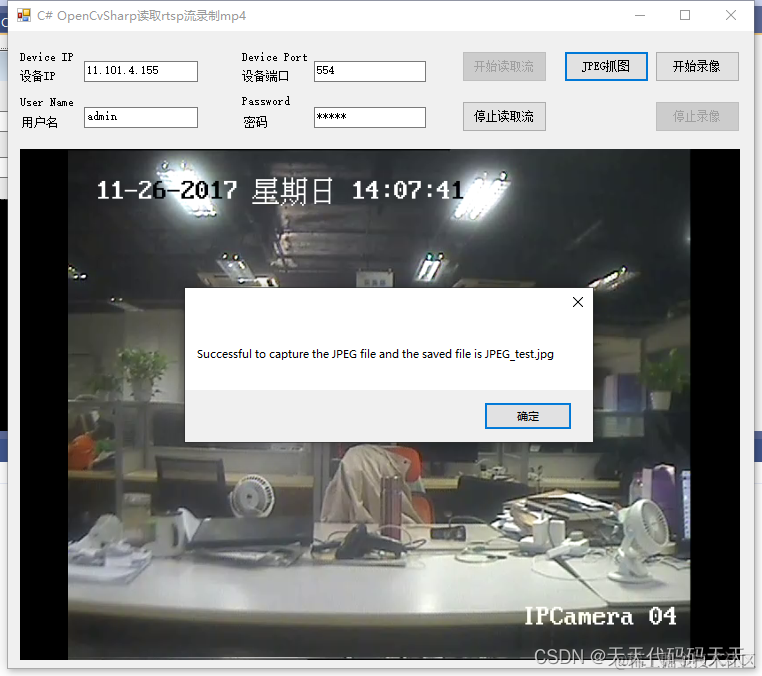
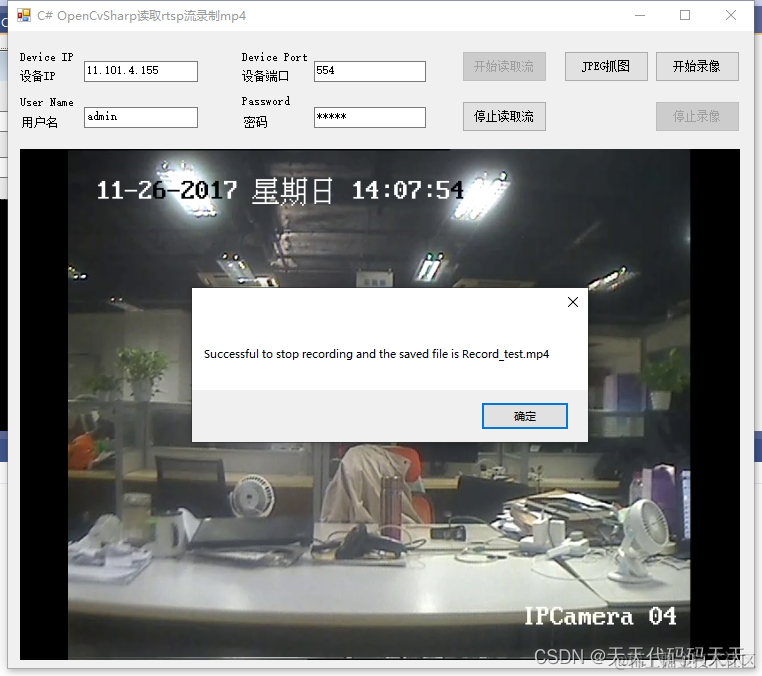
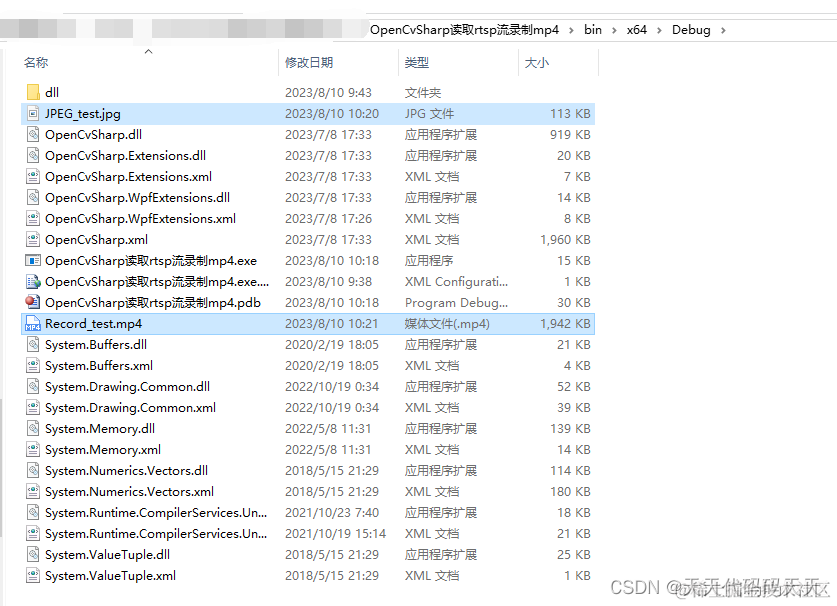
项目
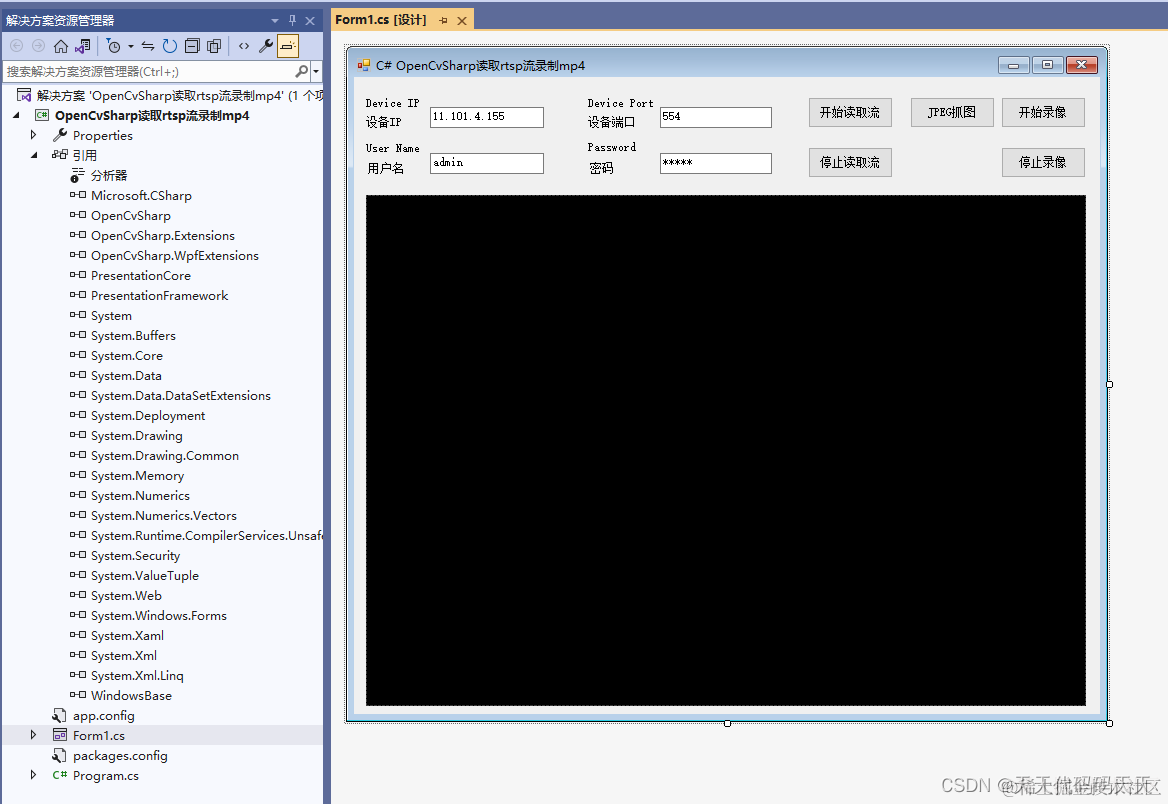
代码
using OpenCvSharp
using OpenCvSharp.Extensions
using System
using System.Collections.Generic
using System.ComponentModel
using System.Data
using System.Drawing
using System.Linq
using System.Text
using System.Threading
using System.Threading.Tasks
using System.Windows.Forms
namespace OpenCvSharp读取rtsp流录制mp4
{
public partial class Form1 : Form
{
public Form1()
{
InitializeComponent()
}
CancellationTokenSource cts
VideoCapture capture
Mat frame
private volatile bool SaveFlag = false
private VideoWriter VideoWriter
private void button1_Click(object sender, EventArgs e)
{
if (textBoxIP.Text == "" || textBoxPort.Text == "" ||
textBoxUserName.Text == "" || textBoxPassword.Text == "")
{
MessageBox.Show("Please input IP, Port, User name and Password!")
return
}
String rtspUrl = string.Format("rtsp://{0}:{1}@{2}:{3}"
, textBoxUserName.Text
, textBoxPassword.Text
, textBoxIP.Text
, textBoxPort.Text
)
button1.Enabled = false
button2.Enabled = true
cts = new CancellationTokenSource()
Task task = new Task(() =>
{
capture.Open(rtspUrl, VideoCaptureAPIs.ANY)
if (capture.IsOpened())
{
int time = Convert.ToInt32(Math.Round(1000 / capture.Fps))
frame = new Mat()
//var dsize = new System.Windows.Size(capture.FrameWidth, capture.FrameHeight)
while (true)
{
Thread.Sleep(time)
//判断是否被取消
if (cts.Token.IsCancellationRequested)
{
pictureBox1.Image = null
frame = null
return
}
//Read image 会阻塞线程
capture.Read(frame)
if (frame.Empty())
continue
if (SaveFlag && VideoWriter != null)
{
VideoWriter.Write(frame)
}
if (pictureBox1.Image != null)
{
pictureBox1.Image.Dispose()
}
pictureBox1.Image = BitmapConverter.ToBitmap(frame)
}
}
}, cts.Token)
task.Start()
}
private void button2_Click(object sender, EventArgs e)
{
button2.Enabled = false
button1.Enabled = true
cts.Cancel()
}
private void Form1_FormClosing(object sender, FormClosingEventArgs e)
{
if (capture != null)
{
capture.Release()
capture.Dispose()
}
}
private void Form1_Load(object sender, EventArgs e)
{
capture = new VideoCapture()
}
private void button3_Click(object sender, EventArgs e)
{
if (frame != null)
{ //图片保存路径和文件名 the path and file name to save
String sJpegPicFileName = "JPEG_test.jpg"
String str = "Successful to capture the JPEG file and the saved file is " + sJpegPicFileName
Mat dst = frame.Clone()
Cv2.ImWrite(sJpegPicFileName, dst)
dst.Dispose()
MessageBox.Show(str)
}
}
//录像保存路径和文件名 the path and file name to save
string sVideoFileName = "Record_test.mp4"
private void button4_Click(object sender, EventArgs e)
{
if (capture == null || capture.IsDisposed)
{
return
}
if (!capture.IsOpened()) return
button4.Enabled = false
button5.Enabled = true
VideoWriter = new VideoWriter(sVideoFileName, FourCC.MPG4, capture.Fps, new OpenCvSharp.Size(capture.FrameWidth, capture.FrameHeight))
SaveFlag = true
}
private void button5_Click(object sender, EventArgs e)
{
button5.Enabled = false
button4.Enabled = true
SaveFlag = false
if (VideoWriter != null && !VideoWriter.IsDisposed)
{
VideoWriter.Dispose()
VideoWriter = null
string str = "Successful to stop recording and the saved file is " + sVideoFileName
MessageBox.Show(str)
}
}
}
}
Demo下载